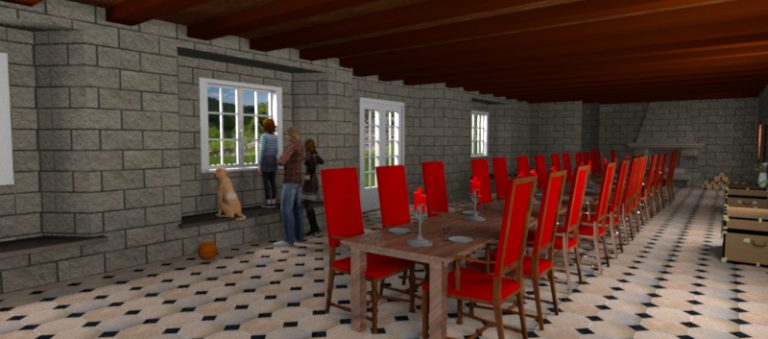
This tip shows how to design recesses in walls order to fit a door or a window in thick walls.
Category Archives: Tutorials
Sweet Home 3D: changing the colors of a texture
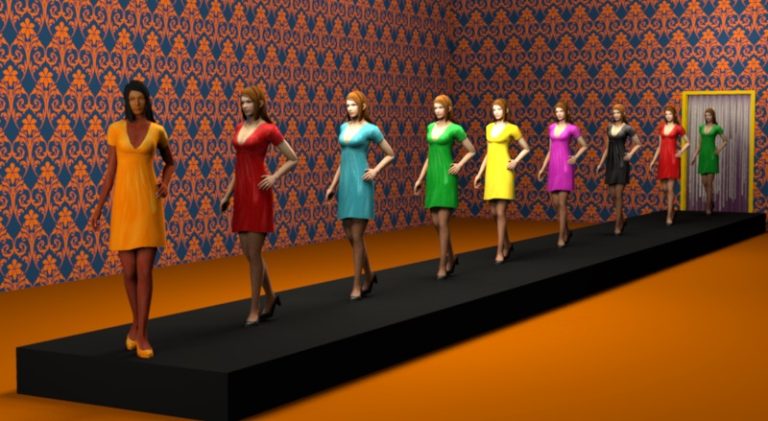
This tip shows how to change the colors of a texture with Gimp.
How to add a scenery around your home
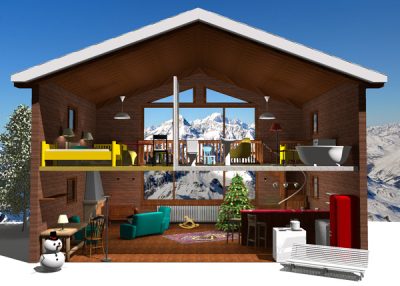
This tip shows how to display an image as a scenery around your home.
How to print a grid in the plan or display it in 3D
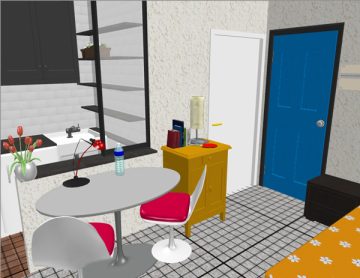
This three-in-one tip shows how to print a grid under your home and also how to display a grid in the 3D view.
How to design a mezzanine
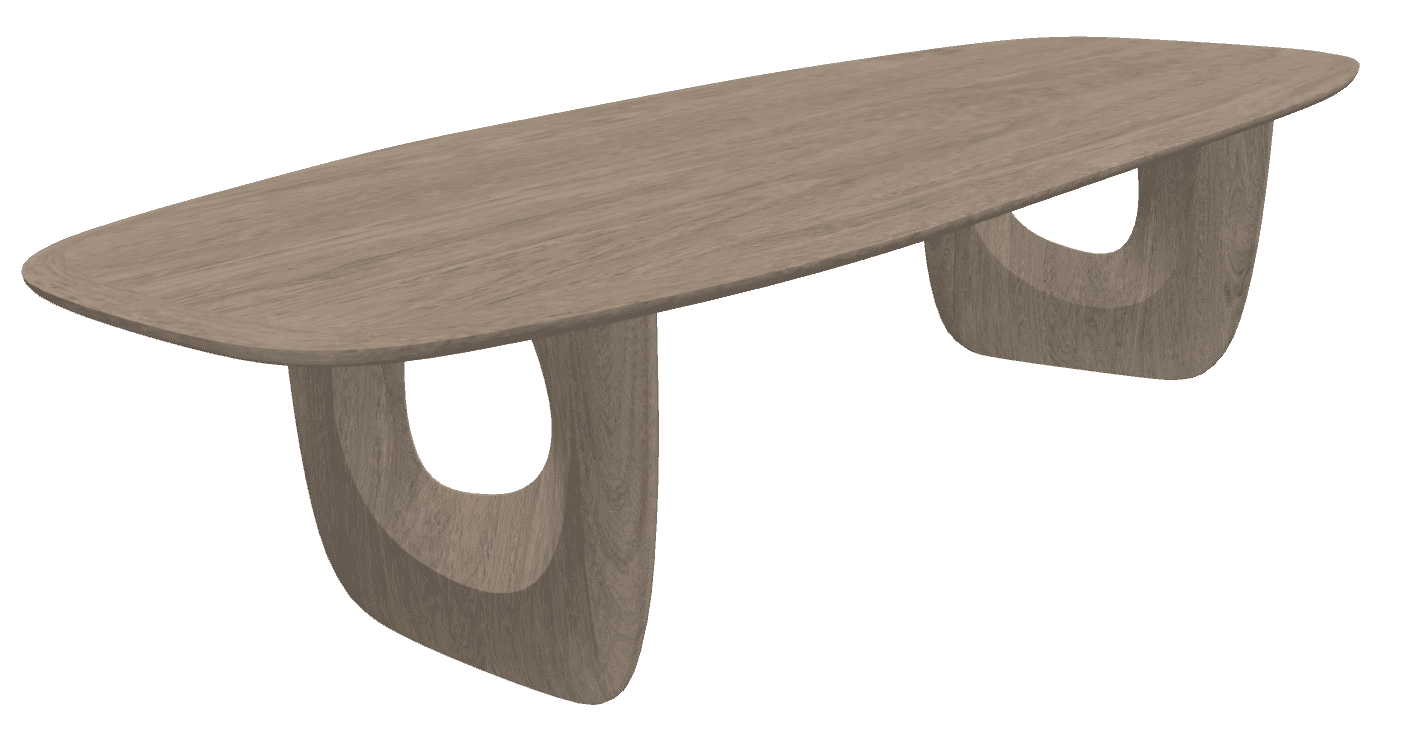
This tip shows how to design a mezzanine and reviews the differences between wall and room creation tools.
How to: Design a Sloping Ceiling with a Window in Sweet Home 3D
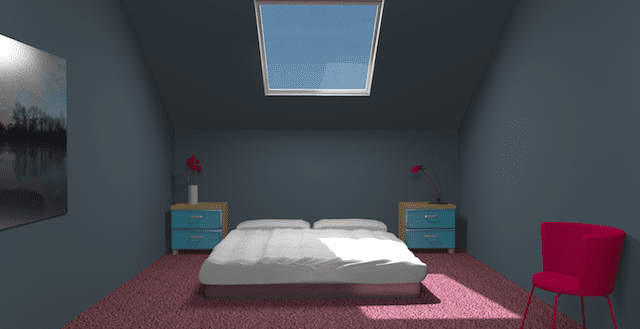
This tip shows how to design a sloping ceiling for a room under a roof.
How to Get Softer Shadows in Sweet Home 3D: Lighting Techniques for Realistic Rendering
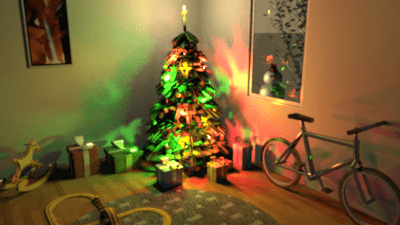
This tip shows how to get softer shadows in a scene designed with Sweet Home 3D.
Sweet Home 3D Tutorial: Create Wall Opening with Invisible Triangles
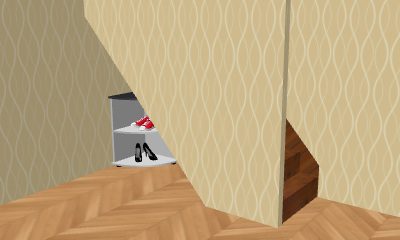
This tip shows how to create a hole at the bottom of a wall with Sweet Home 3D.
How-To: Swimming Pool Design in Sweet Home 3D (Step-by-Step Guide)
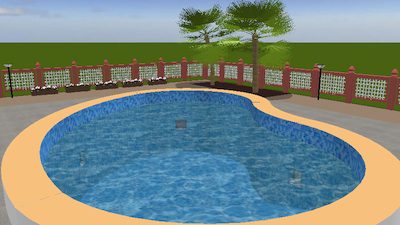
This tip shows how to design a nice buried swimming pool with Sweet Home 3D.
How-To: Apply Textures on a Box in Sweet Home 3D
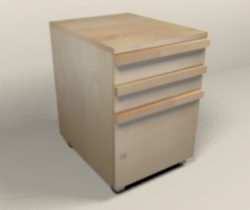
This first tip shows you various ways to apply textures on a box.
