We’re back with our home design tutorial! Today, we’re covering the bathroom.
A well-designed bathroom balances functionality with style. With Sweet Home 3D, you can visualize and perfect your bathroom layout and decor before committing in any real-world changes. This tutorial walks you through the process of designing a beautiful and practical bathroom.
Step 1: Setting Up the Bathroom Layout
Preparing the Basic Layout
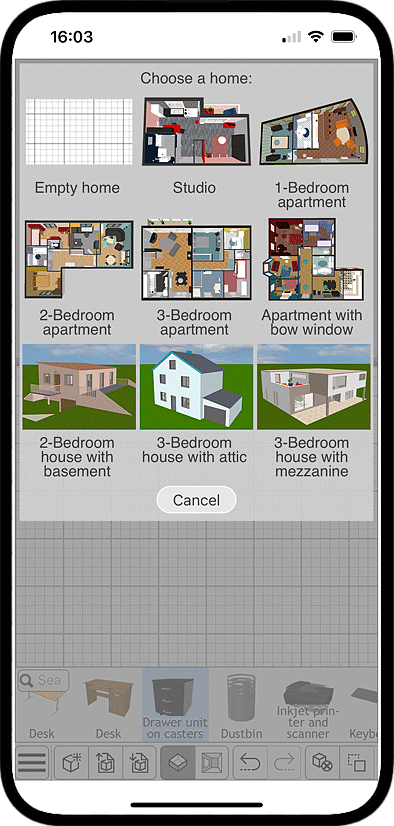
- Create a New Project: Open SweetHome3D and start a fresh design. You can even import a blueprint if you have it.
- Define the Bathroom Dimensions: Use the “Create Walls” and “Create room” tools to outline precisely the space and set accurate measurements.
- Add Openings: Construct doors or windows where needed. Now the structure of your room is complete!
Step 2: Placing Essential Bathroom Fixtures
Choosing and Positioning the Main Elements
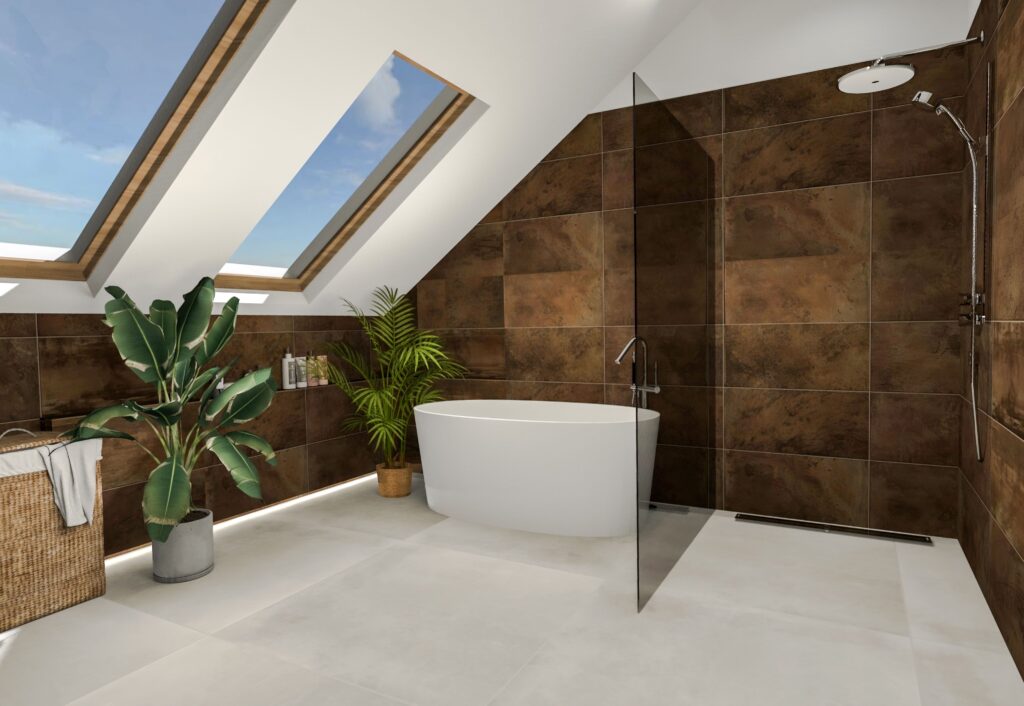
- Choose a Bathtub or Shower: If you dispose of a large space, select a freestanding tub, built-in tub, choosing among the many options in our furniture catalog. If your bathroom is not that big, or if you’re not that much into bath tubs, opt for a walk-in shower: even those can be quite big!
- Install a Vanity and Sink: Pick a single or double sink setup that suits your needs.
- Position the Toilet: Ensure it’s placed for both comfort and efficient use of space.
Step 3: Enhancing Design and Functionality
Materials, Lighting, and Practical Solutions
- Select Floor and Wall Materials: Now we get to the fun part! Experiment with tiles, stone, or waterproof materials for a stylish yet practical finish.
- Add Lighting Elements: Install overhead lighting, vanity lights, and ambient fixtures for a well-lit space.
- Incorporate Storage Solutions: You may underestimate them at first, but wall-mounted shelves, cabinets and built-in niches help are essentials to keep all your things and bathroom accessories organized.
Step 4: Adding Finishing Touches
Final Details and Refinements
- Include Mirrors and Accessories: Mirrors enhance space and light, while rugs, plants, and decor add personality. This is your chance to make your bathroom truly yours!
- Test the Layout in 3D View: Ensure all elements are well-placed and the space feels functional.
- Save and Export Your Design: Once satisfied, save your project and generate 3D renderings, both photos and videos.
SweetHome3D makes bathroom design easy and efficient. If you haven’t already, download it now here!
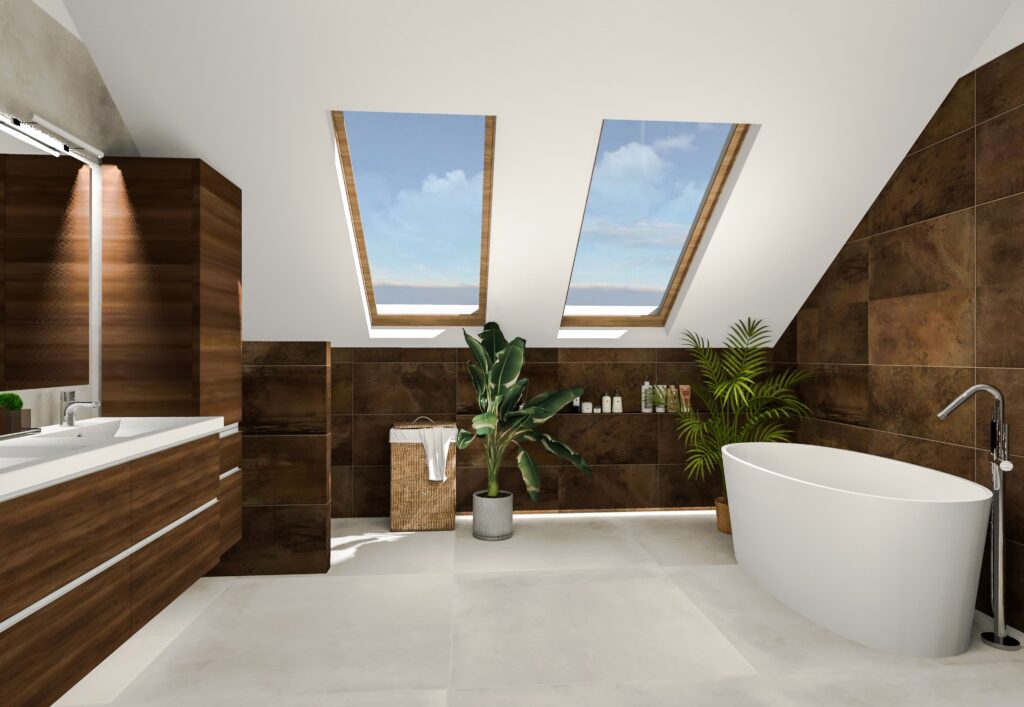
Designing a bathroom is not only about placing fixtures. It’s about creating a space that feels comfortable, efficient, and aligned with your personal taste. Set up your bathroom’s core elements taking advantage of Sweet Home 3D’s advanced tools:
- Import personalized textures: If you have a specific type of tile, stone, or wallpaper in mind, simply upload the texture and apply it to your walls or floors. This allows you to preview highly realistic results and experiment with different combinations without any cost or physical effort.
- Customize your furniture: Most objects in the catalog can be resized, rotated, or repositioned with precision. You can even change colors or materials, helping you match your final design to real products available on the market. For small bathrooms, this is especially valuable: you can test multiple layout variations until you find the one that maximizes space and comfort.
- 3D walkthrough mode: Navigating your bathroom from a first-person perspective helps you understand proportions, evaluate circulation, and identify design choices that may need adjustments.
- Generate photo and video renderings: Finally, once your project is complete, Sweet Home 3D lets you generate photorealistic renderings and videos. These visuals are perfect for sharing your ideas with family members, clients, or contractors.
If you’re ready to start building your ideal bathroom, download Sweet Home 3D here