Recently, I made some additional tests and discovered that the "path" GI engine was a little faster than "Instant GI" one, with better results (but maybe I didn't program the numerous parameters of Instant GI engine correctly). For example, the following image required 3h10 of CPU on an Intel i7 processor (as this processor supports 8 threads, it means the image required 25 min to be computed) and doesn't show too much noise.
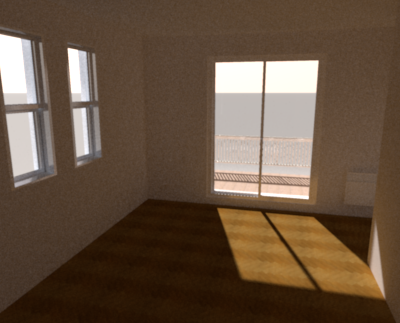
Note that from version 4, you can test this rendering engine without recompiling the program by passing some parameters to java at program launch. To get the previous image, I used the following parameters:
-Dcom.eteks.sweethome3d.j3d.PhotoRenderer.highQuality.globalIllumination=path
-Dcom.eteks.sweethome3d.j3d.PhotoRenderer.highQuality.diffusedBounces=8Trying also to reduce the computing time, I tried smaller values for diffusedBounces parameter.
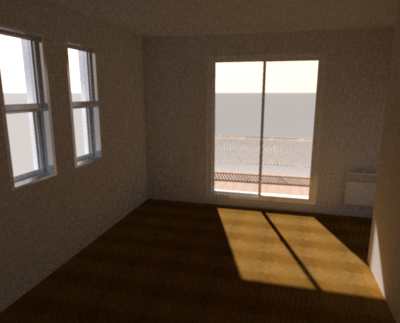
For diffusedBounces=3, the CPU load was reduced to 1h20 with still a nice effect even if the image is darker.
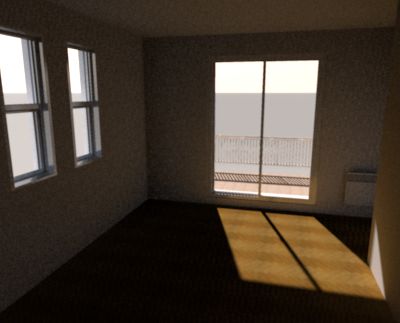
For diffusedBounces=1 (the default value if you don't specify that parameter), the CPU load was only 28 minutes but the image gets too dark.
----------------------------------------
Emmanuel Puybaret, Sweet Home 3D creator
