So, here's what I've been working on the past couple of months. It's been another Project That Wouldn't Die -- but I think I'm finally done.
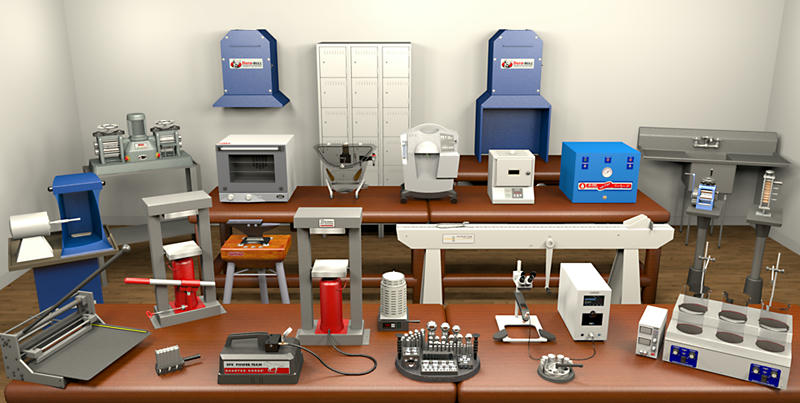
view full size
A few months ago, a SH3D user contacted me here about possibly creating some custom models for a project she had underway. (Earlier, I'd pointed her toward several sites where I thought she might find what she needed, ready-made, but she had been right: The items she needed -- various pieces of equipment used in making jewelry -- were obscure enough not to be represented in any of the major model repositories.) At the time, I had just finished -- or so I thought! -- a paper on best practices for adapting and making use of Sketchup-originated models in SH3D. I figured this would be a milk run, pounding out a couple of dozen models primarily in Sketchup as a final sanity check on my document.
Fast forward to today, several months into this month-long project. My once-again unfinished paper has more than doubled in length, taking into account a whole range of edge cases and unexpected behaviors not considered in the original draft. (Fortunately, nearly half of it applies only to those wishing to create and share SH3D furniture libraries -- .sh3f files -- containing Sketchup-originated models; users interested solely in using Sketchup objects in their own SH3D projects will find the going far easier.) While I won't claim to have gotten all the 'gotchas', I do believe I've identified -- and resolved -- the ones that plague folks the most. I've also found a handful of plugins that greatly simplify the process of making a Sketchup model SH3D-friendly, along with a suggested workflow to ensure no necessary step is skipped. Now this library is on its way to the client, I hope to have a revised version of the paper uploaded by the first week of July.
Speaking of workflows, I discovered a handful of infelicities in the way SH3D handle exportation and importation. (Rather, I should say I also discovered them, as others were there long before me.) Again, most of these would not affect users looking to include Sketchup-based models in their projects -- but they do cause problems for those of us trying to bundle such models into a SH3D furniture library. Fortunately, there appear to be relatively simple, if somewhat time-consuming, work-arounds available for all of the problems I encountered. Here's the cheat-sheet I ultimately relied upon to make sure I didn't miss a step:
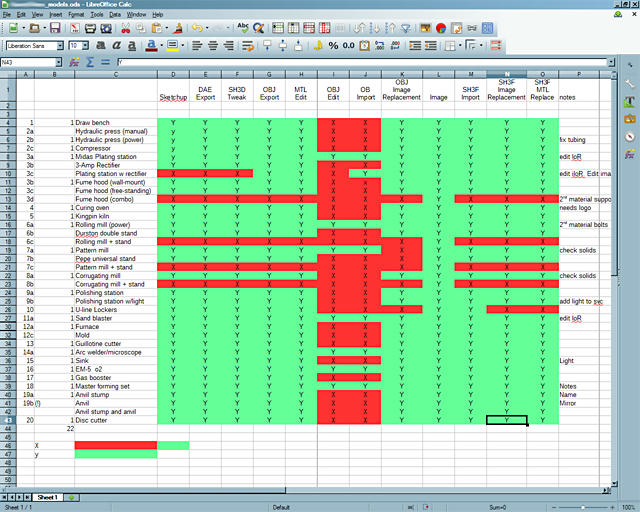
As you can see, most models required either 10 or 12 steps from start to finish, 4 of which were work-arounds.
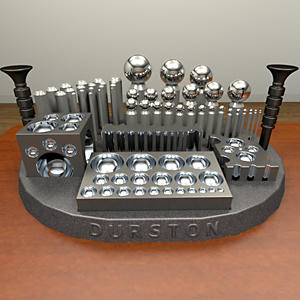
Finally, here are a few of the models I created, built primarily in Sketchup and rendered in SH3D. Frankly, they contain more detail than the client required (or paid for
 , as I also intend to use them in my portfolio. (In a few instances, I've provided her with a somewhat simpler alternative model, in case over-all project size or rendering time becomes an issue.) I should also hasten to add these are far from precise, as I typically was working from a handful (at most) of catalog photos, possibly along with an approximate dimension. Still, they should be close enough to allow the client to experiment with possible floorplans and workflows -- and prove to the fire marshal she's provided for sufficient ingress and egress.
To see any of these at full size, select the "[FS]" link that follows the image.
Thanks,
Maz
Note: While creating this post, I was having problems getting all images to load from MediaFire. Please let me know if this continues, and I'll move the images to a different host.
 [FS]
[FS] 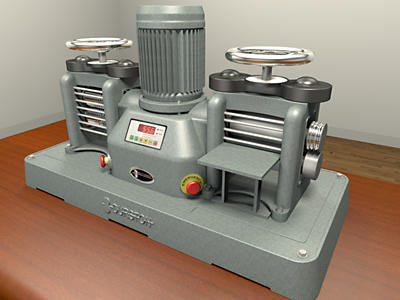 [FS]
[FS]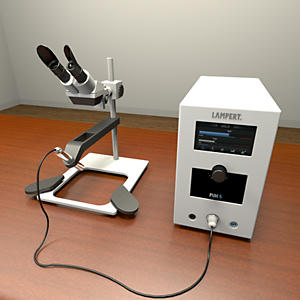 [FS]
[FS] 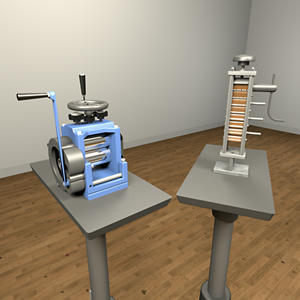 [FS]
[FS]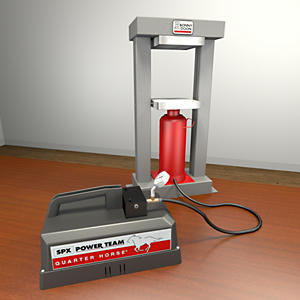 [FS]
[FS] 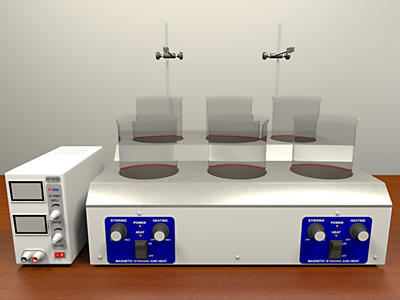 [FS]
[FS]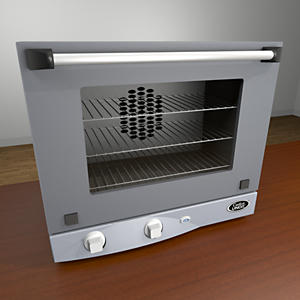 [FS]
[FS] 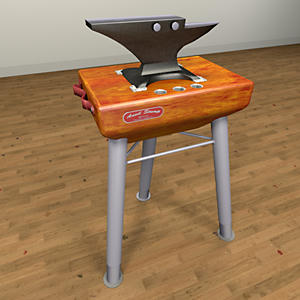 [FS]
[FS]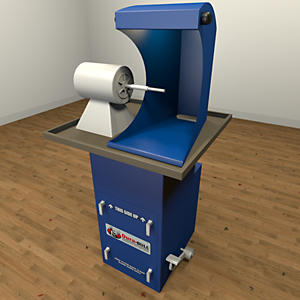 [FS]
[FS] 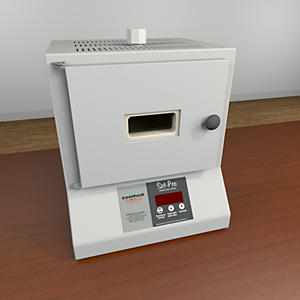 [FS]
[FS]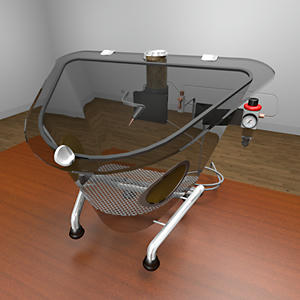 [FS]
[FS] 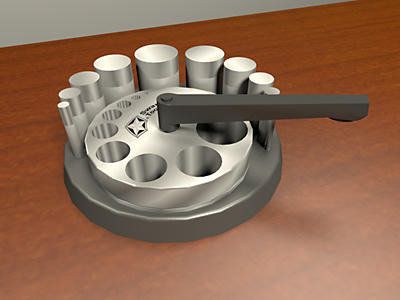 [FS]
[FS]