I've done a little "tweaking" of the ground floor. Hopefully, this will be the last I make changes to the ground floor and just concentrate on the top floor from here on...
Disclaimer on the following pictures: The file has gotten SO HUGE (about 126.2 MG!!!), so instead of the best rendering I've had to settle for the next best rendering, which has made the pictures really quite grainy. I think next house I need to NOT use the items I find on 3D Warehouse as they tend to be quite large.
 I also had another picture I was going to use to show the dining area of the Great room but didn't have that good of an angle of it; when I went to retake the picture I wasn't able to render it due to the file's size, hence the screenshot instead. These are likely to be the last pictures I'll be able to render since the file has gotten so huge. Any further pictures I will post from screenshots instead.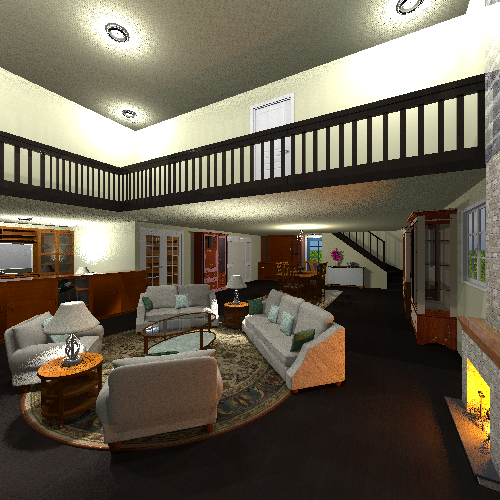
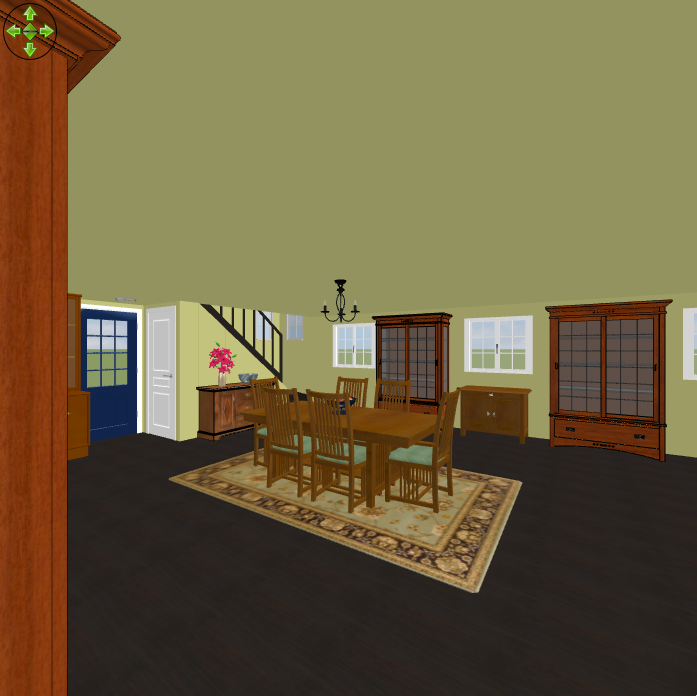
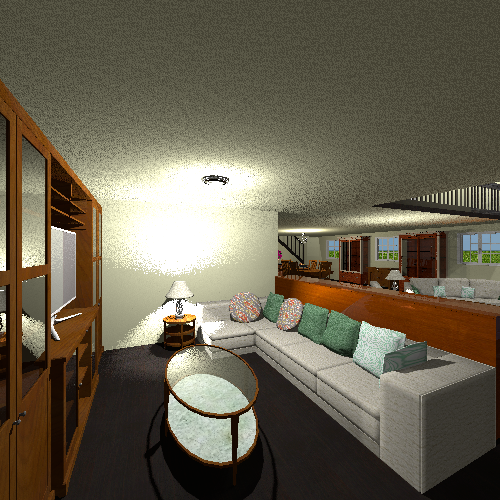
In the Great room, I took out the chandelier and added other light sources, both on the upper floor as well as the ground floor. Also, instead of using a half wall as a railing on the upper floor I've put in a wooden railing. I felt the paint color I'd had on the walls didn't work with the furniture (well, I could've change the color scheme with the furniture, but I like green... a lot
 ), so I changed the walls - and ceiling - to a mustardy yellow that seems to have rendered more beige than yellow. Whatever, it still works, even in the screenshot. I changed the staircase so now it has closed treads and only the railing on one side (only need it on one side in my opinion), now there's a small closet under them. Yes, I realize that no one would be able to get into it when the back door is closed - or out the back door when the closet door is open - but what can I do?
  I also switched the "English secretary desk" (not the name I came up with for it; that's what it was called on 3D Warehouse as I recall) with the curio cabinet, added a second curio cabinet and moved the small dresser to be in between the two curio cabinets. On a minor note, I changed the pattern on the rug under the dining set as well as the texture on the seat cushions on the dining chairs, and added a vase with flowers and a bowl on the dresser near the stairs. I also took out the half wall around the TV area and moved the bookcase back against the couch - basically making it more of built in unit. Oh, and I added a table and lamp to the TV area.
The hallway I also repainted since it is open to the Great room. Once again, no pictures of the hallway.
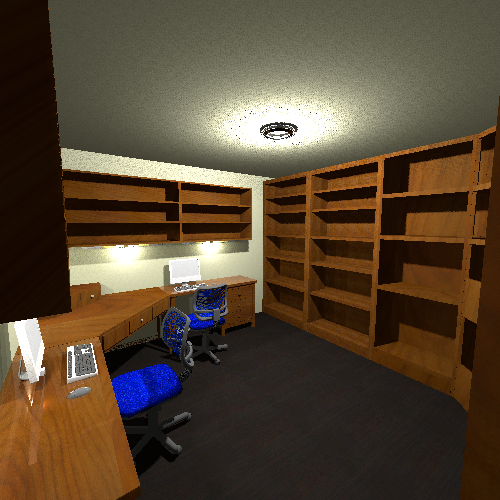
Also repainted the Study. Didn't need to but I wanted to.
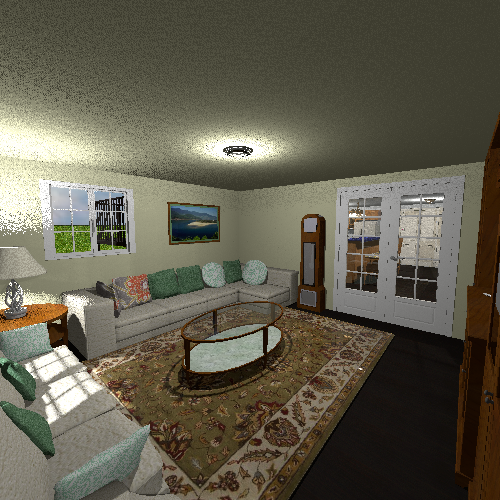
Repainted the Family room, since it's open to the hallway I figured it would look weird keeping it a different color from the hallway. I also added an Art Deco grandfather clock - the face of which didn't render very well. You can also see something new out the window; I added the half landing stairs up to the balcony. In doing so I had to take out the second window on that back wall; replaced it with a picture.
I also started on the top floor. Just like with the Great room overlook, I replaced the half walls around the balcony with wooden railing - except for where the stairs let out onto it of course. I also changed out the french windows for double doors - just like the ones on the ground floor. I haven't taken a picture of it yet as I still haven't worked on the exterior of the house.
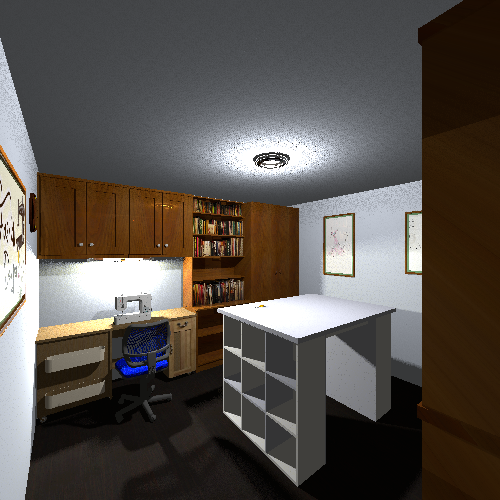
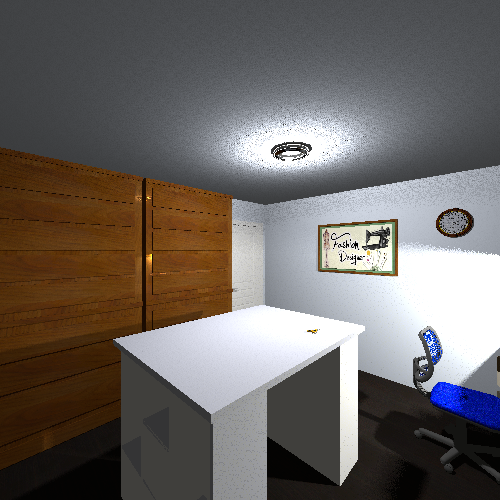
The Sewing room. It could be used as a crafting room, or another study, whatever is needed.
That's it for now; I'll post screenshots as soon as I get more done.
----------------------------------------