@okh
I absolutely see the point in keeping 3D models small as a general rule for most purposes,
but I have also noticed that a majority of the renderings shown on this forum lately,
are images with very high quality, almost photo realistic.
They can take a long time to render.
My experience is that terrains in fact render quite fast.
The black line that appears at the horizon has been mentioned a few times in the past,
with questions about ways to get rid of it.
Using backdrops works well, and is an easy way to create more realistic surroundings.
But in all my experiments with using images as backdrops, I have ended up with images
that are fairly big in order to get a high quality rendering, besides; using images instead of 3D models,
may easily cause unwanted reflections, especially when using artificial lighting.
Since I have been traveling a bit lately, I have used my old Macbook a lot, and I have worked a bit with SH3D
without noticing any limitations, despite that the version of SH3D on my Macbook has the standard memory configuration – 1024M.
I wanted to do a little experiment.
Would a 360˚ model of a horizon noticeably slow down the rendering?
How much?
So I made a 360˚ horizon with Verto Studio 3D, and constructed a
scene with a car (14MB), a woman (23MB), a road (3MB), and applied a
large texture to the ground. The entire project was 90MB when I had added the 360 horizon.
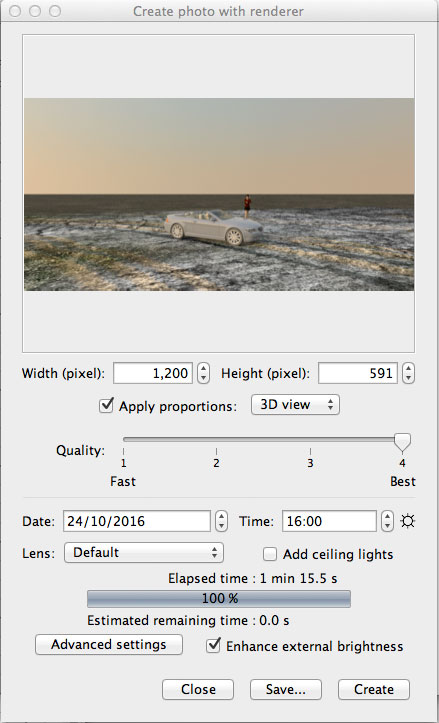
First I rendered an image without the horizon:

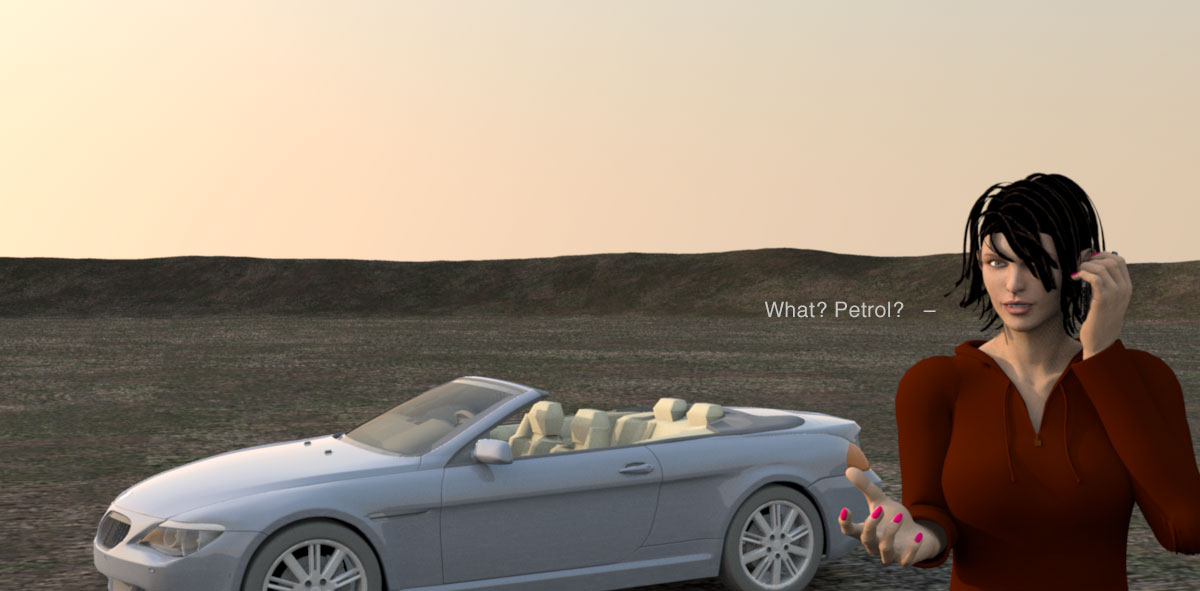
And then one with horizon:
...and another one:
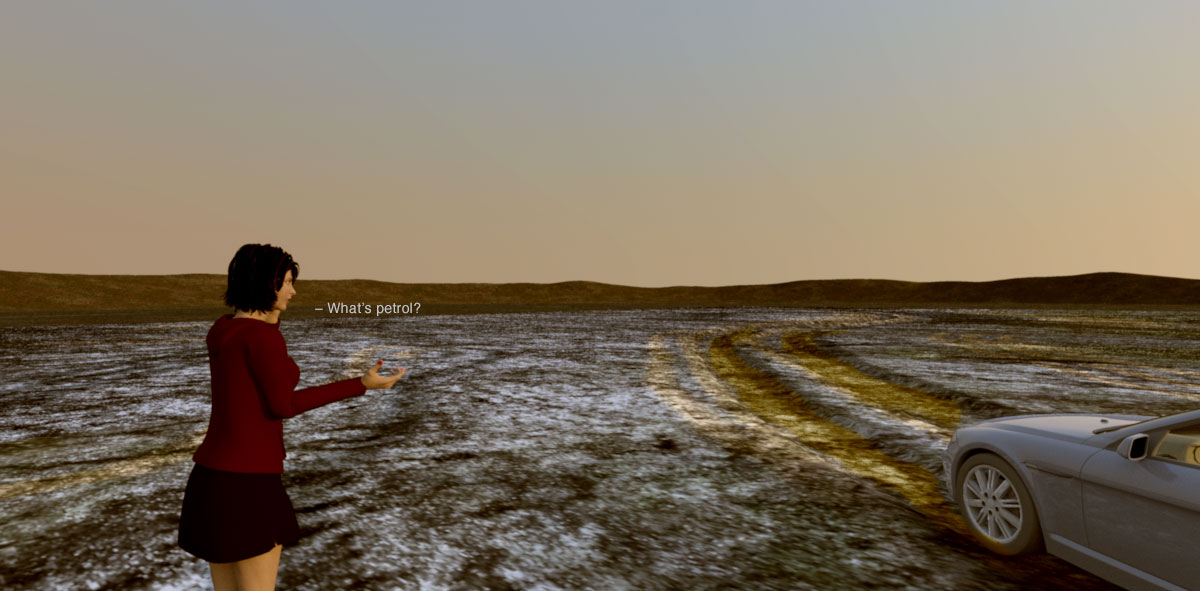

Well, yes, I have to admit that it takes a few seconds longer,
but what if I use a panoramic image instead?
For instance a nice forest line and a blue skye
(2.7 MB, 3840 x 1444 applied to a 9243cm x 3476cm box).
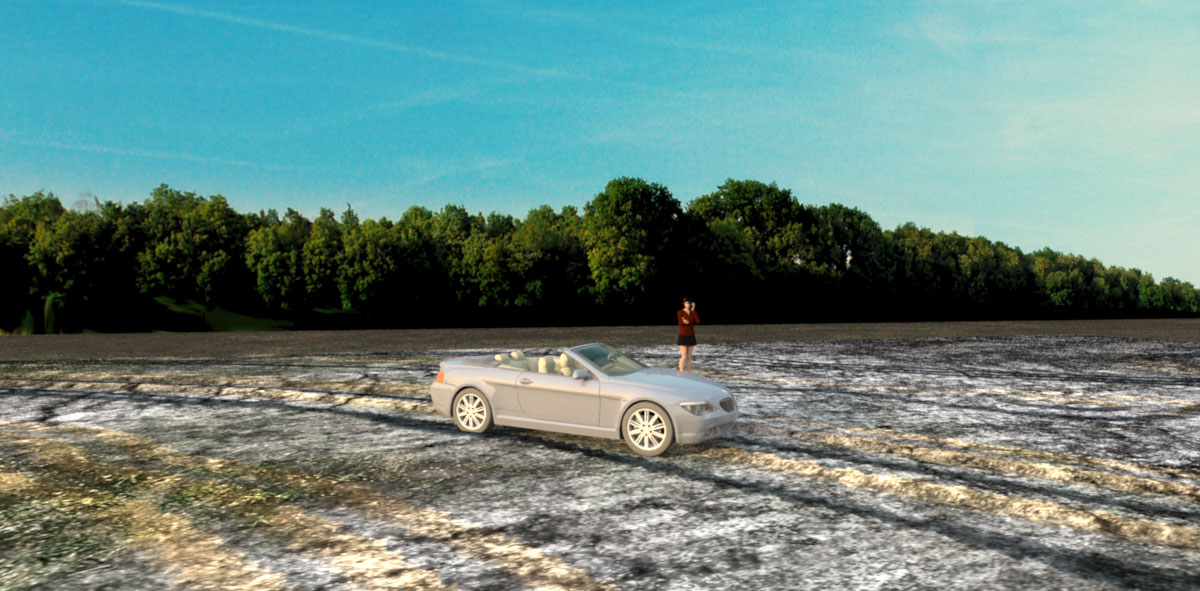

I could have looked harder, spent some more time on finding the perfect image, but it served the purpose for the experiment.
It doesn't quite match the time of day, but it works quite well – and I got the blue sky as an added bonus.
Conclusion?
Using a backdrop has the advantage that you don't actually have to create it. It's easy to use, and it renders quite fast.
Using a 3D model has the advantage of being extremely flexible - width, height and placement. It's easy to texture and blends in whatever light or time of day you choose - and it actually covers the entire horizon in all directions.
So in case anyone wants a 360˚ horizon, it can be downloaded it here:
CBR-Horizon.zip 7.3 MB, incl texture.
Cec
