Display the dialog box that allows you to choose a texture, for example by selecting 3D view > Modify 3D view menu item and clicking on the texture button for the ground.
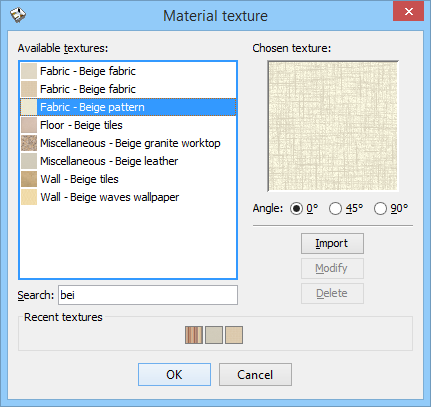
Then select an imported texture you want to delete and click on the Delete button.
----------------------------------------
Emmanuel Puybaret, Sweet Home 3D creator
