A few words about this project:
Using Levels.
Using multiple levels can be very helpful, not only for separating floors, but also for making projects easy to organise.
In this project I use 8 levels.

The ground
Using a dedicated Ground level might seem unnecessary since a texturable ground is automatically provided,
but here is one good reason for defining your own Ground Level and use a dedicated ground object:
In nature, objects are often sticking up from the ground rather than just lying on the surface. Using my own ground, like a flat terrain or a plane created from a box,
I can place an object on a level beneath the Ground Level so it appears to be lying “into” the ground, and not only “on top of” the ground.

Terrains
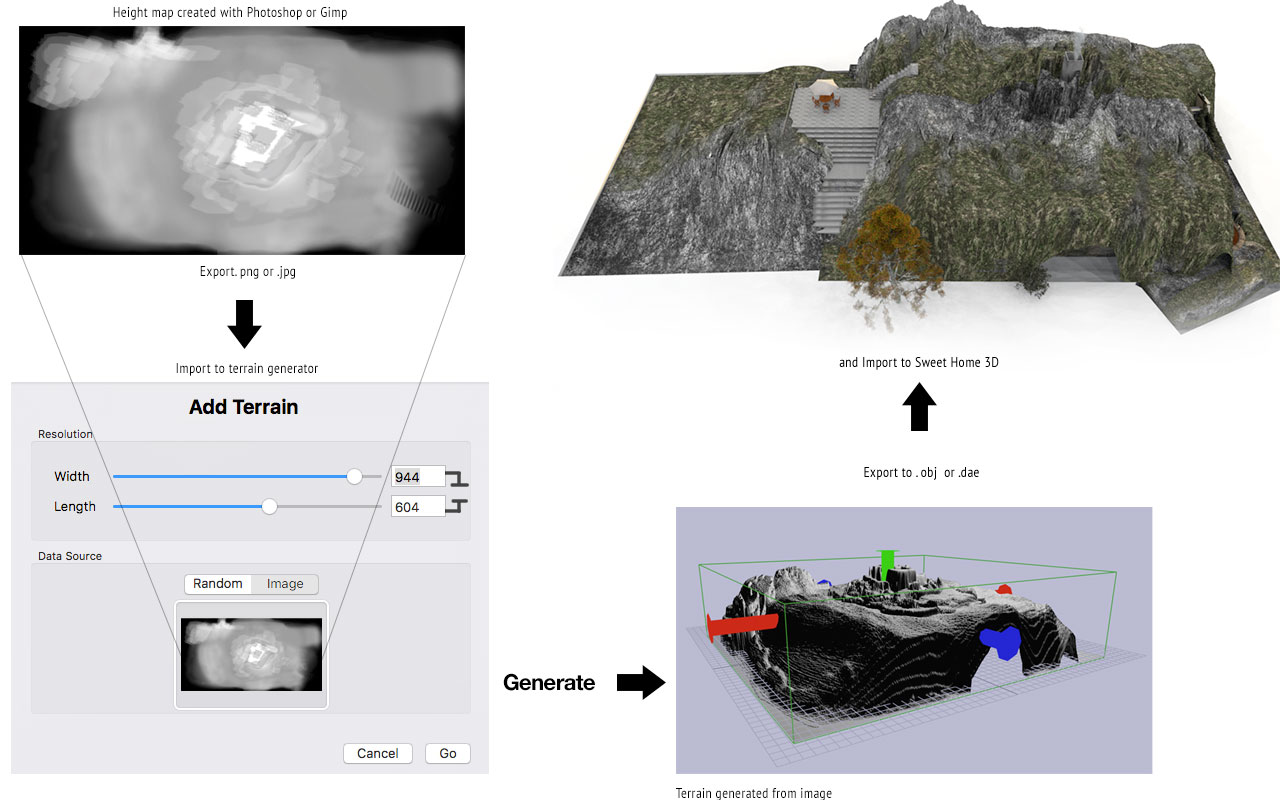
There are several inexpensive or even free 3D-apps that can generate 3D terrains from height maps, and hand crafted height maps can easily be painted in Photoshop or Gimp.
A height map will typically use black as zero level, and then rise the terrain relative to the whiteness of the greyscale with absolute white producing the highest level.
I wanted my mountain to have an unnatural form – sharp and edgy, as if it belonged to another world. Here is how I created it.
The interiors
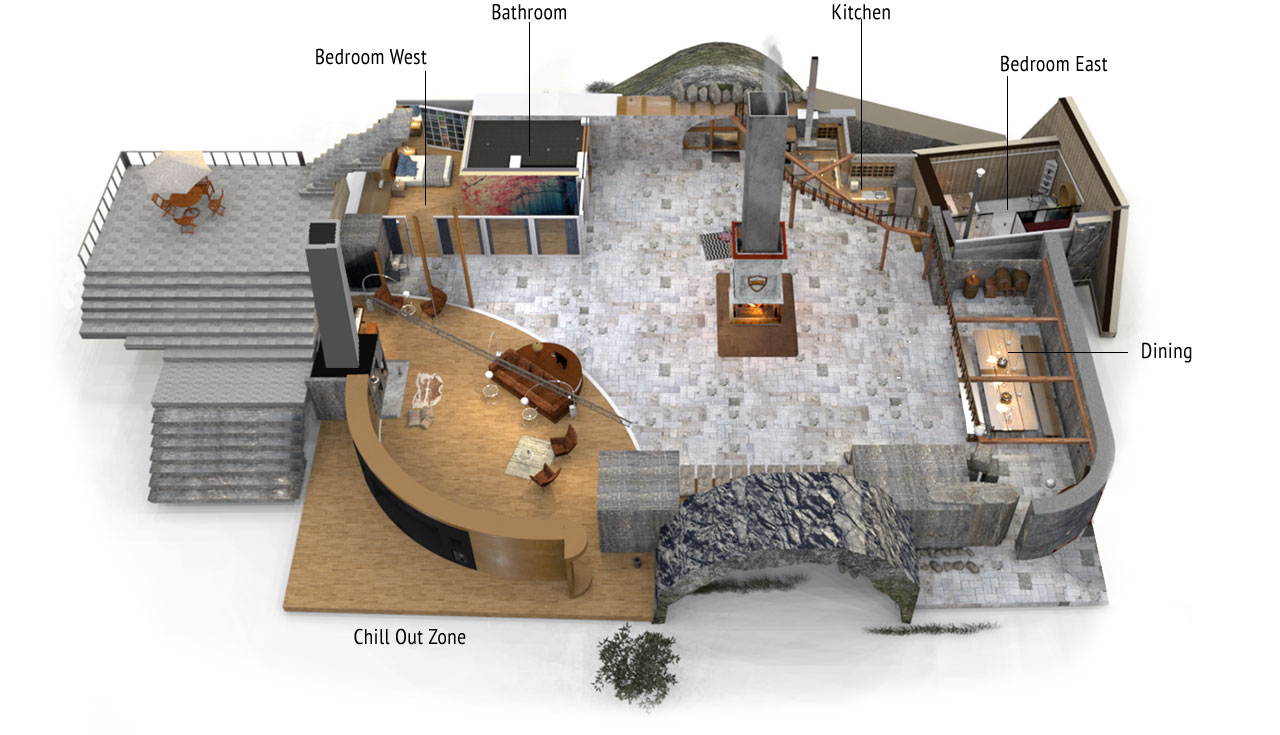
This is the floor plan:
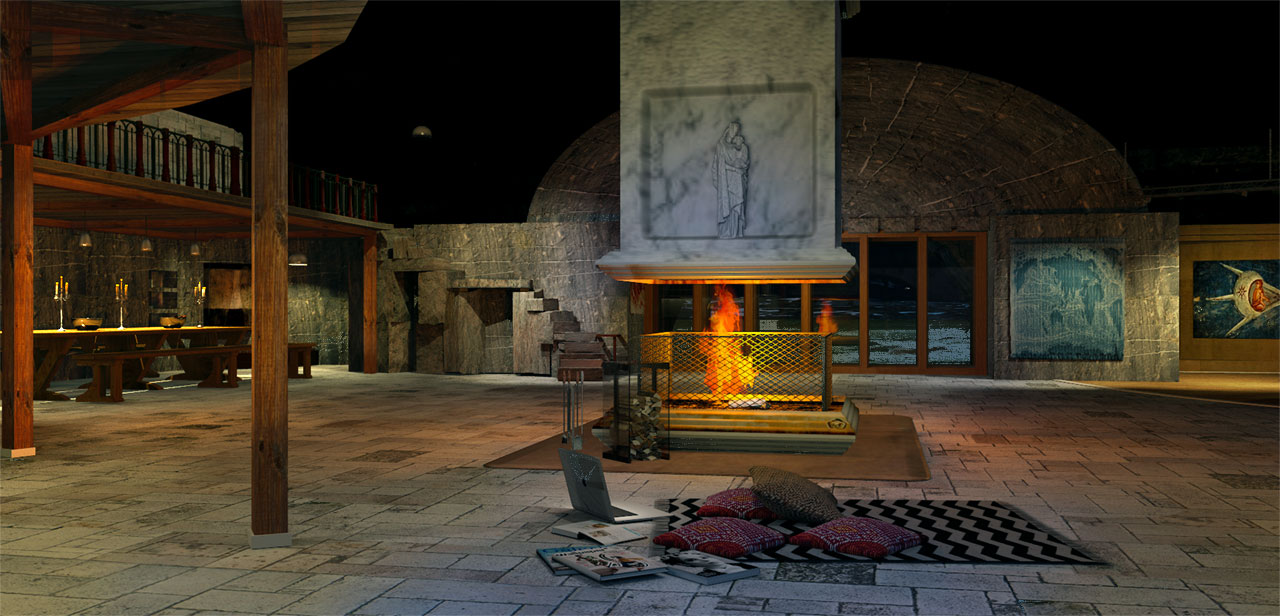
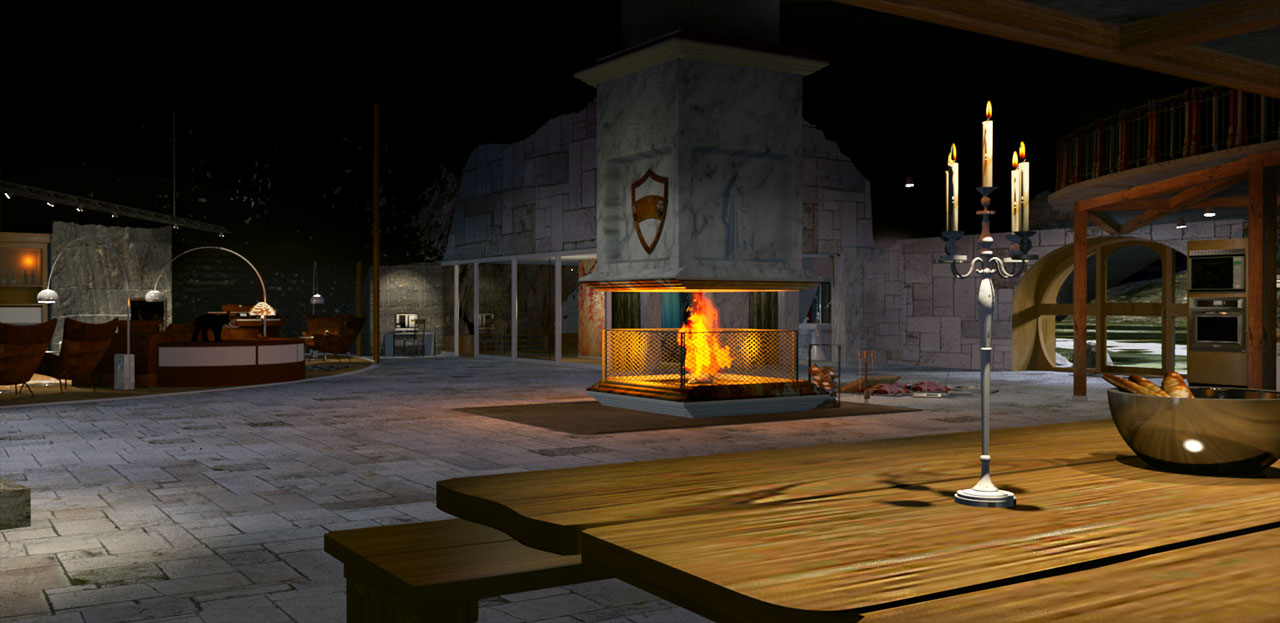
And here are some shots of the main hall.

More detailed renders will follow
Cec
