My mini town (fake city) consists of a mixture of real houses and textured boxes. The boxes are textured with transparent png’s, where some of the windows have been cut out. This enable me to create an illusion of evening/night by placing a light source inside the box. The light will then shine thru the openings of the transparent png's.
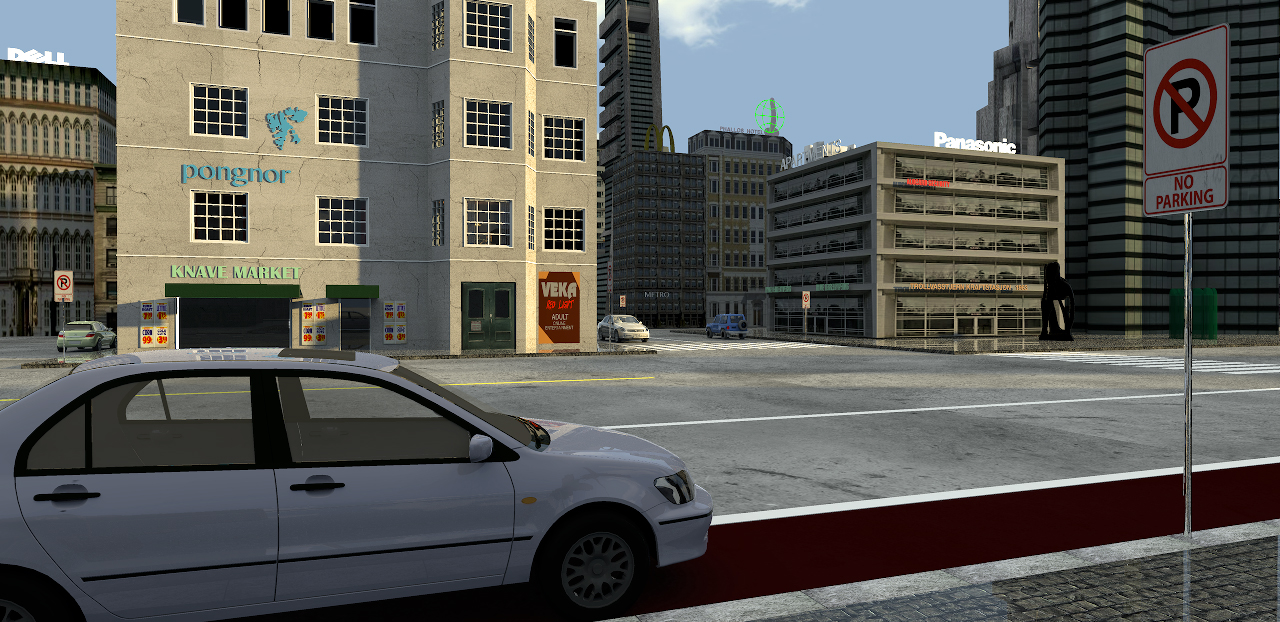
Hi Cecilia, nice rendering! It seems so realistic. I love the road sign that is saying "No parking" and the car leaved in that area. :)
I want to ask you, because I do not think that I understood exactly your way of realizing the background: for example, does the building with the sign "Panasonic" has a wall texture of a building that you found in the web? And also the building with the sign "Dell" is made in the same way?
The building in the foreground with the sign "Knave Market" is also realized in the same way? If it is, how did you put the transparent area exactly where the windows are? :)
