Aperture, shutter speed and ISO is what normally controls the exposure.
Unfortunately none of these parameters can be controlled when making snapshots with the SH3D camera.
Yes, bigger and closer light sources give softer shadows – smaller and farther light sources create sharper shadows.
So when you place a panel light @ 100% only 2 meters away from your window, your shadows WILL get soft.
First of all; I don't think your image is too dark
Of course, the gallery background is not adjustable, so the smaller the image, the darker it is perceived.
Secondly; the camera is an absolute observer, whilst our eyes are dynamic observers. So when your snapshot is viewed against a white background, your eyes are automatically adjusting the white balance and the light to the brightest area. Any normal exposure will seem a bit dark when viewed against a bright white light.
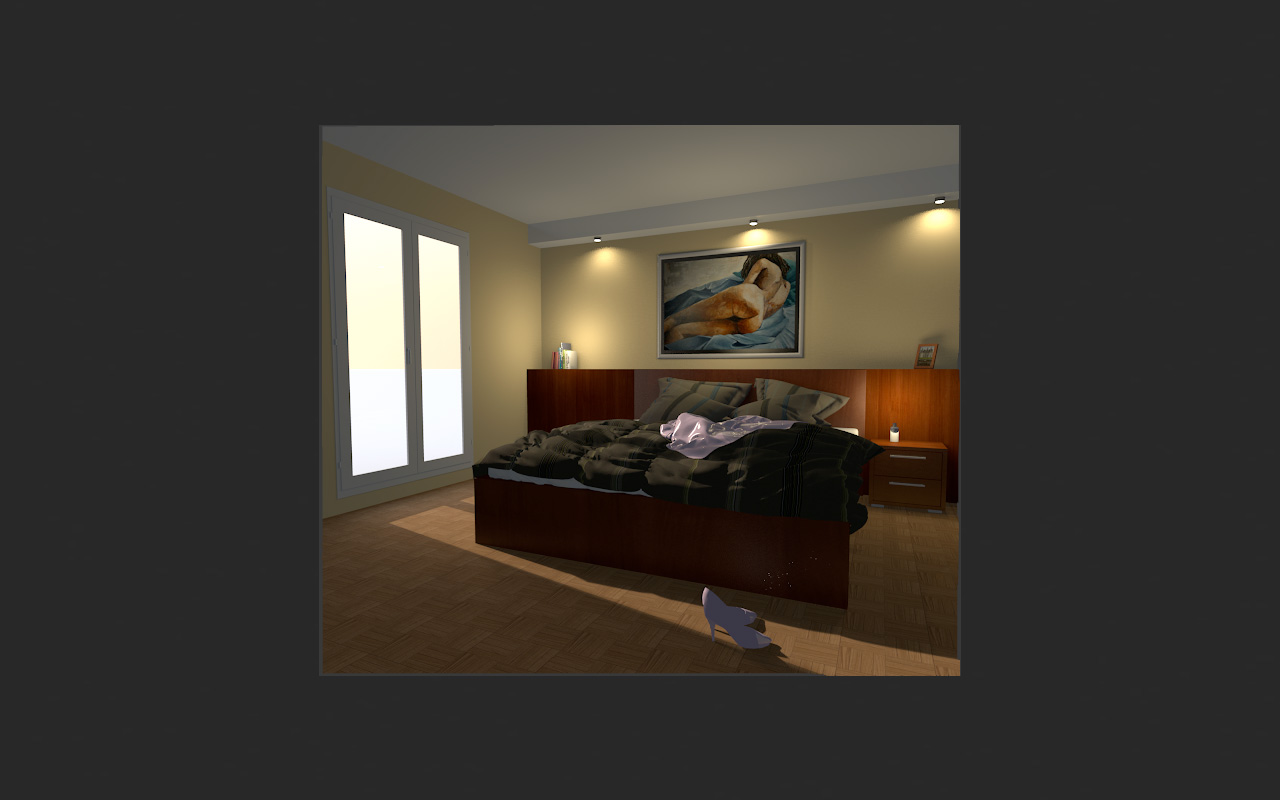
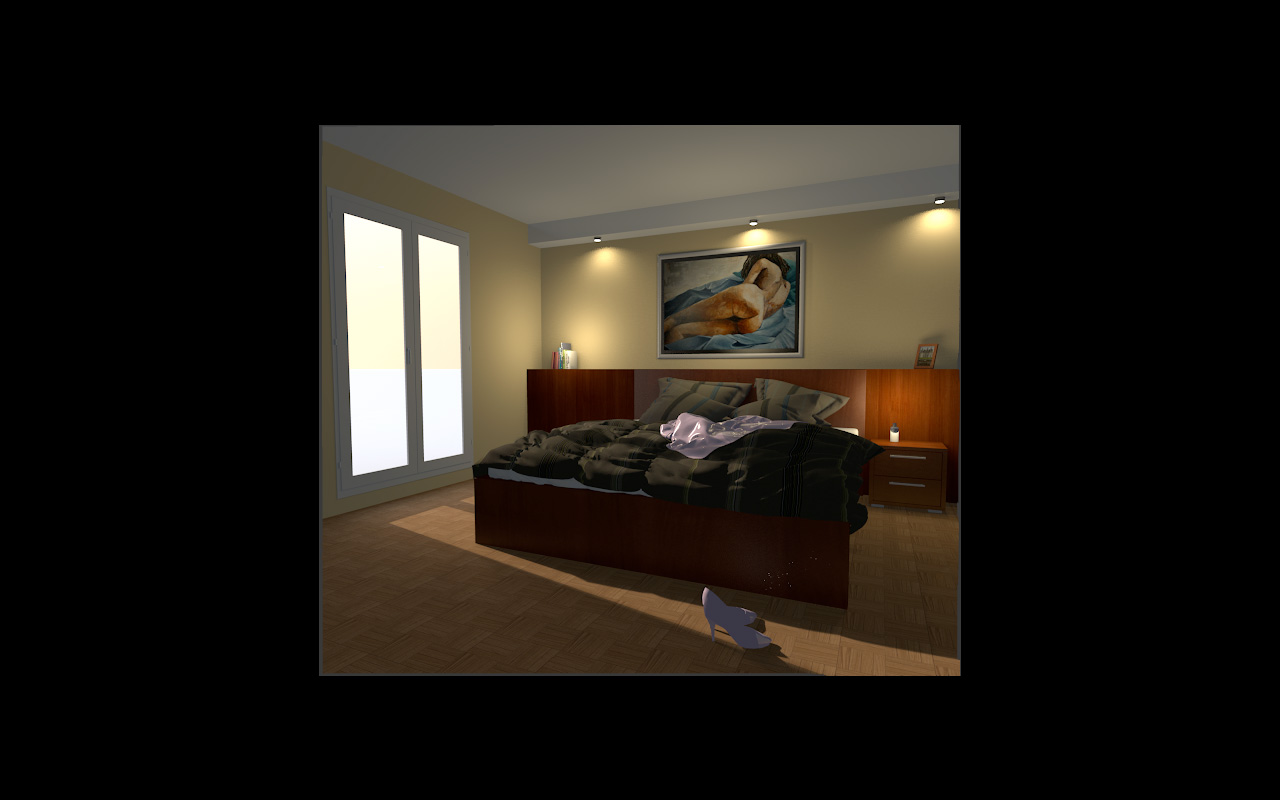
The gallery does not offer us the most favourable surroundings for viewing. Using Photoshop to adjust the brightness to match a white background is often necessary when posting small images.
Cec
