but I'm still wondering what's the issue with the colour...
There's really no issue:The reflected colours change as the light changes – just as in real life.

To best manage colours, the first thing you should do is to calibrate the brightness of your 3d view,
if you haven't done that already:
Apply a completely white texture to the sky.
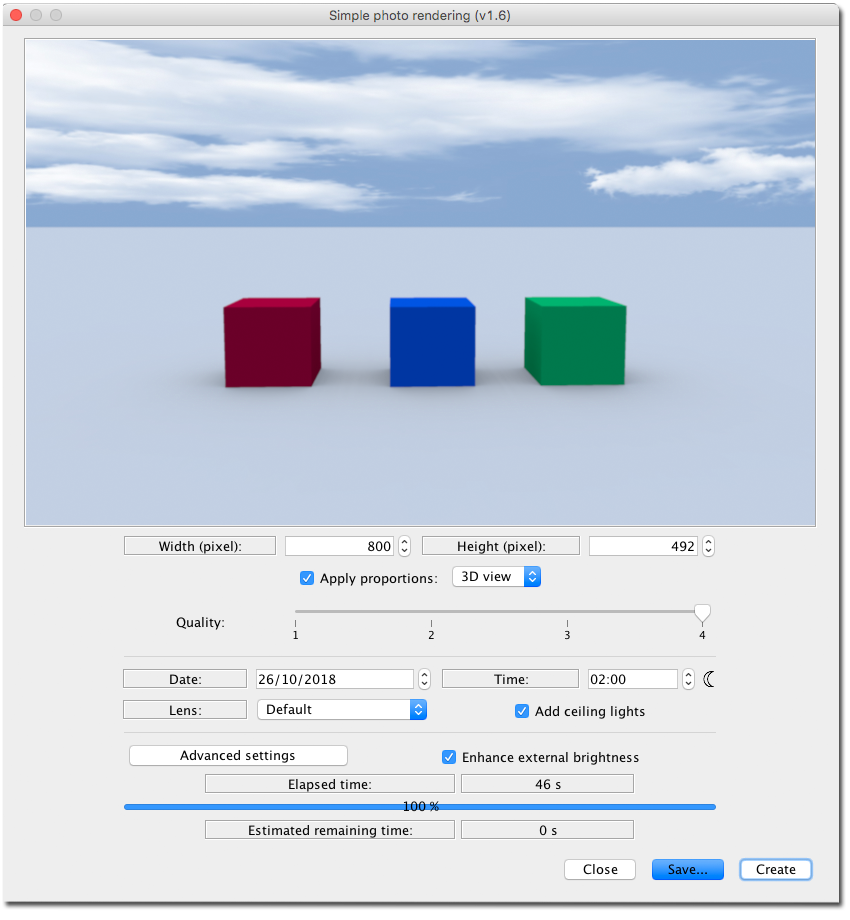
Render different coloured objects with enhance external brightness checked, and no sunlight.
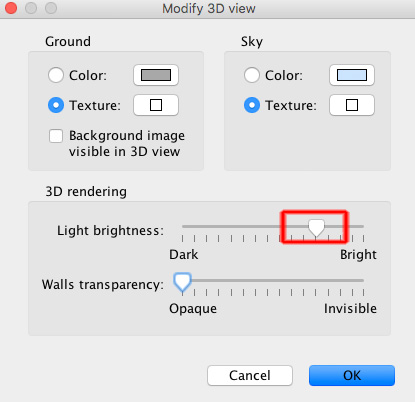
Adjust the brightness of the 3D view until the brightness is as close to the rendered image as possible.
_______
I find that applying a white top to a partly clouded sky image, is a good way to get nice daylight colours when using the enhanced brightness option.
cec
