Part four (B)
Other things I do…
I like my textures to be unique to my projects.
That’s why I spend time on making my own textures.
I create most of my textures from photos; snapshots of buildings, walls, fences, doors, pavements, graffiti… and what have you.
Cloudy days are best for photographing. On cloudy days the light is flat and there are few shadows. I don’t like it when shadows are pointing in the wrong direction.
There are also a number of websites with free textures that are good starting points for creating unique textures.
Anything can be combined.
Sometimes I just try a “wrong” texture on an object, just to see what it looks like.
I found a nice abstract image on a free textures website.
I applied it to the cover of a duvet.

Changing textures is an easy way to change the atmosphere...

Finding the right texture can take a while, and sometimes the right texture just isn't even created yet.
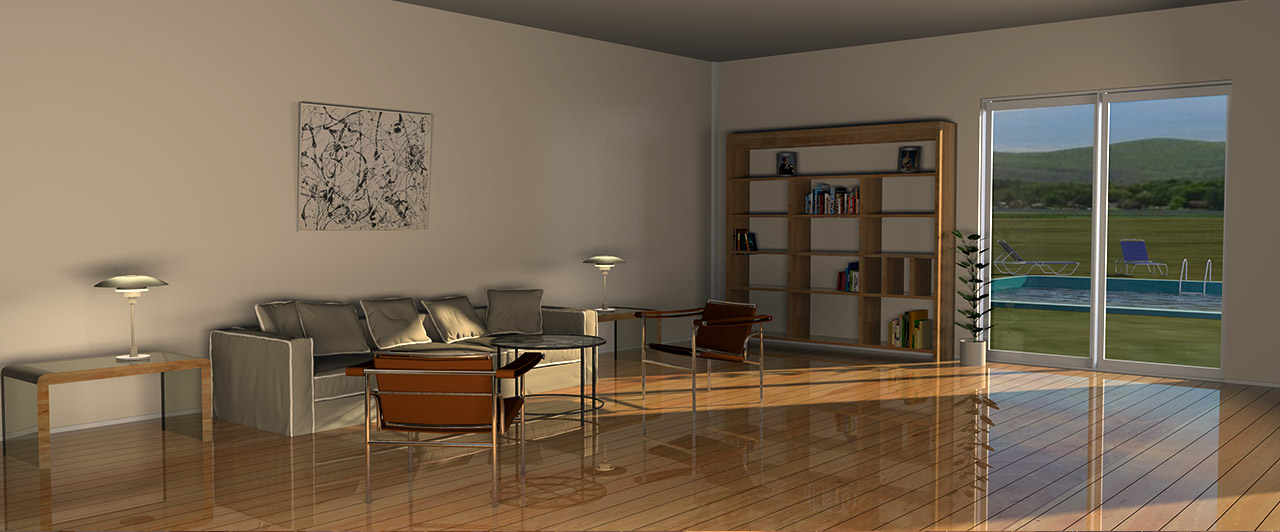
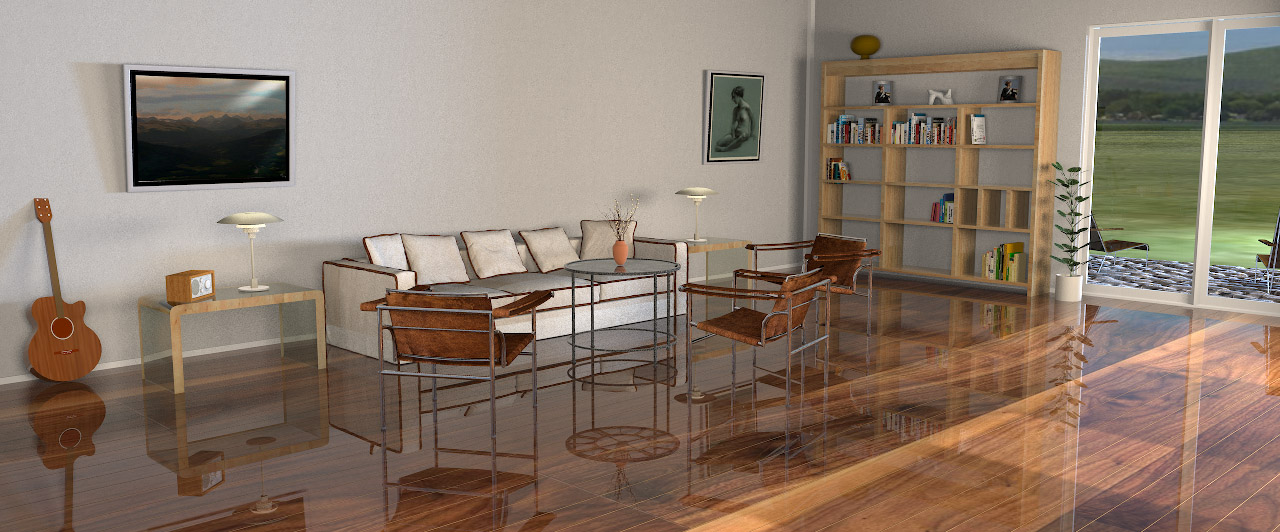
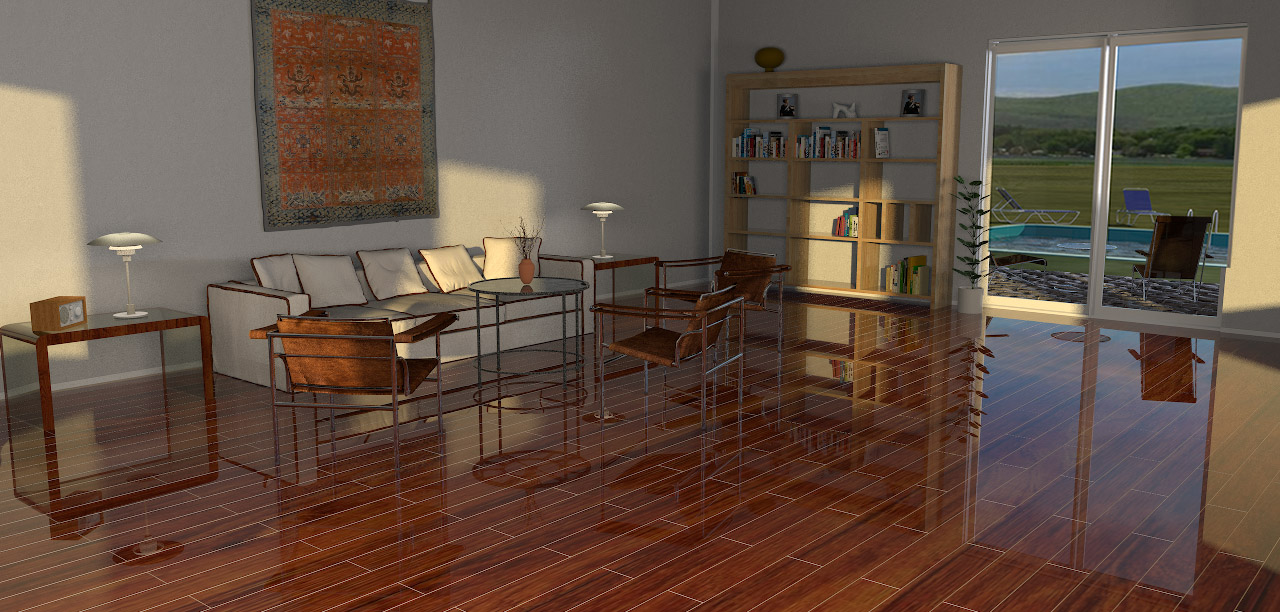
Sometimes creating a simple 3D model is a lot faster than searching for the texture of your dreams, especially when it comes to flooring.
Floorboards and tiled floors can easily be made with Photoshop ( and maybe with Gimp?) using 3D extrusion.
A model can be textured with any kind of texture, or just coloured, without losing the structure.
Here is a project file: Flooring.sh3d.
I have made some example renderings.
Livingroom floors:

Bathroom floors:
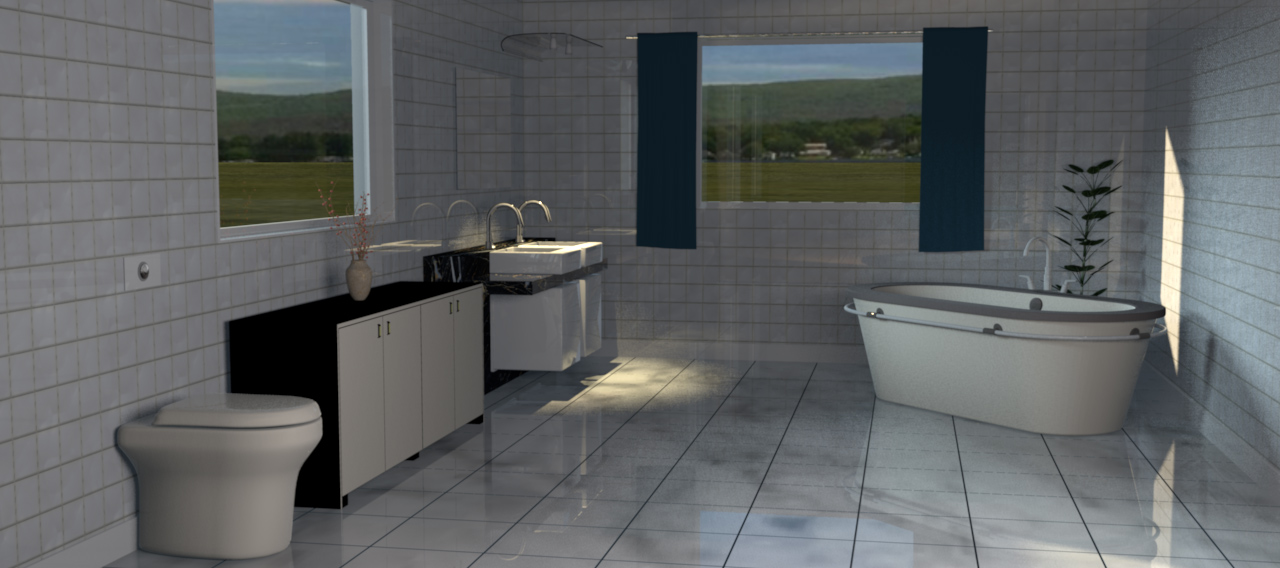
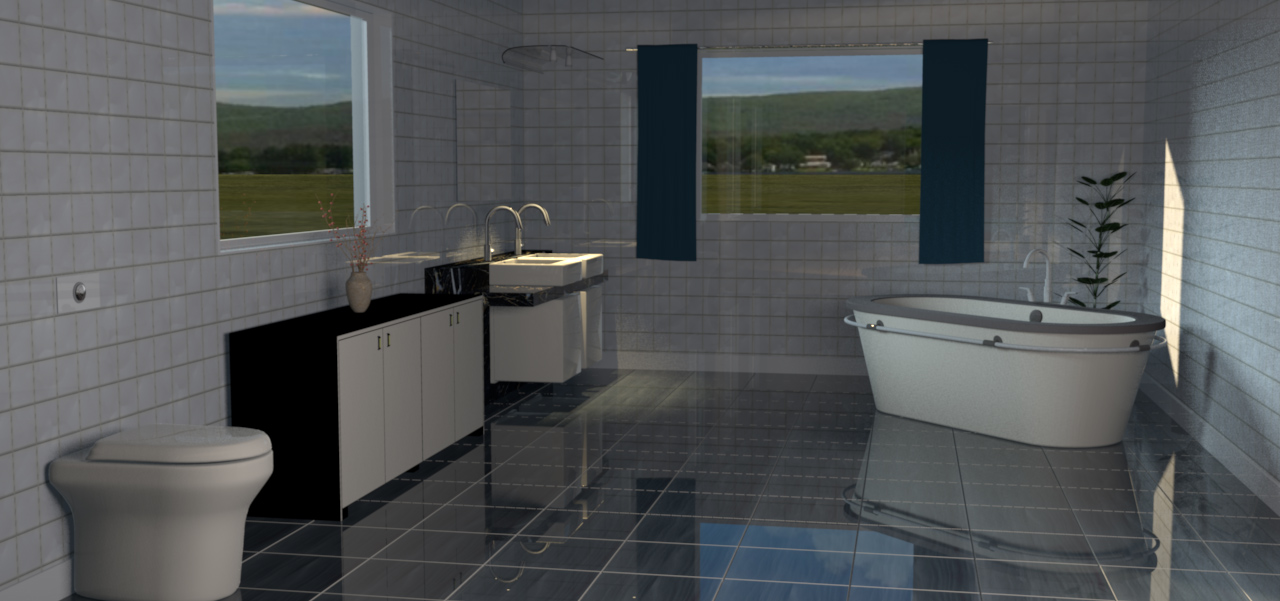
(For shiny floors, give it a bit of shininess and set the ShininessShader to Glossy when rendering.)
A short comment on texturing terrains ( answering some questions I have got on email):
Everything is easy when you know how to do it, but I know from experience that creating complex height field maps take a lot of trying and failing.
The easiest way to start is to use Verto Studio 3D as terrain generator, and to use Gimp, Photoshop or what have you, to start playing with gradients and grayscale.
Designing a correct height field map that perfectly reflects the real surroundings of a house, is more than I’m able to.
I know there’s a way to accomplish this by using Google maps
and a new plugin made for Photoshop, but I’m not familiar with that technique yet.
Answering a question about texturing a terrain:
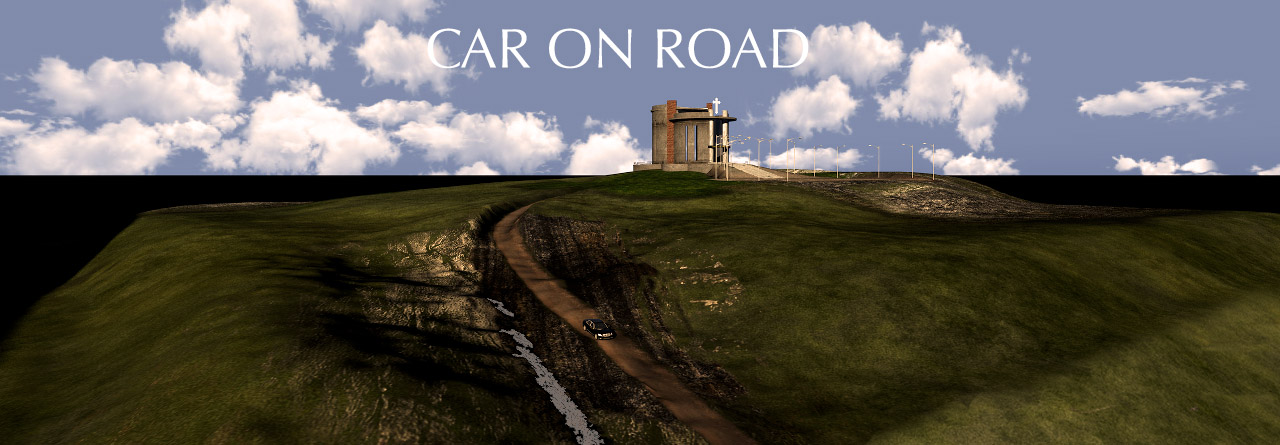
If it’s a terrain created from a home-crafted height map, it’s quite easy; just enlarge the height map and start applying textures to the right places.
I will show an example on how I do it:

It’s a try and fail game, so be patient. This took some hours:
____________
Note:
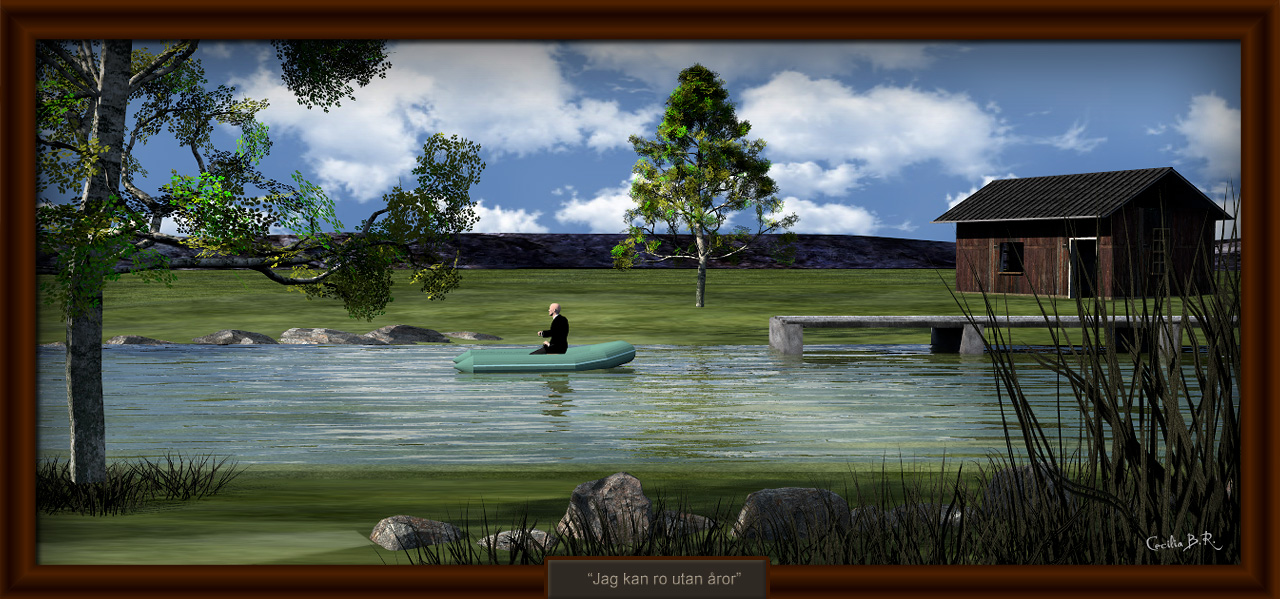
Apart from where it’s evident that my images have been subject to post production ( photoshopping), all images here are straight out of SH3D.
The only postproduction is downsizing the images from 4K to 1280 px.
Example of photoshopped image:
Cec.
