Why??? I really would like to understand.
I will try to explain this with an example:
Let say you have a brick wall texture that is 300 x 200 cm.
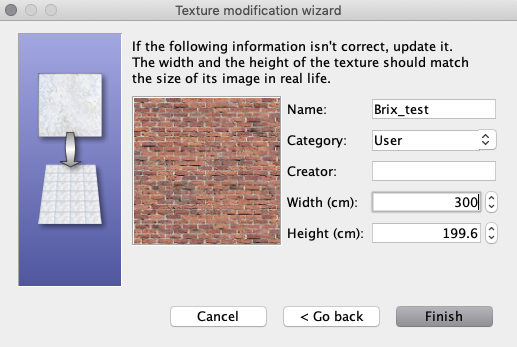
When you apply this texture to a wall, this texture will cover an area of 300 x 200 cm on that wall. If the wall is higher or longer, the texture will be tiled and repeat itself to cover
the entire wall. If the wall is lower or narrower, the texture will be truncated.
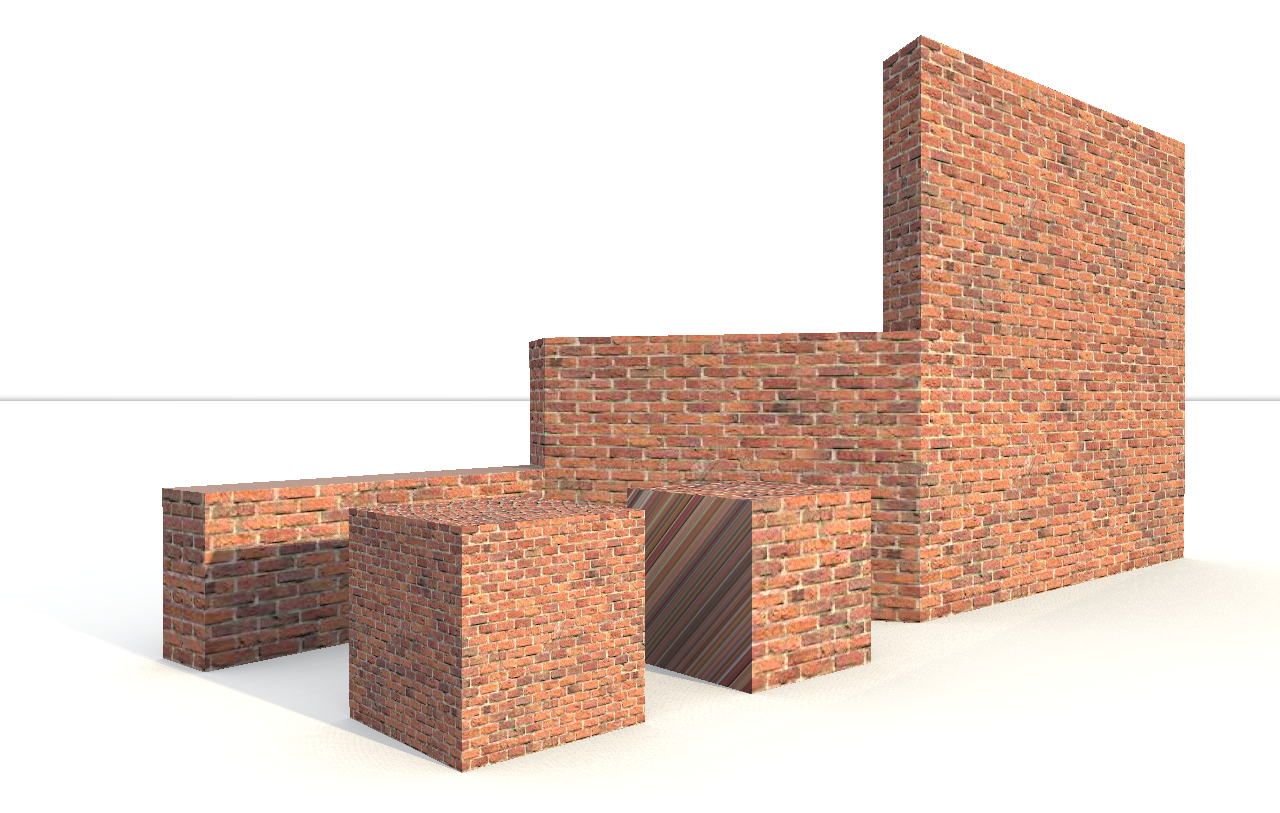
If you just apply this texture to a 100 x 100 cm cube using method 1, the texture will keep its size.
But if you apply this texture using using the material change panel to all sides of a 100 x 100 cm cube, 100% of the 300 x 200 cm texture will by default be squeezed to fit inside each 100 x 100 cm surface of the cube.
In my experience, Sketchup-models do not always behave as expected when imported into SH3D ( or into any of my other 3D programs, for that matter). But Sketchup is supposed to be a great tool,
and there are members of this forum that are experienced Sketchup users and might be able to offer you an explanation.
If you should have any interest of it, I have written some words about how I texture models in this thread.
Cec
