Finally I reach the target for what I've start learning java.
Maybe is time to start to forget, to make room for other knowledge.
This plug-in add two necessary (IMHO) tools:
1. Multiple paste (under Edit->Paste special...)
2. Distribute elevation (under Furniture->Distribute elevation)
While SH3D is a 3D software I think is must to have a complete set of tools including for manipulation in 3D.
Anyway I don't intend to spend time to write an user manual for this; Nobody read it!
So: risk, try, fail, observe & learn and try again.
You could find the plug-in here Paste special & Distribute elevation or on Source Forge.
Few screen shoot:
Insert objects in plan then select and copy (Ctrl+C) the desired object(s) then deselect them
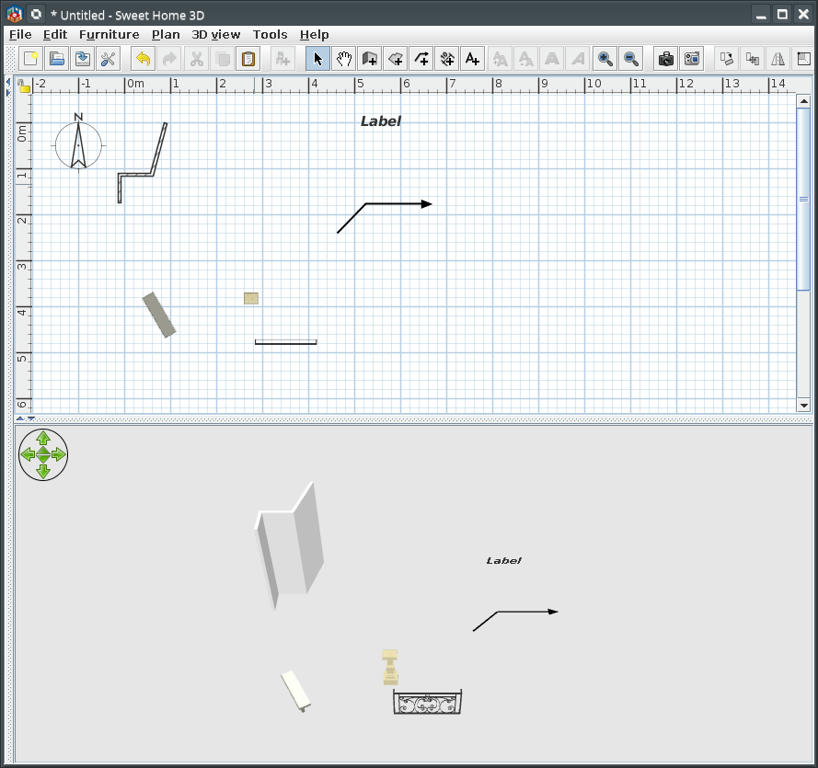
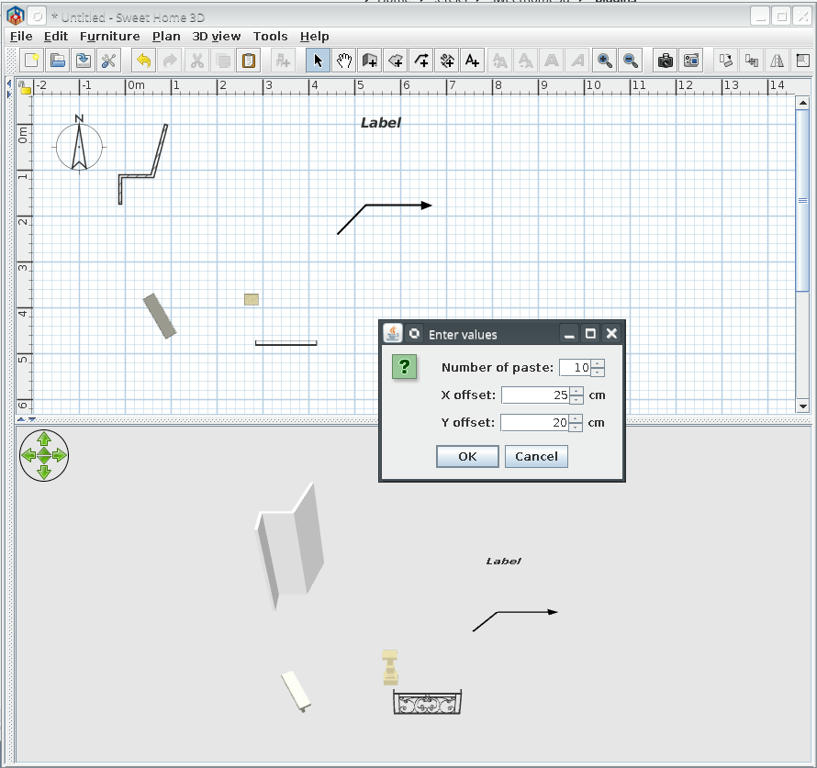
Edit->Paste special... and insert values
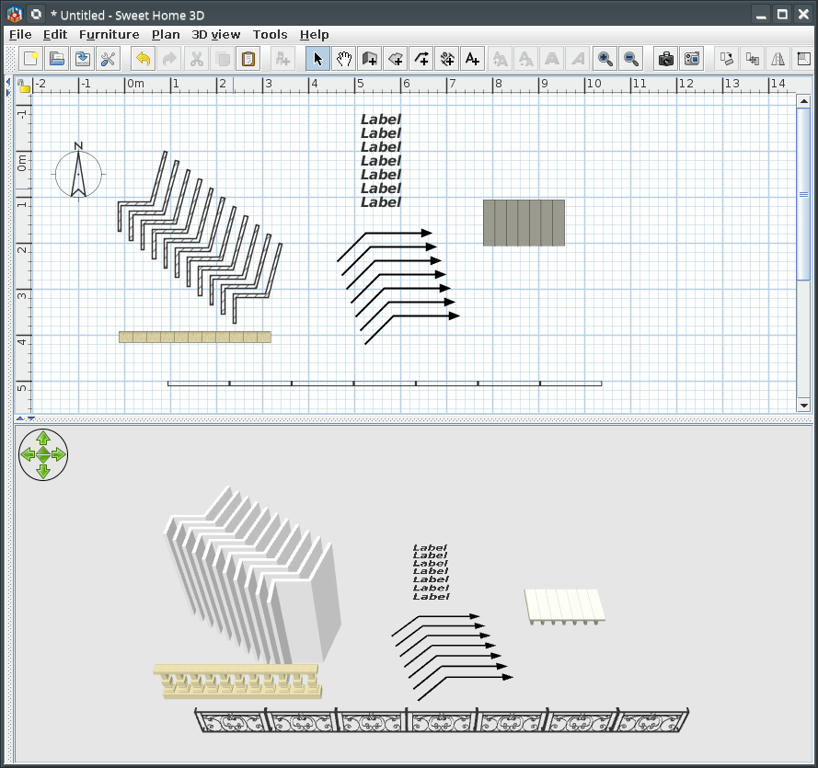
This could be the results for different values and objects
Example of use distribute elevation to make stairs
Elevate one step to maximum necessary; select all steps and...
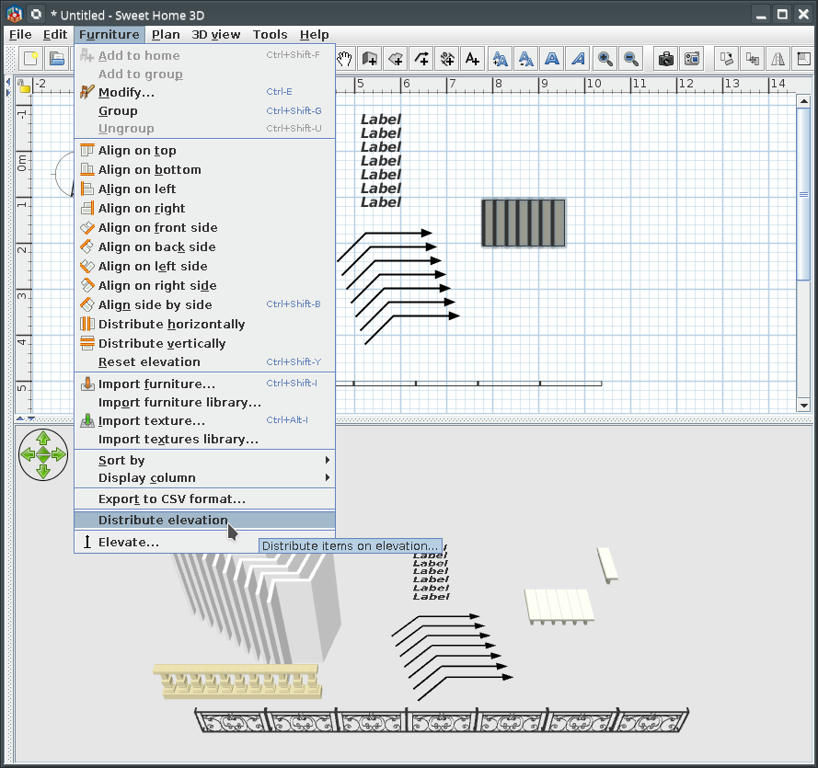
This could be the result
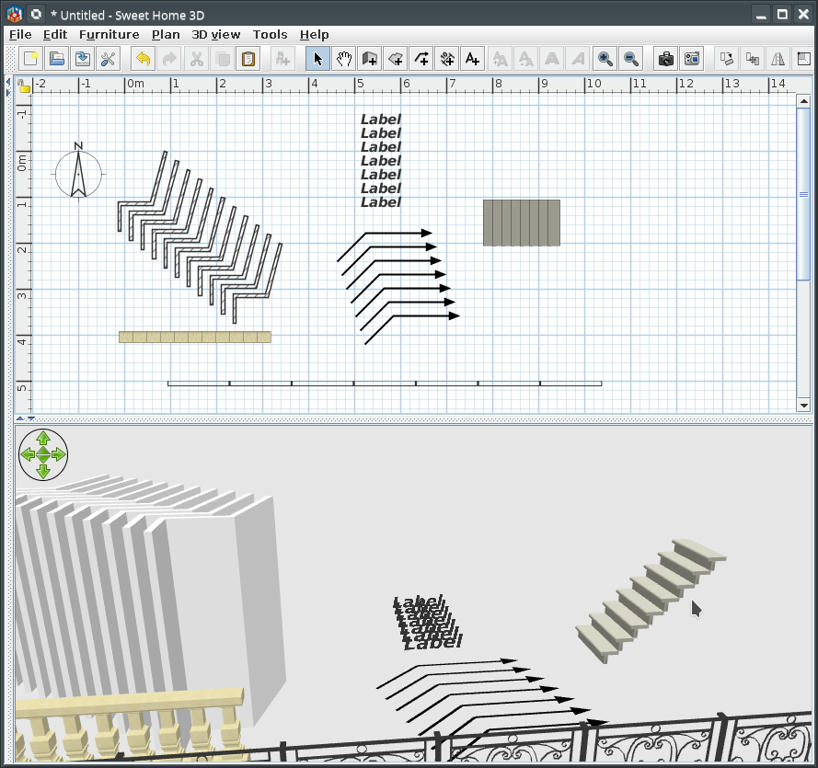
Of course I know someone for who will don't work but I can't help him

PS:
This plug-in is a little late for VeroniQ but could be useful for future tutorials.
----------------------------------------
A computer program does what you tell it to do, not what you want it to do. Murphy's Law
When all else fails, read the instructions. Murphy's Law
If you don't like "AS IS", DIY. Dorin's law
