@hansmex
For Enko's plugin standard settings were used.
Which accounts for the fireflies ( speckles) on the Demo House rendering.Since you are comparing quality, here are some OK settings for rendering this type of scene with PVR:

The beauty (and strength) of Enko’s plugin “Advanced settings of photo rendering” , is that we can tweak it to give us the best result for any type of scene.
M - Yafa v1.3 - filesize 2.0 MB - 0:27 min - ugly chair textures, best windows
The “ugly chair textures” is on me.
YafaRay is probably a bit more sensitive than Sunflow, and I have been sloppy and not bothered to split quads and set the texture coordinates properly.I have fixed that , and YafaRay now renders the chairs perfectly fine.
I have made some new renderings, now using the beta-3 version of YafaRay.
The speed has increased.
YafaRay seems to be loading projects a lot faster now than with the beta-1 version that I used for my last test.
YafaRay - 2560 x 1350 - 1 minute 11 seconds.
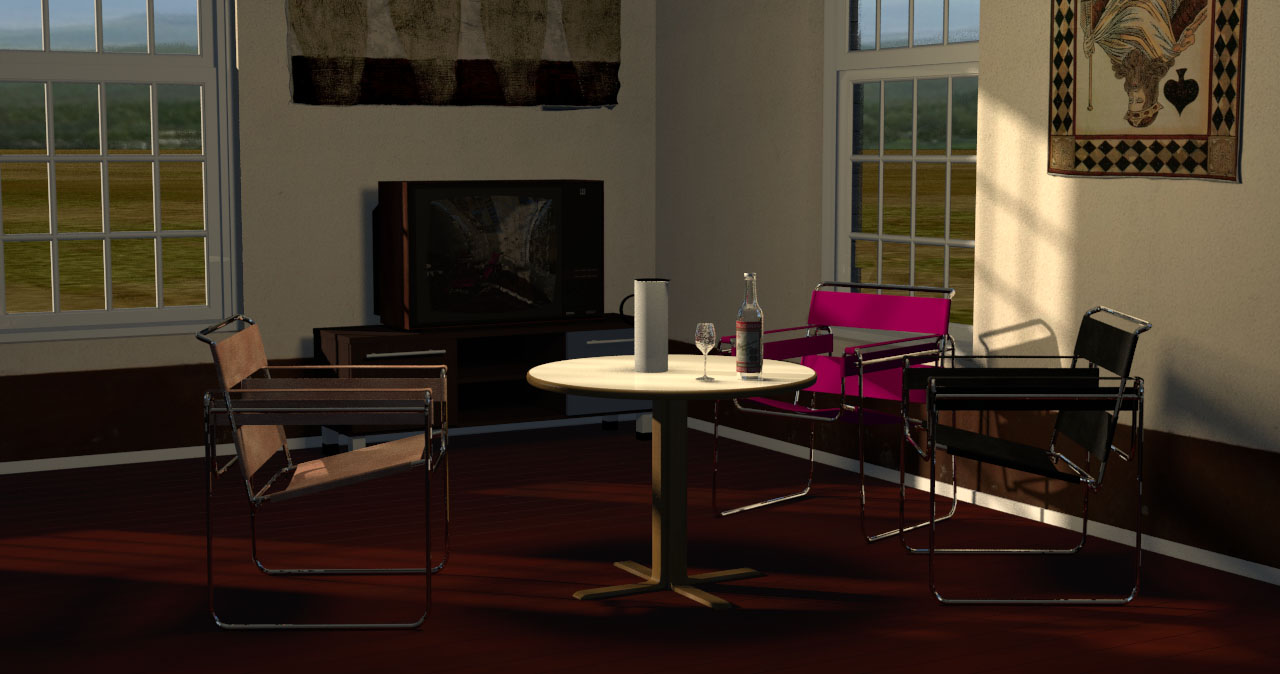
Sunflow default - with advanced settings - 2560 x 1350 - 2 mins 11 seconds.

Sunflow PVR - optimized - 2560 x 1350 - 3 mins 57 seconds. Absolutely best quality.
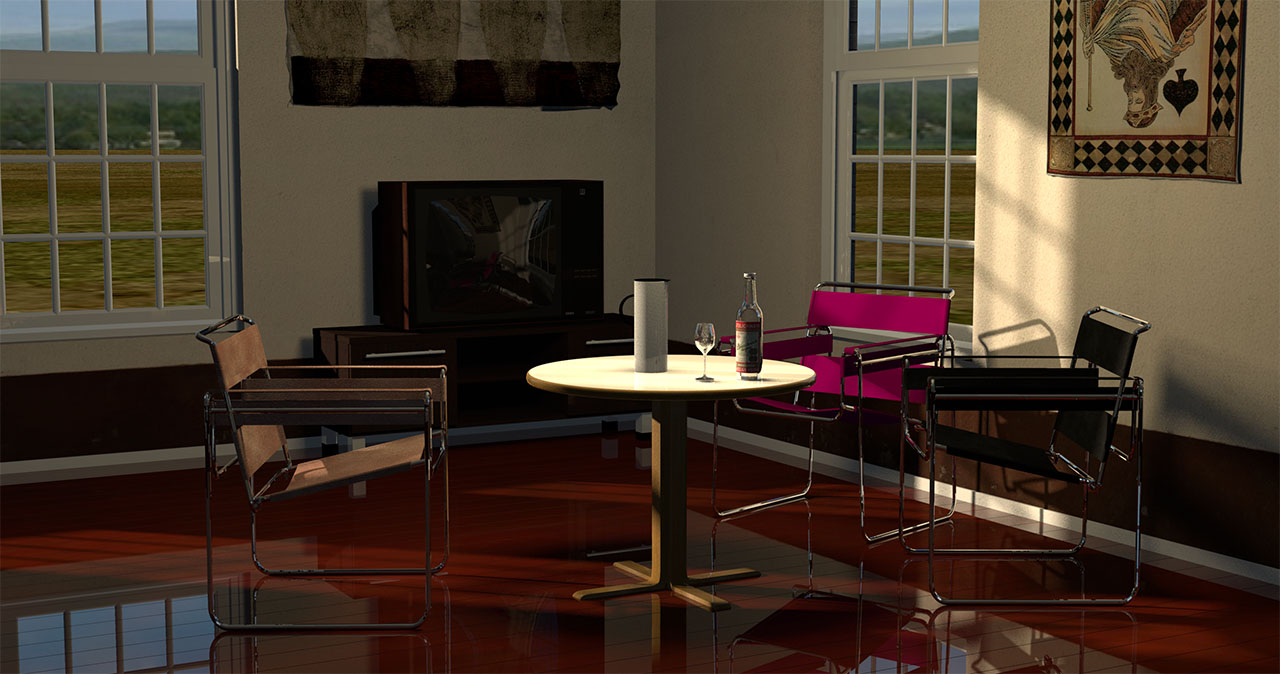
YafaRay , as it is now, is absolutely faster than high quality rendering with Sunflow,
but I have a feeling that bringing YafaRay up to speed on the quality, we might see there is not much difference in rending time.
Cec
