I noticed a similar difference on my MacBook Pro: 25 s with SunFlow rendering engine vs 70 s with YafaRay engine. Maybe it's because of some compilation options of YafaRay, but it's still weird because it depends on the rendered scene.
I had my father try this on his PC. No problems. It renders fast and flawless in a second. Copying the project to my Macbook, and got about the same results as you.
I have not been able to reproduce the striped texture issue.
YafaRay is using a LONG time to load and calculate larger project before it starts rendering.
I have noticed two issues:
1) When you stop a YafaRay render in progress, and immediately start a new one, SH3D is often crashing.
I haven’t experienced SH3D crashing for some years now, so I have become a bit careless with my saving procedures. Autosave at 15 mins is now checked :)
2) After adding a new object to a large project, SH3D sometimes shuts down when YafaRay starts rendering. It happens exactly when the actual rendering starts. The project is no longer possible to render with YafaRay, even after a computer restart. Removing the added object has no influence. Select all on all levels and copy to a new project solves the problem though. But of course that’s a PITA. All levels are lost.
Sunflow has no problems.
( I can send you a demo if you like)
Question: SH3D memory use is slowly increasing during work. A 1G project is eventually occupying more than 80Gb of memory. Restarting SH3D brings the memory use back down to about 8Gb. Is it the undo files or the renderer that causes this, and is there a way to reset the memory without restarting SH3D? Restarting can be a long process with big projects...
_____________________________________
Here is my first real YafaRay test:
How much is Blender, and how much is YafaRay?
After testing YafaRay on the Alps hotel demo I was most impressed by the rendering speed.
My overall impression was that YafaRay was a good choice.
I had some trouble getting my lighting right, but the quality of the deliveries matched Sunflow quite well.
I think testing YafaRay on SH3D demo projects will give good answers for a majority of the users.
Then the YafaRay v1 was released.
before I had time to test it I hurt my hand in a freak accident, and ended up with my arm in a sling.
Unable to work, I had plenty of time to browse the web for YafaRay articles, and to have a closer look at the impressive YafaRay Gallery.
I ended up with a question in my head: “Is it Blender creating these wonderful renderings, or can the same quality be obtained from SH3D?”
Well, my hand got better – good enough to get some work done – so I started searching an answer to my question.
I have used SH3D for eight years now during which I have gathered some experience in texturing and lighting, and I have consequently developed a set of habits – habits that have speeded up my workflow and enabled me to construct and set lights on quite complicated scenes within a reasonably short time. I think I can safely say that I know a lot about what works and what doesn’t for the SH3D / Sunflow -combo.
Not so for the SH3D / YafaRay combination.
I decided to use Enko’s PVR 1.9, since I wanted to use a project that included panel lights.
Here’s an overview shot.
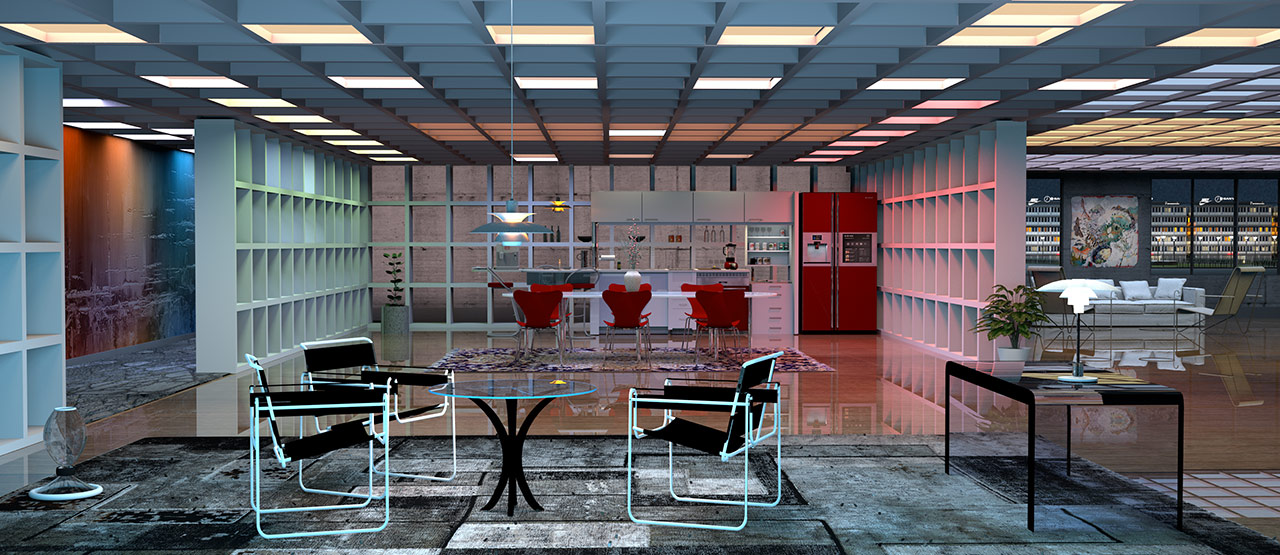
Original size image is HERE
I can really see how bad my rug texture is, and the whole composition is structureless and lacks depth. And the colours are all wrong.
A closer shot.

This reveals that using Trimble models from the warehouse ( the lower cabin and the drawers) is a lazy shortcut I should have learned to never turn to.
Most Trimble models are not compatible with SH3D.
Okay, so my first real test renderings were not especially successful, to put it mildly. The colours were all wrong, and the lighting looked horrible.
Surfaces that would normally look shiny, turned out completely matt.
It took some time to get under the skin of YafaRay.
The first thing I noticed was that YafaRay is quite merciless: Garbage in = Garbage out.
I started to consider my habits. What works with one renderer doesn’t necessarily work with another.
Maybe I should create something completely new, look for inspiration, and design a new project from scratch – new models, new textures.
I decided to get rid of all my old lighting habits and go back to basics:
One light source at the time: adjust intensity, adjust colours, adjust size and placement. See what works.
YafaRay treats light and colour a bit differently than Sunflow.
The Fritz-project.
Living room 1: ( Mitchel | Glossy)

Immediate observation:
YafaRay is NOT fast!
I’m more impressed with the quality than with the speed.
YafaRay returns the value of high-poly models and high-res textures a lot better than Sunflow.
Living room 2 (Gauss | Glossy)
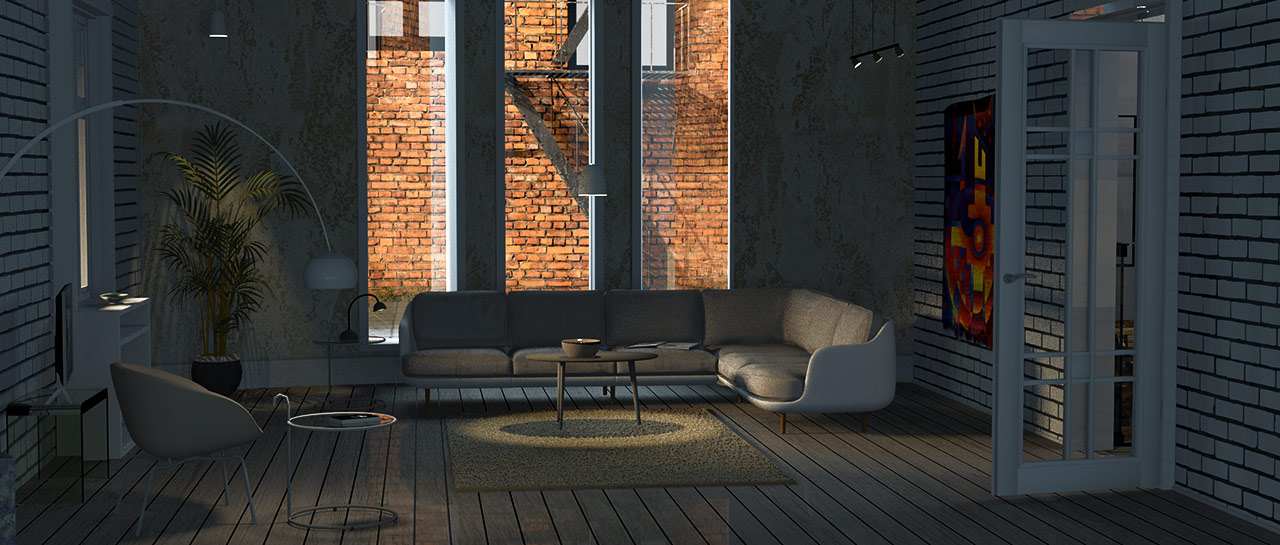
Living room 2 another angle – different light ( Lanczos | Glossy)
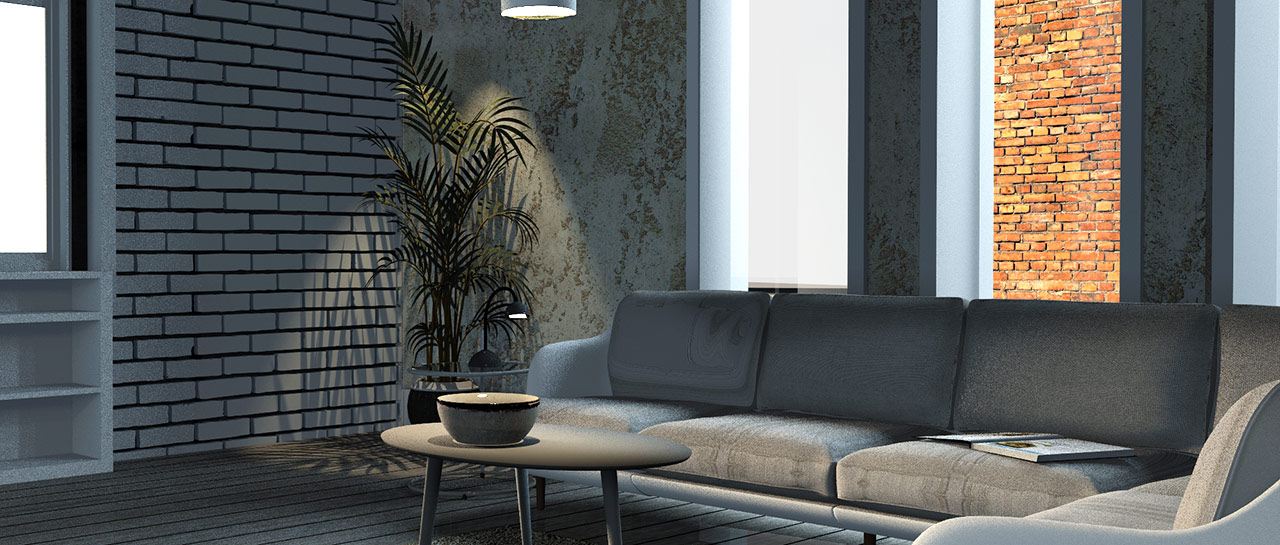
The question rises again: Is it Blender, or is it YafaRay that creates the high quality images shown at the YafaRay Gallery?
So far I’m inclined to think it’s a combination.
I'm struggling with getting the light right.
Of course i realise that I’m not able to utilise the SH3D / YafaRay combo to the max after just a few days work, but I have a feeling that a lot is depending on the advanced settings and light options provided by Blender.
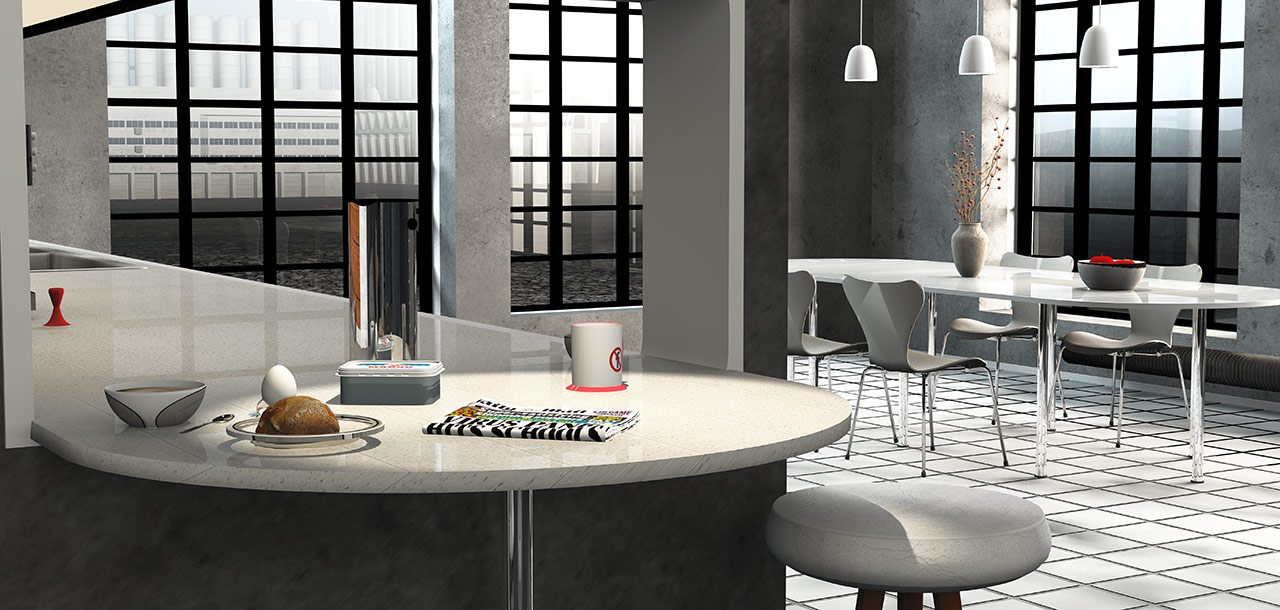
Here are some more images.
Dark kitchen
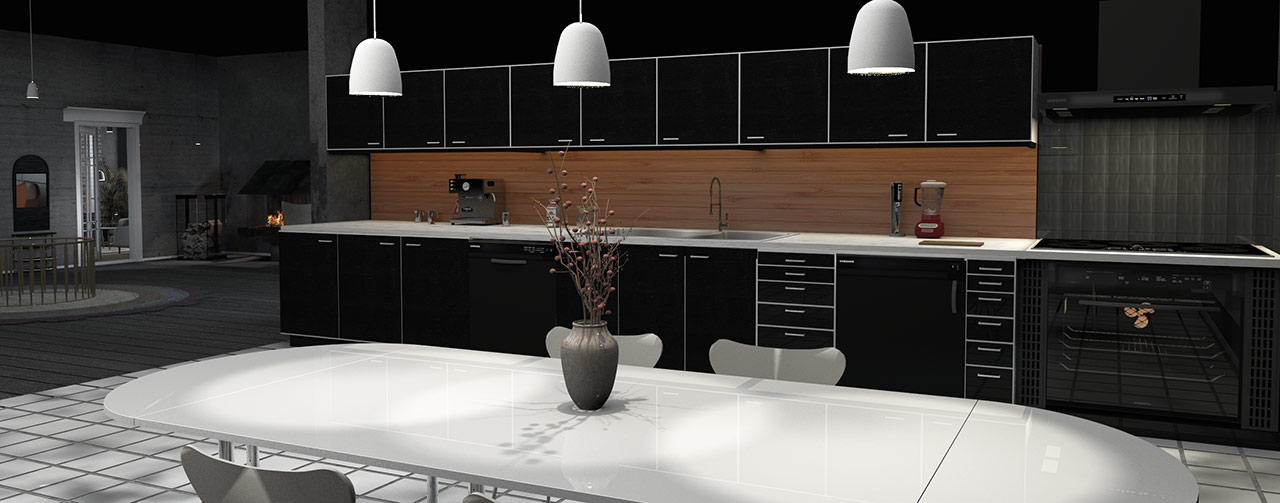
Kitchen - another angle.

Kitchen - breakfast
Kitchen - a close-up on different things.
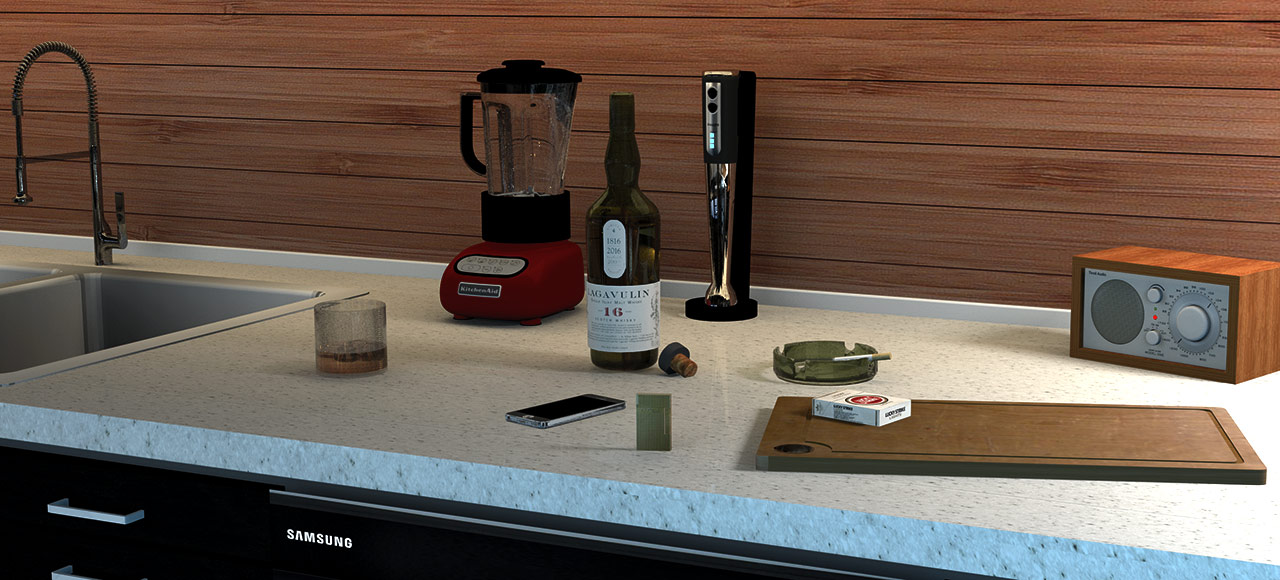
I obviously have to work on my glass settings. Settings that works well with Sunflow definitely need some tweaking when YafaRay goes to work. The whisky look watered down, and my ice cubes are barely visible. And who can really spot that my meticulously constructed Dupont lighter is really a lighter at all?
For my use, YafaRay is not faster than Sunflow, sometimes quite the opposite, but it is really producing some nice images.
I will absolutely stick with YafaRay from now on.
And if Enko is reading this: The PVR 1.9 combination renderer is a perfect tool! I use the faster Sunflow option for quick previews of sunlight and shadows directions during construction (Sunflow will normally render me a preview faster than YafaRay can finish the preloading ), and then I use YafaRay for artificial lighting and final rendering.
Most of these images are rendered with in a higher resolution than can be displayed here. YafaRay’s qualities become more evident when the resolution is increased, but so does the rendering time also. Five to eight hours for 6860 px, about one hour for 3440 px. Some of these images are rendered at 2560 px.
The original full size renderings can be downloaded HERE
Comments and questions are of course welcome.
Cec
