New version 1.4
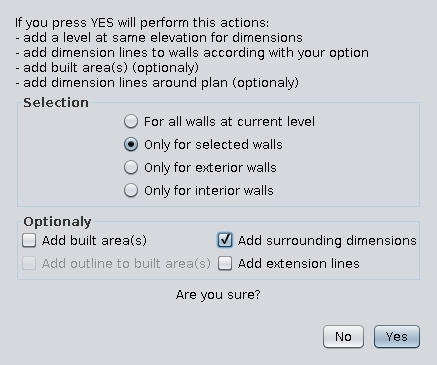
-add option to draw outline around built area
-add option to draw extension lines for surrounding dimensions
(An coworker, architect, have told me is not allowed the extension lines in our official plans.
I'm not totally agree with that so I make it optionally)
1. The plugin
2. Some observations
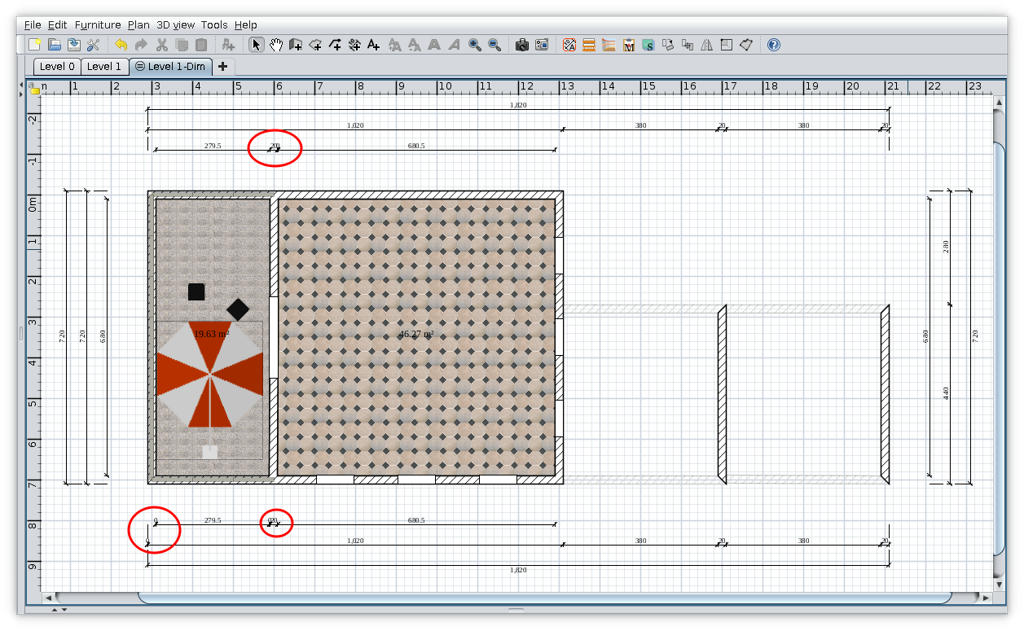
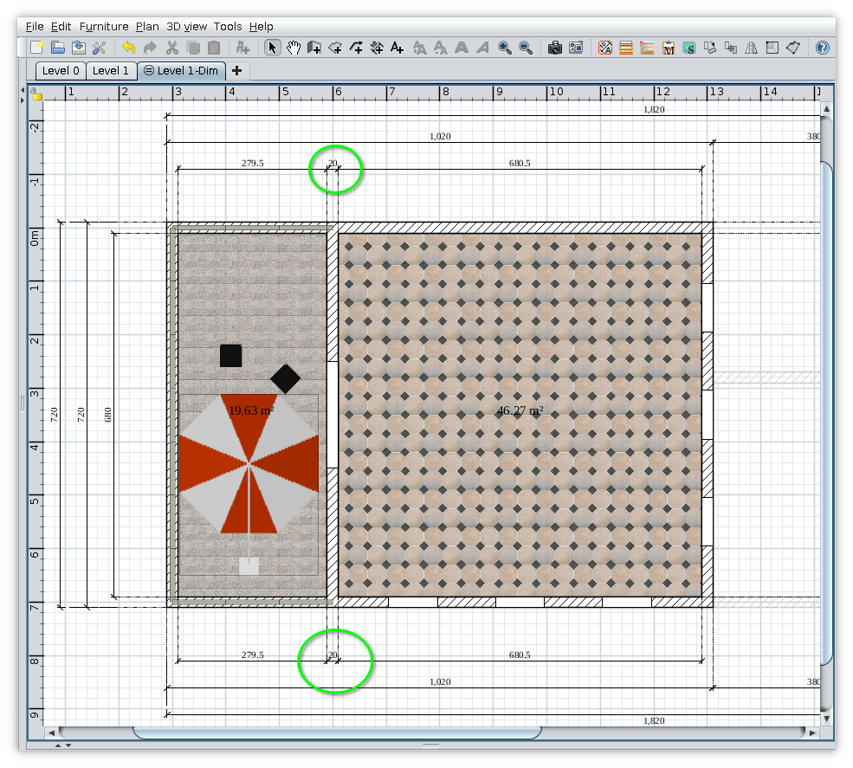
Sometime on some plans appear zero dimensions (like what I mark with red in above image).
I've try to avoid this without success unless I reduce drastically the precision.
My conclusion was that zero dimensions appear when a wall(s) are not perfect horizontal or vertical especially when are splinted.
My workaround is this:
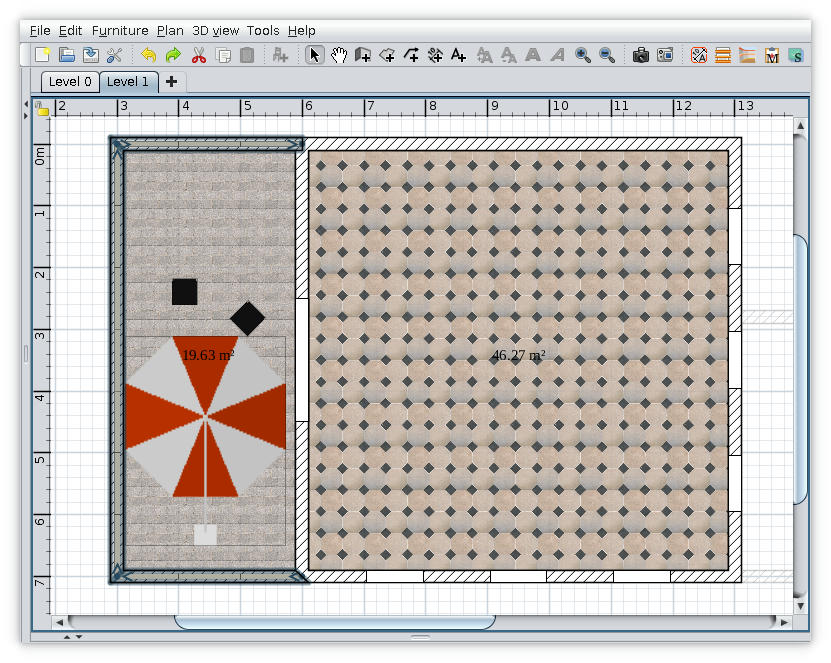
- identify the walls and click undo to delete the Dim level;
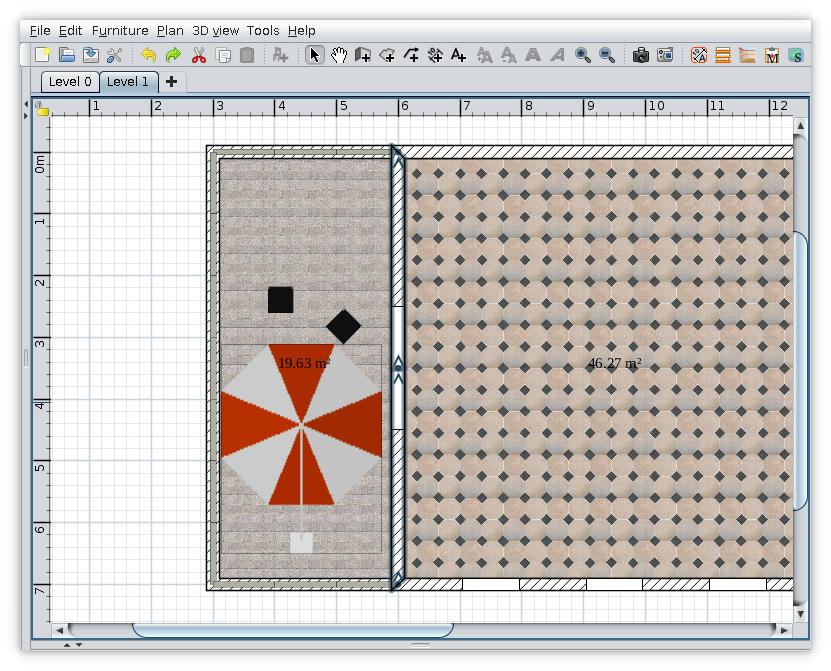
- correct the walls by clicking on their end points (magnetism enabled)
- try again to add surrounding dimensions
Maybe will not succeed from first attempt and you have to try again.

Also on Source Forge
----------------------------------------
A computer program does what you tell it to do, not what you want it to do. Murphy's Law
When all else fails, read the instructions. Murphy's Law
If you don't like "AS IS", DIY. Dorin's law
