News (no breaking)!
In the last several months I've made some kind of team with Daniels118.
That's mean I make a wish and he make it real.
Then I make it public like it is my work. In fact that's all my effort.
Anyway, it was a heavy time consuming and a lot of try and fail, than start from the beginning.
Finally new version 3.0 !
What's new (not to mach):
1. Individual face selection with mouse (thanks to Emmanuel & Daniele),
2. Individual face angle set (thanks to Daniele),
3. Add a Help button with some useful information (I've stole some codes from Daniele).
-Add Chinese translation (thanks to YGYL but incomplete at that moment, need updated).
As You could see I have nothing to do with this version.
Some screenshots and explanations (for new comings):
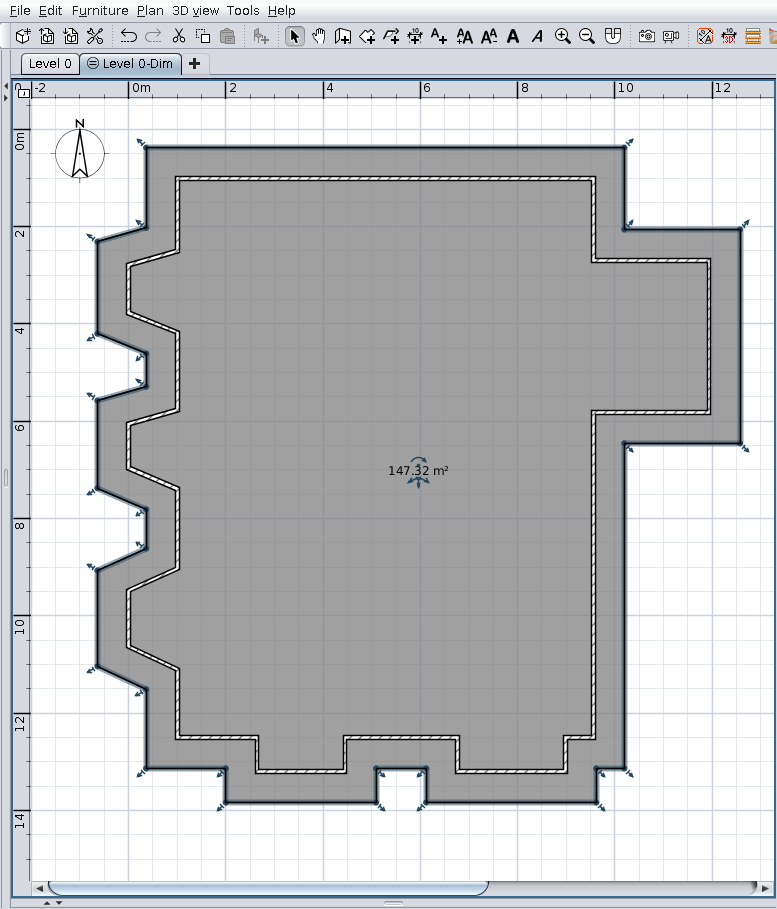
- Start from a selected room as roof projection (generated by Auto Dimensioning plugin or manually drawn)
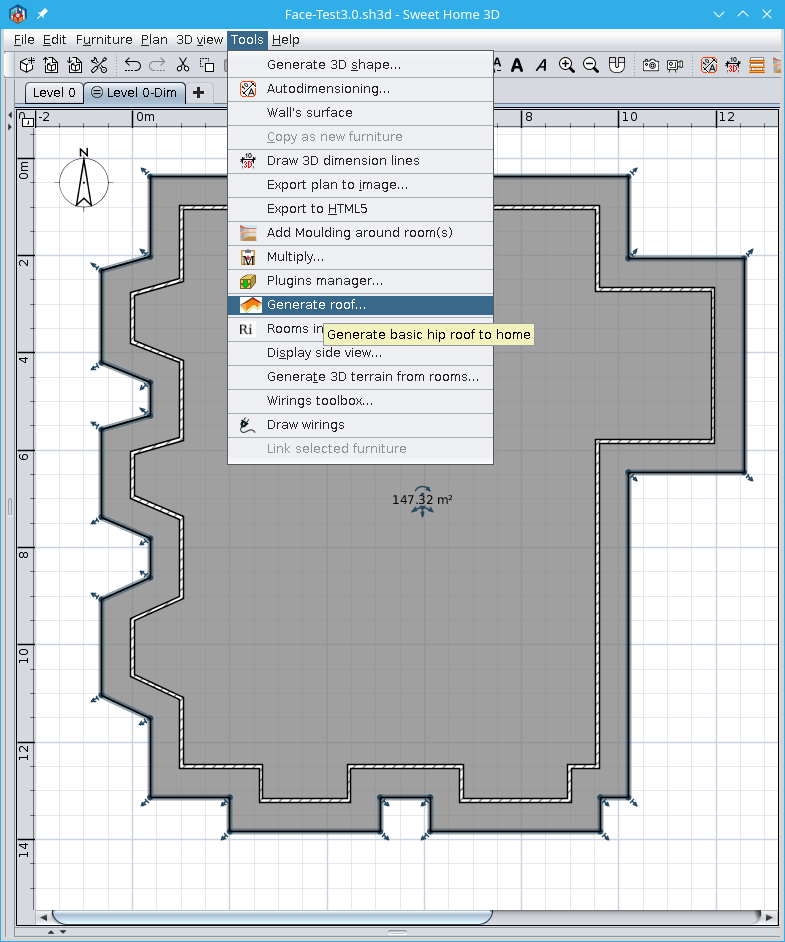
- Tools->Generate roof
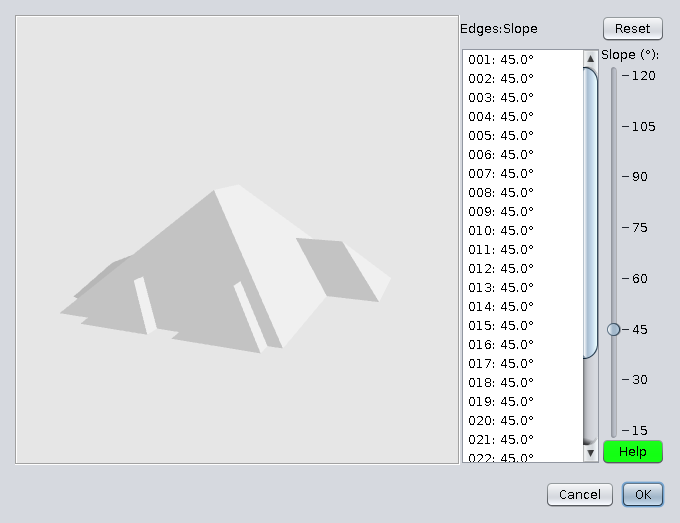
- You will see something like this
- Select a face with mouse
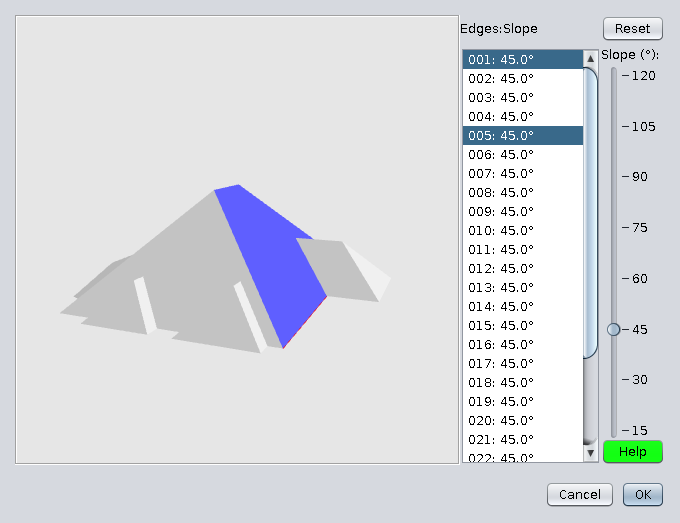
- Rotate roof and select other face.
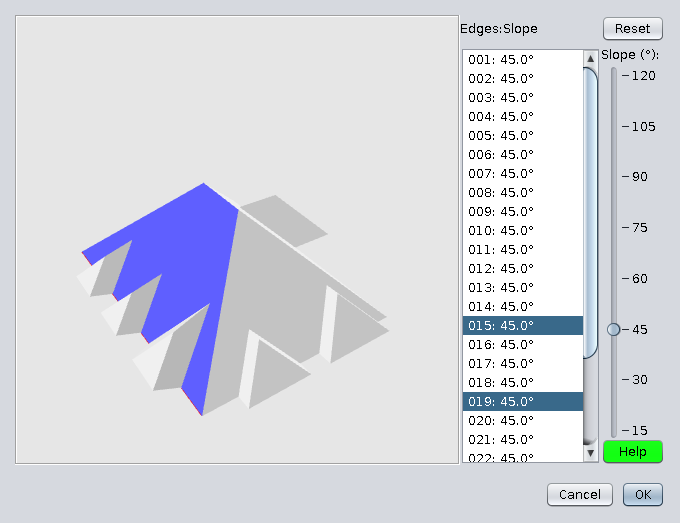
- Press Ctrl+click on other face
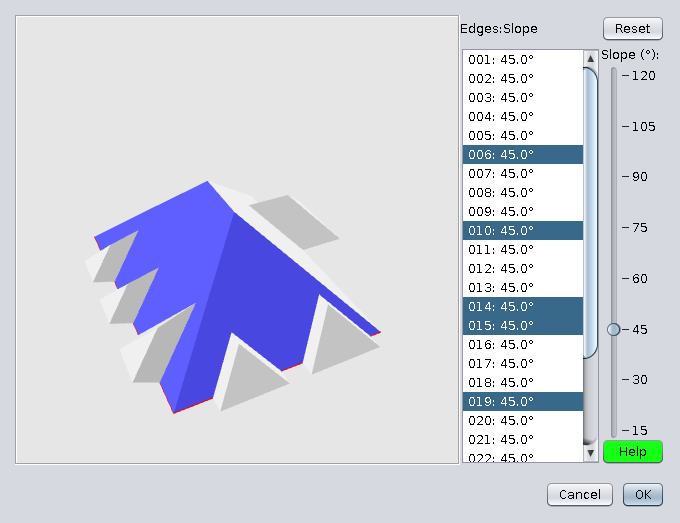
- Click elsewhere to deselect all, select a face, then Ctrl+Click to select desired faces.
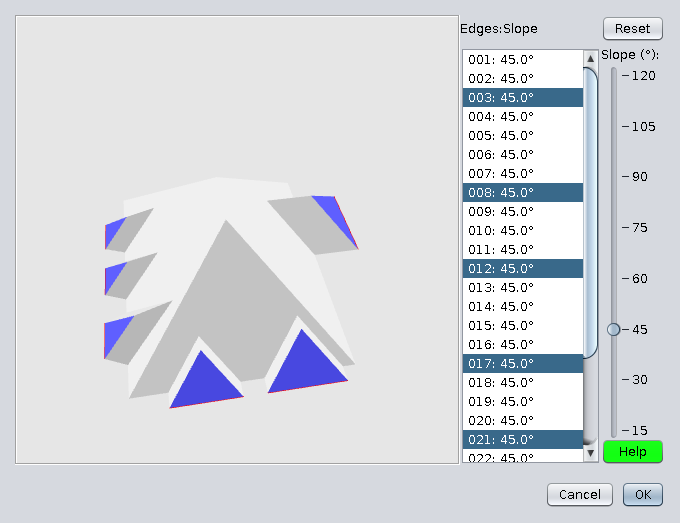
- With this selected faces modify faces angle with the slider.
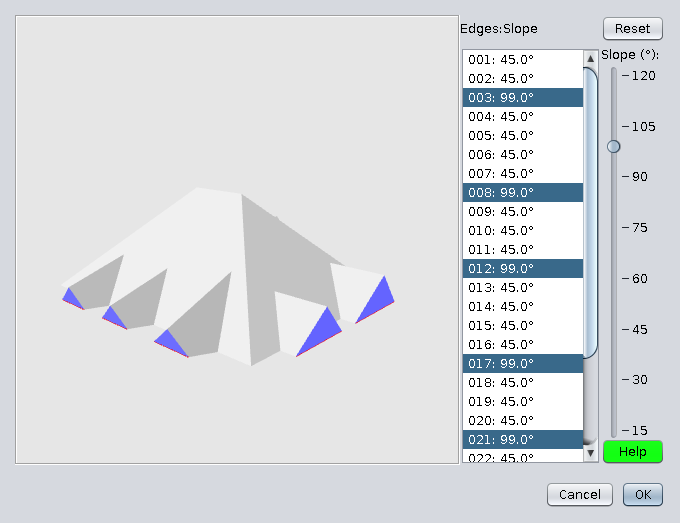
- Make the same with other faces
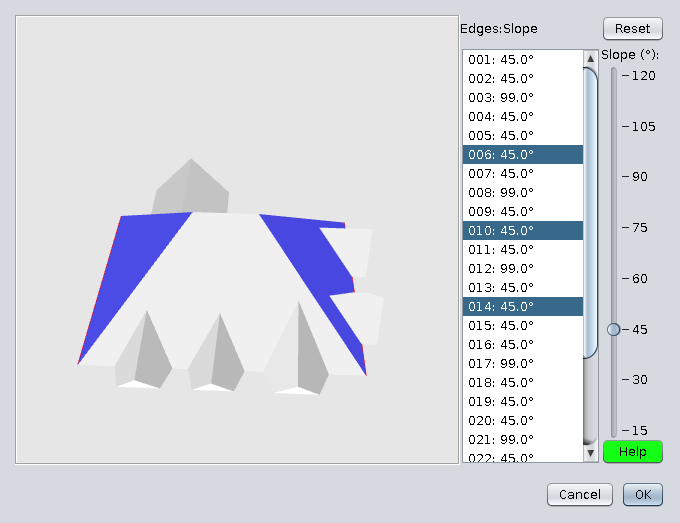
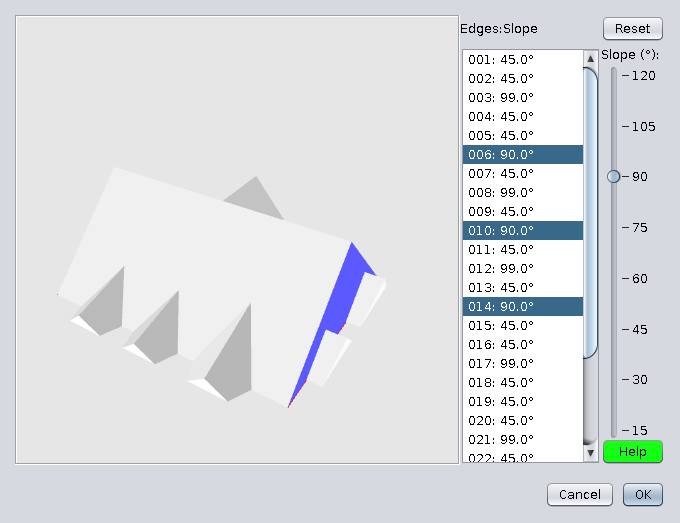
- Click Ok to export roof on home
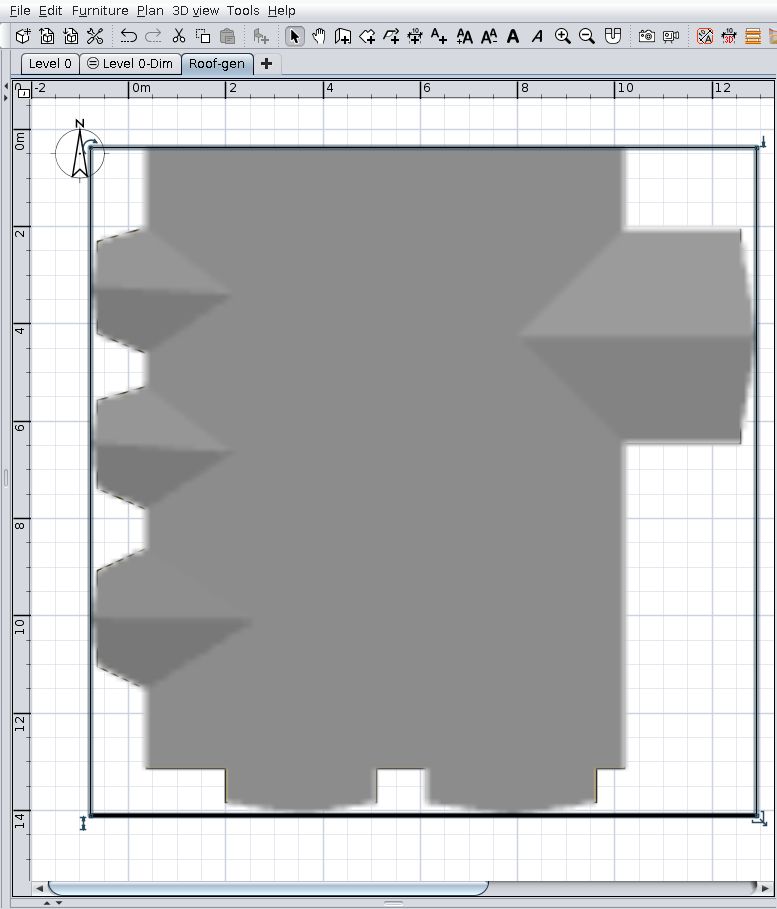
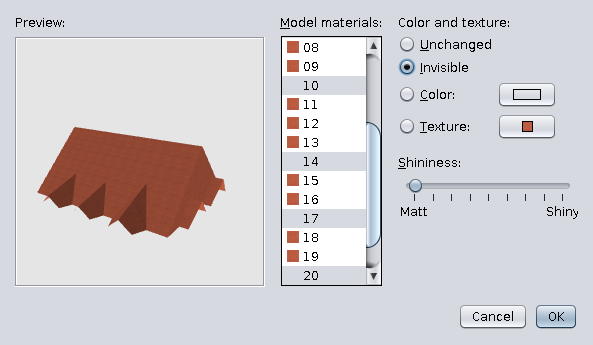
- Open in Modify furniture -> Modify materials
Select all faces and set the desire texture
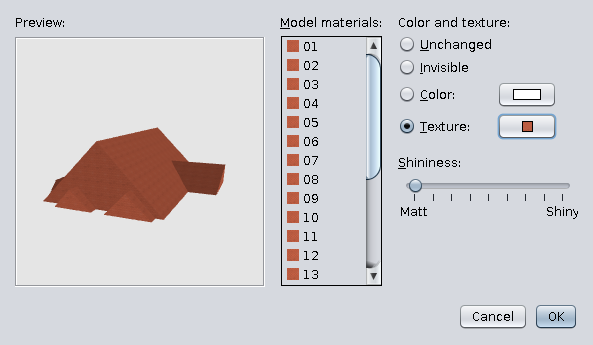
- Select some specific faces and mark as invisible. Ok.
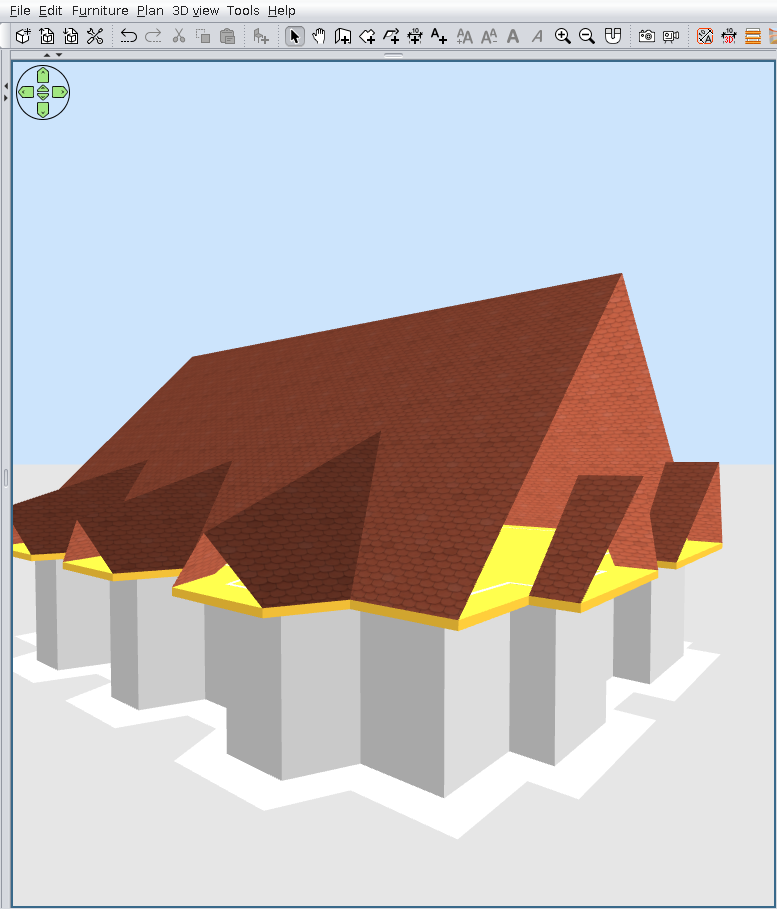
- That could be the result
Also on Source Forge
----------------------------------------
A computer program does what you tell it to do, not what you want it to do. Murphy's Law
When all else fails, read the instructions. Murphy's Law
If you don't like "AS IS", DIY. Dorin's law
