Follow STRICTLY this steps. I will not writing twice.
1. Open a new file, draw approximately your walls (it is only for learning so, the accuracy is not so important).
2. Draw a room around walls which represent the roof projection.
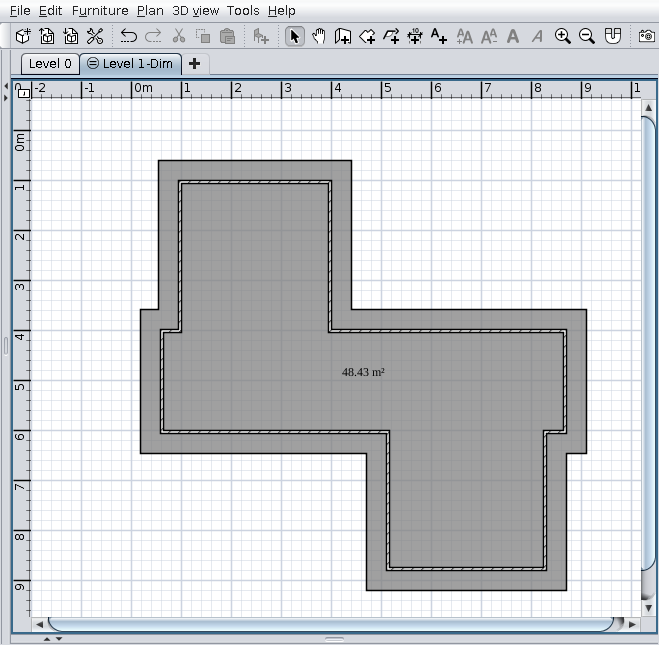
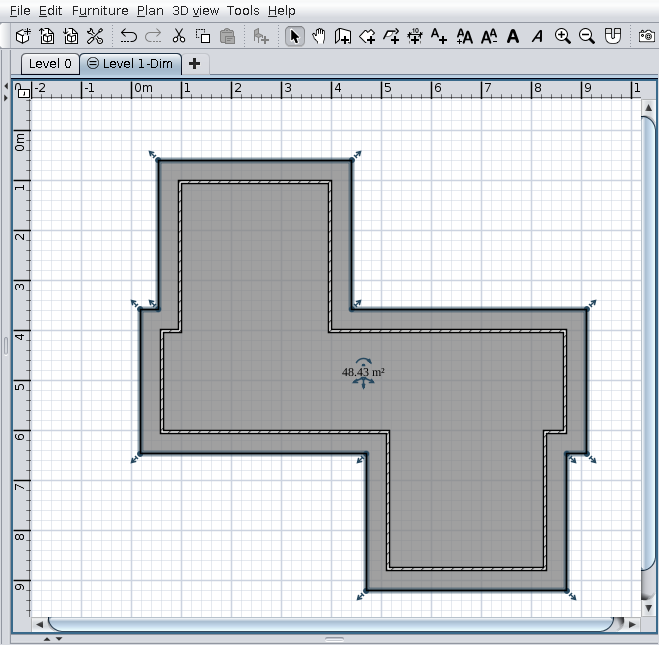
3. Select that room
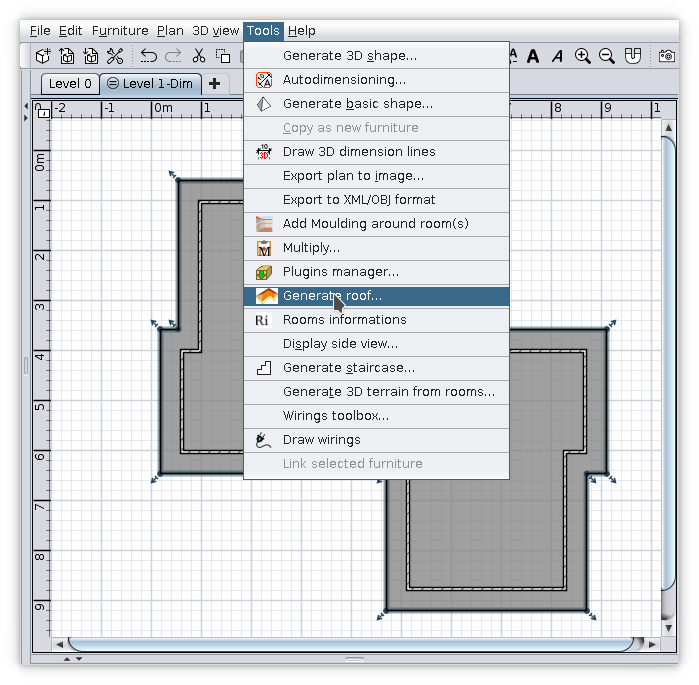
4. Tools -> Generate roof...
5. You should see something like this
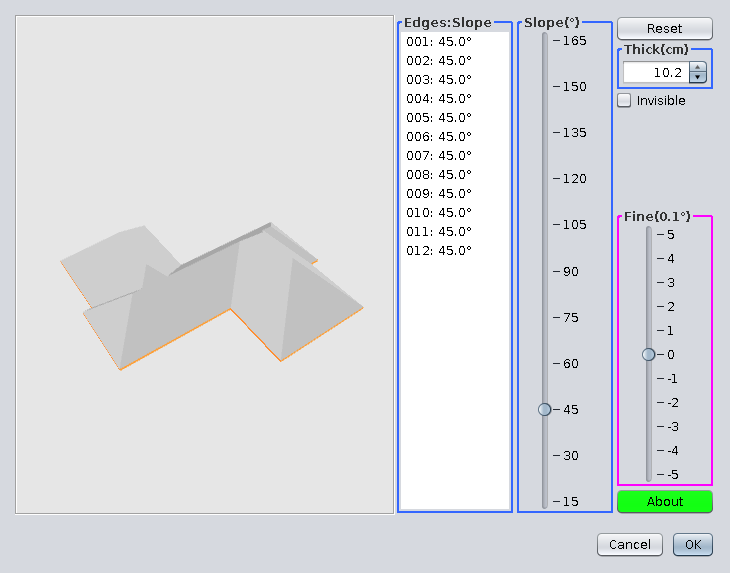
6. Select the triangle faces (4 in this case). Keep Ctrl pressed to do this.
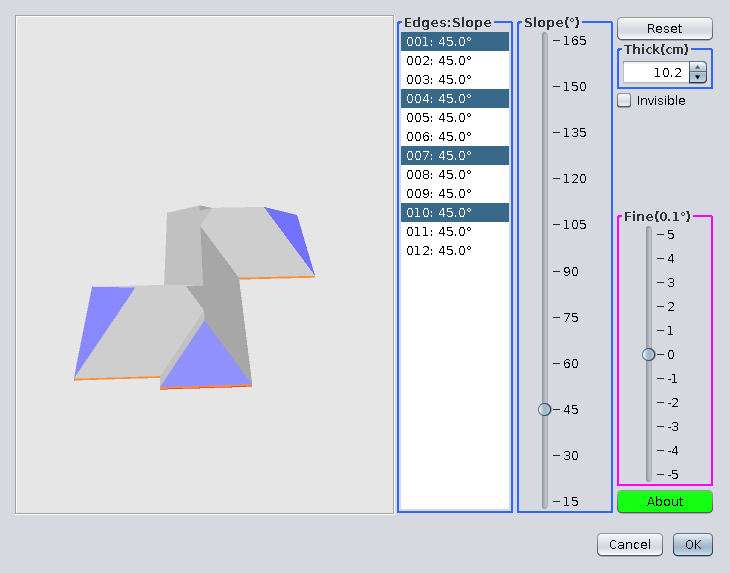
7. Set their slope to 90 degrees
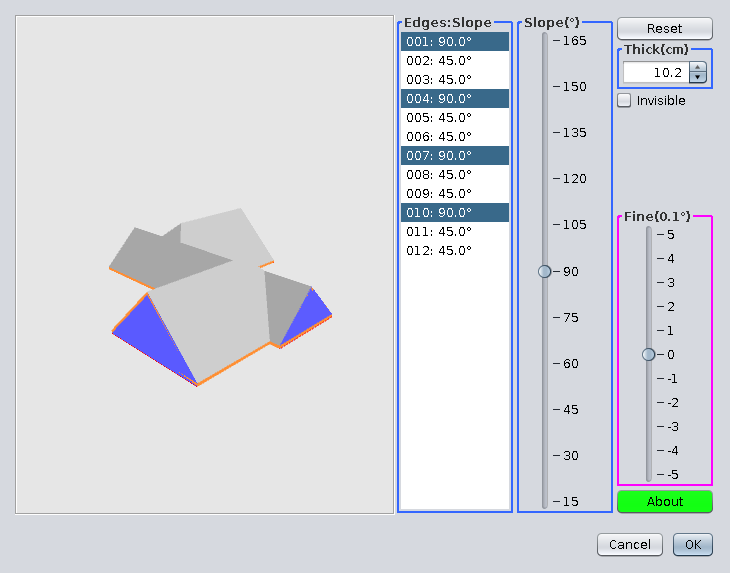
8. Check the Invisible checkbox
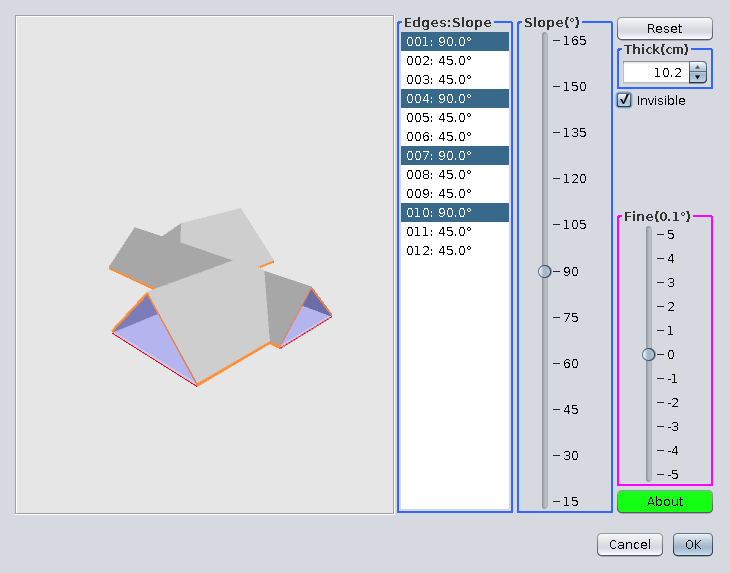
9. Select two faces in front of the house
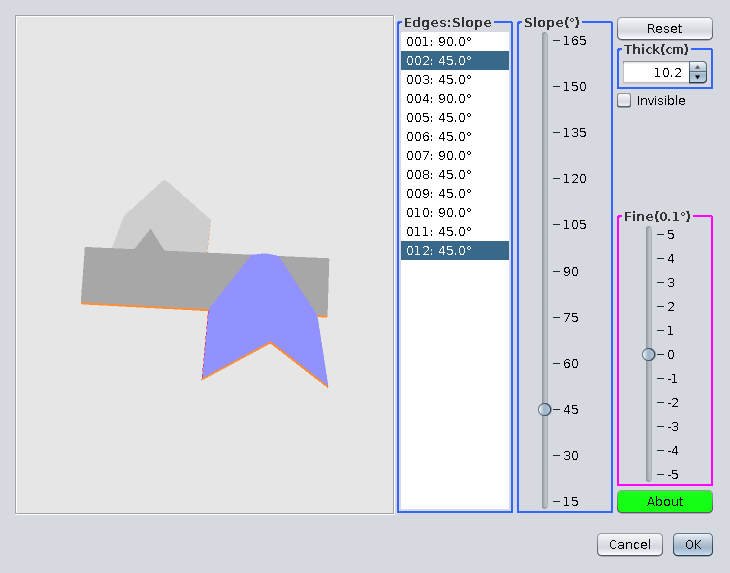
10. Set their slope to 33 degrees
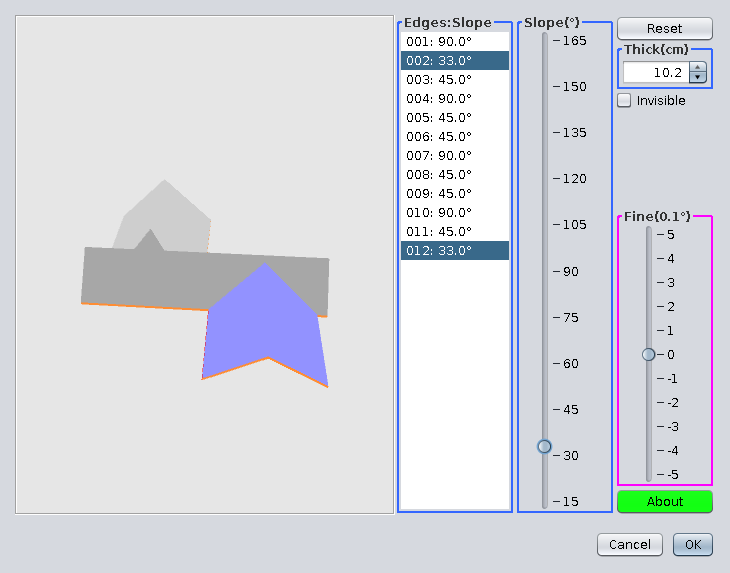
11. Do the same with faces from the back side of the house
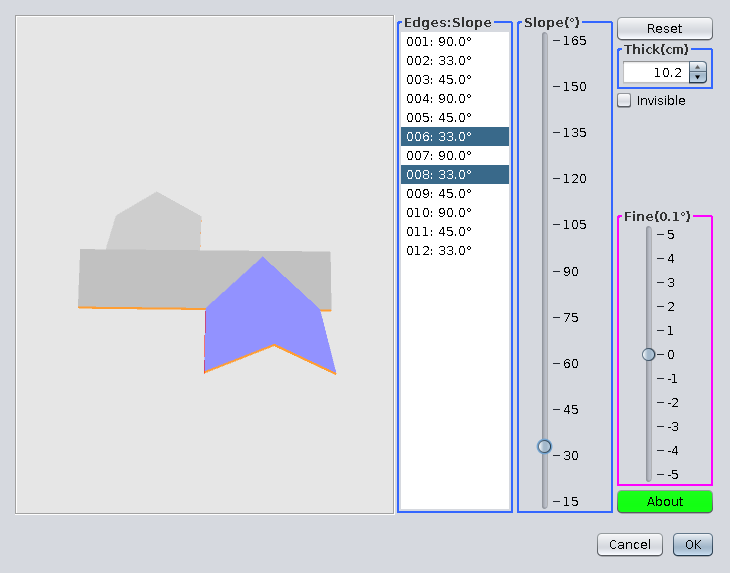
12. Click somewhere outside the roof and you should see this. Click OK.
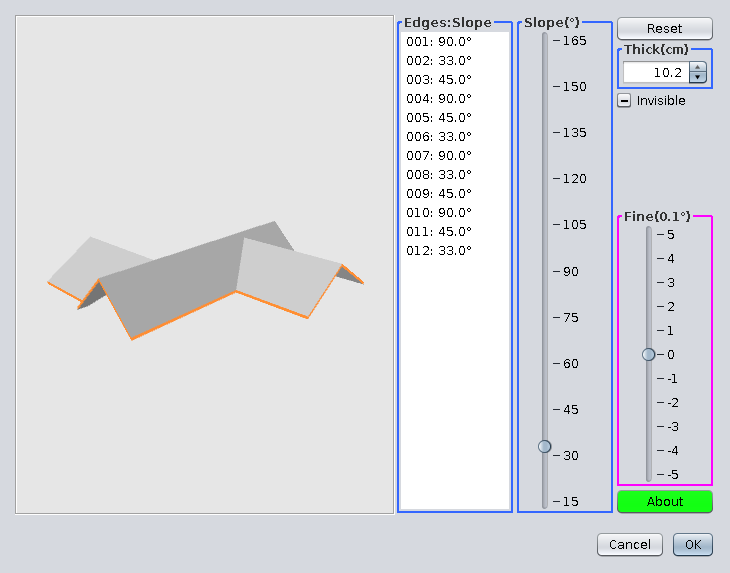
13. On plan, Right click on selected roof and go to Modify furniture... -> Materials -> Modify...
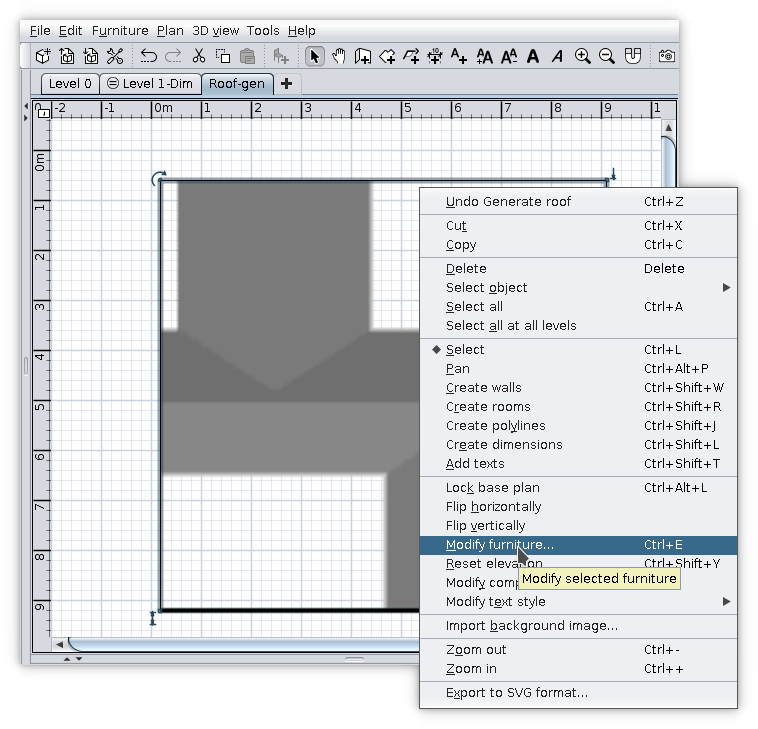
14. Select all upper faces
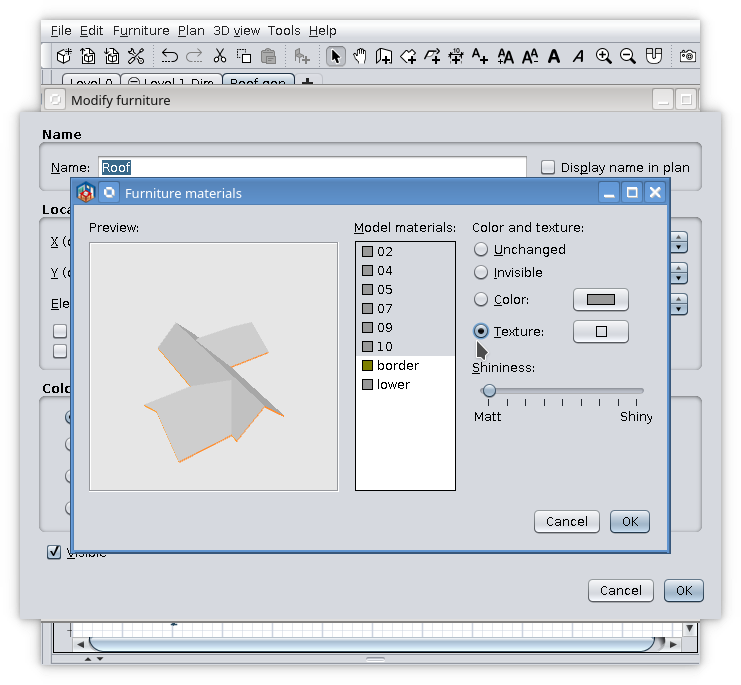
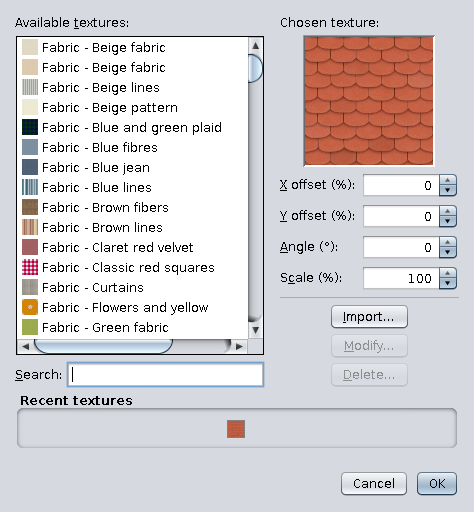
15. Set their texture
16. Select border and lower
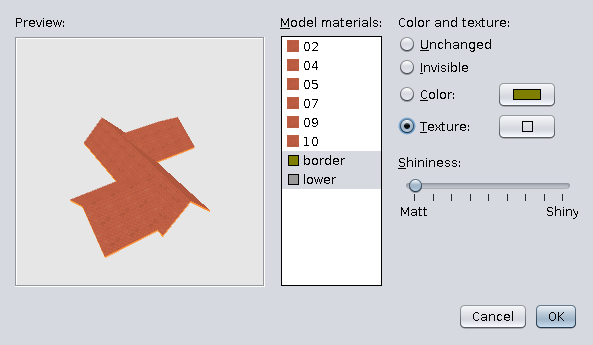
17. Set preferably a different texture
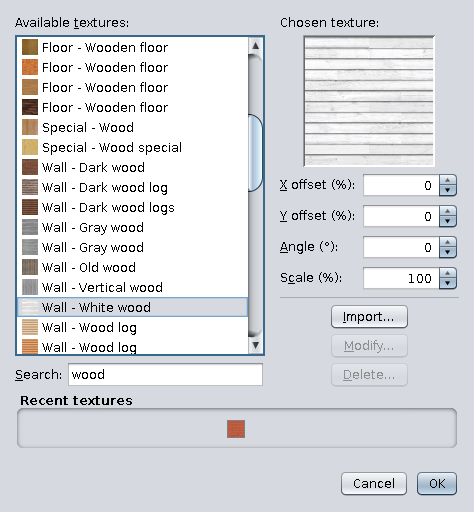
18. This could be the result
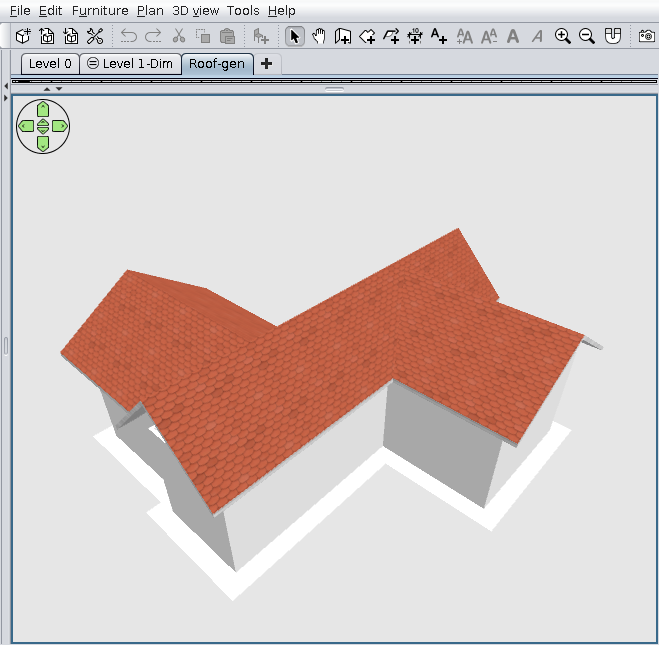
If you are not completely satisfied with the result you could select the generated roof and go back to Tools -> Generate roof.
The plugin it is able now to do this thanks to Daniels118.
----------------------------------------
A computer program does what you tell it to do, not what you want it to do. Murphy's Law
When all else fails, read the instructions. Murphy's Law
If you don't like "AS IS", DIY. Dorin's law
