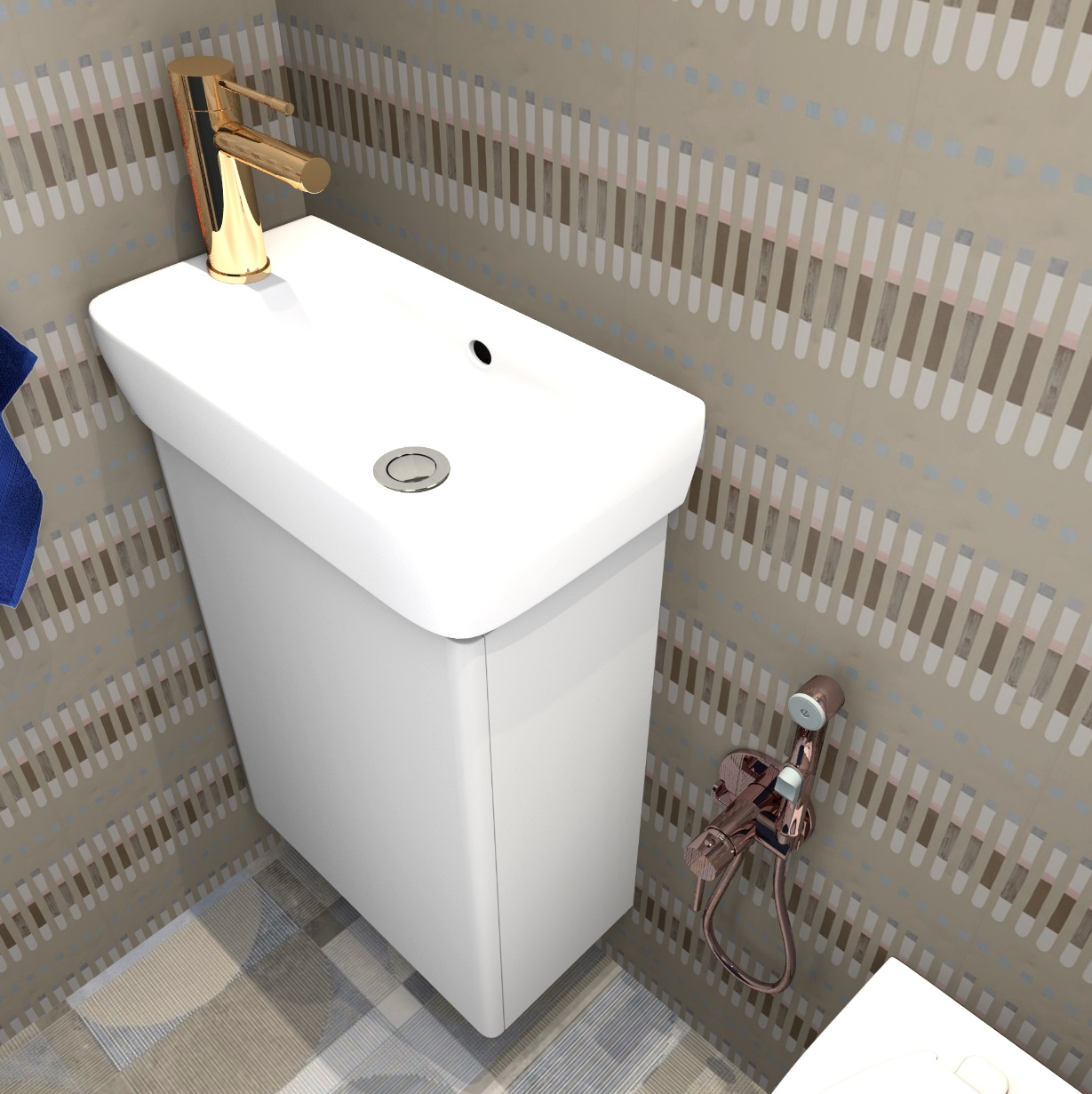
I think I've figured out how to defeat the white outline around the figure. It's thin and thick, although I do everything the same every time. The contour I assume is the noise from pixels on the border of the transparent background and the image. The sharper the border, the less noise there is. I did it radically. First, I enlarged the photo in Paint to a very large size of 5000 pixels in height. The photo quality remained the same, but the old pixels were fragmented into smaller ones. And with this smaller set of pixels in Photoshop, I started cleaning the background with an eraser. The eraser should be made as rigid as possible in the settings, then a sharp border is obtained. " The magic wand" cannot be used, it cleans the background very roughly. When everything is ready, you need to save it to PNG and export it to SH3D without reducing pixels. Then the contour turns out to be very thin, almost disappears. This is the easiest way, it works. Next time I'll completely enlarge the original photo, up to 10,000 in height, see what happens.
I made everything glossy to show the reflections in the walls. Once again, this is only possible at the third level of quality.
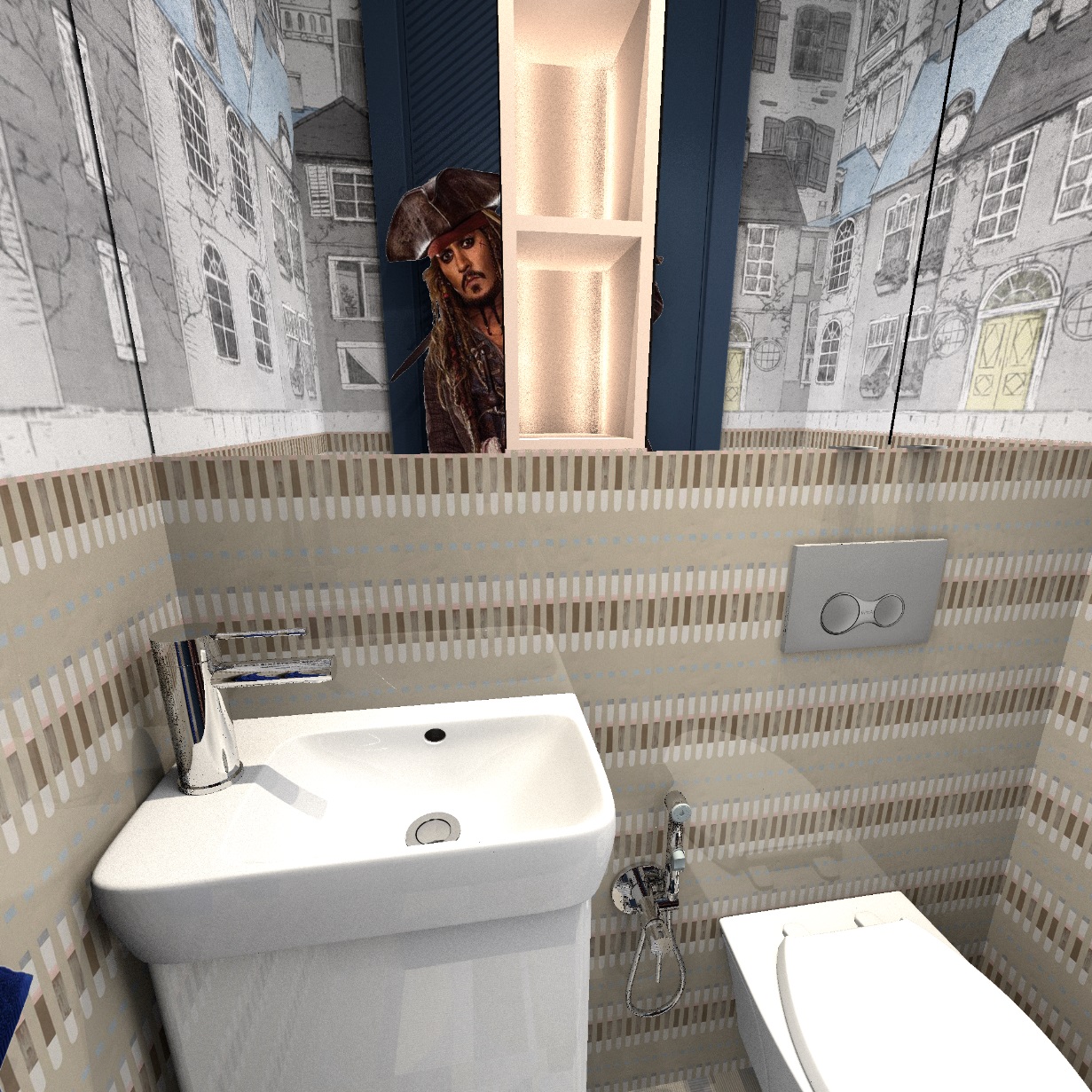
For comparison, a render with the same settings in the fourth quality level. Yes, the metal turns out perfectly, there are no random broken pixels of an incomprehensible color, but there will be no reflections in glossy materials (except for the mirror, of course) at all. So if you weigh all the cons and pros, then the maximum level is only good for shiny spoons and forks. He does not solve general problems with materials, everything turns out to be primitive. And it loads at 4!! twice as long.