 Re: Apartment project with lighting by invisible hemispheres. I continue advertising
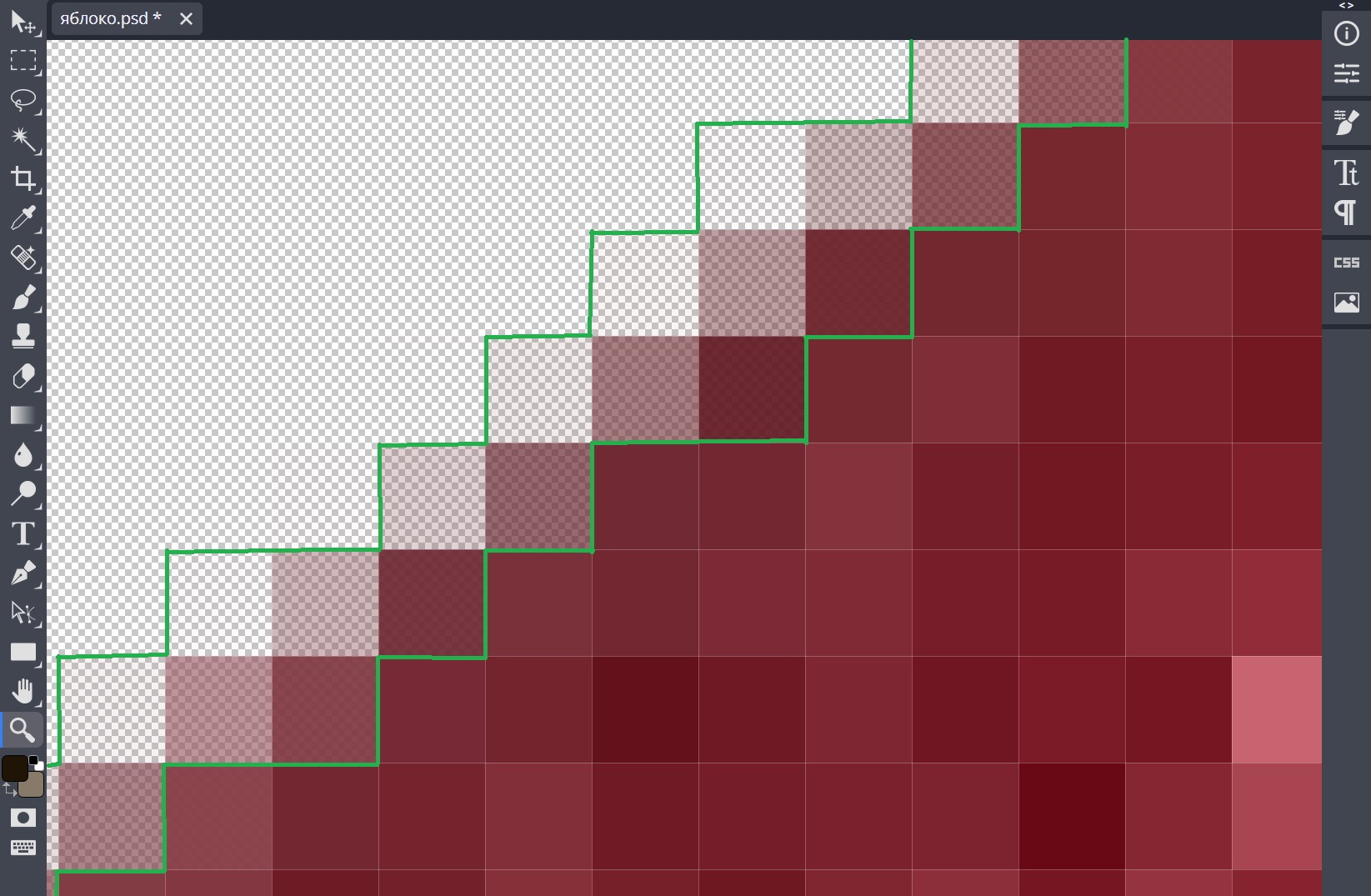
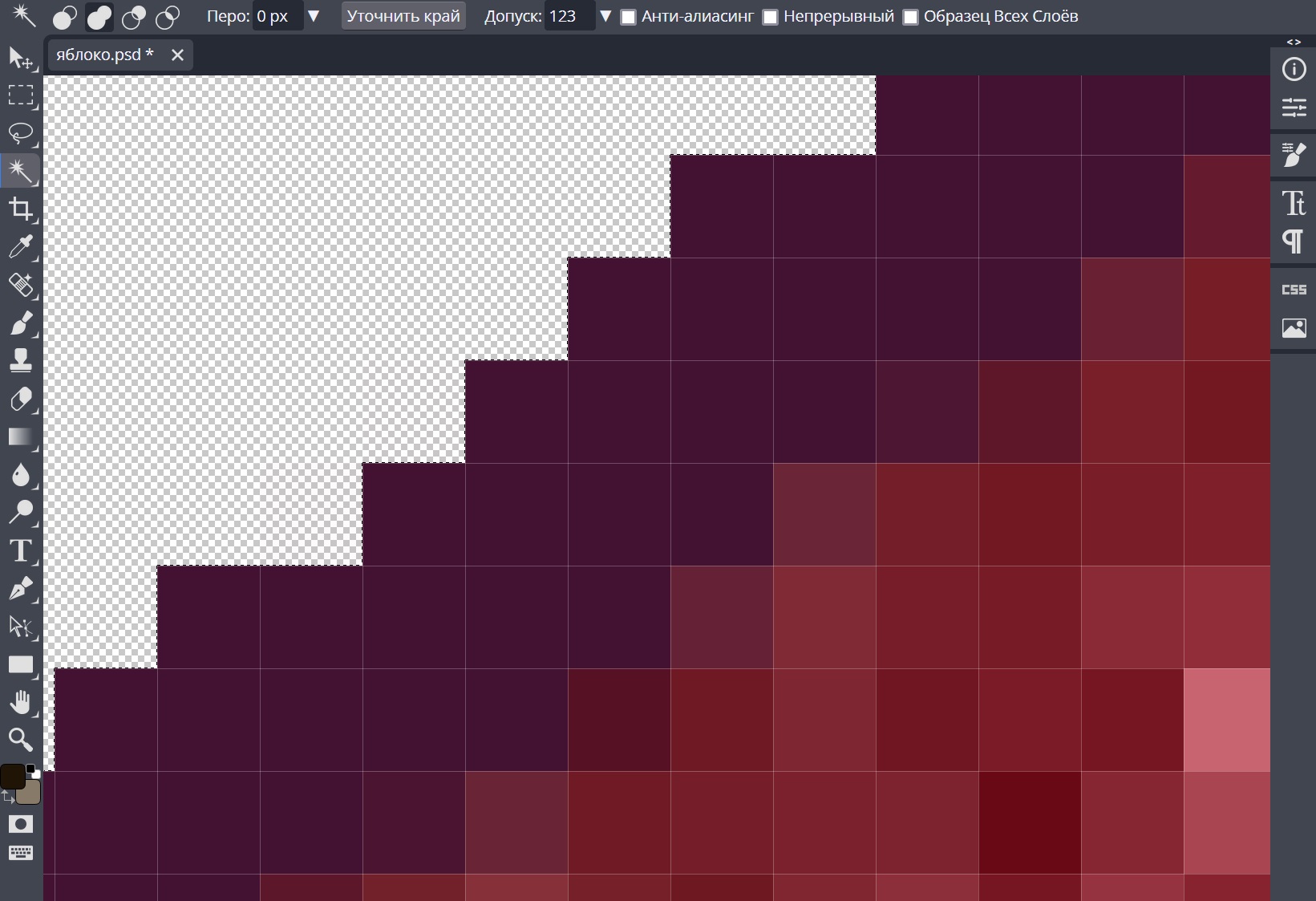
Thank you Keet for your interest and questions. I'll try to answer, I'm not sure I understood everything correctly with straight lines.. In the following pictures, I will show what is on the border of the transparent background after processing with a hard eraser in Photoshop. There's a strip of translucent pixels, I've circled them in green. This is a layer of 2 pixels wide. If you cover them with 1 pixel on top, then a translucent strip will remain, you need to cover them with a margin and completely. Therefore, 3 pixels is better. In the picture, I showed what happens after creating a 3-pixel contour. Everything is covered with flimsy pixels. Therefore, Yafaray does not get white outlines around the perimeter of the photo. Once again, using the example of an apple, I showed how a white contour is obtained if you do not cover the translucent border of the photo with an additional contour. And the very last picture where everything is covered and there is no white outline in Yafaray. It's a simple way, but it works very well. I also realized that it is necessary to enlarge the original photo to a large size of 4000 X before processing in Photoshop... It turns out a very thin problematic border around the photo, which is easy to hide with a contour. With smaller photos, it turns out much worse, the contour in Photoshop works worse. The color of the contour in Photoshop can be average in color, you can completely remove it, but I did not understand from all these complex forums how easy it is to do, I got confused and gave up. My method is primitive, but it works well.
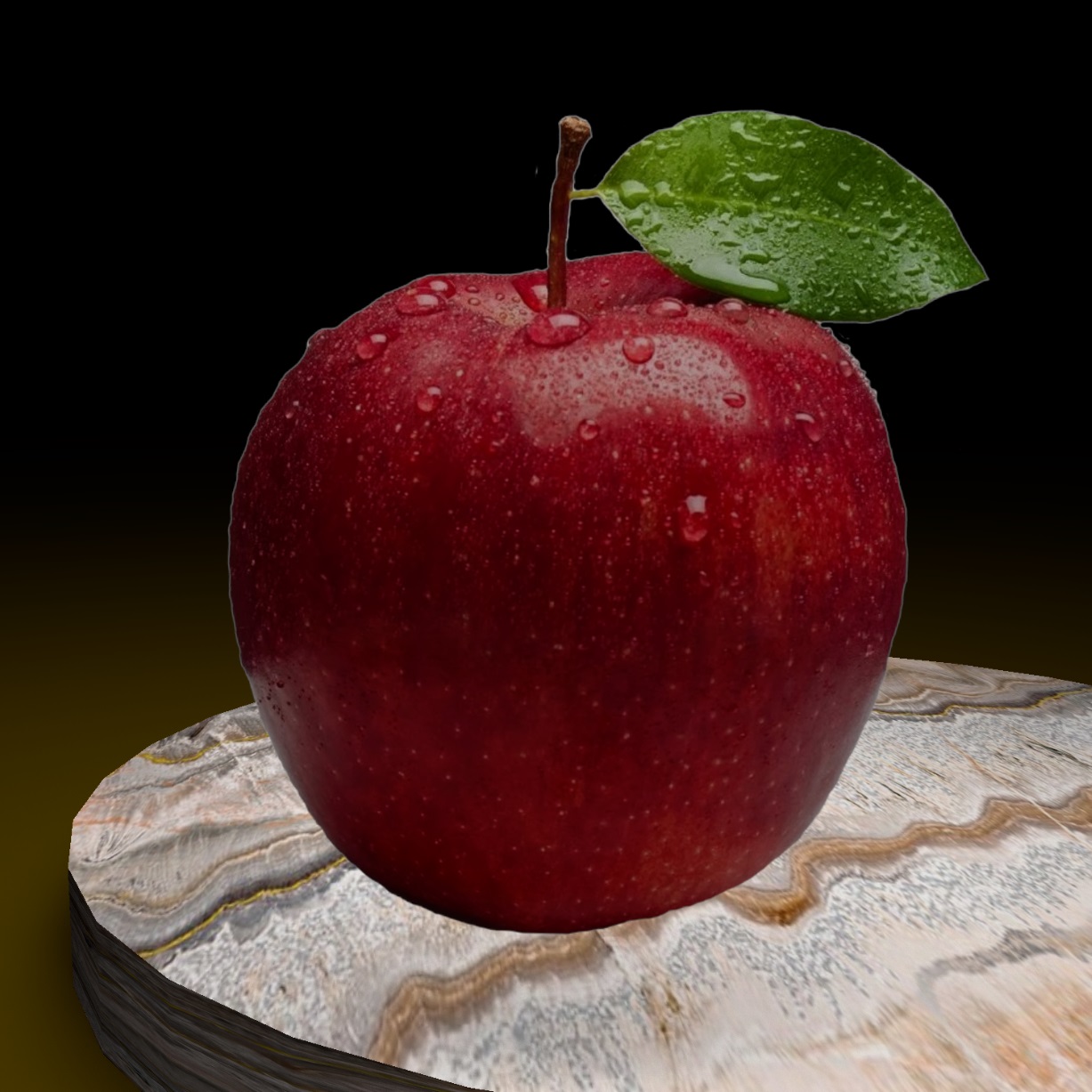
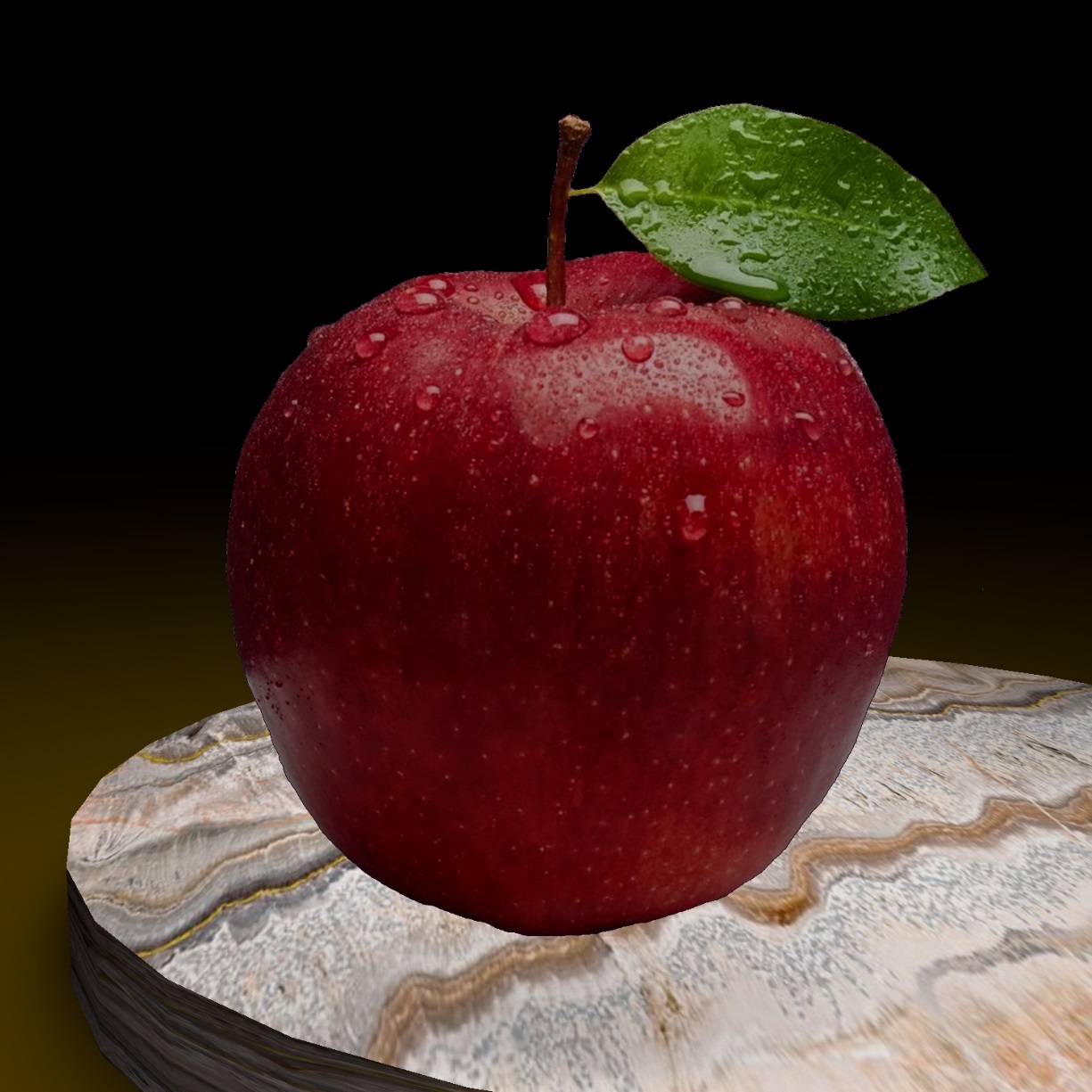
due to the fact that the large size of the original photo is used, the border on the external shape of the image is very thin and the color of the contour in Photoshop does not matter very much. it is very thin. But it is better to take a neutral color from the picture itself. I don't even know how to make different colors in different areas)))
