 The method of creating an animated interior. Presentation
Dear Xiste previously explained in detail the secrets of an animated film for working in SH3D. This is a frame-by-frame work that is based on several processing methods. Either creating separate frames and combining them into a cartoon, or in some cases replacing such work with tricks with camera movement. These methods are very labor-intensive, I tried them. Frame-by-frame work is very dependent on the rendering time of each frame, if the rendering is long, then frame-by-frame work loses its meaning. Such a short film will take forever, it's one continuous manual labor, no automation. We have to simplify the light and simplify the models in order to reduce the working time, and this is a direct way to a primitive result. I suggest a simpler and more realistic method to work with. It is based on the design of one high-quality render, you need to spend the main effort on it. In my example, the render is 1500x1120 (4:3), the base image is loaded for 13 hours, the third level of quality, Lighting with invisible hemispheres, I have already described this earlier and still advertise it. The rest of the daylight was spent on post-processing. What will be required? Two types of images. 1. In video format on a green background 2. and in PNG format, just pictures of people or animals. I have not yet learned how to remove a complex background from any video, I use only videos on a green background, I have learned how to remove this background. But I understand that you can learn to remove any background. To prepare videos on a transparent background, I use the free VSDC video editor. It is very simple and intuitive. In this editor, you can deform the video image and simulate the characters walking in space. After you have come up with the placement of characters (pictures and videos) in the render, you need to make mask layers. The bottom layer is always a completely intact raw render, the base. Then the necessary cut-out objects are superimposed on it (processing and cutting in the online Photoshop photo editor or any other free photo editor). This technique is very similar to the decoupage technique. The layers look like this. I made 6 layers for this movie.
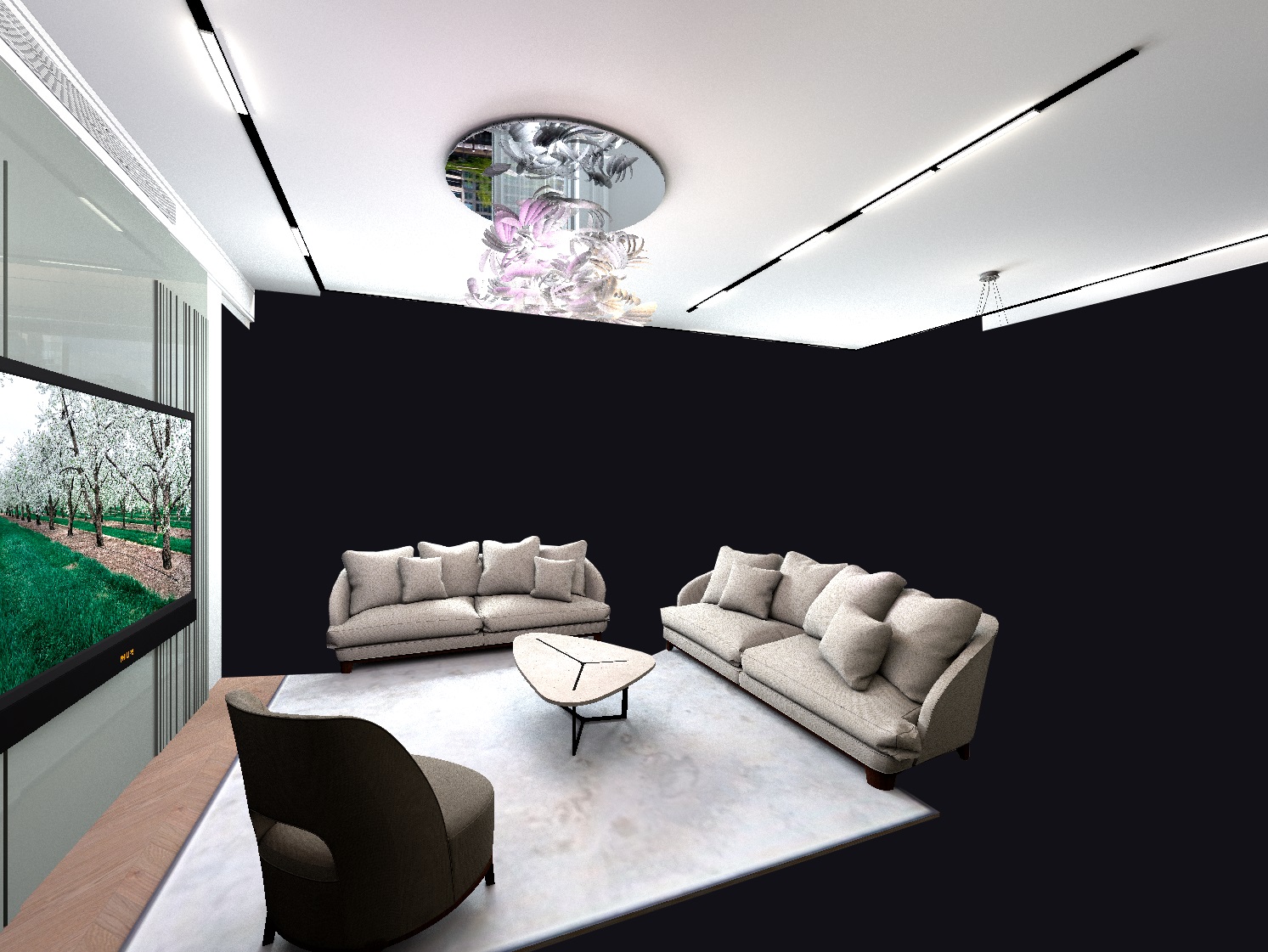
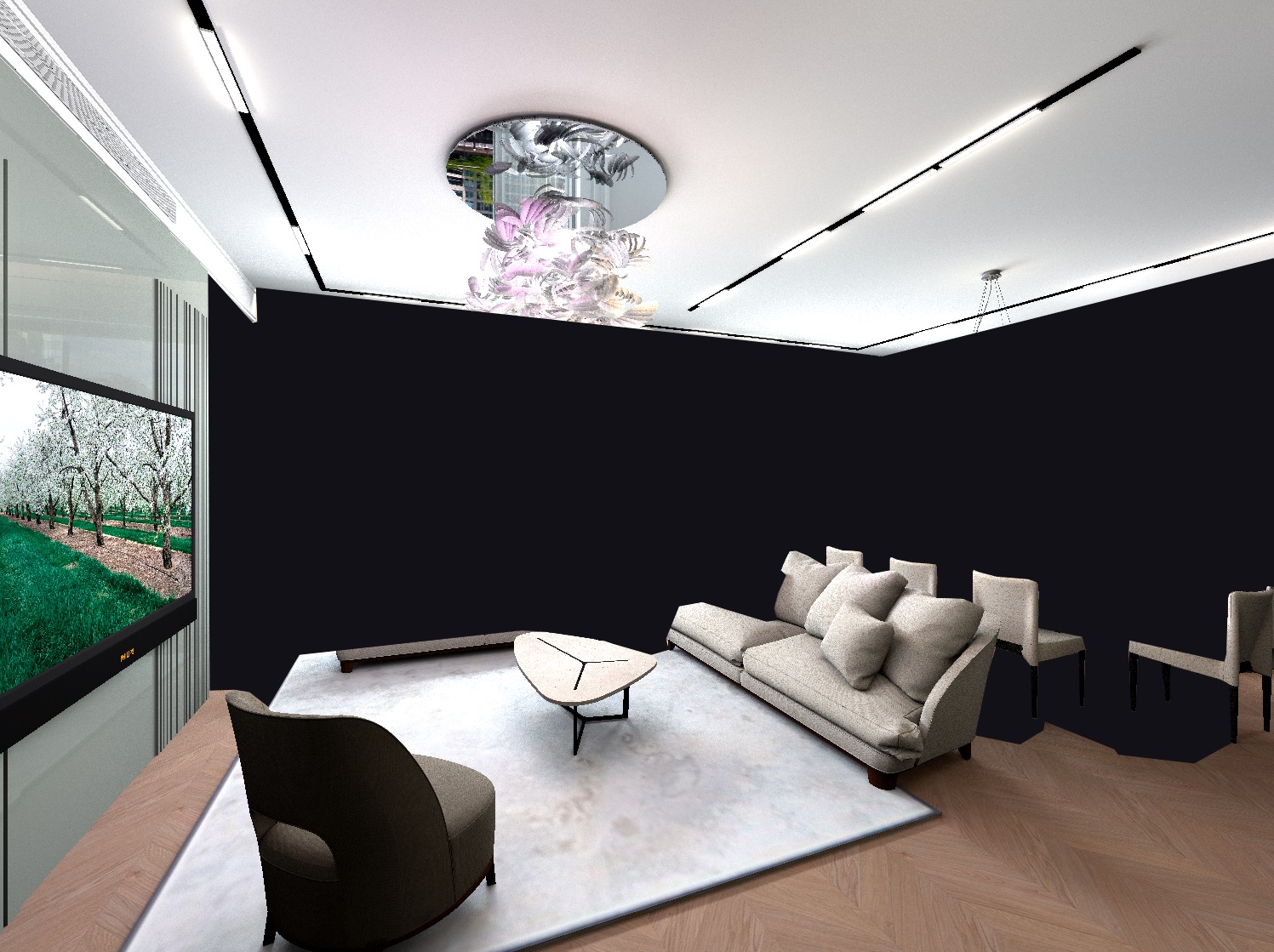
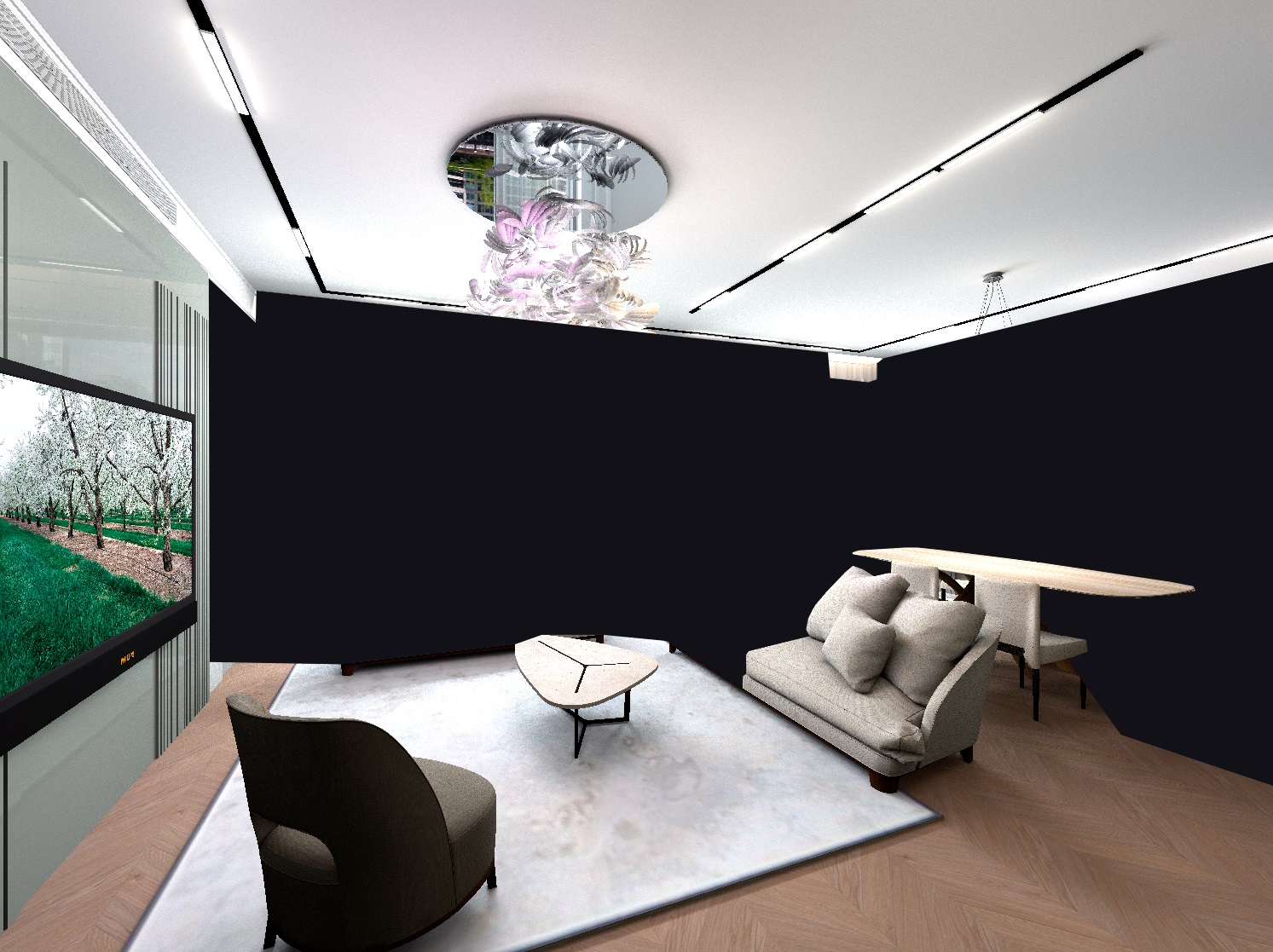
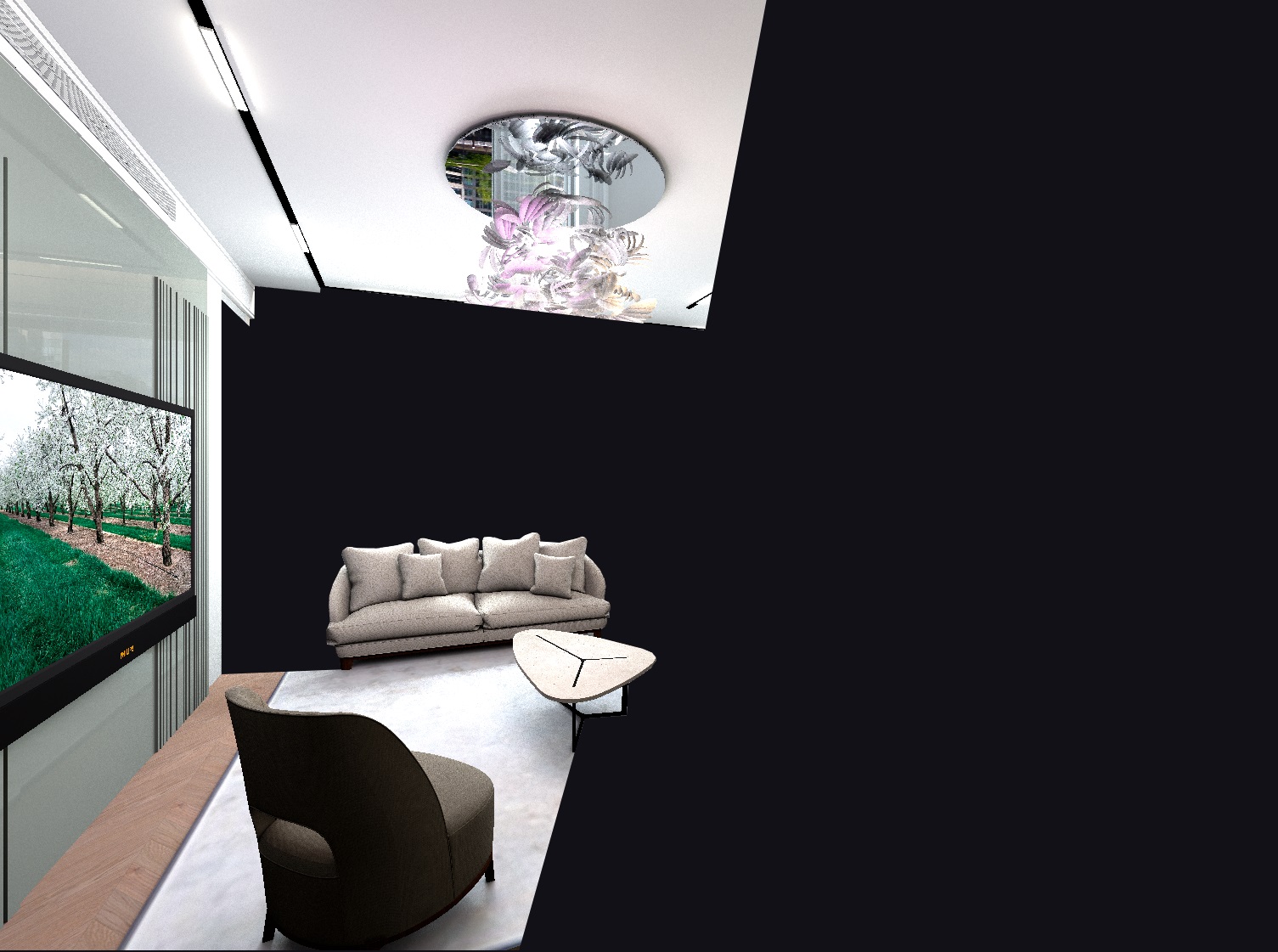
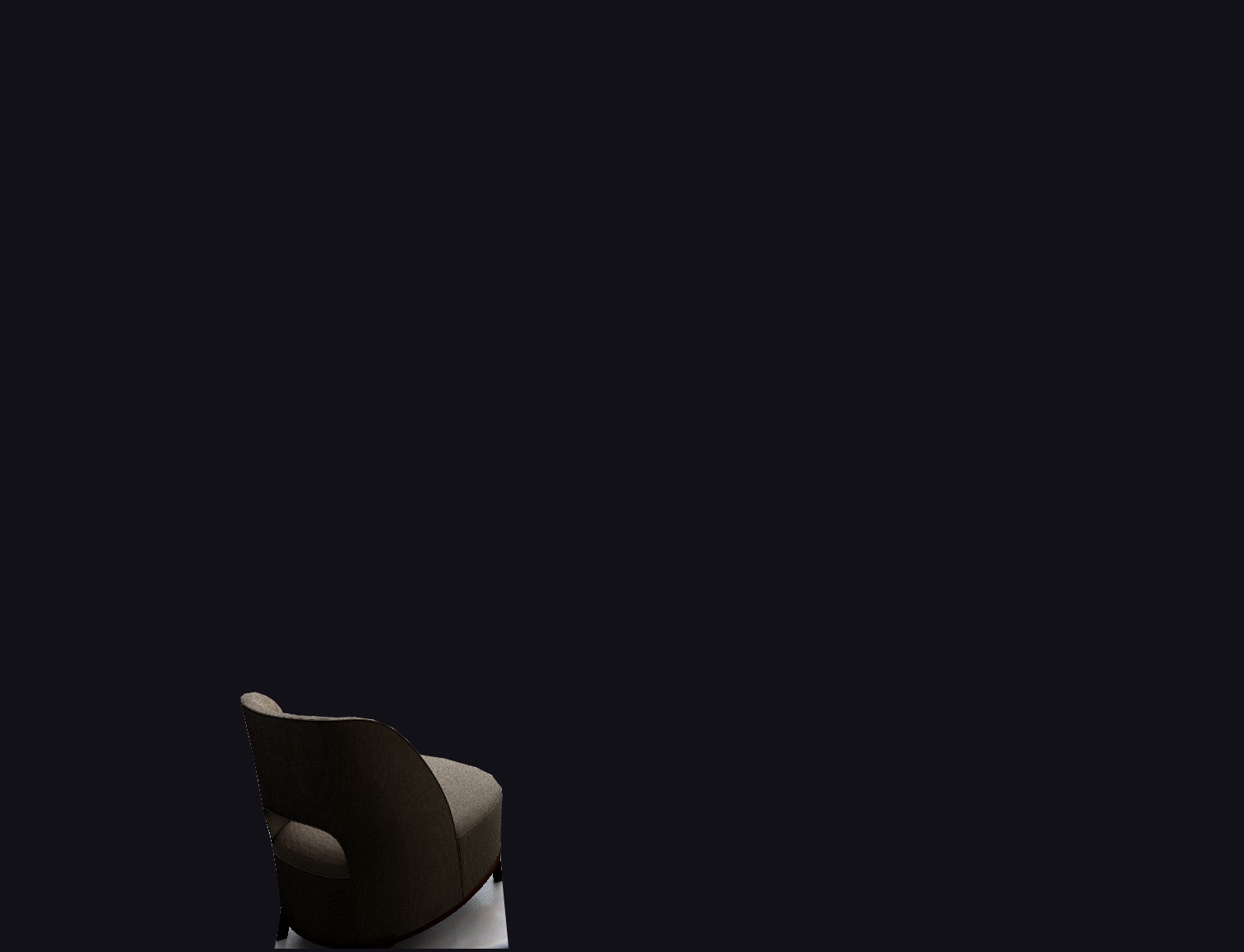
I made the figures of people with 80% transparency. This way they do not overlap the interior and do not become too intrusive. The interior should always remain the main thing. These images need to be placed between the corresponding mask layers. All this work is in the video editor, I use the free version of videoPad. I left the figures and videos closest to the viewer completely opaque, I made transparency only with the help of long manifestations and fades through transparency (video effects in VideoPad). This way the front characters become more vivid and convey space better. The distant characters are like in a fog, not so contrasting. The figure of a man on a chair with his back is made with 90% transparency. This is a creative process, but everything should emphasize the importance of the interior itself, the details should be visible everywhere. This method of working through a video editor is much easier than working in SH3D using invisible boxes (the Keet method). You can change the position of people, the time of their appearance relative to the music. And the most interesting thing is that freeze frames from the finished video can be shown as separate full-fledged renderers!! the render needs to be done once, and there may be a lot of pictures in the end!!!
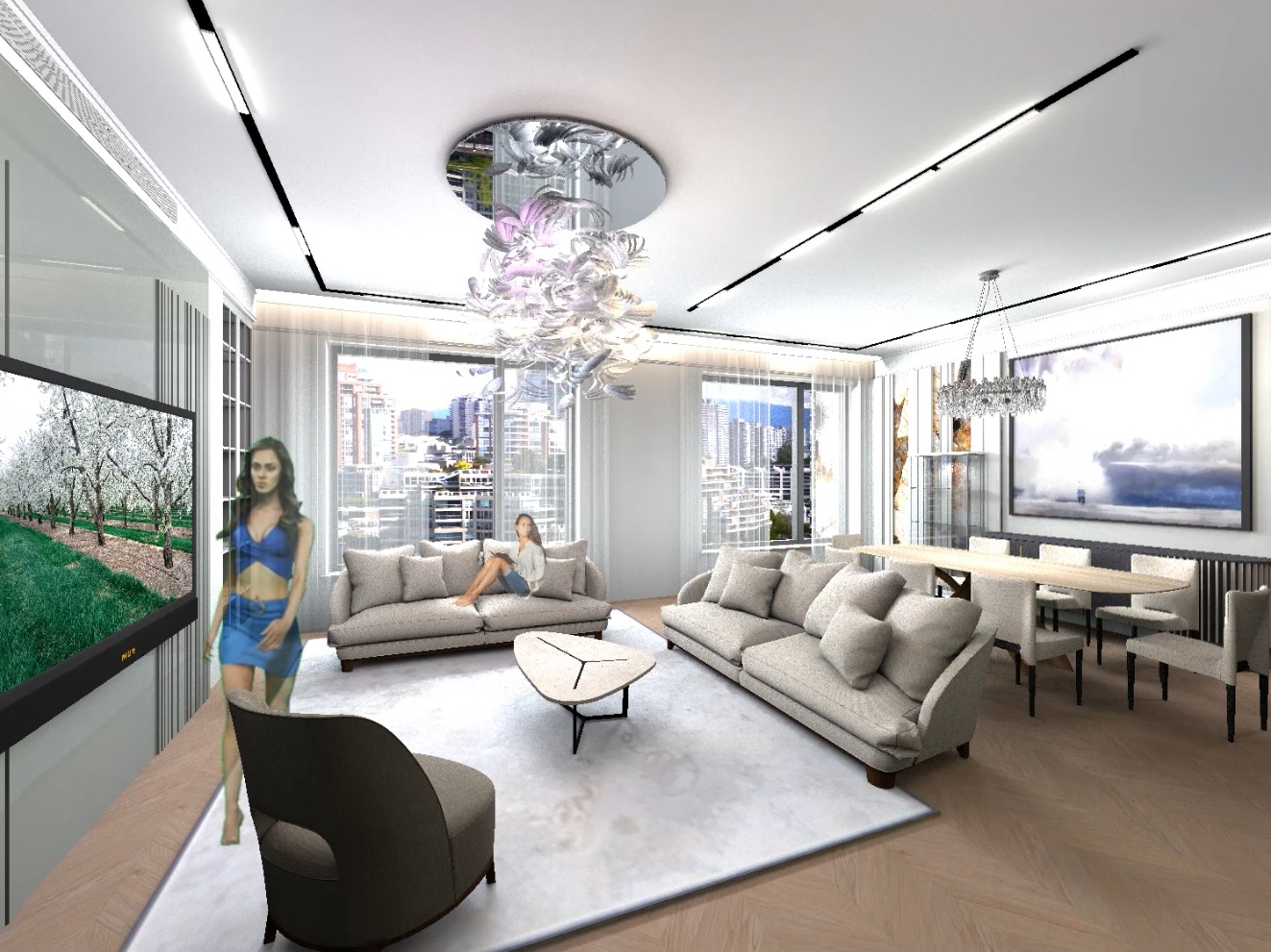
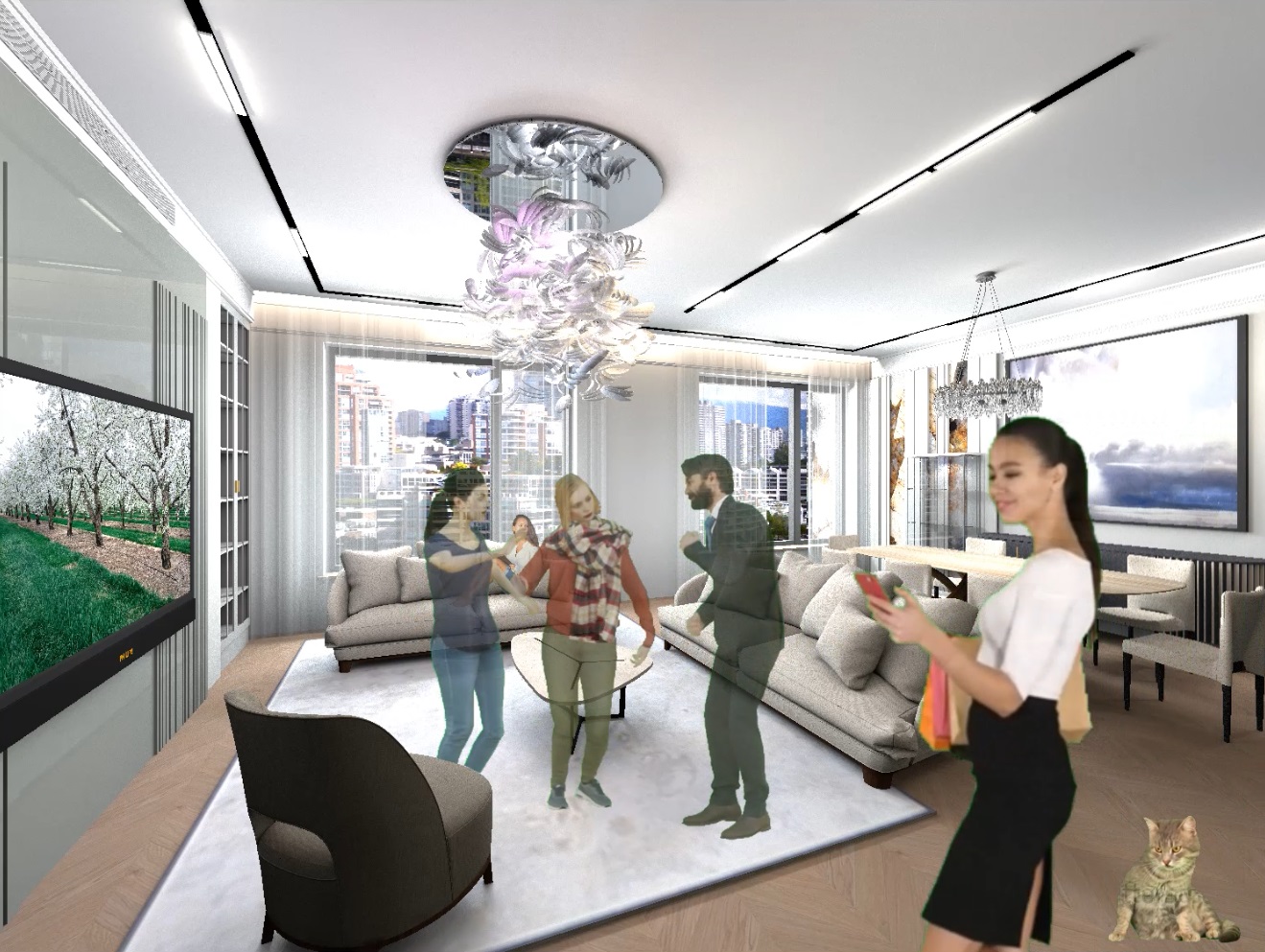
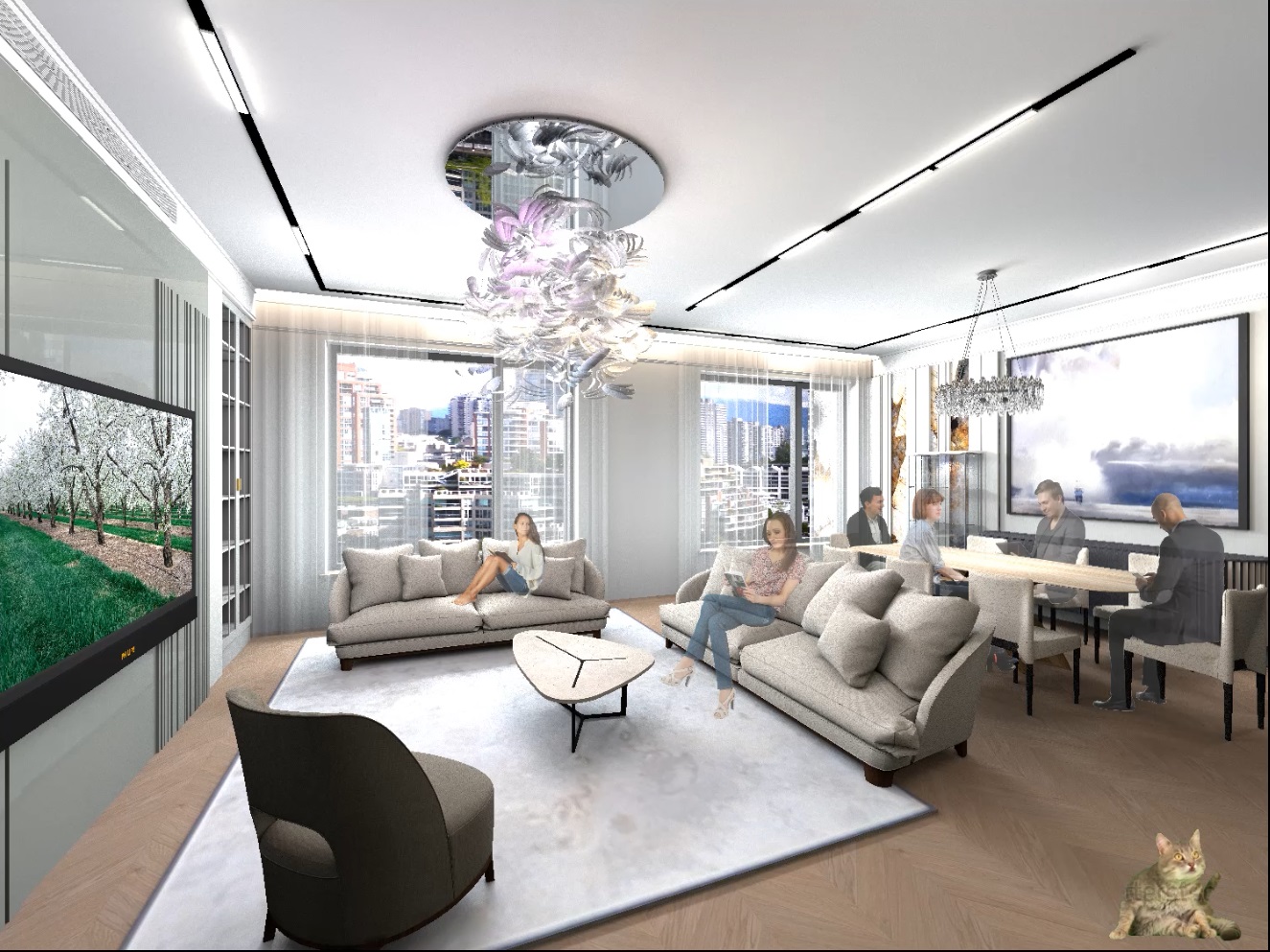
And another observation. Pictures with figures of PNG people on request "for Photoshop" pops up thousands of great options. There are very few suitable videos. I realized that I need to use videos only a little bit (cats, dogs), mainly apply photos of people on a transparent background. The video will make the picture more interesting and lively, but the main work should be given to high-quality photos. This way it turns out to be much more diverse, there will be no repetitions from project to project.

Party in the room

