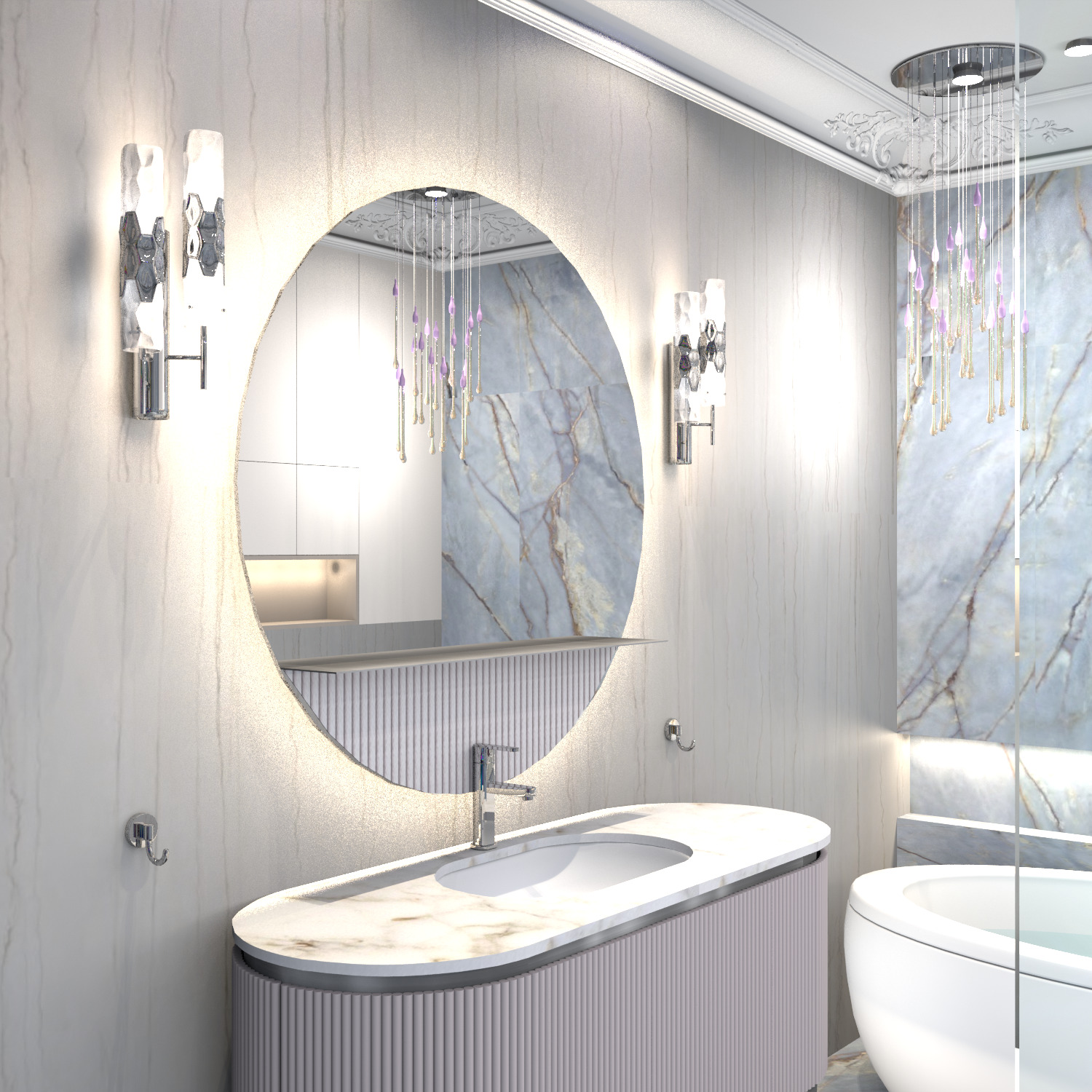
Thanks Keet! It takes a long time to study and experiment, I will definitely do it. While I don't see what can be applied with effect from these prefixes, I need to try and combine them with different rendering modes. I made a relief insert on a semicircular part under the shelf on the mirror. There are two ways. This part is made of several walls of the same color and parameters, in the model after exporting to OBJ it is one group. Method 1 - you need to make a viral visit and set the viewer's head tilt to 0, go down to the bedside table. Make a printscreen. And in the JPG image, cut out only ONE fragment of the cylinder. Why only one? Because when assigning a texture to this group, this fragment will be replicated and all cylinders will be the same. The scale of the texture in the model turned out to be 10%, it looks like the decor of the facades of the cabinets next to it. There are differences in color in the final render. The detail on the mirror and on the bedside table is of different shades. But this must also be taken into account to prepare a lighter color option for the printscreen, raise the color selection cursor strictly vertically up by 50% (HSV). Without this adjustment, I got this kind of render, there is a difference in color. But this method is good because it does not need to be adjusted in other photo editing programs - everything turns out to be done in SH3D.

the second method is more interesting. You also need to adjust the viewer with a head tilt of 0, but light up the relief a little from the side, make a render, convert to JPG format. And again, select only one cylinder, immediately select the lightest area of all the cylinders (on my right, closer to the light source). Now the texture on the render will have a very similar color of all the furniture. If there are lamps of different colors in the main stage, then two lamps can be used - white and yellow. It will turn out quite correctly. I didn't do that - as a result, there is a slight cold shade. But it can be fixed in advance, now I understand how.