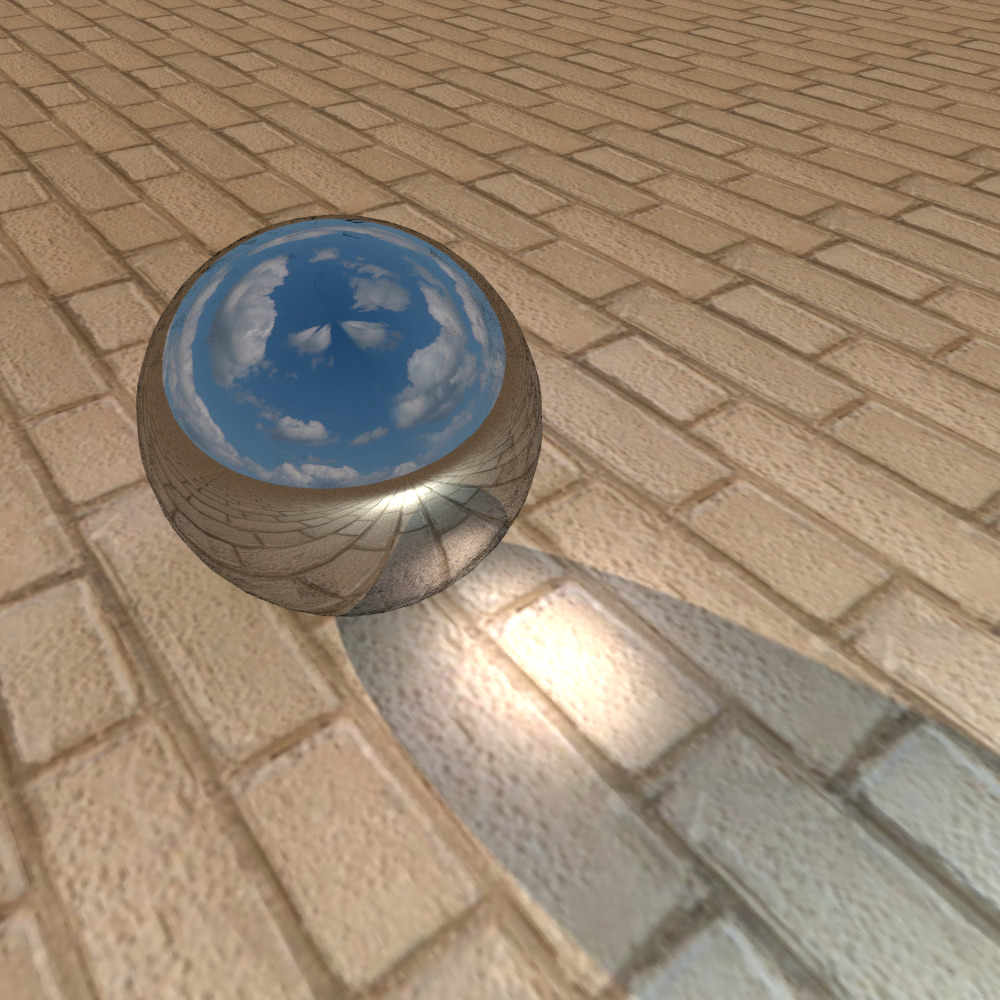
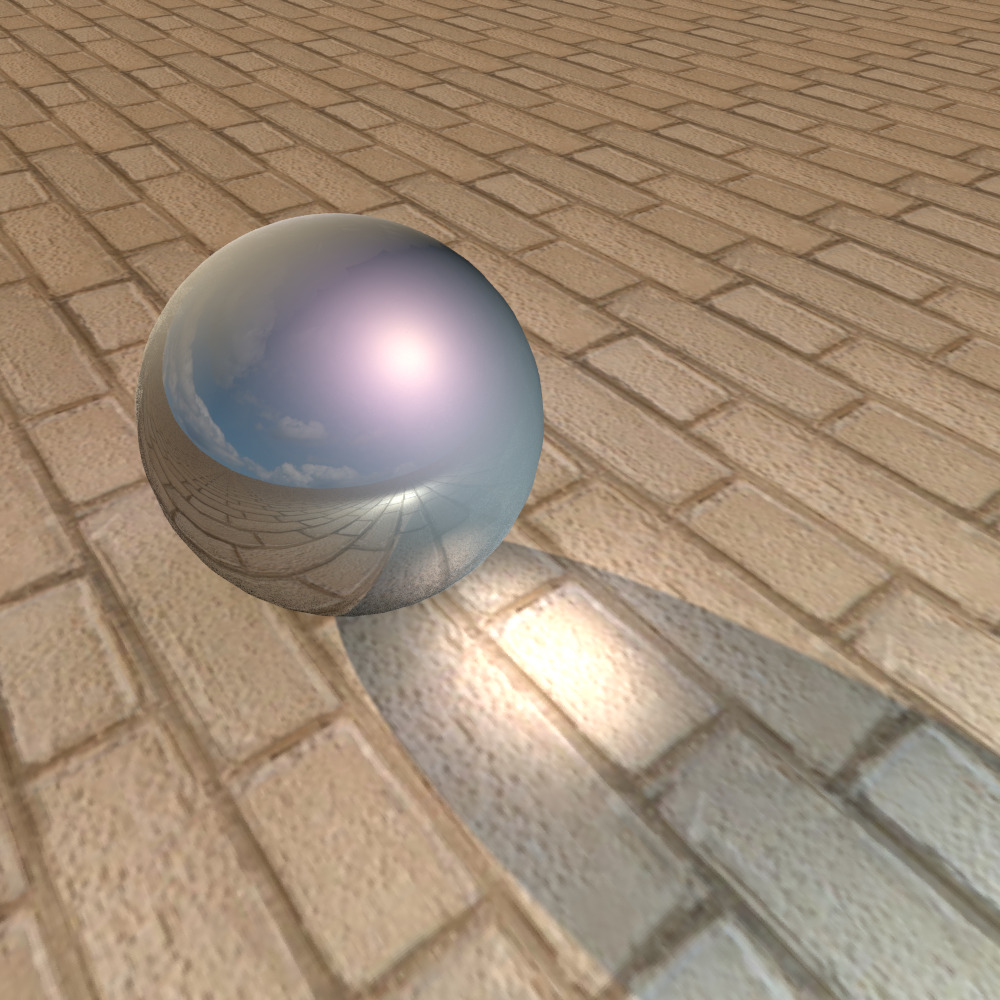
the mirrored surface does not want to be translucent in any way. It's either there or it's not, I can't get any options in the middle. The MTL file is completely blocked. Translucent textures don't work.
I made a variant with a double outer shell. First, the mirror ball is 100 cm, outside the ball is 100.4 cm in diameter. It has a special translucent texture with a gray gradient from opaque to transparent. I placed it on the sphere at a scale of 1400%, rotated it by 225 degrees. On one side of the ball, the texture is opaque, and on the other side it is transparent, a mirror surface of the inner ball appears under it. Such an outer shell allows you to get body shadows on the ball (and on any other surface) and this "dusty" surface can be additionally highlighted. The mirror cannot be illuminated like that, and there will never be real glare from the sun on it, for example. And on such a surface, you can make an imitation of glare. For comparison, the first render is just a mirror ball, the second render has an outer shell with a translucent texture. I hope there is still a simple and easy way to control the mirror surface. There is this way somewhere.. But where...?