It works:
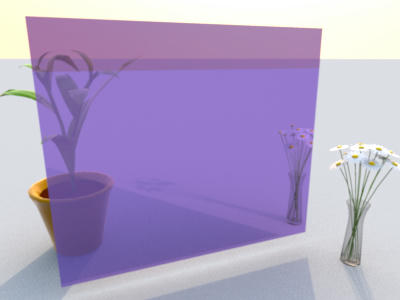
The mirror is 70% transparent. You may try different transparencies using the source images. With Image Magick installed, compositing is a simple command:
composite mirror-opaque.png -blend 70% mirror-off.png mirror-semi.pngIn reality, the scene behind the mirror would be quite dim, and the transparency much lower, maybe 15%. That makes it harder to look through from the front and accommodates the observer behind to the little amount of passing light.
The mirror leans 1° away from us. Therefore the mirrored horizon is 2° below the one in direct view.
----------------------------------------
Cheers - Joe //
