 duplicate shells to simulate rough metal
Dear scjo has started a very difficult and important topic here . How to get rough metal in SH3D. The mirrored prefixes in the OBJ file make the surfaces smooth, polished, mirrored. It is very good for chrome-plated plumbing items. But how do I get unpolished items? There are a huge number of them, but the program does not make it possible to make a rough texture and get truthful renderings of such metal.
I started experimenting with duplicate shells that can change the sharp reflections from mirrored surfaces. I made a group of round holes in the wall with the help of windows. The result is a module that can be copied and assembled into large groups (walls or shelves with holes). exported to OBJ. Back as a model. I made a copy with invisible windows and exported it again. Here in the MTL file I assigned transparency d 0.1. And increased the thickness by 1 mm. I got a mirror perforated wall with a mirror prefix in OBJ and a duplicate exactly the same transparent model, but without a mirror prefix. If you combine these two models, they will complement each other. Now you need to assign a TEXTURE to the mirror color model of the transparent duplicate. If you assign a color, you will get glass. The texture gives a cloudy translucent shell on top of the mirror. Now you can influence the sharp reflection.
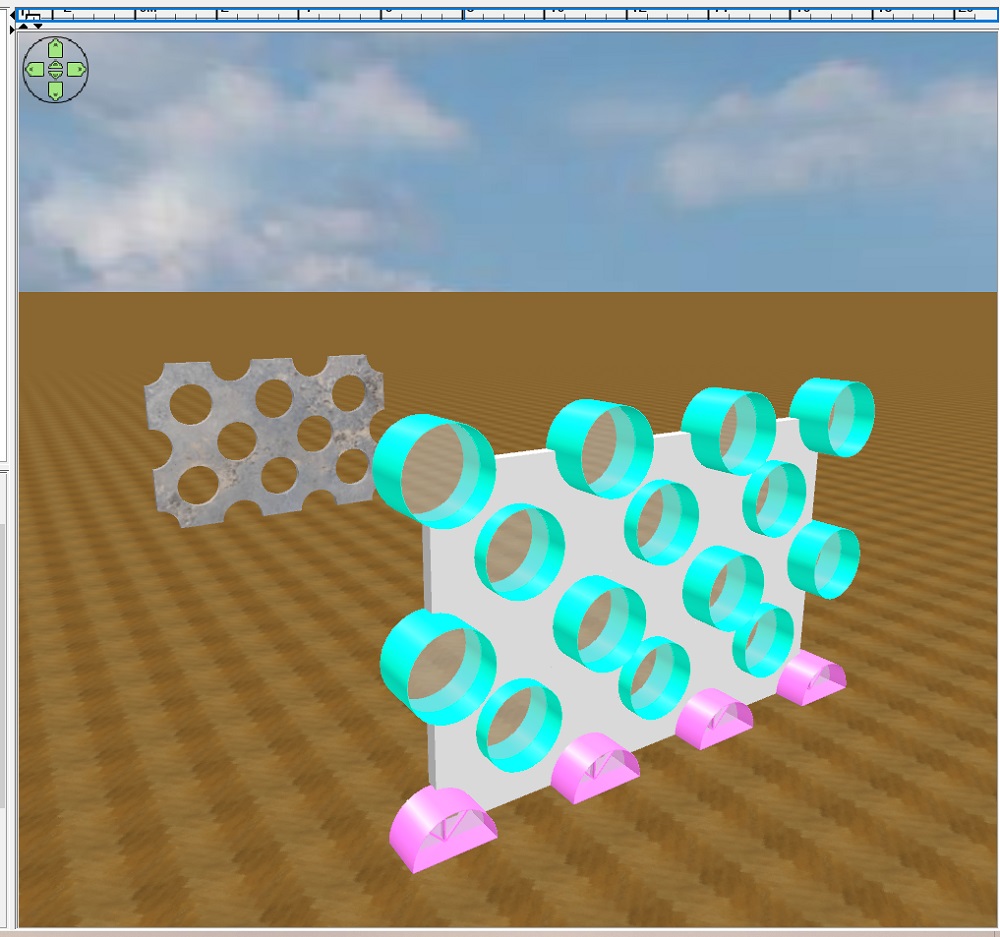
the first render is some kind of dark JPG texture for the outer shell. The color of the mirror model almost does not matter, a light shade of metal is obtained under the outer shell, which is very slightly distinguishable. The color of the mirror gives a picturesque rendering, you can give any shade other than the surrounding background. I have assigned a pink one)). Because the sky is blue.
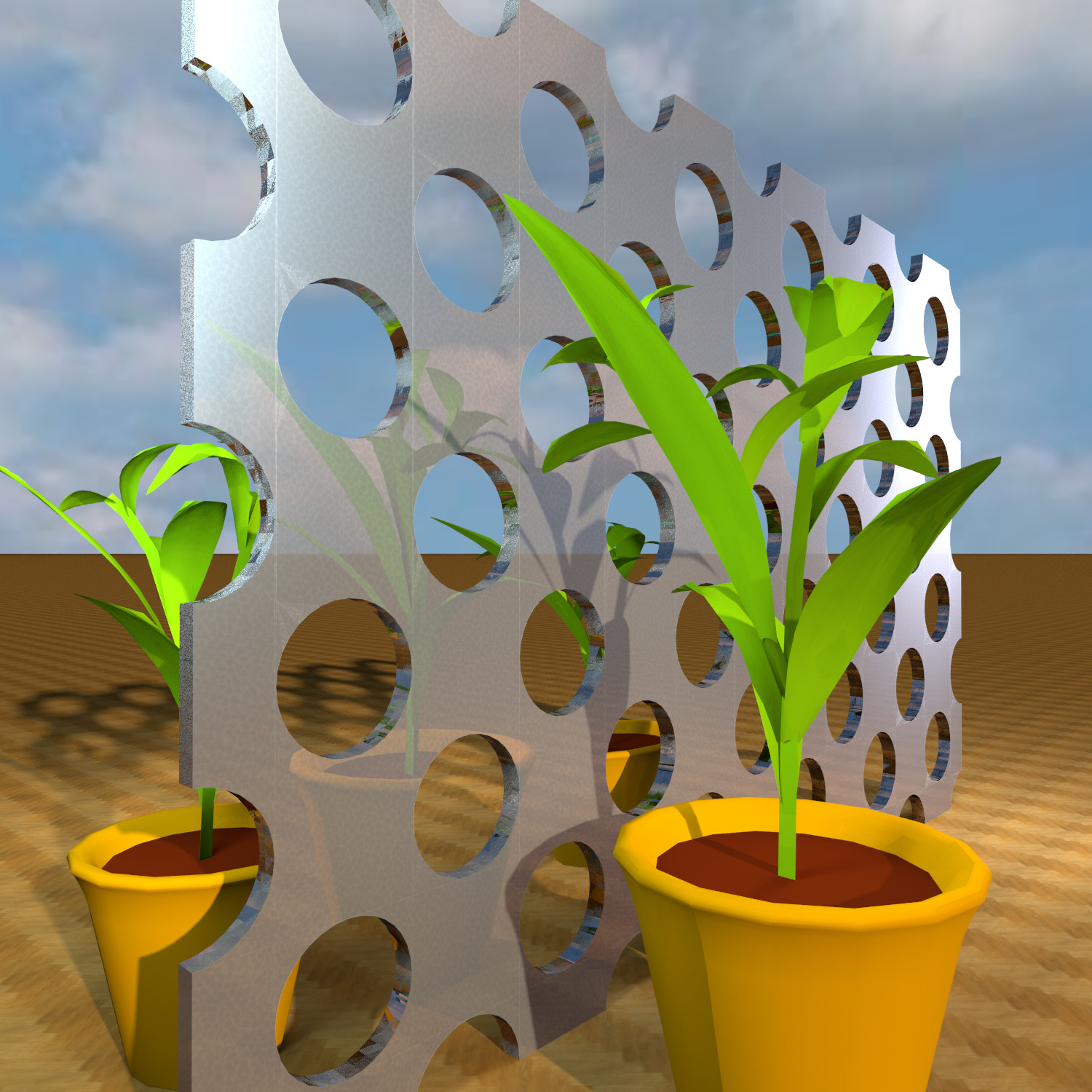
it is very important that all the surfaces of the outer shell do not overlap in any way and do not coincide with the mirror surfaces. I made a mistake, the cylindrical surfaces of the holes match, so defective places (sometimes, not always) appear on tenders. You need to make smaller holes (windows in my case) for the outer shell, then there will be no bugs.
to get spectacular soft highlights, I highlighted the edges of the outer shell with 6% hemispheres. This gave the effect of a shiny metal edge. This glare itself will not appear in any way, it must be done on purpose.
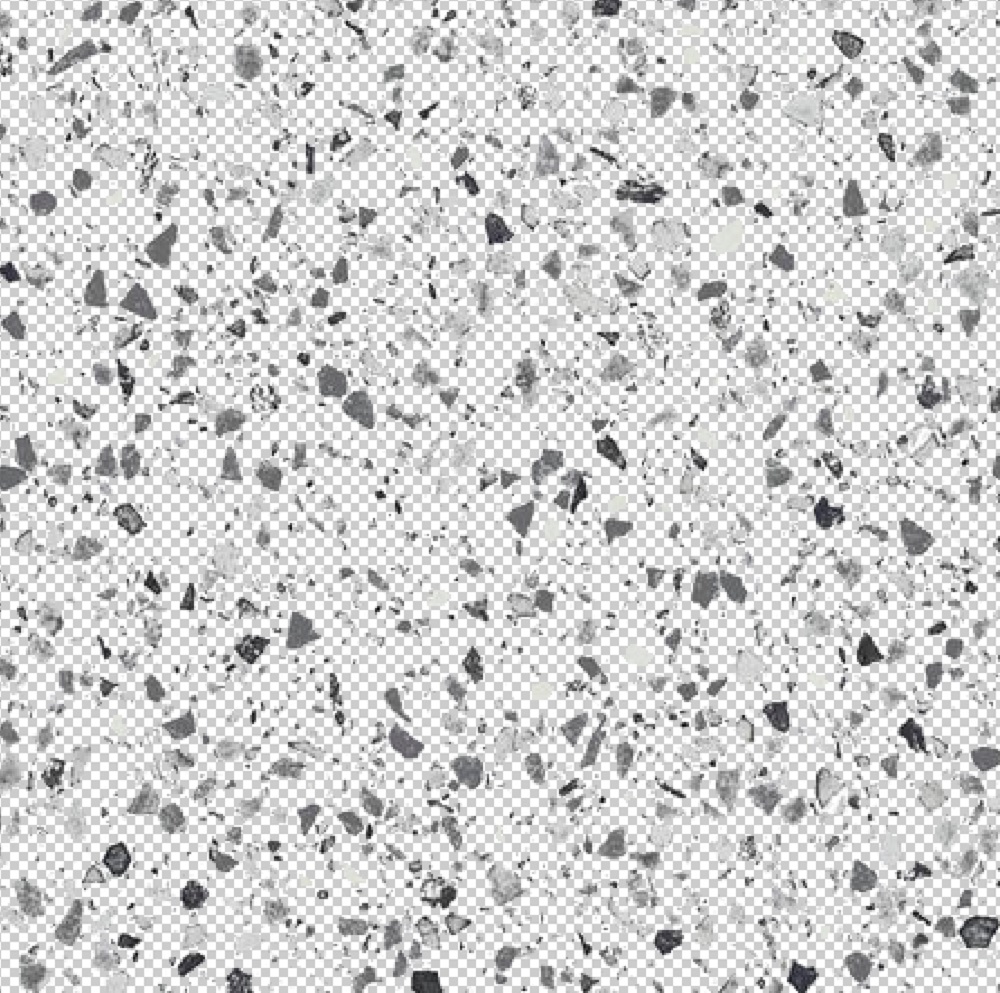
the next render is more complex. I took the texture of porcelain stoneware with black crumbs on a white background and cleaned out the entire white background in Photoshop, saved it in PNG. Assigned this texture to the transparent shell. Interestingly, the PNG texture canceled the transparency setting of this model. Black cats have become opaque black, with transparent gaps. This needs to be taken into account. The PNG image assigns its own orders as a texture. The mirror surface of the lower model is visible between the black crumbs. And the reflections are more colored. The brightness and sharpness of these reflections depend on the density of the crumbs and the size of the gaps between them.
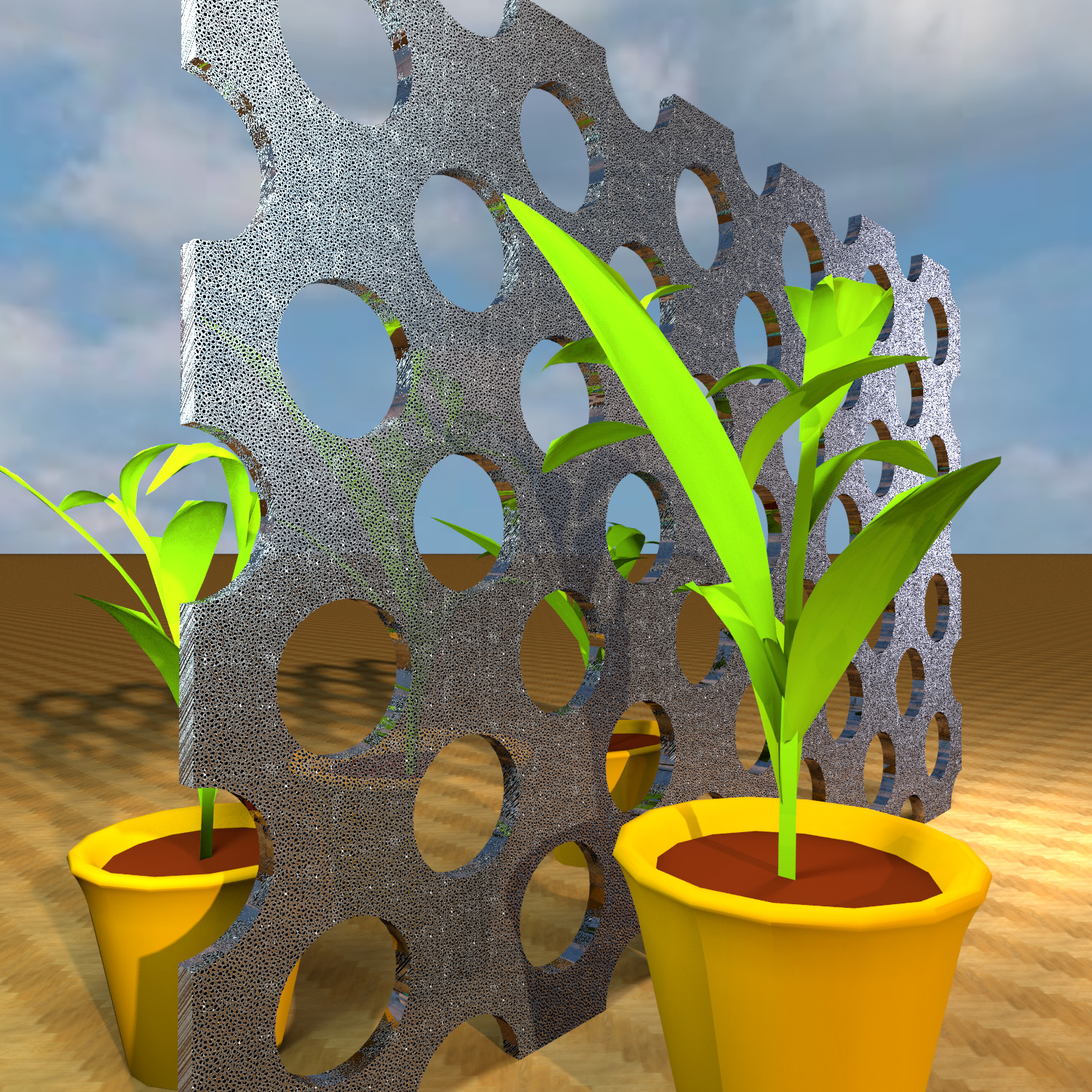
the next render is a porcelain tile with a gray crumb on a white background, I also cleaned the white background in the editor, saved it in PNG. This texture is more correctly placed on the mirror. I softly smoothed out the reflections of the lower mirror, but at the same time there is a feeling of metal texture, there are bumps and irregularities, roughness. I liked this option with a gray texture better.
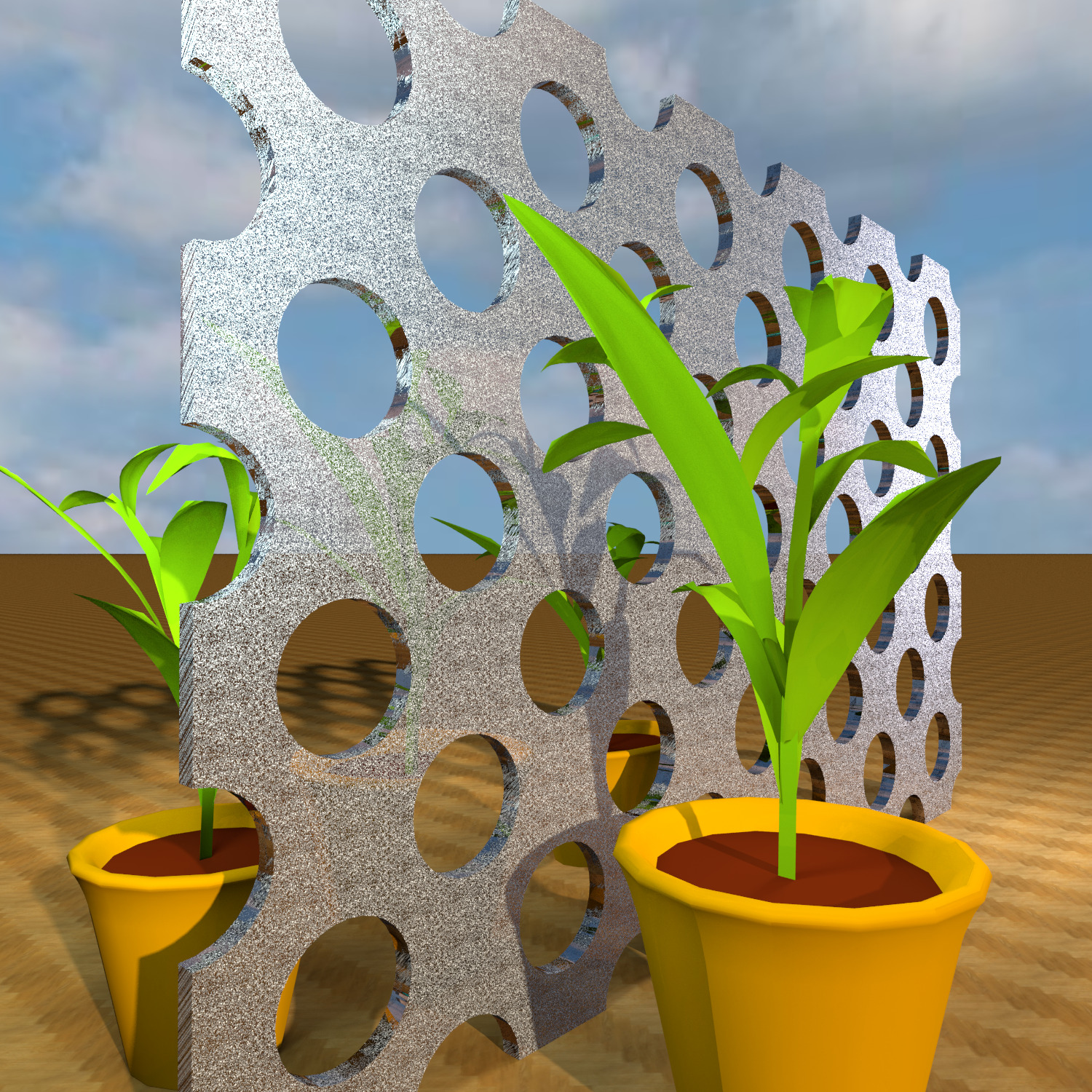
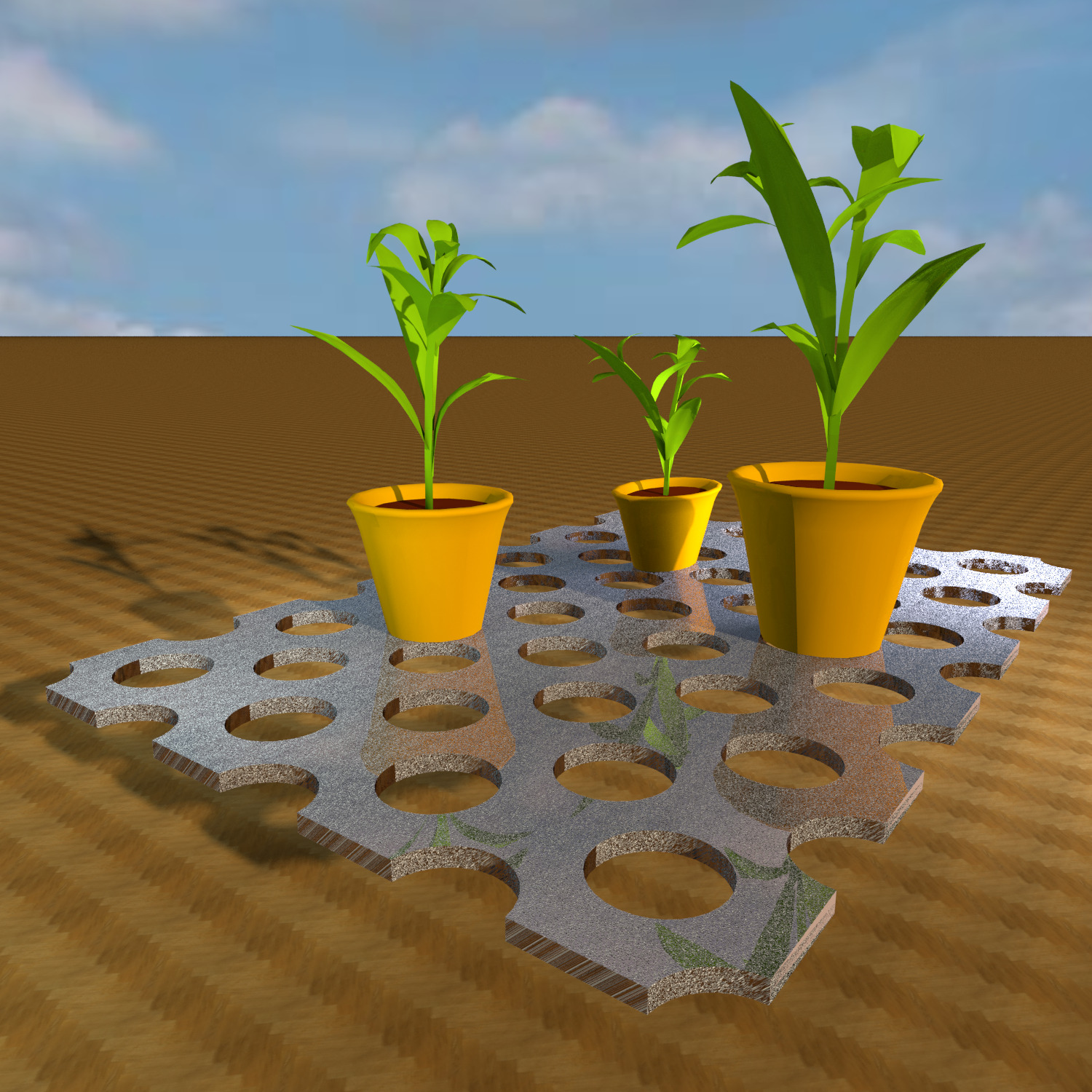
for comparison, I removed the outer shell, leaving only the pink bottom mirror.


