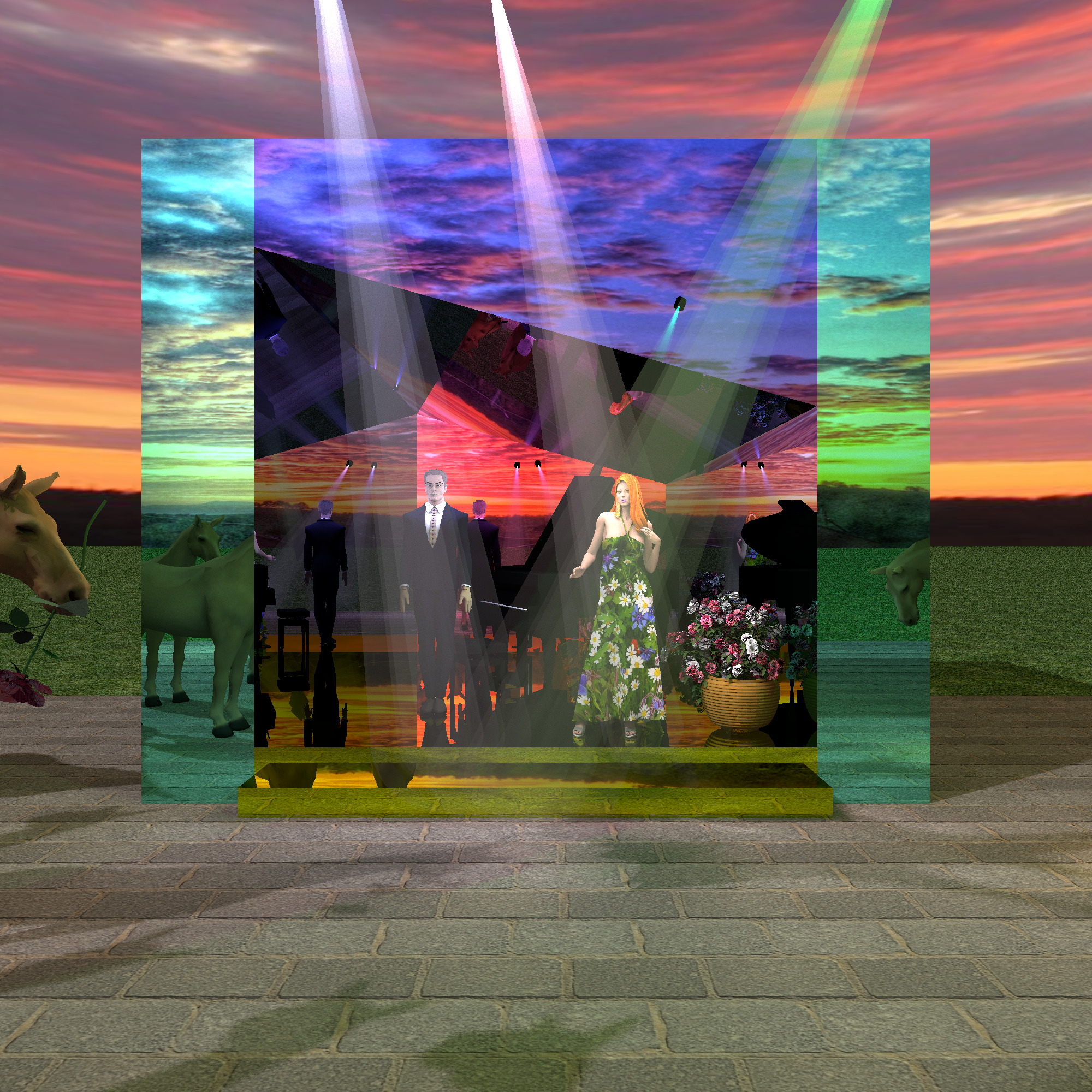
I made a completely mirrored composition in the landscape, out of multicolored boxes. Lots of reflections without endless corridors. But I noticed that the cones of rays with translucent textures began to give gray opaque areas in the reflections. Not everywhere. I have encountered such bugs before, when I turned the PNG texture upside down, it was black in the render. It seems that SH3D sometimes fails and produces the same bugs for PNG textures in reflections, not everywhere. I spent the whole day searching for causes and remedies and did not find an easy solution. Black spots appear when layers of PNG texture are applied to the reflection, so I had to move the rays so that they would not overlap in the picture. To the detriment of the composition))). This picture was loaded for 5 hours at 2000x2000 quality, the third level with standard settings.