Nothing needs to be rotated yet. We need to make the walls as shown in my diagram and turn off the magnet. Without a magnet, you can rotate the round window very precisely a little bit, one degree at a time. And catch this window position when the square hole changes to a normally round hole. This is one moment, but you need to let go of your finger on the mouse at this moment))). Now all these walls and windows need to be highlighted. AND SAVE IT TO OBJ. Then return it back to the program as a model. At this stage of the return, you need to use the arrows to rotate the model in space so that this group of walls and windows stands vertically. These are the arrows.
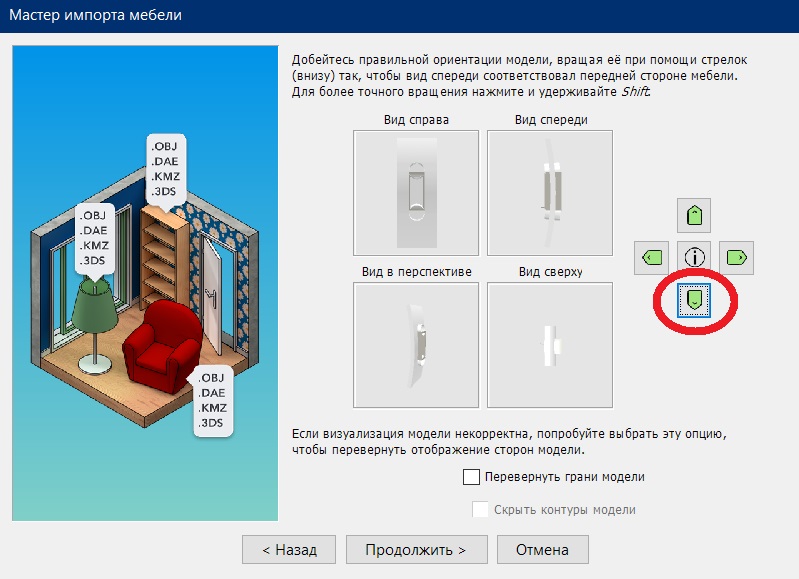
It is necessary that the view from above is correct. After that, you need to make all windows, panes and handles invisible from the model. You will get a curved wall with an uneven hole. This needs to be SAVED TO OBJ again. And return it again as model 2. Now this model can be tilted along the Y axis, for example, by 340 degrees. Just like here.
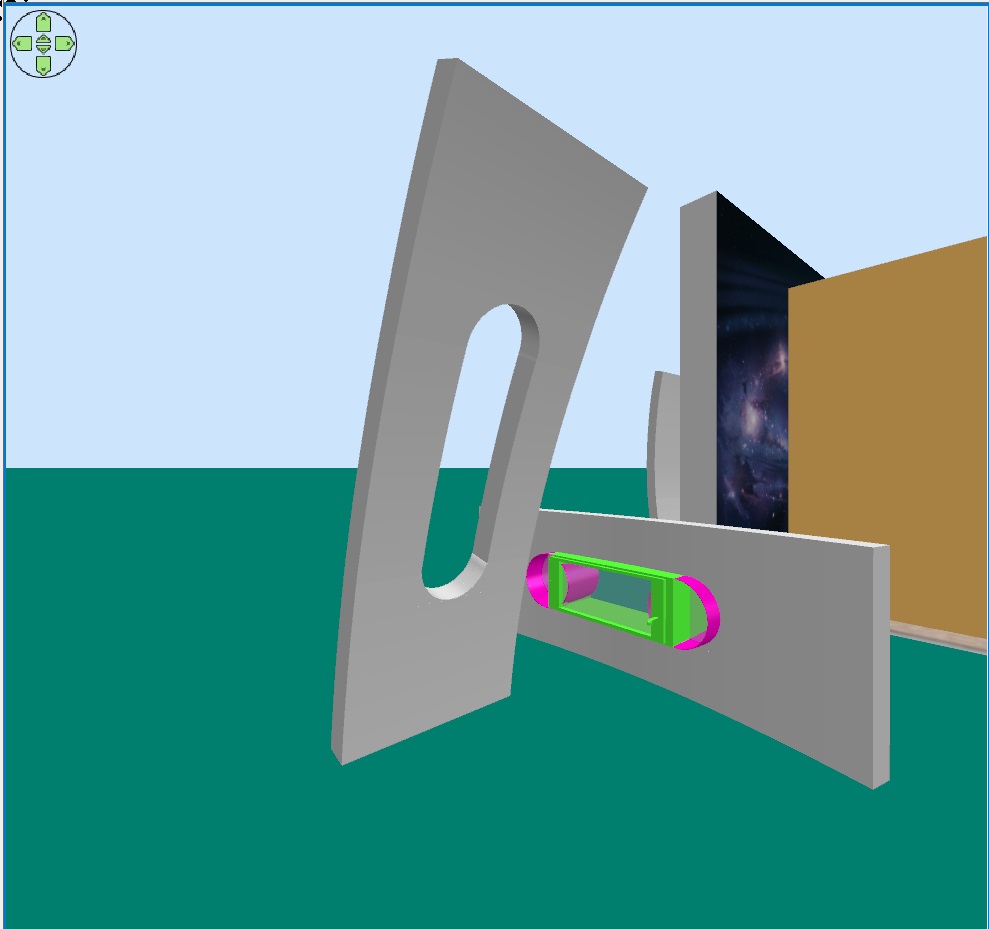
And just make a wall without windows to insert the necessary width sections between the windows in the room. You also need to tilt these blind areas along the Y axis by 340 degrees. And using a magnet to glue and align. It will turn out to be the entire wall in the room with windows. And with a tilt.
Now about space. You need to look at the proportions of the image first. 6006 x 3228 pixels. Make a BOX (not a wall!) with proportions of 600 cm wide and 322 cm high (for example, 10 cm thick, this is not very important). In the extended version!! On the model settings page, assign a texture to the FRONT side of the box, leave the other sides as they are white with a medium gloss, they are not visible. The image is at 100% scale. Then there will be no distortion. You can now zoom in or out of this box by checking the save proportions box. Make the height, for example, 400cm (the width will increase in proportion, the image will not be distorted).
