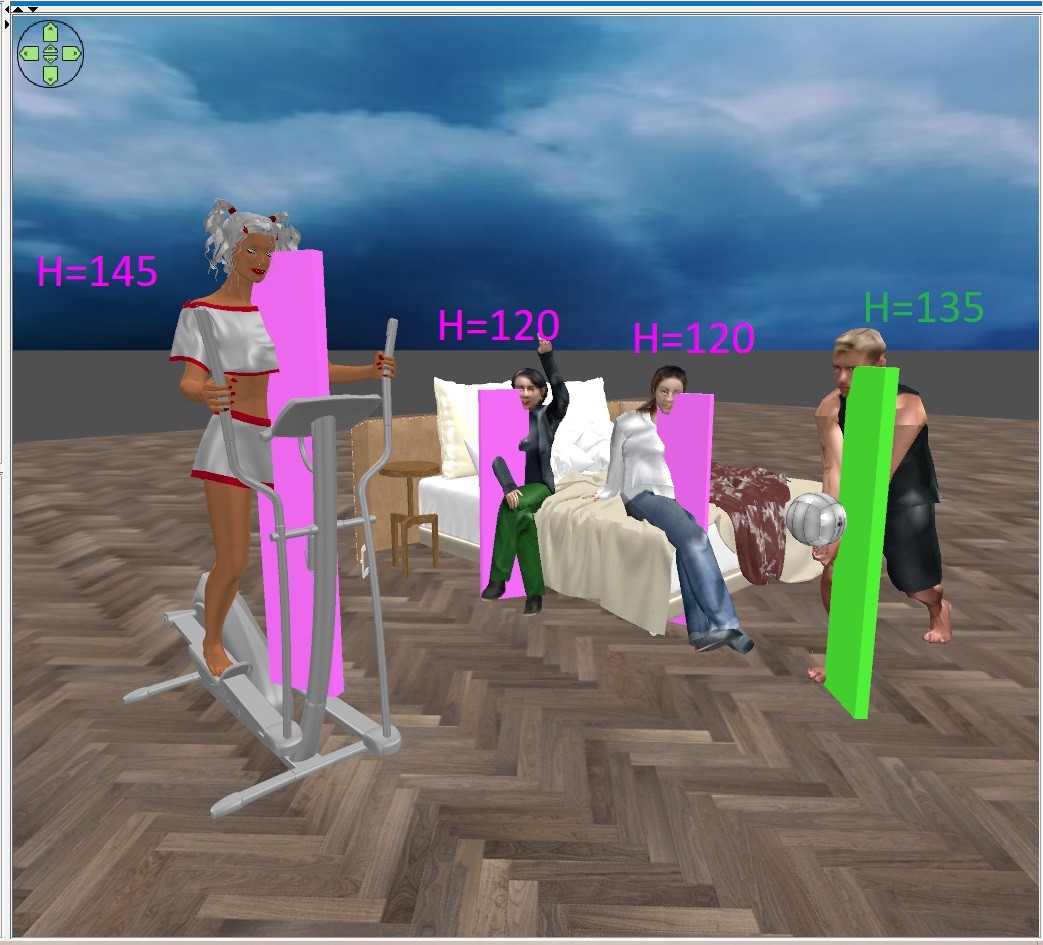
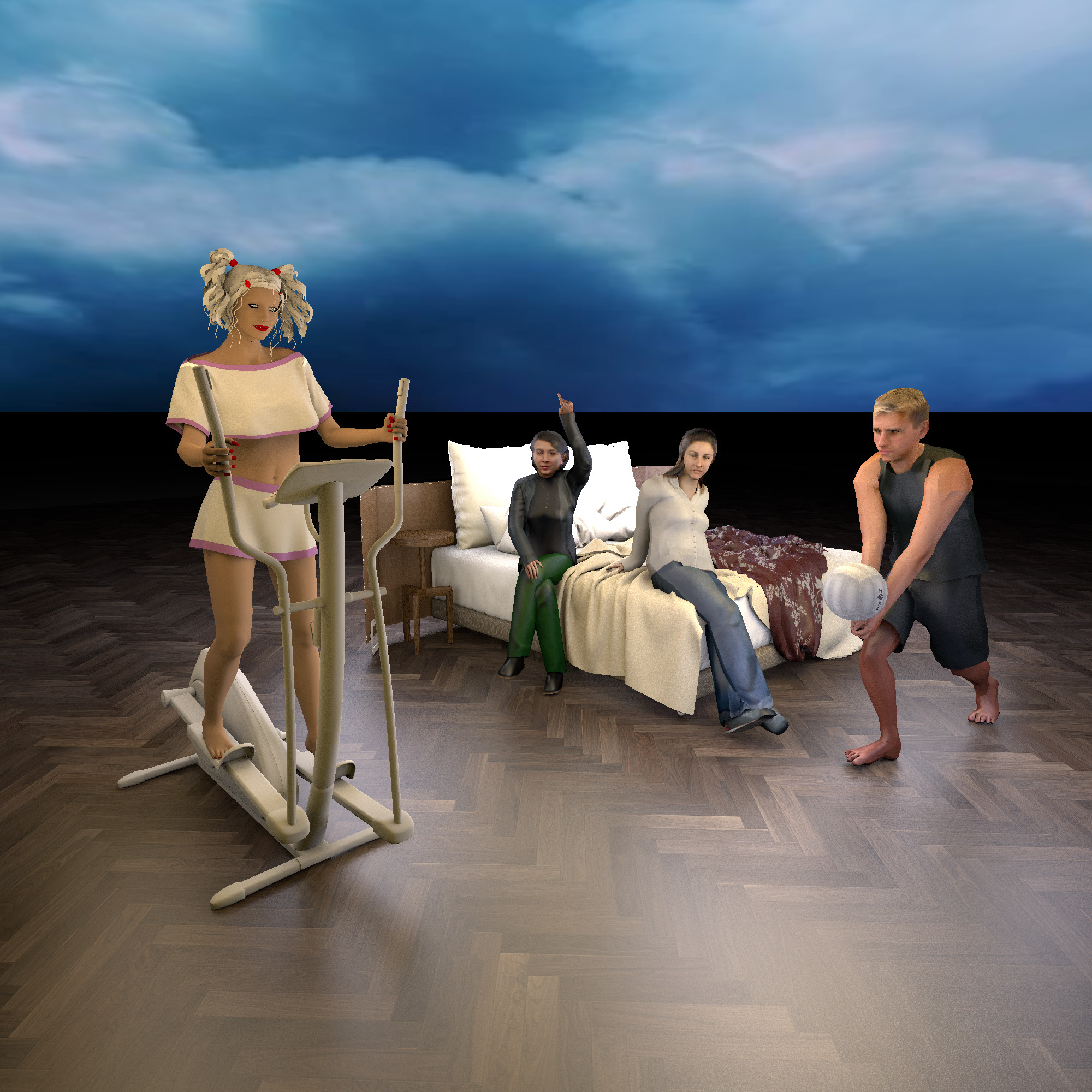
Thank you Keet, your advice is very helpful every time, thank you! I will continue my research on humans)). I have found several complex models of people. You need to insert templates of different sizes everywhere. And most importantly, you can't stretch the model like chairs or a bed. It is important for people to keep the proportions, check the box "keep proportions" and change all the sizes simultaneously in the table. The girl on the gym has her feet on the pedals, not on the floor. I made the template 145 cm, for the girl's height 160 cm. Due to the fact that the legs are slightly bent. Place the bottom of the template on a step with a supporting foot, and smoothly resize the entire model without distorting the proportions. A girl on a bed with her hand raised along with a template 120cm from the floor. You also need to gradually change the size of the entire model, not just the height. The man with the volleyball sat down, so you need to measure his pose by yourself. I got 135cm in the eyes. As a result, all the shapes look almost right))). The eyes are a great reference point for humans.