Bandit:
That was the Ubuntu save window. If you use Windows it looks like the picture below, just go to File --> Save and the Windows save window opens.
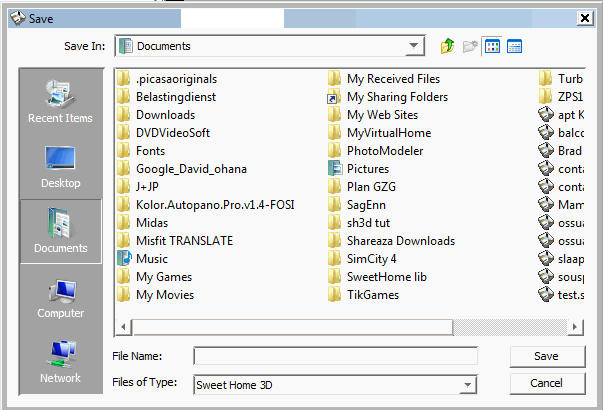
To the right of the word Documents you see a little icon with a green arrow that points upwards. Click that icon until you are at C:\. Then go down into your directories until you reach C:\Documents and Settings\User\MyDocuments\Home2.sh3d. Or maybe it's called C:\Documents and Settings\User\user\MyDocuments\Home2.sh3d, but it should not have the word "administrator" in the address line.
I hope this helps.
Hans
----------------------------------------
Hans
new website - under constuction
hansdirkse.info
