In the Shininess mode, there are three options - default, glossy and silk. I must say right away that in the third quality mode, "default" and "glossy" work exactly the same, but "SILK" is very different and you need to focus on it especially. This mode allows you to get glare from light sources. A fantastic feature needed for a realistic picture. A glare on a polished surface.
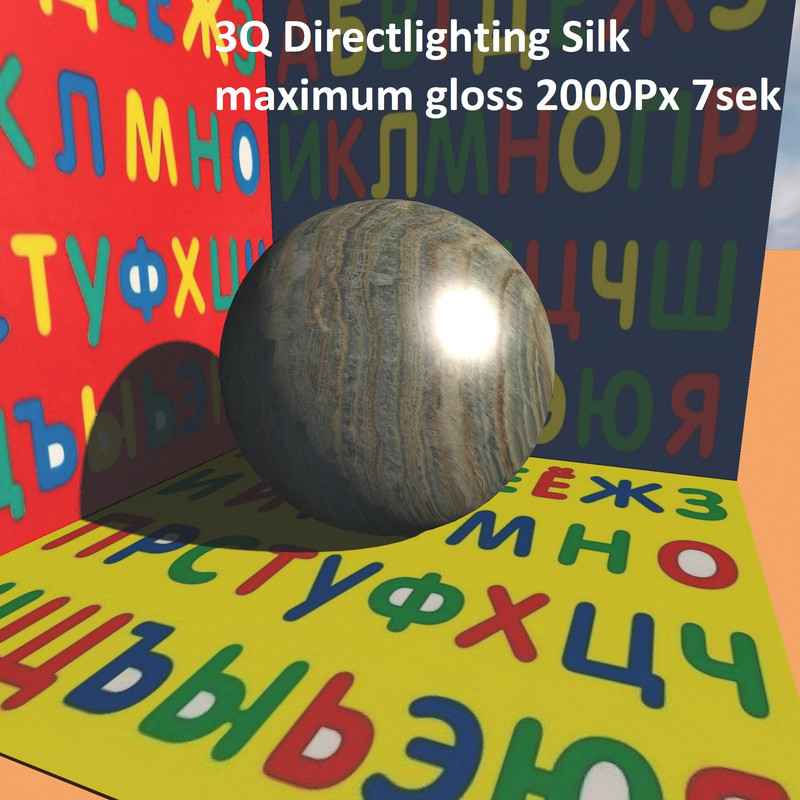
the glare on the ball has appeared, now everything is fine on the illuminated surface, here the ball is polished and shiny. But now there is a new strange feeling - there are no reflections in the shadow part, there is just darkness. Doubts about the truthful picture begin again. Is there anything that can be done? Yes. You need to create a glass shell around the ball. To do this, select the ball and save it in OBJ format. In the MTL file, add the transparency parameter d 0.1 and the optical light refraction parameter Ni 2 (you can do Ni 1.5). This important parameter cannot be made very large, for example, a diamond has Ni 2.5, which is the maximum. If you make Ni, for example, 5, then terrible chaos will begin. So bring this transparent glass model back and align it with the ball. Now this glass mold needs to be enlarged in all directions by 4mm, and the textured ball needs to be raised by 2mm. The result is a polished stone ball in a thin glass shell, as if covered with a glossy varnish.
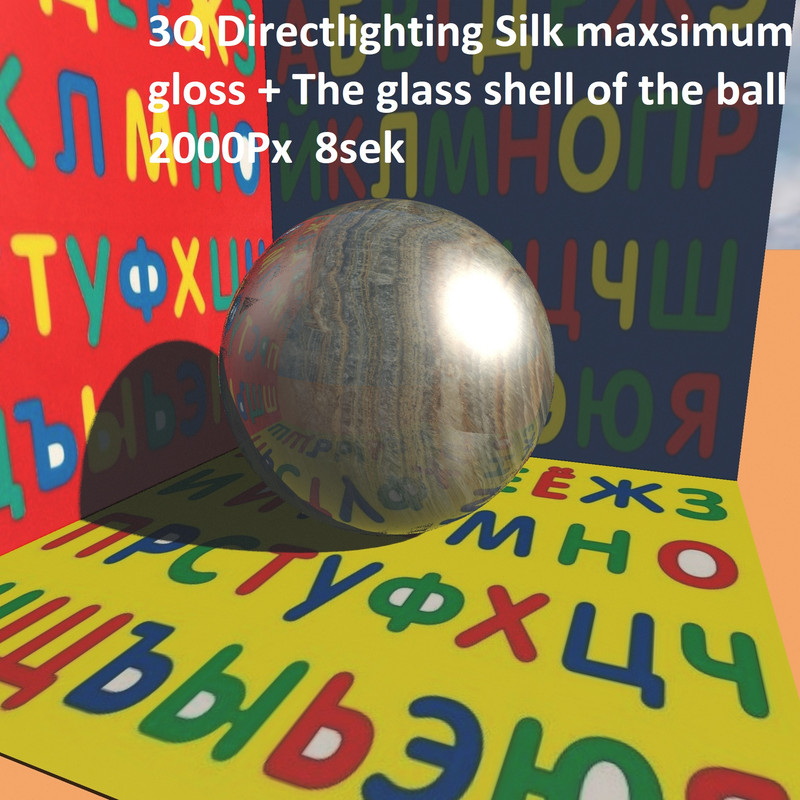
Now it's a real polished ball from all sides. There is a glare from the sun and there are all reflections everywhere. The time of this picture has not increased!! But everything is ahead, I'll continue later.
