Yudi:
I did a few more tests on your design. Here are the results:
1 - I started with version 2.5 and used the "normal" advanced plug-in (not Phong or Uber). Picture size reduced to 400x212 pixels. All renders with view set to "virtual visitor".
1a - First I tried your file as downloaded, setting "fast". Result is that the render did NOT finish. Therefor, I did not try with setting "best".
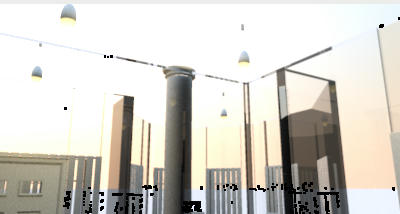
1b - I changed all walls and all furniture to white, so I can see whether the problem lies with a texture or with a model. With everything set to white, the model rendered without problem, as you can see below.
1c - There are a lot of small black spots in the render. I'm not sure what causes these spots, but I think there has been a post about this "unwanted feature".
25-adv-best
2 - Reading Emmanuel's comment, I also did a few renders with version 2.6, the standard "create photo" setting, size 400x212 pixels, virtual visitor.
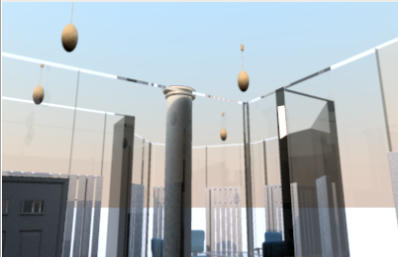
2a - Without changing walls or furniture the render completed without any problem, as you can see below.
26-best
Conclusion:
a - Indeed, version 2.6 seems to solve a few problems with textures. As soon as there will be a "real" 2.6 (or 2.7 or 2.8) you can use that version to make high quality renders using the plug-ins.
b - As long as you have to use version 2.5 you will have to investigate which texture(s) is(are) causing the problem(s).
Hans
----------------------------------------
Hans
new website - under constuction
hansdirkse.info
