|
Sweet Home 3D Forum » List all forums » » Forum: Developers » » » Thread: Auto Dimensioning plugin |
||
| Print at Dec 18, 2025, 8:26:03 AM |
|
|
| Posted by reddy.shyam at Mar 22, 2021, 12:18:34 PM |
|
Re: Auto Dimensioning plugin Thanks @puybaret. I didnt realise it was adding a level for dimensions until you mentioned. Works for me. 👠Great tip and thanks for the prompt reply. ðŸ™ðŸ¤ A quick question again if I may, if the dimensions change on the level, will they get auto updated or do we have to fire Auto Dimensioning again? |
| Posted by reddy.shyam at Mar 22, 2021, 12:31:33 PM |
|
Re: Auto Dimensioning plugin Thanks @puybaret. I didnt realise it was adding a level for dimensions until you mentioned. Works for me. 👠Great tip and thanks for the prompt reply. ðŸ™ðŸ¤ A quick question again if I may, if the dimensions change on the level, will they get auto updated or do we have to fire Auto Dimensioning again? No worries @puybaret. I checked it out myself. Looks like we have to fire it each time we need updated dimensions. |
| Posted by Mayapur at Apr 3, 2021, 10:06:25 AM |
|
Re: Auto Dimensioning plugin Finally! Thanks. While SH3D can do wonderful things, absence of auto dimensions was its weak point. This plugin will certainly help. I noted there is no option for "only interior walls". Only interior walls feature is essential especially for interior designers. Hope you can add it too. Also, it would be great if the dimensions are dynamic, meaning if we move the wall the dimension can change automatically and if the wall is deleted, the dimension is also deleted. By all means SH3D, which is better than many big names in the market, deserves a good way to work with dimensions. Hopefully one day it will have it. Thanks developers. Balaram ---------------------------------------- Inspiring Integrity - http://mayapurvoice.com |
| Posted by dorin at Apr 24, 2021, 9:59:32 AM |
|
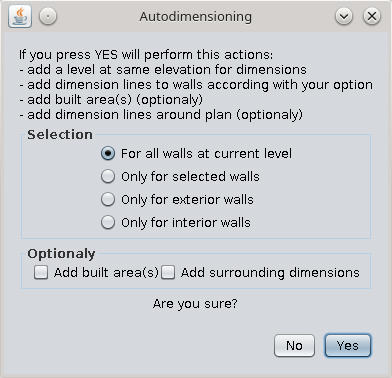
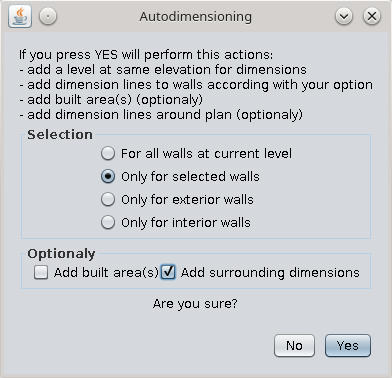
Re: Auto Dimensioning plugin New version 1.2 -add a complete undo/redo mechanism thanks to Emmanuel; Now when click "undo" will delete added level with all dimensions. -add only interior walls dimensions -add surrounding dimensions (will be improve) For this option I steel have to work because it's not exactly what I want but is a start. Also on Source Forge ---------------------------------------- A computer program does what you tell it to do, not what you want it to do. Murphy's Law When all else fails, read the instructions. Murphy's Law If you don't like "AS IS", DIY. Dorin's law |
| Posted by dorin at May 2, 2021, 10:16:39 AM |
|
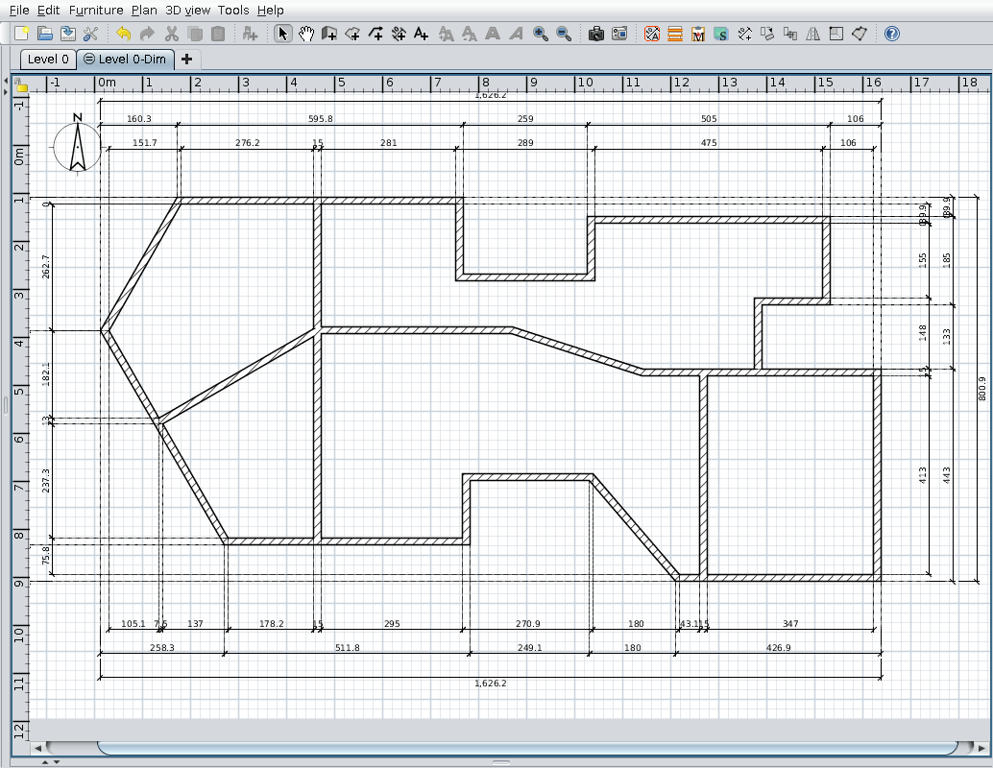
Re: Auto Dimensioning plugin New version 1.3 -add complete surrounding dimensions ![]() Also on Source Forge ---------------------------------------- A computer program does what you tell it to do, not what you want it to do. Murphy's Law When all else fails, read the instructions. Murphy's Law If you don't like "AS IS", DIY. Dorin's law |
| Posted by hansmex at May 2, 2021, 11:04:08 AM |
|
Re: Auto Dimensioning plugin Wow, this looks very professional! However, I think the updating doesnt work correctly. I had to manually delete previous versions, and download from GitHub, before I got the new version to work. H ---------------------------------------- Hans new website - under constuction hansdirkse.info |
| Posted by dorin at May 2, 2021, 3:09:42 PM |
|
Re: Auto Dimensioning plugin Thanks Hans but to don't exaggerate. Is full of bugs so do not expect to much. Few of knowing ones: -in some cases appear double lines and 0 dimensions -the round walls are not measured -the doors and windows are not measured also That being said is far to be professional. While I'm not a programmer maybe there is someone to make it batter. Now I want to focus on another useless plugin. ---------------------------------------- A computer program does what you tell it to do, not what you want it to do. Murphy's Law When all else fails, read the instructions. Murphy's Law If you don't like "AS IS", DIY. Dorin's law |
| Posted by Puybaret at May 2, 2021, 4:36:22 PM |
|
Re: Auto Dimensioning plugin Thanks for the update ![]() in some cases appear double lines and 0 dimensions You could get less 0 dimensions if you copy the changes I made in getAreaPaths for version 6.5.2.---------------------------------------- Emmanuel Puybaret, Sweet Home 3D creator |
| Posted by dorin at May 19, 2021, 9:00:28 AM |
|
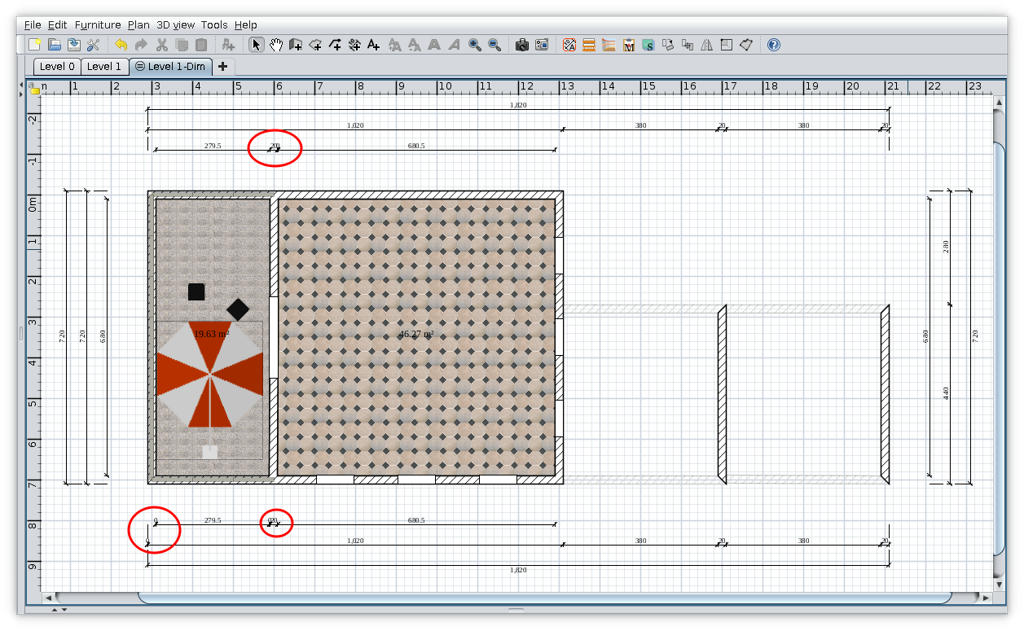
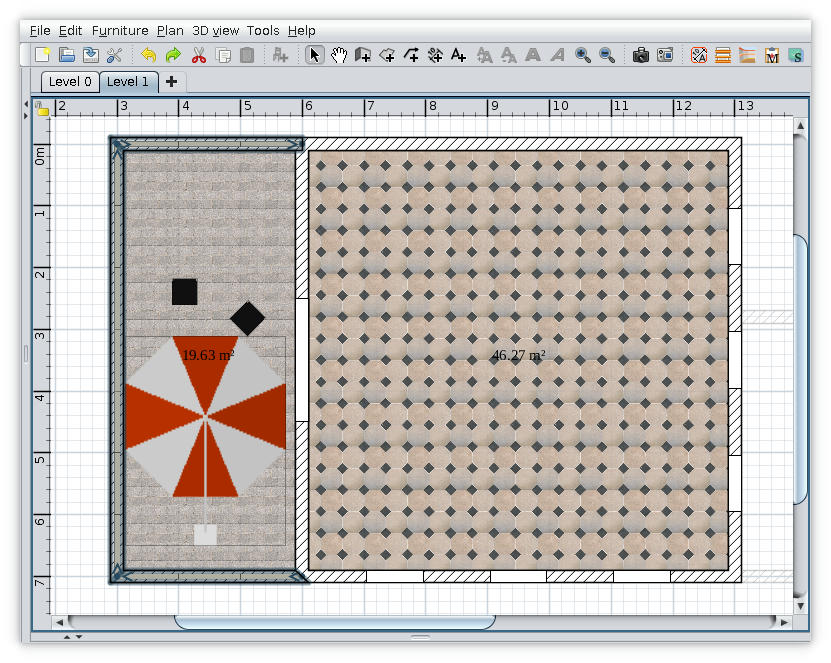
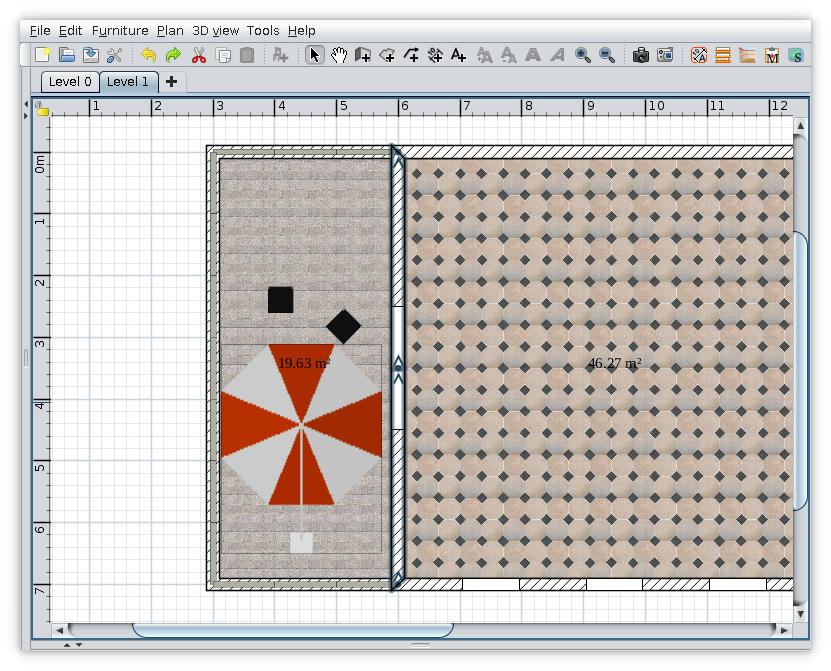
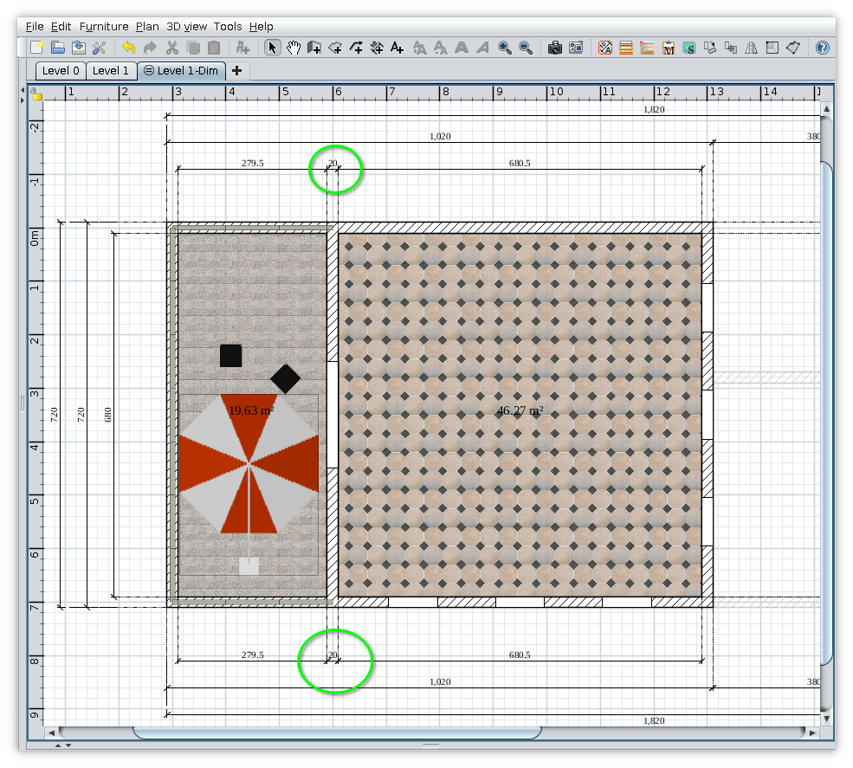
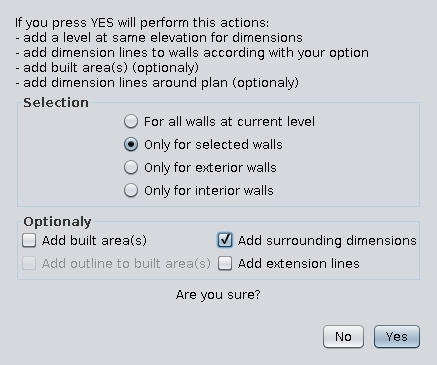
Re: Auto Dimensioning plugin New version 1.4 -add option to draw outline around built area -add option to draw extension lines for surrounding dimensions (An coworker, architect, have told me is not allowed the extension lines in our official plans. I'm not totally agree with that so I make it optionally) 1. The plugin ![]() 2. Some observations Sometime on some plans appear zero dimensions (like what I mark with red in above image). I've try to avoid this without success unless I reduce drastically the precision. My conclusion was that zero dimensions appear when a wall(s) are not perfect horizontal or vertical especially when are splinted. My workaround is this: - identify the walls and click undo to delete the Dim level; - correct the walls by clicking on their end points (magnetism enabled) - try again to add surrounding dimensions Maybe will not succeed from first attempt and you have to try again. ![]() ![]() Also on Source Forge ---------------------------------------- A computer program does what you tell it to do, not what you want it to do. Murphy's Law When all else fails, read the instructions. Murphy's Law If you don't like "AS IS", DIY. Dorin's law |
| Posted by Puybaret at May 19, 2021, 10:30:46 AM |
|
Re: Auto Dimensioning plugin Thanks for this update. There's still something I don't understand: using the 1st demo of Sweet Home 3D, I tried to generate dimensions with the default option "For all walls at current level", but just got an empty level. Wondering if you took into account the existing dimension lines, I deleted the existing ones in the demo, but didn't get a better result. Do I miss something? It would be nice if the default option would generate something, wouldn't it? ---------------------------------------- Emmanuel Puybaret, Sweet Home 3D creator |
|
|
|
Current timezone is GMT Dec 18, 2025, 8:26:03 AM |