Print at Dec 15, 2025, 7:22:18 PM
Posts: 21   Pages: 3   [ 1 2 3 | Next Page ]
View all posts in this thread on one page
Posted by silvercat17 at Jan 8, 2022, 3:25:35 AM
WIP furniture / lights library


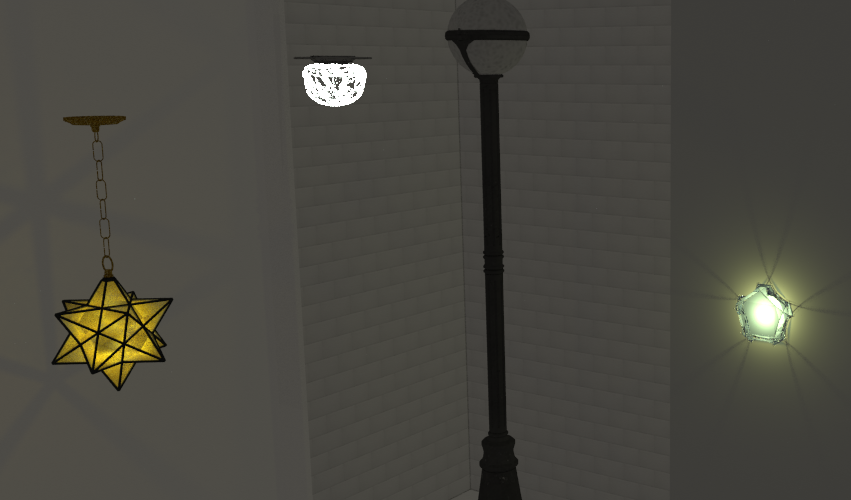
I have a few lights done and a bunch more on the to-do list. Some of them I downloaded for the Great Hall (http://www.sweethome3d.com/support/forum/viewthread_thread,11280 ). Some are for a more conventional home.

Anybody have suggestions for a faster workflow than alternating between modifying the properties file and re-opening Sweet Home to check the results?

I also still need to figure out the best opacity settings for glass.
Posted by silvercat17 at Jan 9, 2022, 6:44:47 AM
Re: WIP furniture / lights library
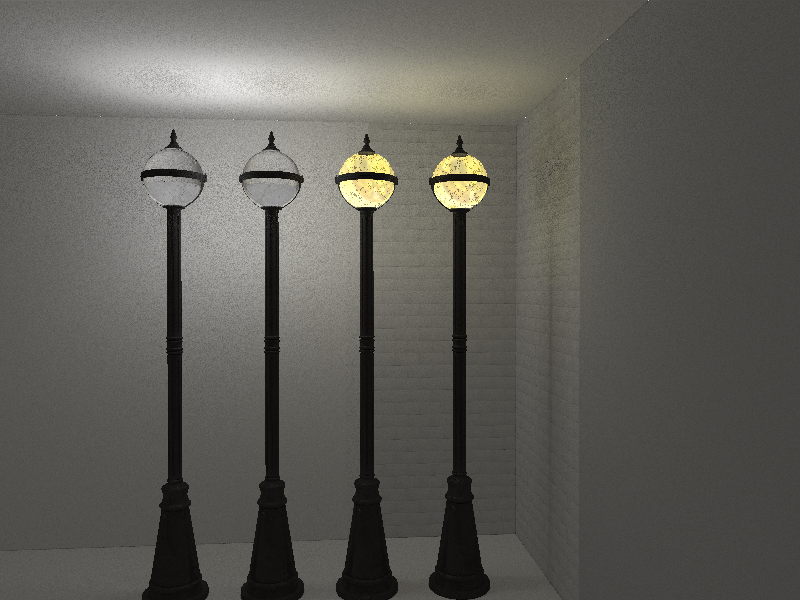
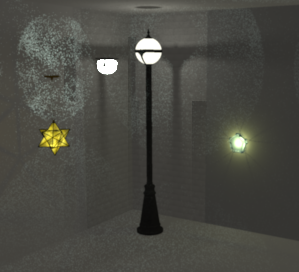
For the some reason the lights I just finished aren't rendering in Yafaray. Any ideas?


Here's the properties of the one that isn't working:

name#4=Streetlamp3
category#4=Lights
icon#4=/Streetlamp3.png
model#4=/Streetlamp3/tall%20streetlamp%20with%20sphere.obj
multiPartModel#4=true
width#4=41.5
depth#4=42
height#4=305
movable#4=true
doorOrWindow#4=false
lightSourceX#4=20.75
lightSourceY#4=21
lightSourceZ#4=273.6
lightSourceColor#4=#47463c
lightSourceDiameter#4=3
elevation#4=0
modelSize#4=10649044

And one of the ones that is:

name#2=Ceiling globe
category#2=Lights
icon#2=/Ceiling globe.png
model#2=/Ceiling globe/ceiling%20globe.obj
multiPartModel#2=true
width#2=30.48
depth#2=30.3276
height#2=19.9644
movable#2=true
doorOrWindow#2=false
lightSourceX#2=15.24
lightSourceY#2=15.1638
lightSourceZ#2=7
lightSourceColor#2=#666257
lightSourceDiameter#2=3
elevation#2=243.84
modelSize#2=277660

Posted by silvercat17 at Jan 9, 2022, 7:21:30 AM
Re: WIP furniture / lights library
If I remove the texture on the street lamp's globe, the light shows. But the star lamp also has a texture at the same opacity and the light shows in it.

Posted by Mike53 at Jan 9, 2022, 4:53:31 PM
Re: WIP furniture / lights library
Could be that the globe on the street light has texture applied to both its inner and outer face, the others may have it on just 1 face

Posted by silvercat17 at Jan 9, 2022, 11:30:13 PM
Re: WIP furniture / lights library
No, the texture is only on the outside. I'm thinking the problem is the size of the light? I wish there was a way to see what size the light actually is.

Posted by silvercat17 at Jan 10, 2022, 12:07:38 AM
Re: WIP furniture / lights library
Definitely something with the texture. I tried it with the texture that was working and now it works. It appears Yafaray likes transparent textures and Sunflow doesn't care.

Posted by silvercat17 at Jan 10, 2022, 12:12:43 AM
Re: WIP furniture / lights library


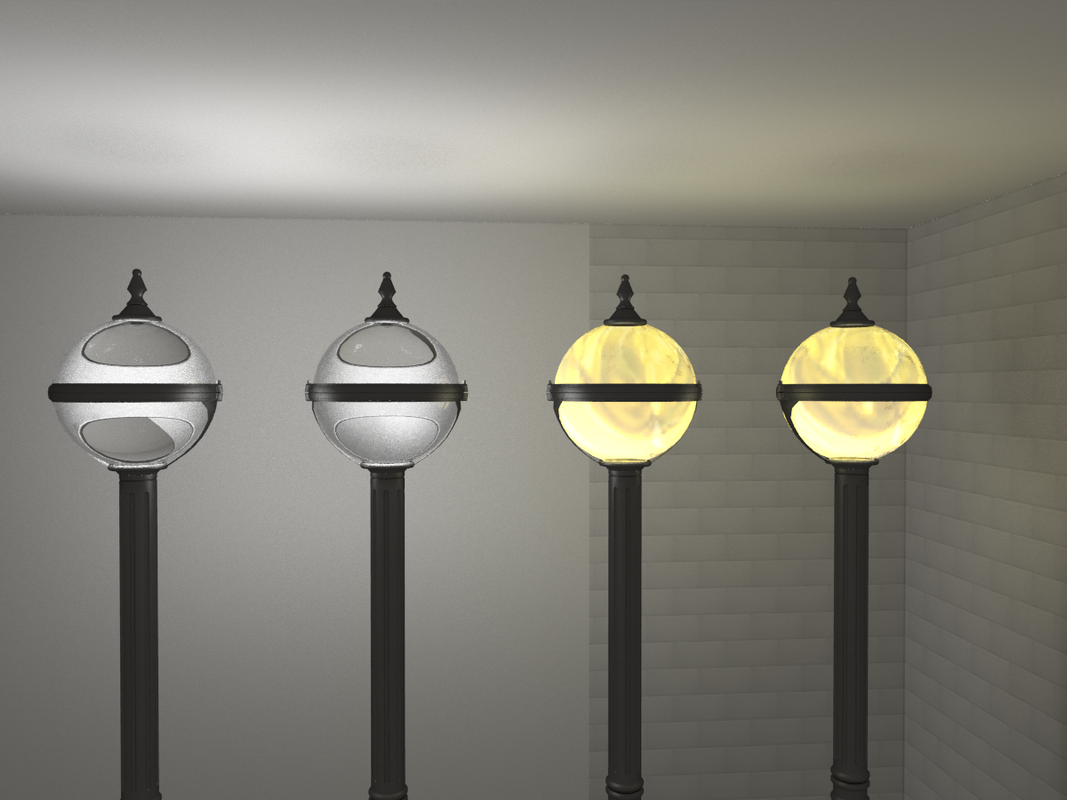
The two yellow ones have a transparent png as the texture, one with it on both sides of the globe, one with it only on the outside. The white ones have no texture, again one with the color on both sides and one with the color on the outside.

Having the color/texture on both sides or just one doesn't seem to make a difference.

This is using a white light source in each of them (instead of making them a light). On all of the globes, the texture/color is at 70% opacity.

Now to figure out how the Light Diameter property corresponds to size.

Posted by silvercat17 at Jan 10, 2022, 12:19:47 AM
Re: WIP furniture / lights library


Whether the texture/color is on one side or two sides doesn't affect the amount of light that passes through, but it does change the look.

In order from left to right: two-sided no texture, one-sided no texture, two-sided with transparent png, one-sided with transparent png.

The reason I'm trying to get a texture to work is to element that crystal ball effect (although the angle you're looking at it makes a big difference)

Posted by silvercat17 at Jan 10, 2022, 1:19:33 AM
Re: WIP furniture / lights library


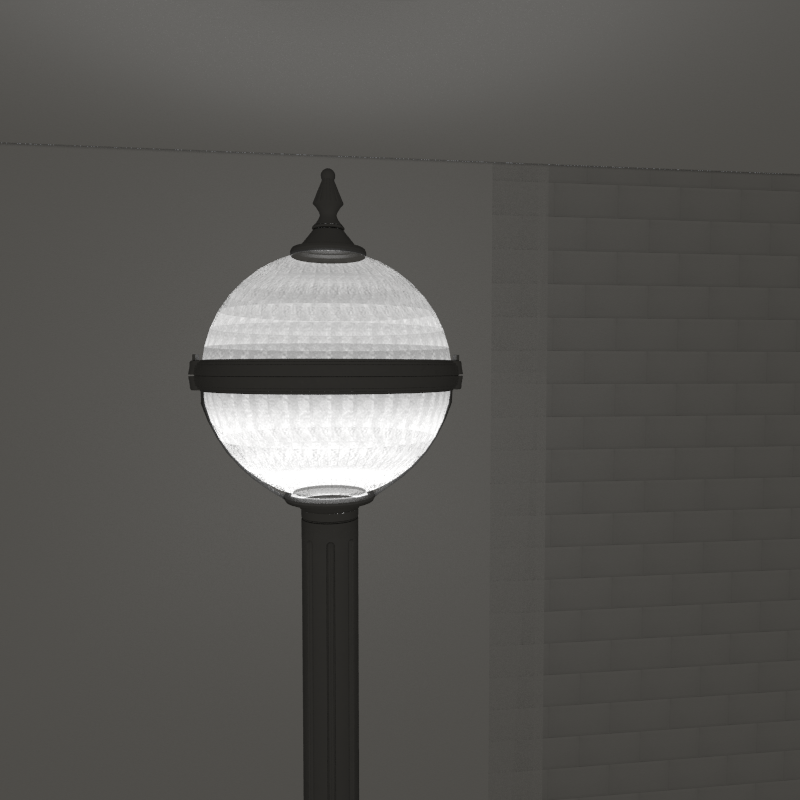
Success. Taking an image into Photoshop and making it 75% transparent works perfectly (the texture isn't the right size, but that's a different issue)

Posted by silvercat17 at Jan 11, 2022, 5:48:19 AM
Re: WIP furniture / lights library


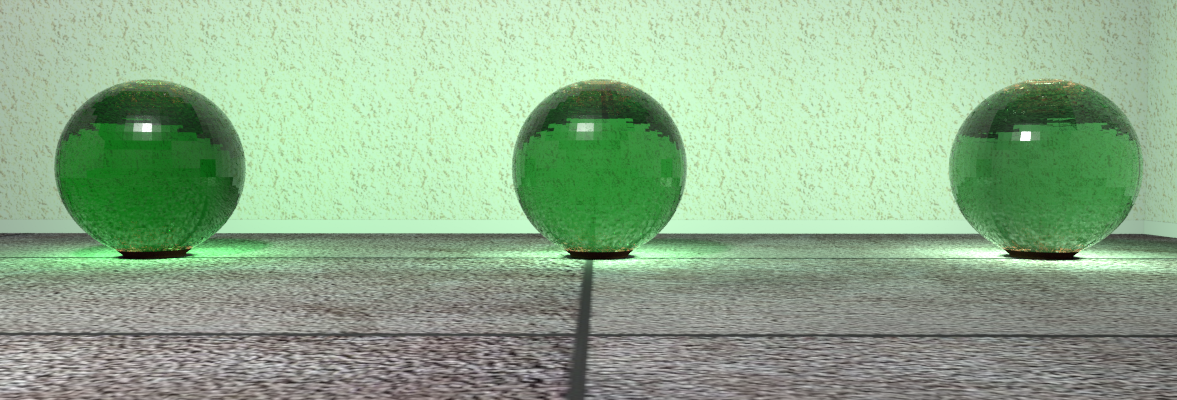
I'm working on doing comparisons of different light settings. Here's a test with just a color and no texture at varying opacities. Having no texture doesn't look very good at least with simple shapes.

These are 70%, 80% and 90% opacity from left to right.

name#1=Globe bl 70opa
category#1=Lights
icon#1=/Globe bl 70opa.png
model#1=/Globe bl 70opa/globe-bl-70opa.obj
multiPartModel#1=true
width#1=61
depth#1=61
height#1=62
movable#1=true
doorOrWindow#1=false
lightSourceX#1=30.5
lightSourceY#1=30.5
lightSourceZ#1=31.5
lightSourceColor#1=#333333
lightSourceDiameter#1=40
elevation#1=0
modelSize#1=8727823
creator#1=Silvercat

Next I'll compare light sizes with one of these lamps.

Posts: 21   Pages: 3   [ 1 2 3 | Next Page ]