Print at Dec 15, 2025, 7:19:23 PM View all posts in this thread on one page
Posted by itias at Nov 7, 2022, 9:30:59 PM
How to avoid burnouts in rendering
Hi all,

Returning user here, after skipping few versions wink
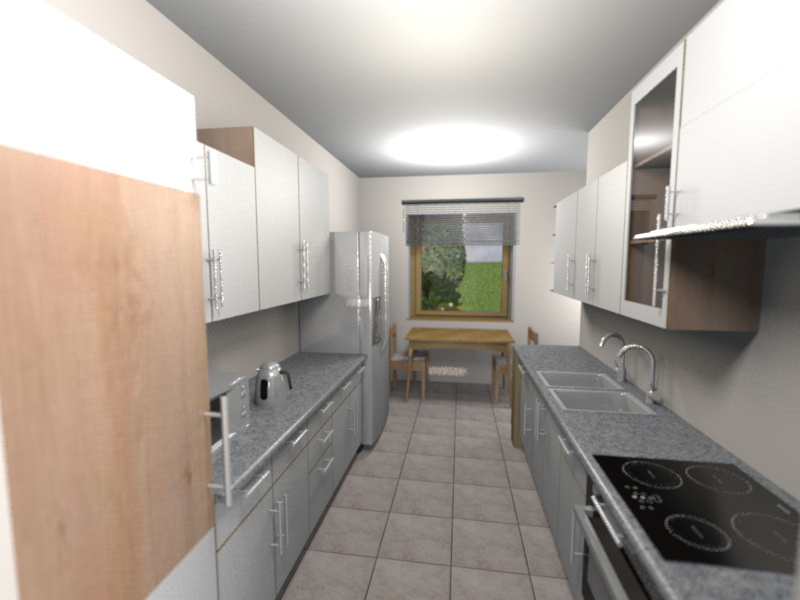
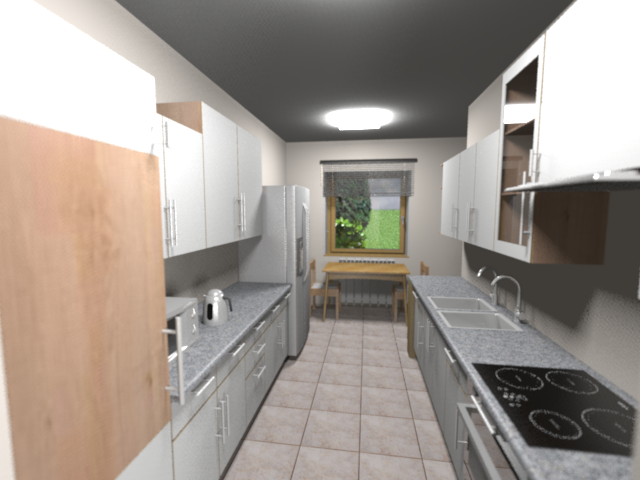
I'm looking for a solution to avoid burnouts from light sources - unlike in reality, the brightness of a light in SH3D is fading much quicker, so either you get a lot of overexposured areas (all white), or the image is too dark. Let me give you an example.
Here is my rendered image of a kitchen (I wanted to see how it looks like with a new fridge smile ):


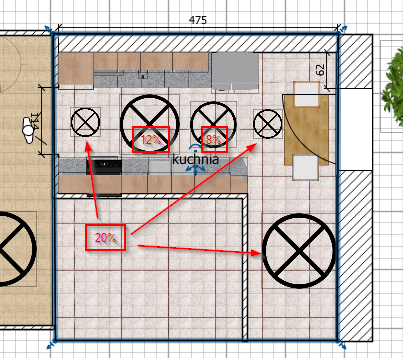
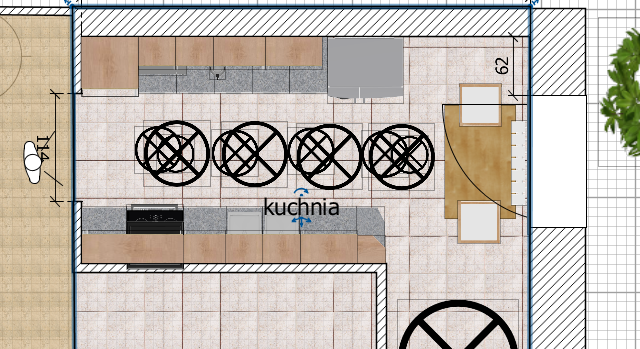
And here is the light setup:


As you can see, even with additional lights, the outcome is dimmed at the bottom part of the kitchen, yet still there are burnouts at the ceiling. Is there any way to avoid that?
Posted by Daniels118 at Nov 9, 2022, 6:23:44 AM
Re: How to avoid burnouts in rendering
You may try to replace the standard lights with the new light panels. The produces a much diffuse light which should solve your problem.

Posted by itias at Nov 9, 2022, 3:39:08 PM
Re: How to avoid burnouts in rendering
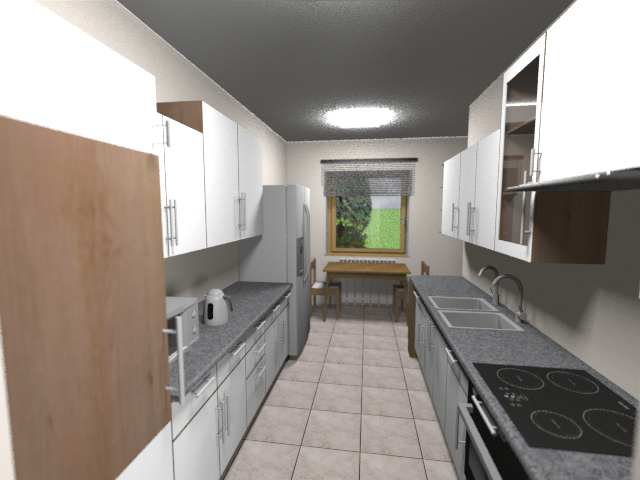
Tried the panels, and results were not much different, using both renderers:


The best I could do was using standard lights (many of them) - see below. Is my goal at all achievable without using 3rd party renderer, like Thea?


Posted by hansmex at Nov 9, 2022, 6:16:15 PM
Re: How to avoid burnouts in rendering
It looks as if the ceiling lights are still "on". You can switch them off in the tender panel.

Also, make sure light sources don't touch the ceiling to avoid the white spots.

Experiment with the light panels, you should be able to get even lighting with them.

H
----------------------------------------
Hans

new website - under constuction
hansdirkse.info

Posted by itias at Nov 9, 2022, 9:21:42 PM
Re: How to avoid burnouts in rendering
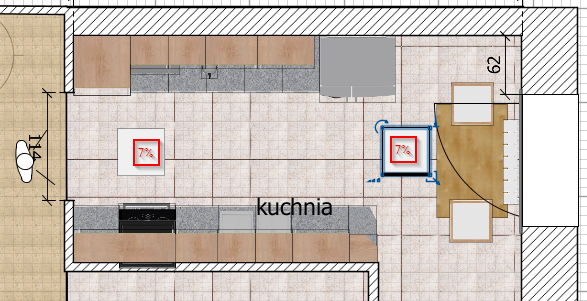
I switched the ceiling lights off in the very beginning sad There are two main lights, simulating my leds, which are just white light sources of a 40 cm in size, at 18% power, set at 220cm (the kitchen is 270cm high). Then there are two row of other lights:

  • four 70cm white lights at 110cm, 9% power - to enlighten mid section
  • four 50cm white lights at 30cm, 7% power - to enlighten bottom furniture and floor


So in essence no light touches the ceiling, it seems the renderer reduces the light's power very rapidly with the distance from the source. SH3D is 7.0.2 and I'm using simple phot-video rendering 2.4.1.
Here is my scene if anyone is kind enough to render for comparison:
Kitchen model

Posted by Daniels118 at Nov 11, 2022, 9:02:48 PM
Re: How to avoid burnouts in rendering
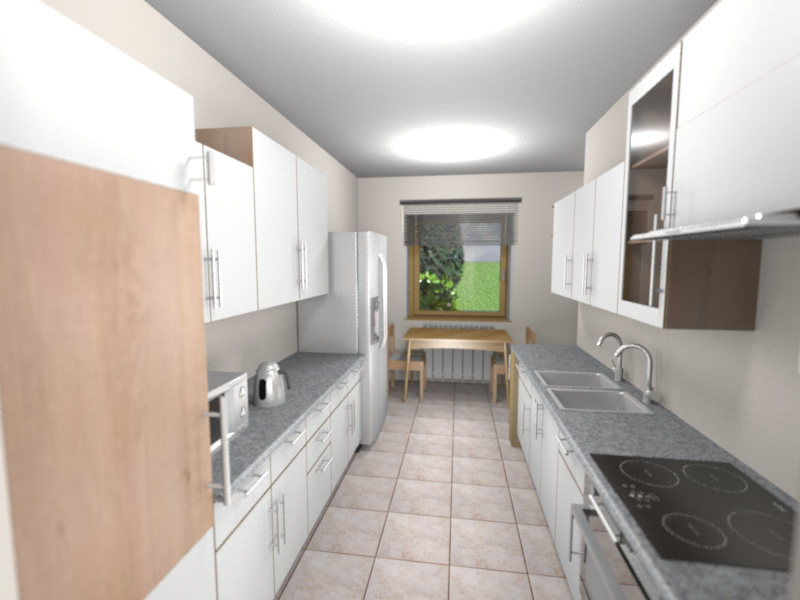
The problem with the "Light panel" object is it hasn't a lampshade, so the light hits the ceiling directly. If you try with the minispot (don't mind the word "mini", you can enlarge it as needed) you will get the expected result. If you don't like the minispot shape, you can always use the light panel and build your own lampshade using boxes, or create your complex model using Blender or similars.

Here an example using 2 enlarged minispots at 10% power: