|
Sweet Home 3D Forum » List all forums » » Forum: Features use and tips » » » Thread: Furniture Outline for Printing Floorplan |
|
| Print at Dec 18, 2025, 7:15:12 AM | View all posts in this thread on one page |
| Posted by PureLoneWolf at May 15, 2023, 9:46:01 AM |
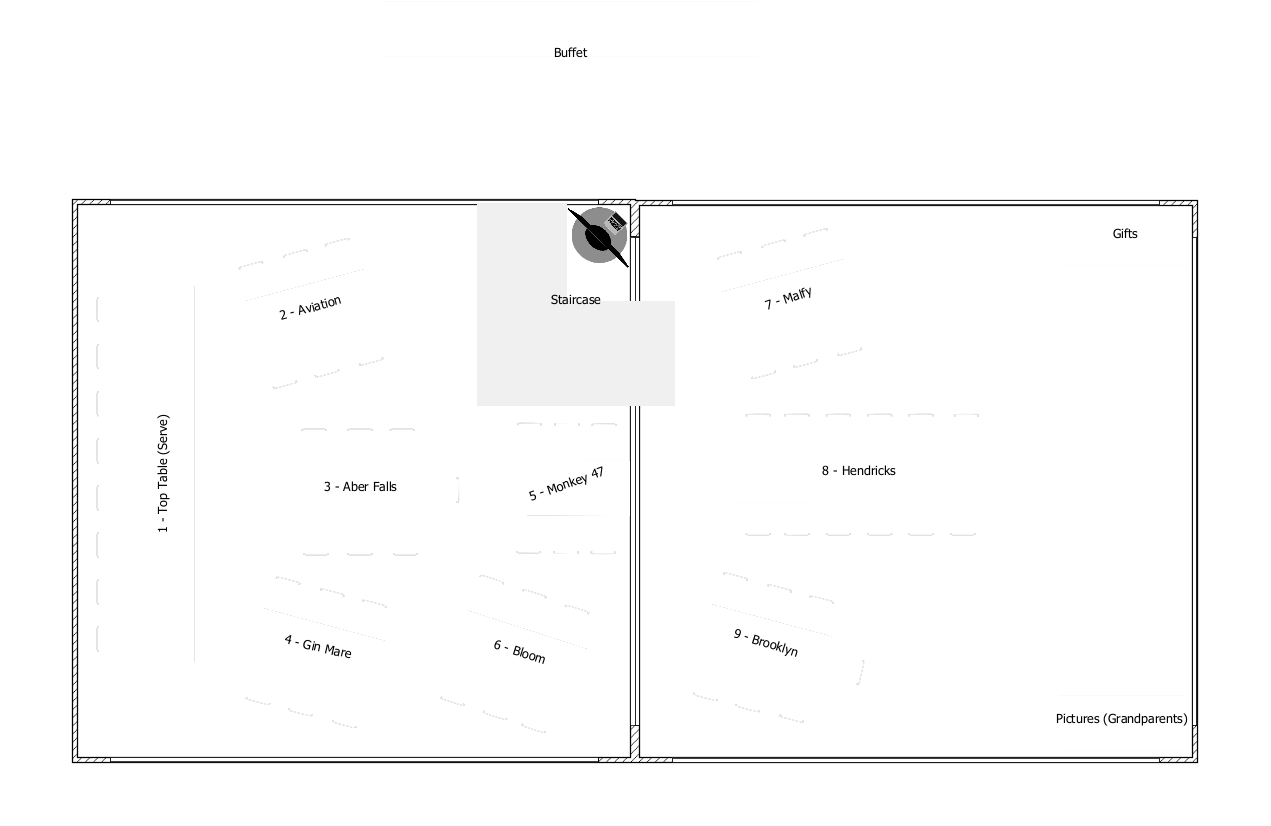
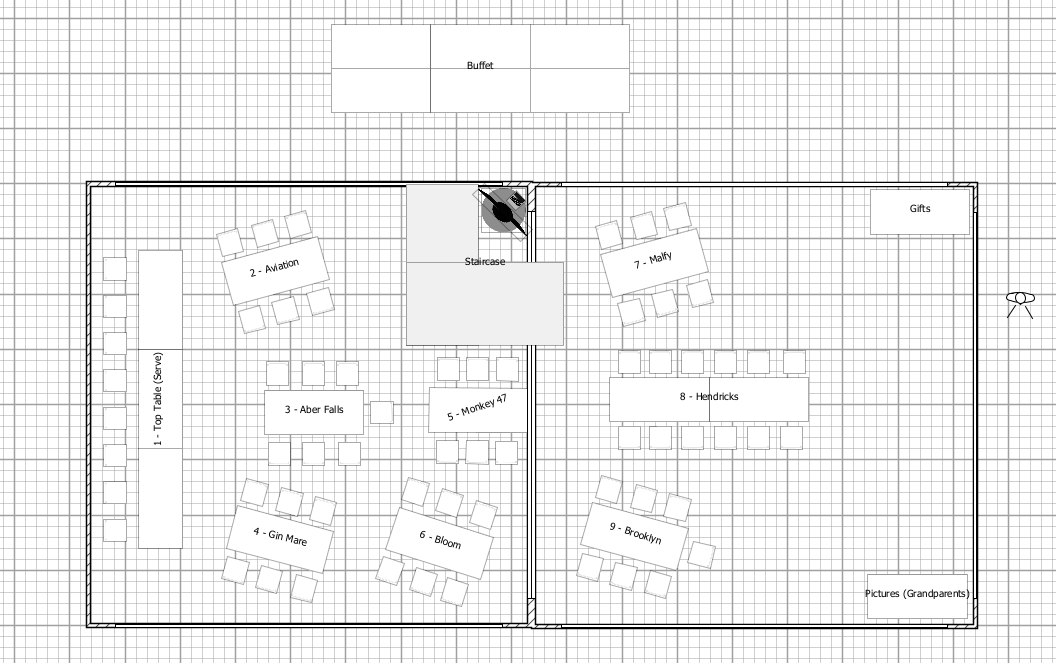
Furniture Outline for Printing FloorplanHi all I am probably being brainless here, but I have been using the software to just create a basic layout for a room with tables/chairs and would like to print just the floorplan. When I look at the floorplan, I see the outline of each table/chair, but when I print it removes the outline... Screenshot and Print-Preview: ![]() How can I get it to just print the outlines? Many thanks in advance |
| Posted by Puybaret at May 15, 2023, 3:38:33 PM |
|
Re: Furniture Outline for Printing Floorplan These outlines are drawn to help you recognize the surface where you should click to select an object and are never printed when Top view option is selected in preferences panel. If you want to see the border of objects, select the Catalog icons option in preferences panel, or draw a room and give it a color which is not white. You may also use a customized plan icon but this will take more time. ---------------------------------------- Emmanuel Puybaret, Sweet Home 3D creator |
| Posted by PureLoneWolf at May 15, 2023, 3:56:41 PM |
|
Re: Furniture Outline for Printing Floorplan Many thanks for the help. Shame that I can't stop the icons being shown when I choose that option. The room colour/object colour didn't really help because, where tables are up against each other, the separation isn't there. It would be nice for there to be an option to print outlines so the print of the plan is just what is shown (with/without grid). In the end, I just disabled the grid, zoomed in and took a screenshot. Cheers |
|
|
Current timezone is GMT Dec 18, 2025, 7:15:12 AM |