Re: How to turned off outdoor lights in daytime renderings
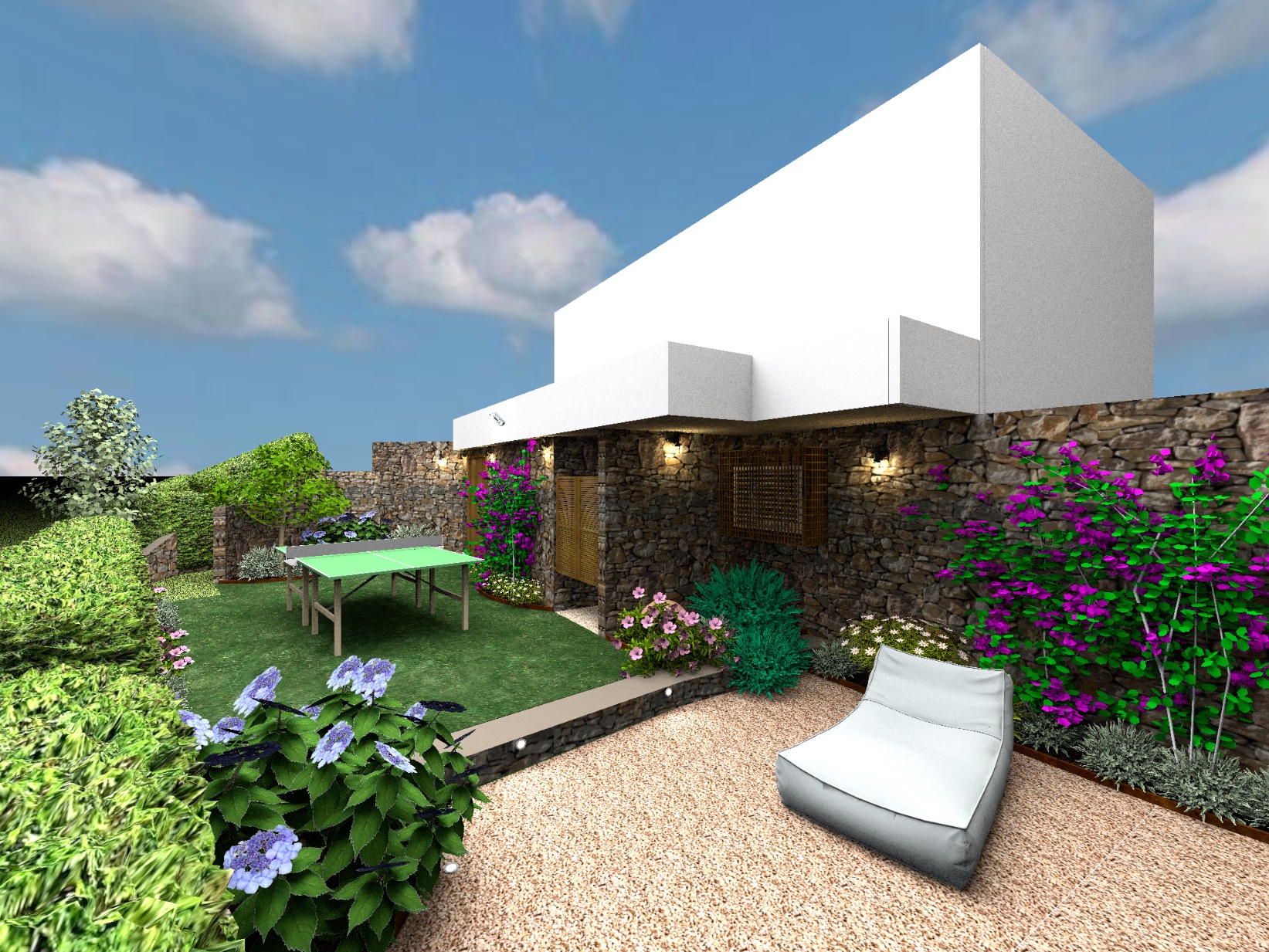
Now I know that there is a great project here! And there is a way to make daylight for the lazy. It is not necessary to turn off all these dozens of different lamps, because they turned out so hard. Let them burn during the day!)) They only have complex reflexes and no harm. One benefit and subtle beauty. And let the sun shine through the clouds - this is the most comfortable light, without harsh shadows, everything is soft and pleasant. Why worship the sun of the Sahara Desert? Moreover, the daytime sun is not bright at all in the program. But the hemispheres can shine several times brighter than the power of the SH 3D sun and the lamps in the grass will be lost in its rays. I covered the house with two such hats, one very low 7%, the other above the house 10%. The brightness level of the render is very low, just above the first division. It is quite possible to simulate a day without daylight. It's the same 1 a.m. on the render.