Print at Dec 15, 2025, 4:00:02 PM View all posts in this thread on one page
Posted by GaudiGalopin3324 at Oct 28, 2024, 8:26:35 PM
mirror prefixes
all SH3D prefixes are collected here
There are three prefixes with different names that should create a mirror effect on the surface of the models.
1.... sweethome3d_window_mirror
2.... sweethome3d_window_mirror_on_hinge_
3.... sweethome3d_window_mirror_on_rail_
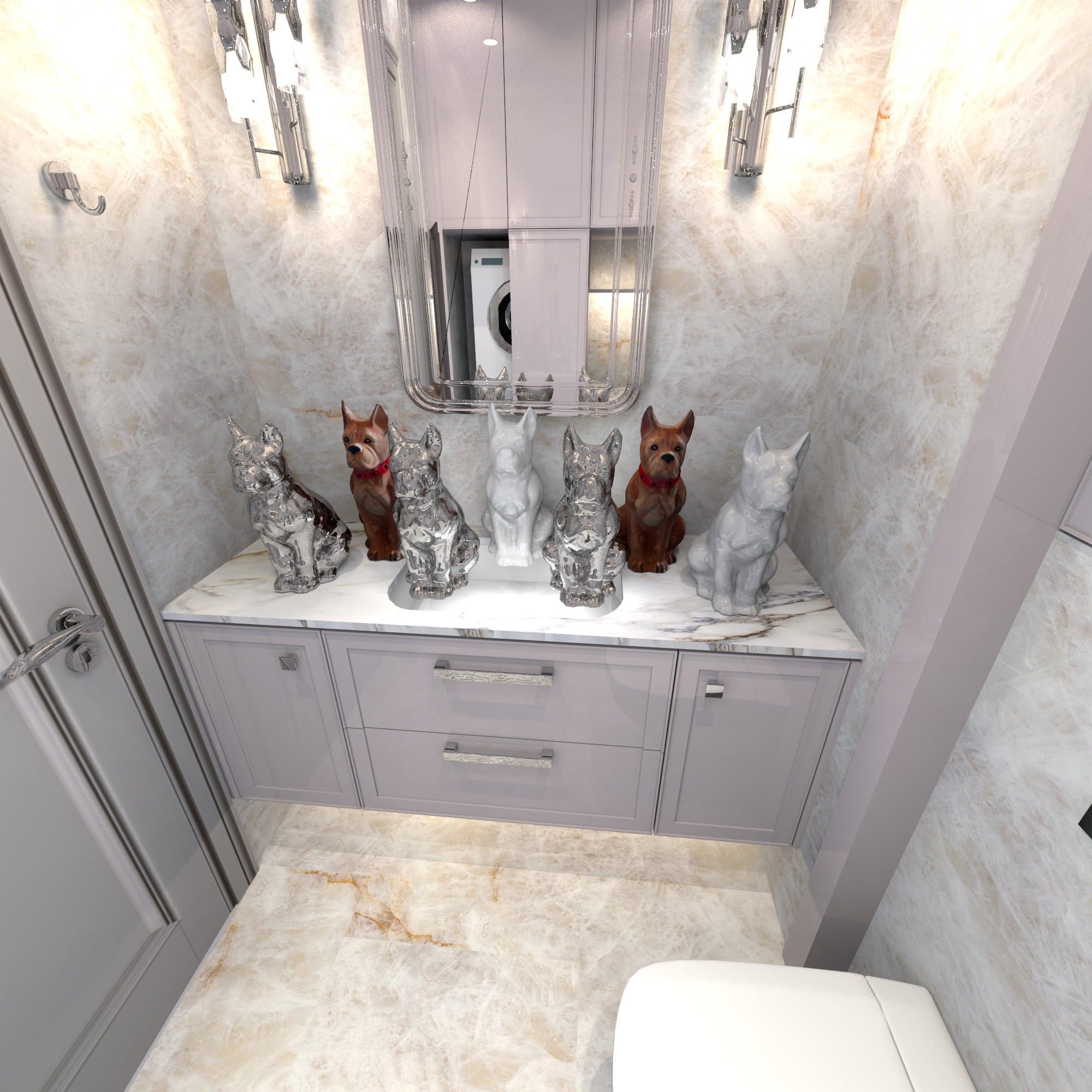
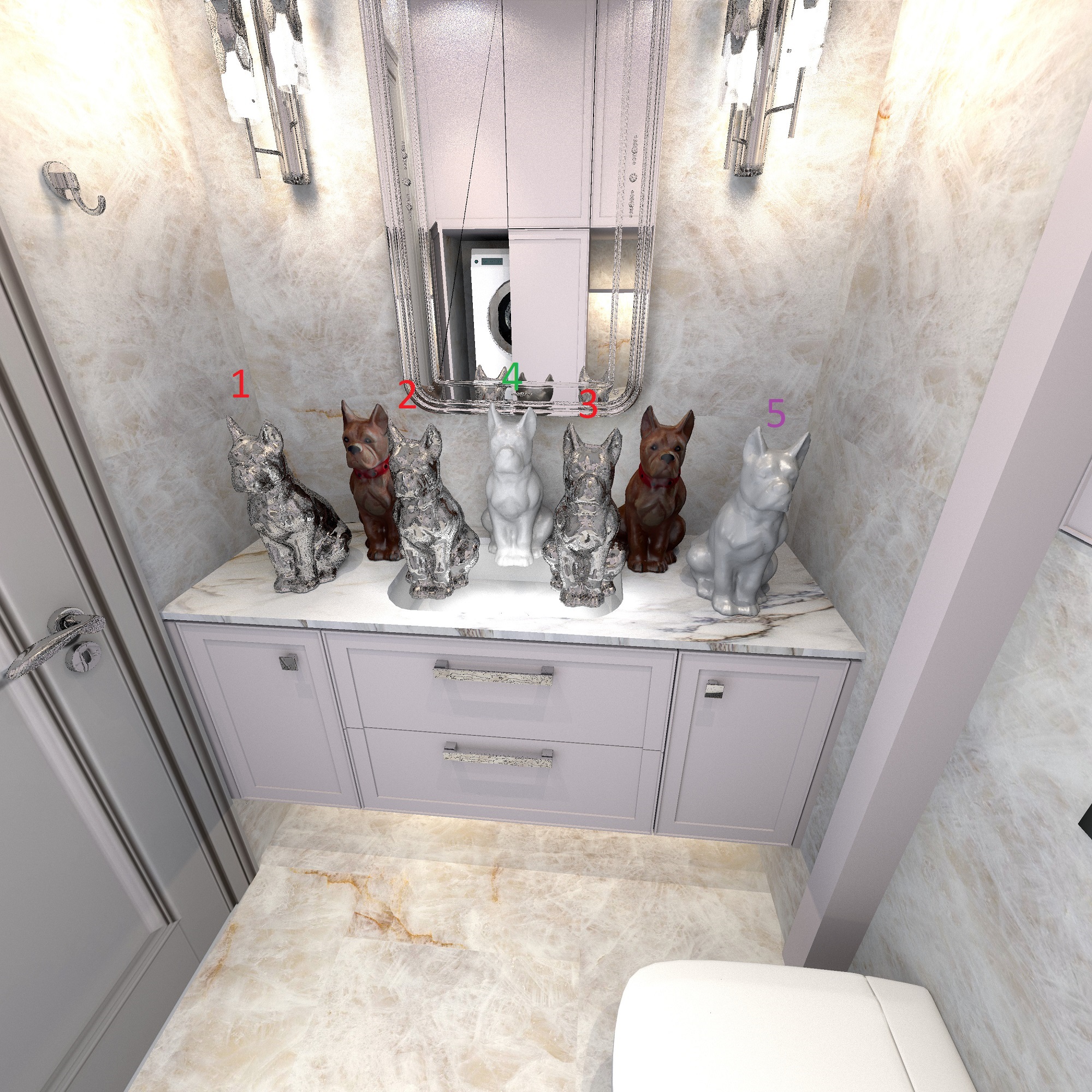
I found a dog with a complex surface to find the features of the impact of prefixes. I added another one to the mirror prefix
5.... sweethome3d_light
in the center, I put a dog with maximum gloss in a light gray color
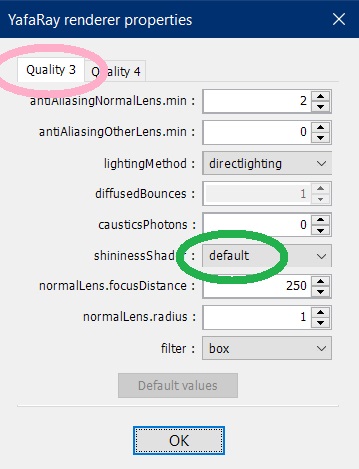
the third level of quality with standard settings

Posted by GaudiGalopin3324 at Oct 28, 2024, 8:54:44 PM
Re: mirror prefixes
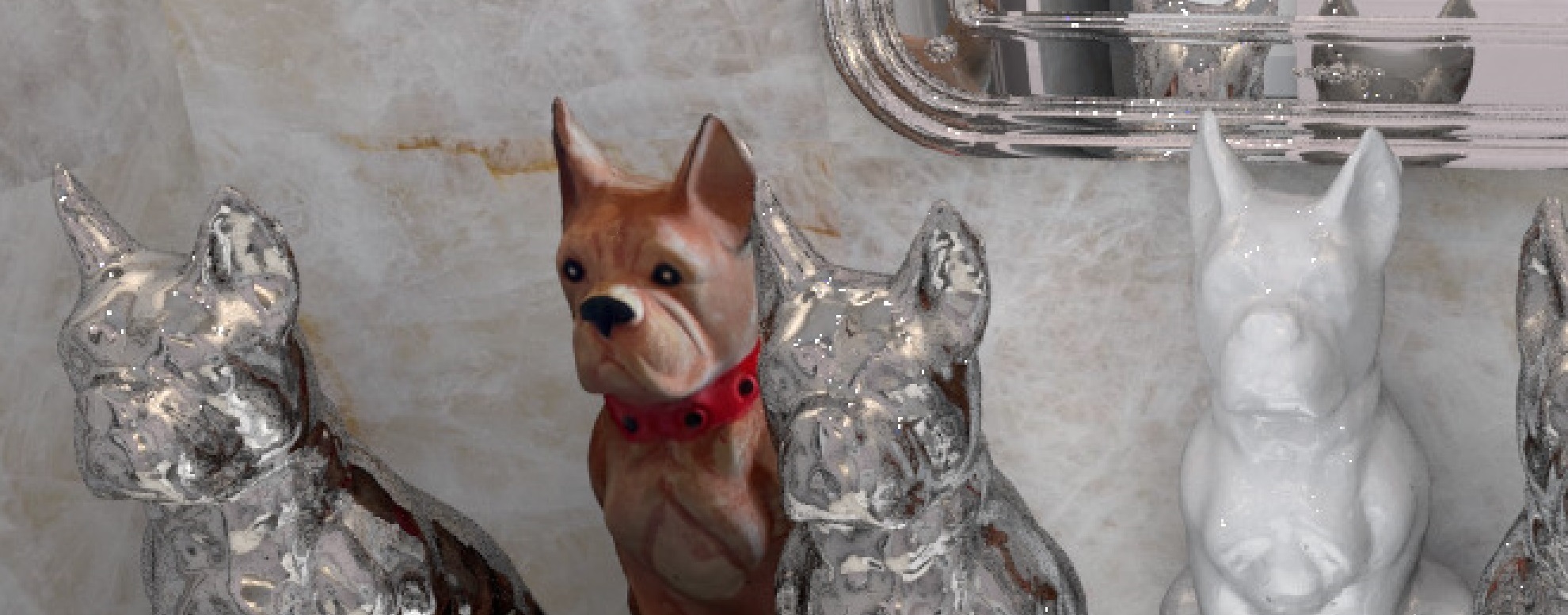
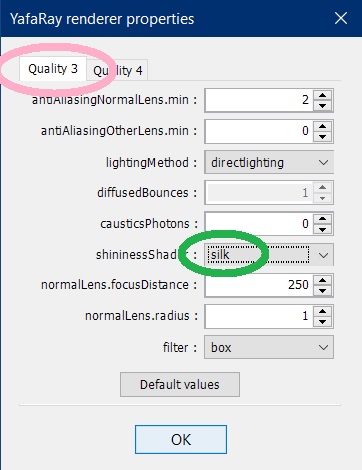
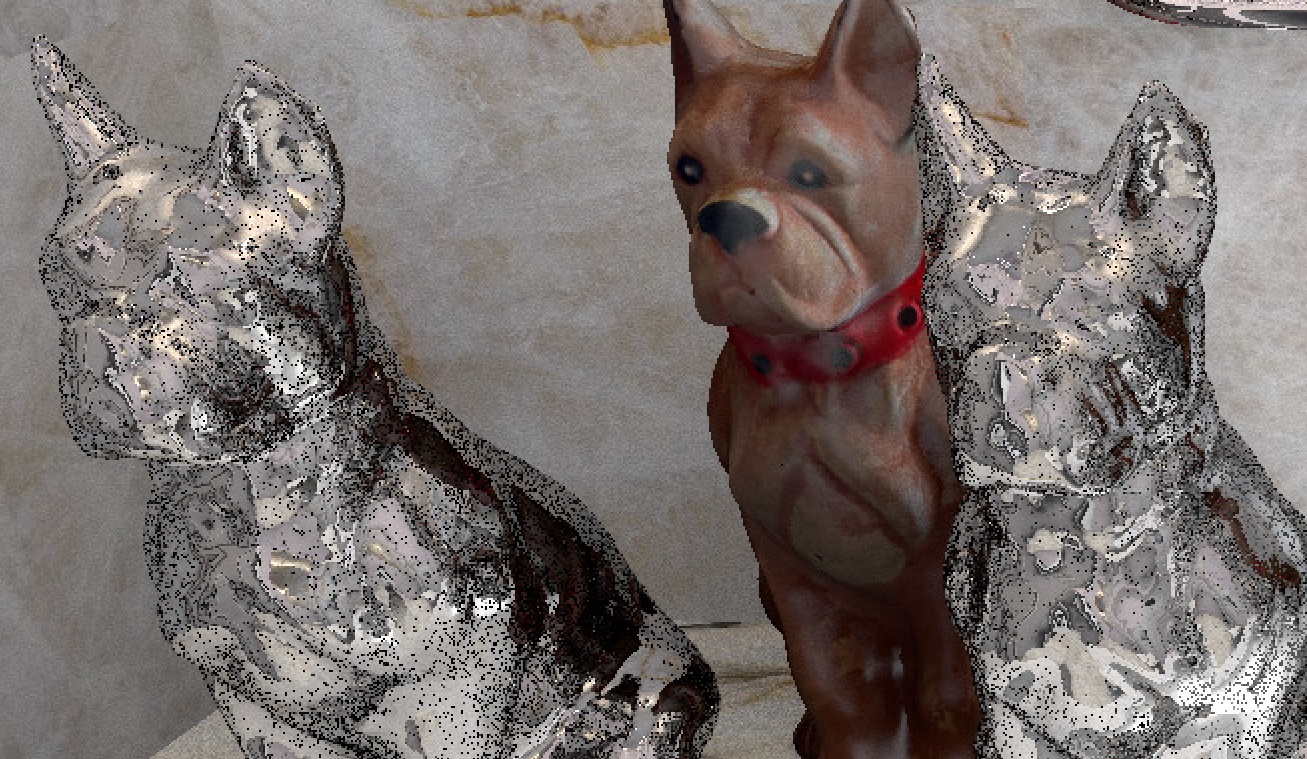
the following render with SILK settings. Here, a change in reflections in shiny surfaces is expected. The reflection of the surrounding objects will be replaced by the reflection of light sources. And so it turned out. The reflections in the lacquer on the doors have completely disappeared. Shiny Dog 5 has changed its highlights. mirror dogs with different prefixes look exactly the same, with no advantages. There are a huge number of broken black pixels on them, but in general 3000x3000 pixels makes the picture almost high-quality, if not enlarged. The download time is 4 hours


Posted by GaudiGalopin3324 at Oct 28, 2024, 9:15:34 PM
Re: mirror prefixes
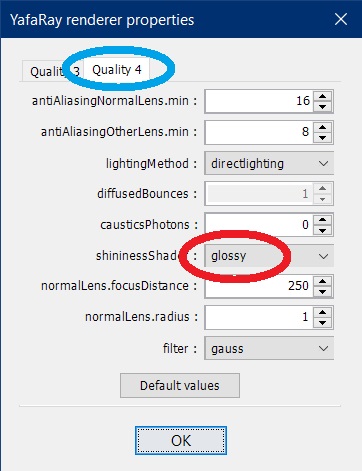
the conclusion is that all mirror prefixes seem to be the same, there is no difference, complex shapes are affected in the same way. The prefix Light does not appear in any way, the dog is exactly the same as in the center, there are no prefixes. And now I will share with you a WOW Discovery)). Previously, I was sure that the maximum fourth level of quality has disadvantages - reflections in glossy surfaces disappear. But I accidentally found a setting with which you can get the most realistic images with all the reflections (and lamps, as with SILK, and all surrounding objects, as in the standard setting of the third level). This is a fourth-level GLOSSY add-on. Everything turns out to be as high quality as possible, there is almost no noise and black pixels, there are all normal reflections, as in reality!! Yes, of course, you have to pay for everything. Pay with the loading time. This picture in 2000x2000 resolution was loaded for 15 hours, which is of course a very long time, but this is the maximum of the most correct modes. If you need a very realistic render, then this is level 4 with Glossy.


love struck

Posted by Keet at Oct 29, 2024, 7:57:13 AM
Re: mirror prefixes
There are three prefixes with different names that should create a mirror effect on the surface of the models.
1.... sweethome3d_window_mirror
2.... sweethome3d_window_mirror_on_hinge_
3.... sweethome3d_window_mirror_on_rail_
Note that these are basically the same.
âš« sweethome3d_window_mirror creates a mirror effect,
âš« _on_hinge / _on_rail attaches the mirror to a deformation.
âš« _on_hinge / _on_rail do not change the effect of sweethome3d_window_mirror.
âš« sweethome3d_window_mirror_on_hinge_ is a shorthand for the non-existing sweethome3d_window_mirror_and_sweethome3d_opening_on_hinge_
âš« sweethome3d_window_mirror_on_rail_ is a shorthand for the non-existing sweethome3d_window_mirror_and_sweethome3d_opening_on_rail_

For experimenting with the mirror you don't need the deformations since deformations (duh!) don't work on a photo. It can be an easy way to create a series of photos with the mirror in different positions. For example with a bathroom cabinet mirror door that is opened in different positions for each consecutive photo. You can then use the series of rendered photo's to create an animated GIF.
----------------------------------------
Dodecagon.nl
1300+ 3D models, manuals, and projects