Print at Dec 17, 2025, 3:39:46 AM
Posted by ecopy at Dec 25, 2017, 7:54:44 AM
applause   View your homes in VR mode
I don't know if it is the right place to ask.
Yesterday I tried to find some app for android to view exported .obj in VR-mode with google cardboard. The only one worked was obj2vr, but it is no longer supported and has a major bug of a flipped x-axis.
Nevertheless, even this buggy app gave me some worthy ideas and impressions. So if there will a simple way to view your project in VR, this could be praised very high by users like me.
I don't know if this should be an enchanced HTML5 plug-in or some app for mobile device, or even main program functionality. But anyway this would be really sweet =)

Posted by hansmex at Dec 25, 2017, 10:45:28 AM
Re: View your homes in VR mode
There's an export to html tool for SH3D. Then you can view your files even on a phone.
----------------------------------------
Hans

new website - under constuction
hansdirkse.info

Posted by ecopy at Dec 25, 2017, 11:36:01 AM
Re: View your homes in VR mode
Yes I know that, but this is not intended for VR, right?
Or is there some way to make it work in "stereo" with Google Cardboard?

Posted by qythyx at Feb 25, 2018, 4:03:18 AM
Re: View your homes in VR mode
I've been working on this myself and have an iOS app working with Google Cardboard. It's still a very manual process to import a house into my app and requires rebuilding the app. I'm hoping to simplify this and make it usable for others too when I find the time.

Posted by sicogary at Dec 20, 2018, 6:10:19 PM
Re: View your homes in VR mode
Hello everyone, I was wondering

Have you finally have found an easy way to view houses in VR or has this feature been abandoned?

Thanks

Posted by Gildaniel at Dec 24, 2019, 7:50:22 AM
Re: View your homes in VR mode
Also interesting in VR-demonstration our homes to clients.
Virtual tour in html is great tool, VR is a next step,
consonant with the 21st century :)

Posted by Gildaniel at Mar 1, 2021, 1:13:31 PM
Re: View your homes in VR mode
Hi!
Is there any news in VR and SweetHome friendship?
Does anybody get some worked programs and export methods?

Posted by gionniweb at Mar 25, 2021, 12:42:46 PM
Re: View your homes in VR mode
there is a way to convert sh3d to skp? skp can view by vr

Posted by Puybaret at Mar 25, 2021, 3:02:17 PM
Re: View your homes in VR mode
You can import OBJ files exported from Sweet Home 3D in SketchUp, but I don't think this option is available in the free version of SketchUp.
Anyway, there must be some viewers for OBJ format too, which would be more direct.
----------------------------------------
Emmanuel Puybaret, Sweet Home 3D creator

Posted by sharkoz at Jan 30, 2022, 6:56:33 PM
Re: View your homes in VR mode
Hello,

My solution so far is to export to .obj and to open the model in 'VR Model Viewer', available on Steam (https://store.steampowered.com/app/891420/VR_Model_Viewer/)

It's not perfect but it's cheap (one time payment of 2.4€) and allows you to really navigate the model in real time.
So far I haven't tried to mess with the lightning I don't know if it is possible, so it is clearly not a photorealistic solution, but it allows me to navigate my project in 3D with my VR headset (Oculus/Meta quest 2)

If there are any better options I'm interested, but so far anything else was available with a limited Trial (like SimLab) and a very expensive price for the full version, often with a yearly subscription...
I tried Arkio that works for free for .obj models under 15Mo, but I wuickly get models larger than that.

Posted by sjb007 at Jan 31, 2022, 9:01:48 PM
Re: View your homes in VR mode
Another option (only for personal use due to licensing) is to use Unreal Engine, but it does take a lot of effort to learn enough about UE to get any results. I had a demo of a basic building I could walk around in VR. It could build an apk for sideloading to an Android handset, and then used Google Cardboard as the viewer. A bluetooth mouse for movement (left button to walk, wheel to change speed forward/backward). I had doors that swung open and shut by proximity, I could climb the stairs. I got a bit stuck trying to get a UI to work that would allow me to control the Sun position in the sky, and then I moved on to other things. I also never got very realistic results, but that is down to me, not the engine obviously. You can look at the Unreal based Twinmotion to see how well Unreal can do ArchViz stuff.

Posted by YGYL at Feb 2, 2022, 10:29:22 AM
cool   Re: View your homes in VR mode
Hello,

My solution so far is to export to .obj and to open the model in 'VR Model Viewer', available on Steam (https://store.steampowered.com/app/891420/VR_Model_Viewer/)


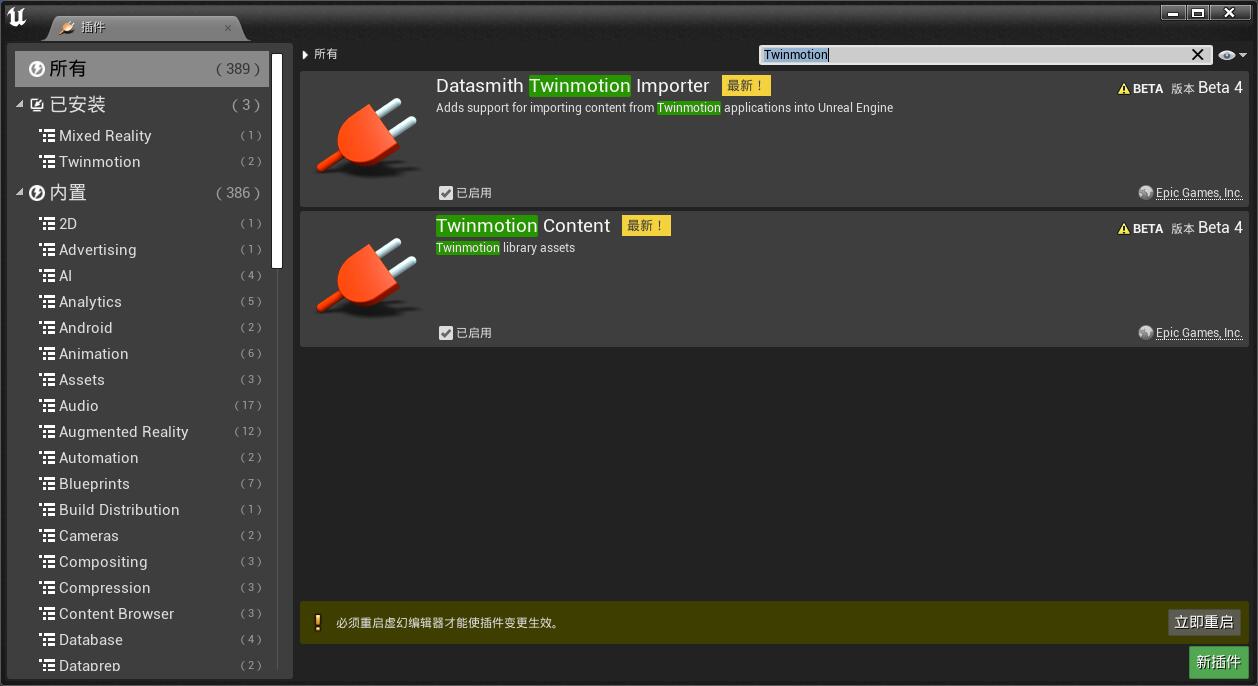
The answer is Twinmotion2022, which is free for individuals
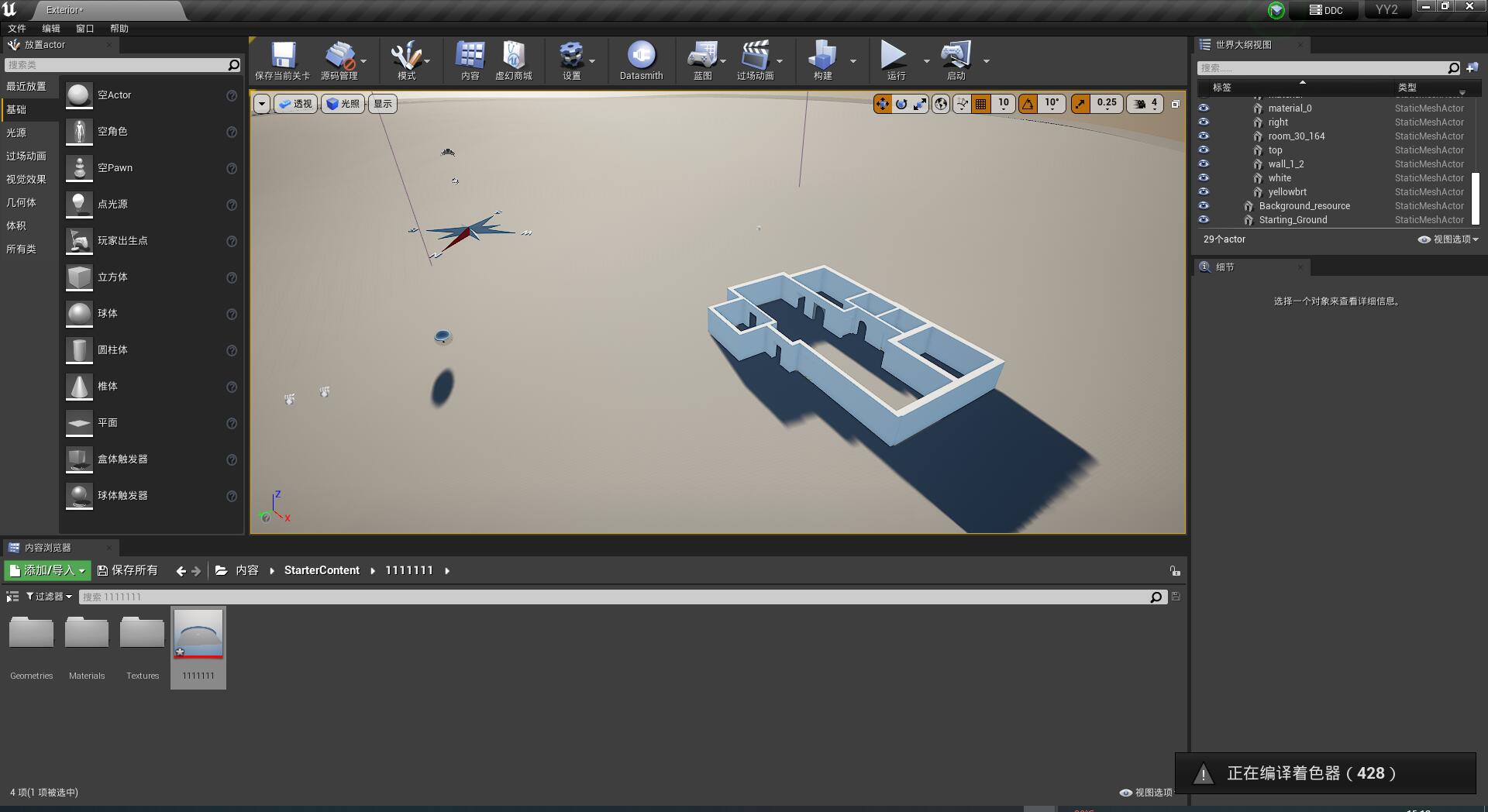
Sweet Home 3D model is rotated down once and exported OBJ to Twinmotion2022 to be displayed directly. And the result is much better than the Sweet Home 3D display. If the graphics card is good, it also supports ray tracing for real-time display. It also supports importing to UE4.27
I think Sweet Home 3D should get a plug-in or better support Twinmotion, that's the key.
It would be better to support Twinmotion's batch replacement function. It's better to support Twinmotion's batch replacement function, so you can quickly replace light sources in Twinmotion.

Posted by YGYL at Feb 2, 2022, 10:35:30 AM
Re: View your homes in VR mode
By importing the FBX model file in Twinmotion 2022, which retains the hierarchy, batch replacement is possible
The question is whether Sweet Home 3D can give the FBX format a middleware

Posted by YGYL at Feb 2, 2022, 10:41:38 AM
Re: View your homes in VR mode
Many years ago, it was asked whether Sweet Home 3D painting scenes can generate real-time games. If we could have a project template in UE4, export it to Twinmotion 2022 via Sweet Home 3D, and export it to UE4 via Twinmotion 2022, then we would be very close to realizing the dream of playing scenes edited in Sweet Home 3D.

Posted by YGYL at Feb 2, 2022, 11:00:42 AM
tongue   Re: View your homes in VR mode
I have successfully imported the sweet home 3D scene into UE4 through Twinmotion2022


Posted by edusson at May 29, 2022, 2:11:52 PM
Re: View your homes in VR mode
Hi,

I just used Gravity Sketch in Oculus Quest 2. It's free, at least so far :) but you do have to register your email to be able to import OBJ. I just did and so far, no issues. Quite straight forward. Of course, it is not the full render quality...

My flow was to place through USB the OBJ files in its own directory within Oculus --> storage\Gravity Sketch\Import Library but you can also use cloud:
https://help.gravitysketch.com/gravity-sketch...ce/mfmD3XXFrsKzffJ5UVSe72

To move inside you squeeze the grab trigger on your non-drawing hand:
https://help.gravitysketch.com/gravity-sketch...ce/mfmD3XXFrsKzffJ5UVSe72

Amazing! Thanks to everyone that made this possible! applause
Eduardo

Posted by edusson at May 29, 2022, 3:39:57 PM
Re: View your homes in VR mode
Sorry! The right link for the import part is:
https://help.gravitysketch.com/gravity-sketch...es/gBCHwMWzGENoSSZX8PEPuh