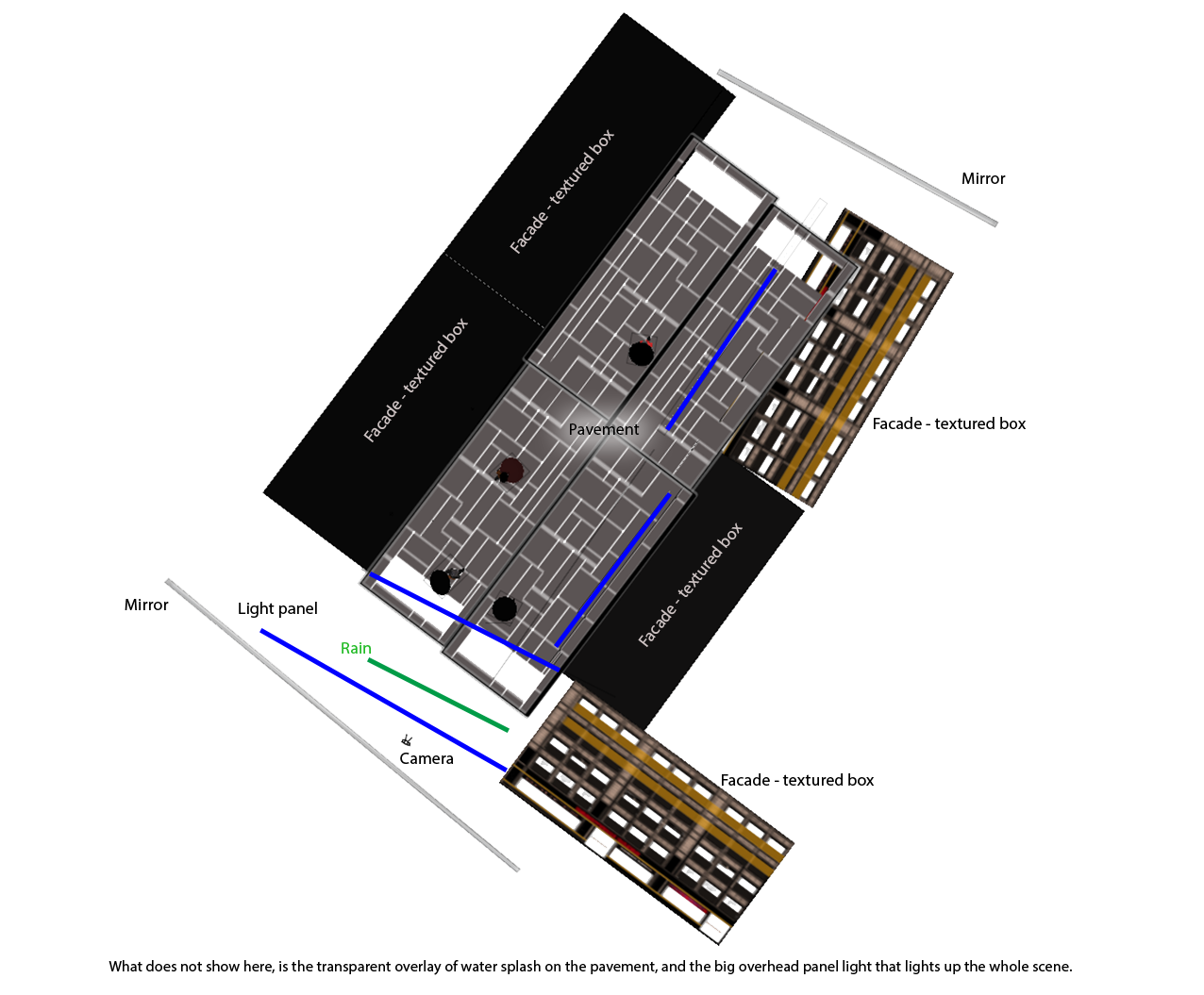
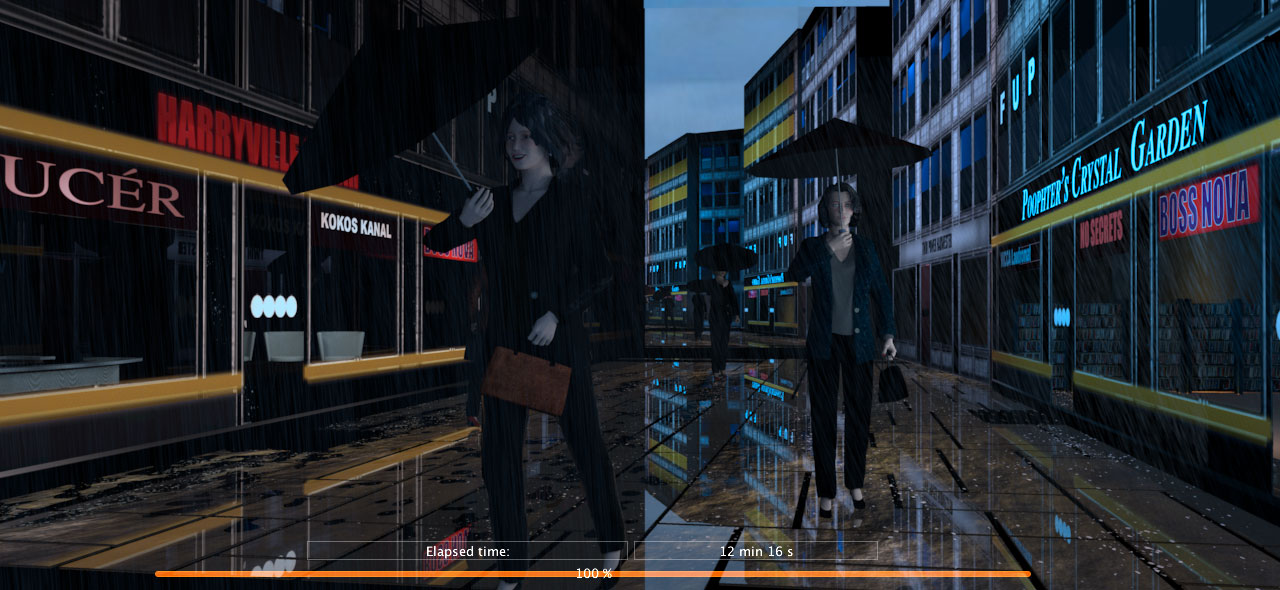
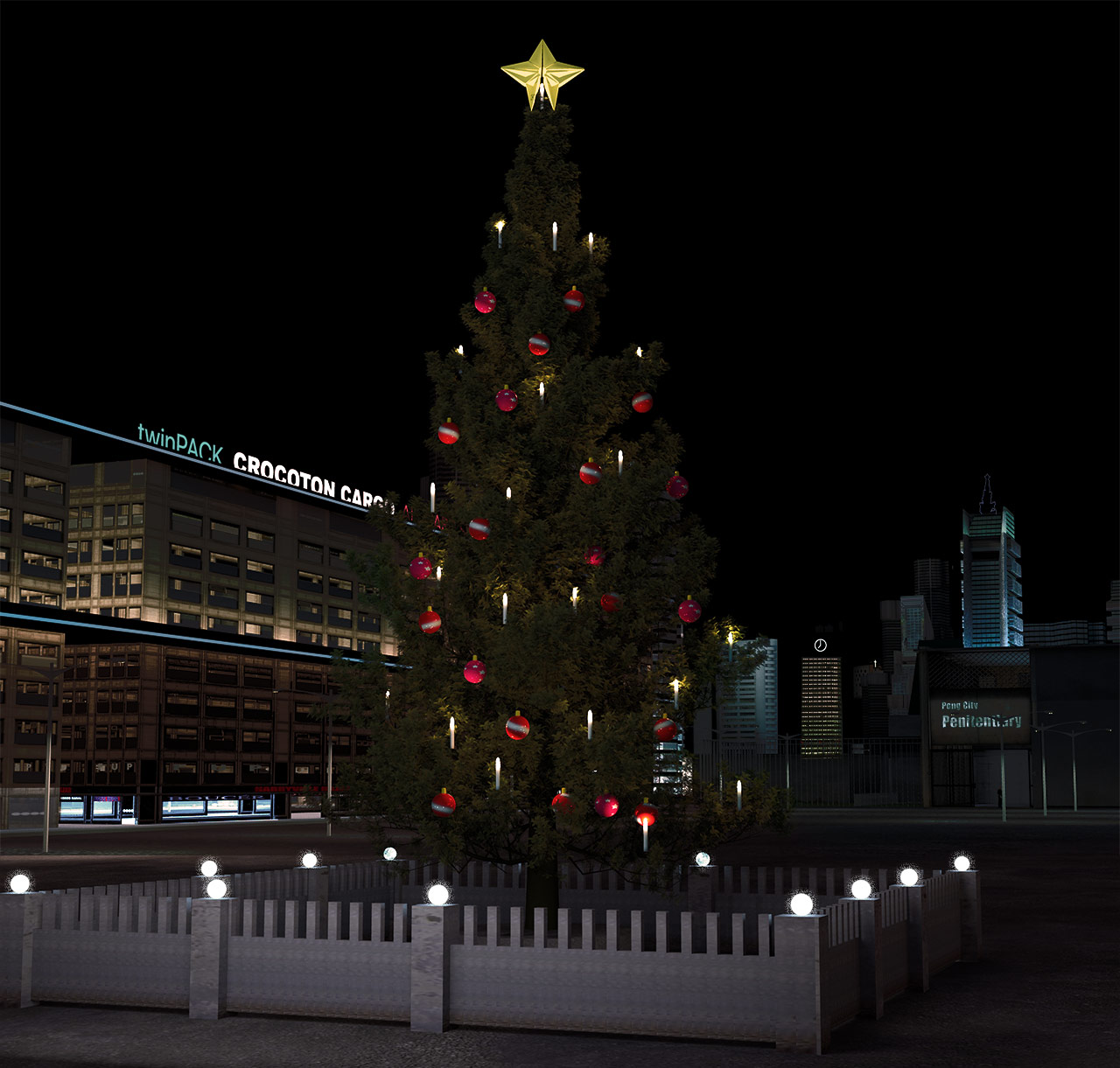
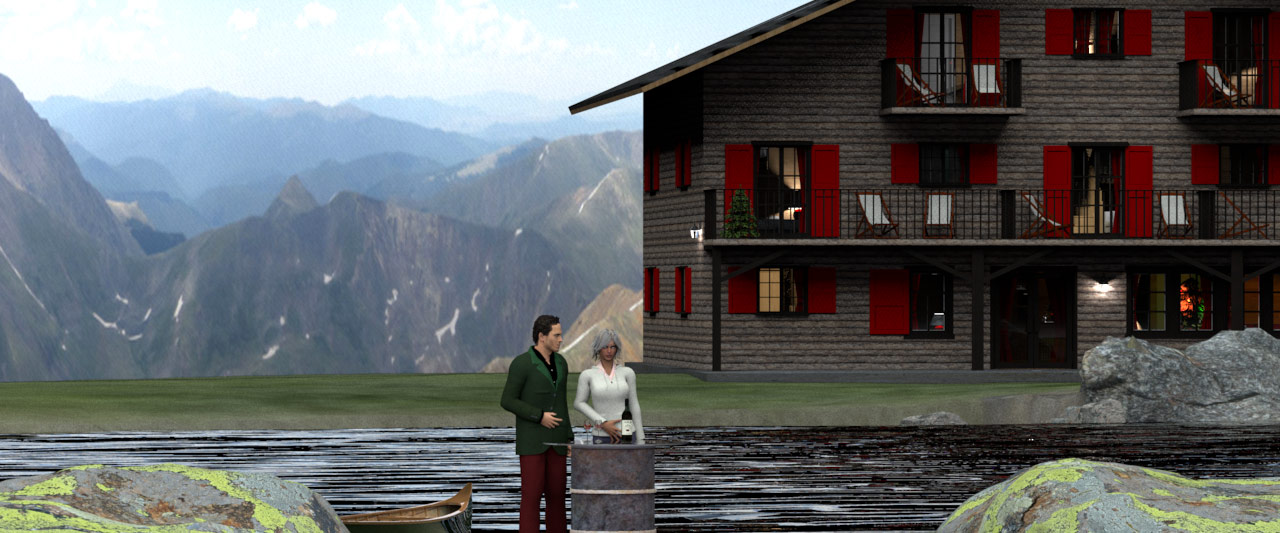
Print at Dec 19, 2025, 4:43:18 AM
Posted by Ceciliabr at Aug 28, 2018, 1:41:02 AM
Light & textures - rendering examples of this and that.
Are high-res textures and big 3D models really what’s slowing down the rendering process?
Ever since I started working with SH3D, I have had the understanding that using tiny 3D models and
tiny textures will render a lot faster than using big 3D models and high-res textures.
But after experimenting for some time now with 3D models and textures, I’m seriously questioning this.
In my experience, this is what is slowing down the rendering process ( in this order):

1) Using the path-setting for global illumination.

2) Using a very high number of light sources.

3) Using the external brightness setting (IBL) (to some extent).

Using big sized textures makes Sunflow think for a while before starting the rendering process,
but once it starts, it renders just as fast as with small textures.


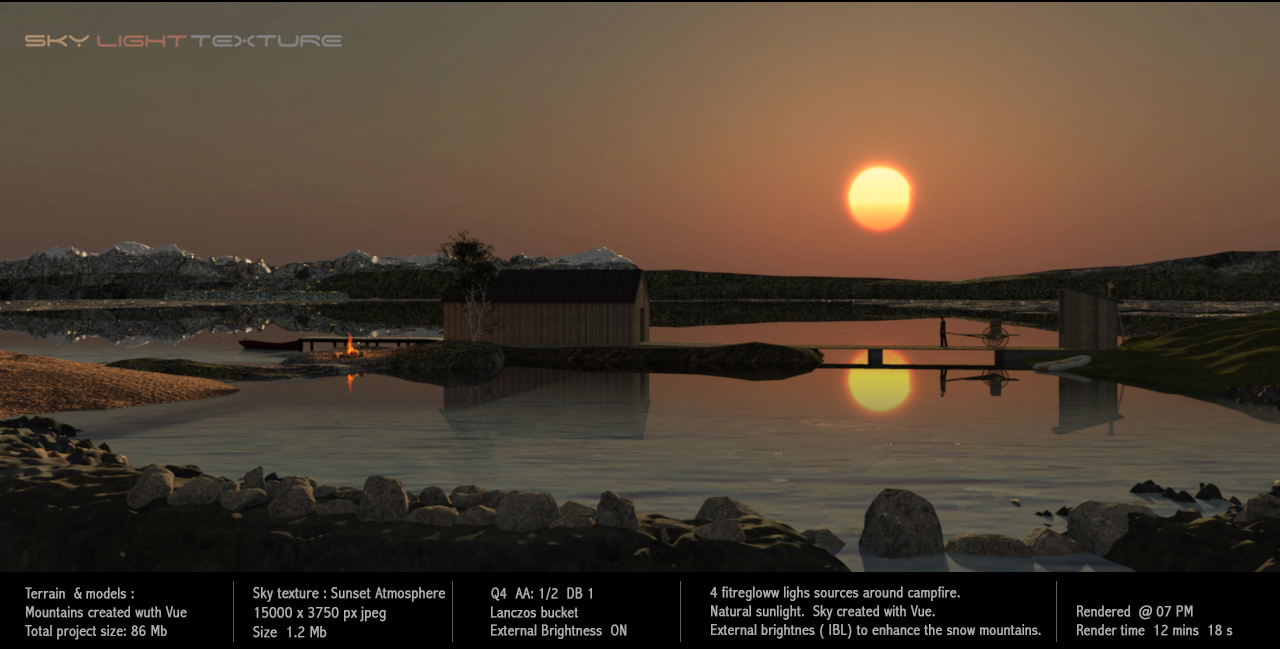
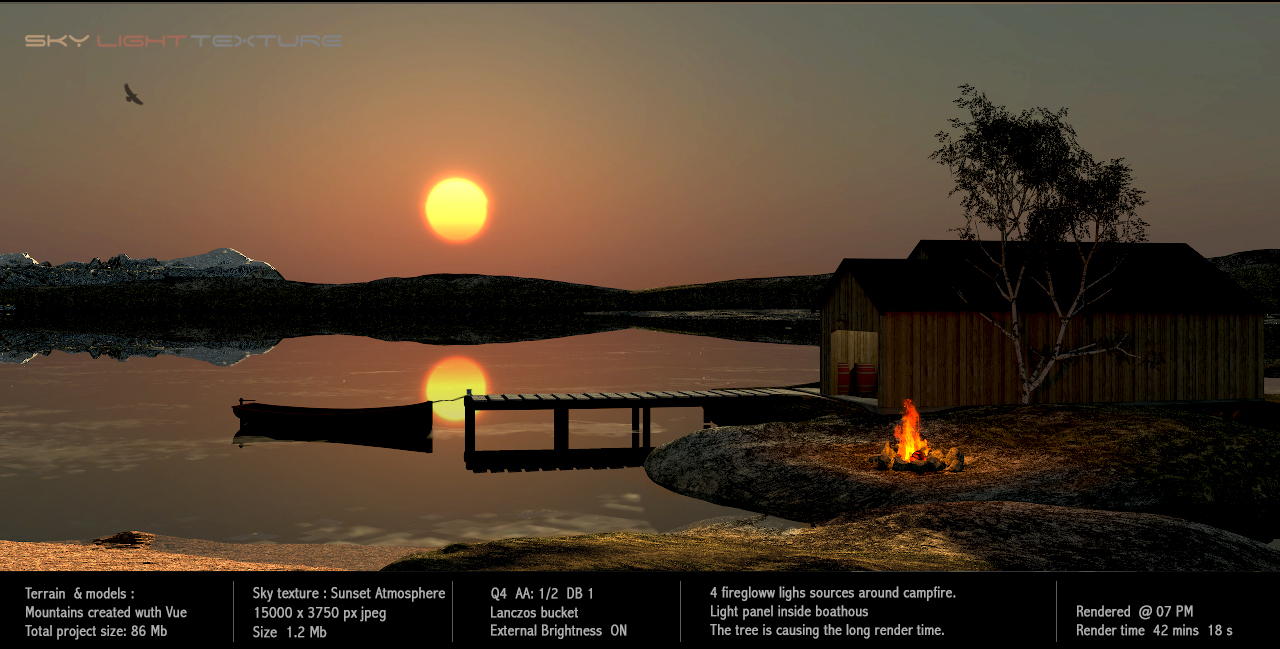
Here are two renderings where I'm using big sky textures ( 15000x3500 px), IBL and sunlight + a few light sources.


The reason for the significantly longer rendering time here is the very complex high-poly tree (76Mb textured),
which is unnecessary for a wide shot like this.
On the first image I use a low-poly version of the tree (3.2Mb) and it works perfectly well.

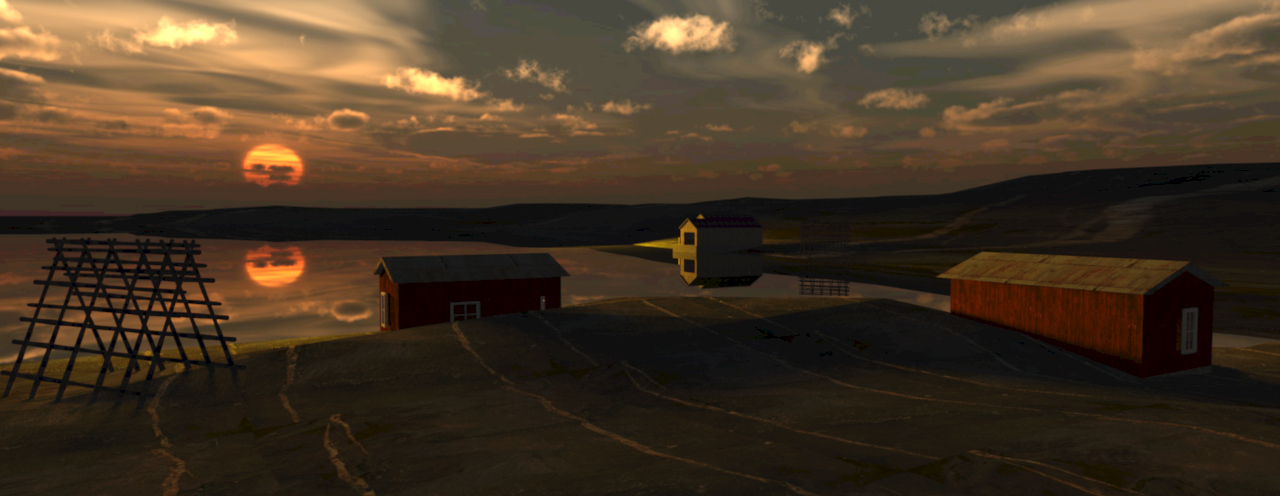
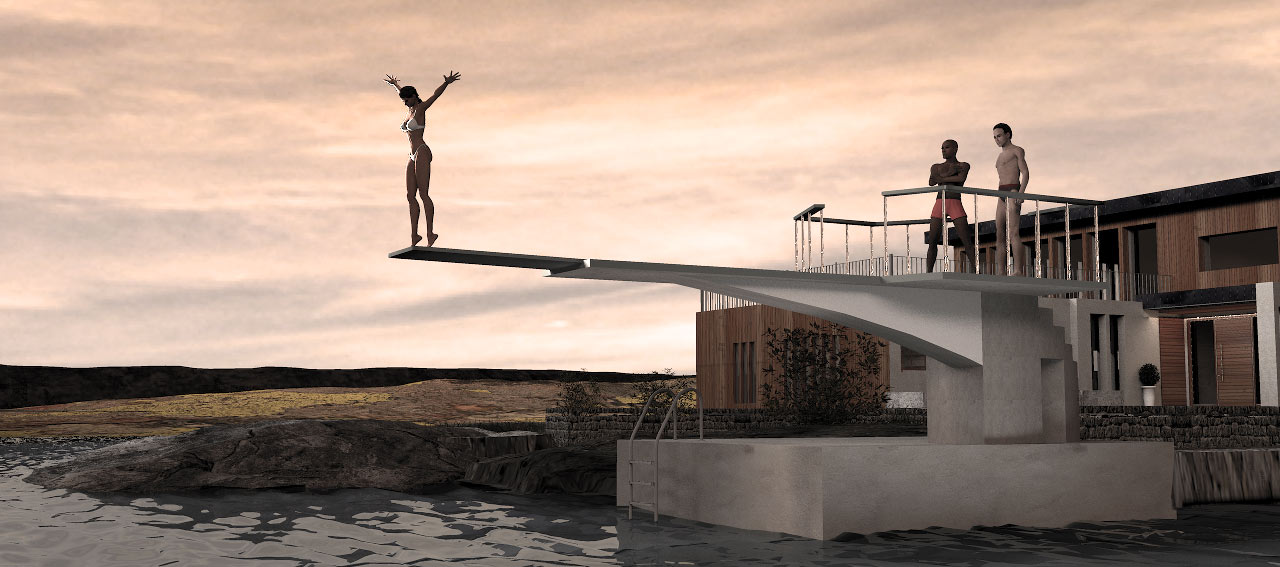
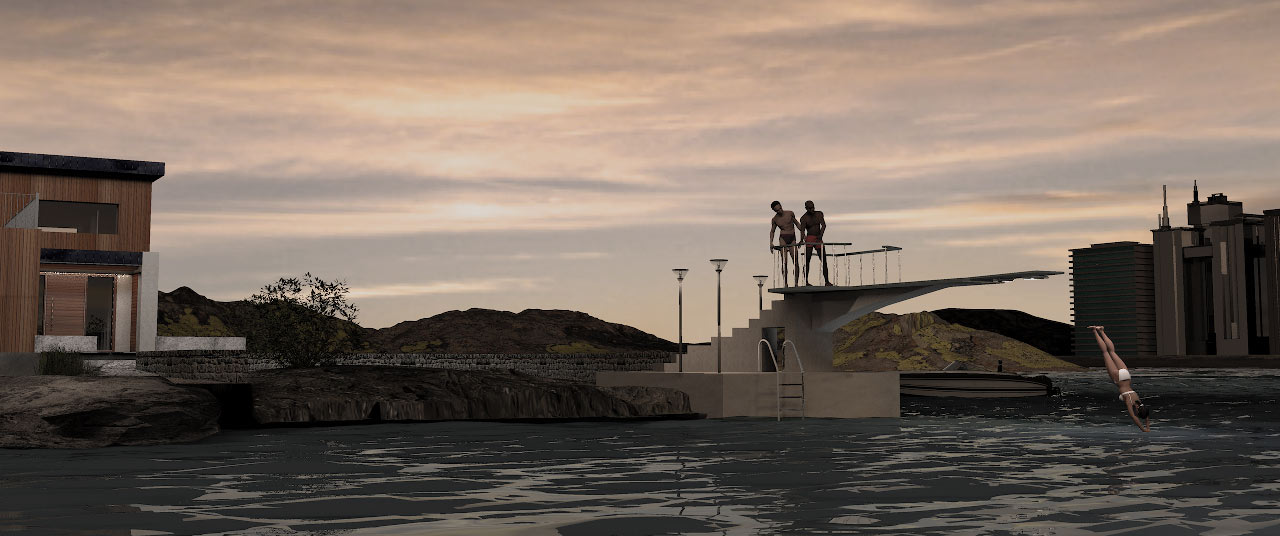
Another Sunset (All these sunsets are inspired by my short summer vacation in Norway):

Rendered with moon setting and just one big light panel simulating sunlight.
The sky texture is a high-res 15000x3500 px of 11Mb, downscaled from a 55Mb bmp image created with Vue eXtream.

The curious contraption on the left is my attempt to construct a rack for drying fish.
(If you're a local, you are welcome to laugh your head off.)

Here is a way more complex project, with a really BIG terrain texture, and a 15000x3500 px sky texture.
This time rendered without IBL (External brightness off):


Here's something to think of if the preview window is getting slow and difficult to handle:


And to finish this intro...


More to follow.

Cec

Posted by enkonyito at Aug 28, 2018, 3:03:09 AM
Re: Light & textures - rendering examples of this and that.
In my experience, this is what is slowing down the rendering process ( in this order):

1) Using the path-setting for global illumination.

2) Using a very high number of light sources.

3) Using the external brightness setting (IBL) (to some extent).

1) Using the path-setting for global illumination. TRUE
The larger the value of diffusedBounced, the more time it will take to render.

2) Using a very high number of light sources. TRUE

3) Using the external brightness setting (IBL) (to some extent). TRUE
Sample values have been increased for good interior rendering and better definition of the outer shadows.

And I'll add in 4) Using detailed or complex objects like trees.
In this case, the rendering "stagnates" on a part then accelerates.
----------------------------------------
EnkoNyito

Posted by UbuntuBirdy at Aug 28, 2018, 4:32:48 AM
Re: Light & textures - rendering examples of this and that.
some more slow-down reasons:
- transparent materials
- reflecting surfaces
----------------------------------------
Pascal

SH3D 6.6 / Ubuntu 22.04 (Mainline-Kernel) / Radeon RX580 / Ryzen 7 5800x

Posted by Ceciliabr at Aug 28, 2018, 10:33:09 AM
Re: Light & textures - rendering examples of this and that.
3) Using the external brightness setting (IBL) (to some extent). TRUE Sample values have been increased for good interior rendering and better definition of the outer shadows.
It's a very nice feature that I use a lot.
Adding different colours or images (or even solid black) to the top part of the sky, can really make some incredible lighting effects.

And I'll add in 4) Using detailed or complex objects like trees. In this case, the rendering "stagnates" on a part then accelerates.
Absolutely!
But it's important to differentiate between large and complex models.

C

Posted by VeroniQ at Aug 28, 2018, 5:34:39 PM
Re: Light & textures - rendering examples of this and that.
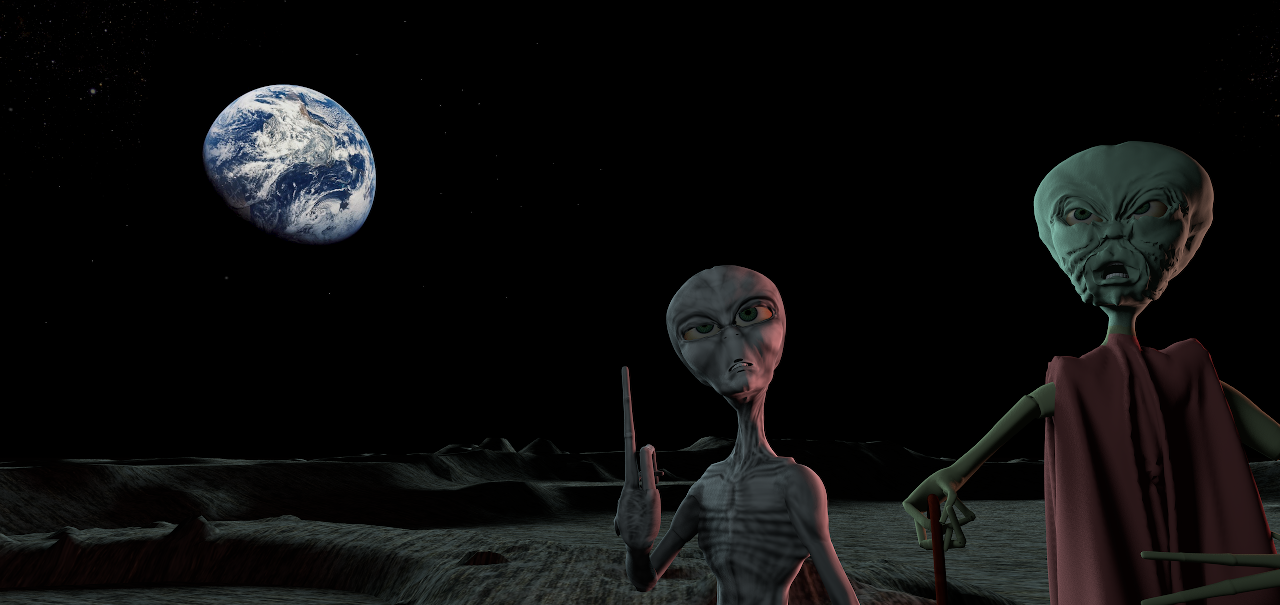
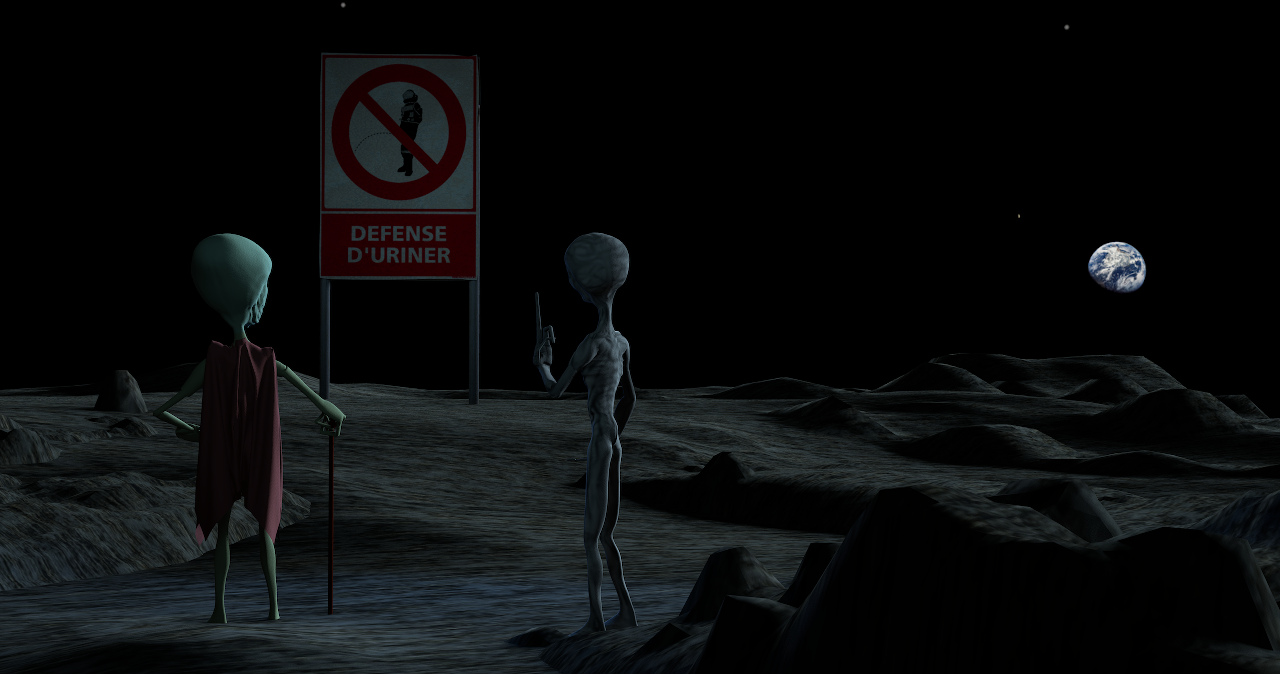
Cecilia, I love this two nasty marsians!

Posted by Xiste at Aug 28, 2018, 8:37:33 PM
Re: Light & textures - rendering examples of this and that.
If you're a local, you are welcome to laugh your head off.
Nope, being somewhat local I'm not laughing my head off!
Your attempt to create a "hjell" has resulted in a quite adequate rendition.
And let me add: These are wonderful renderings, Cecilia, you have totally captured the soul of northern Norway here!

In Italy dried cod from Lofoten, Norway is called stoccafisso and regarded a delicacy.
In Norway we feed it to the dogs.

Like VeroniQ I love your angry martians.

More to follow
I look forward to that.

Xiste

Posted by Ceciliabr at Aug 29, 2018, 11:35:45 AM
Re: Light & textures - rendering examples of this and that.
Cecilia, I love this two nasty marsians!
smile me too, and my daughter absolutely fell in love with them and named them Popp and Ding. She wants to have them 3D-printed.

I have been experimenting a bit in my spare moments and tried out different ways to create models, apply textures and use the new light panels from Enko. That's how the two ugly martians came about, without any relationship at all to anything else I normally do.
I plan on publishing some more of these absurd experiments later.


Cec

Posted by Ceciliabr at Aug 29, 2018, 11:43:05 AM
Re: Light & textures - rendering examples of this and that.
In Italy dried cod from Lofoten, Norway is called stoccafisso and regarded a delicacy. In Norway we feed it to the dogs.
I know. We used to give it to the cat when we lived in Oslo.
... you have totally captured the soul of northern Norway here!

Thank you!
We only did a short visit, but I will definitely go back for a longer period next time.


Cec

Posted by Ceciliabr at Aug 29, 2018, 8:04:54 PM
Re: Light & textures - rendering examples of this and that.
PART TWO

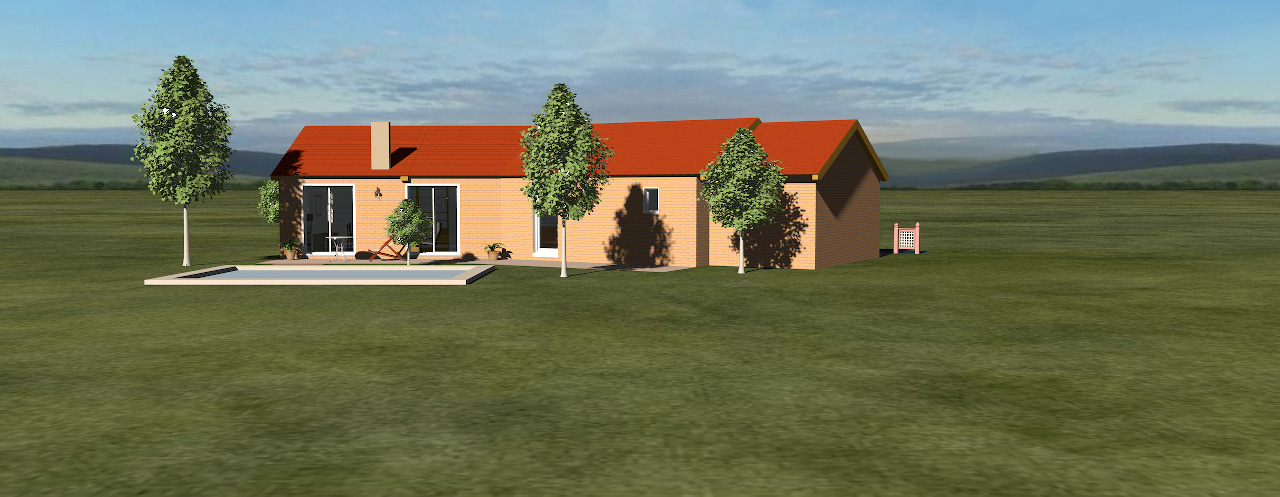
The final output of any 3D project will often be an illustration of some sort, like f.i. this snapshot of SweetHome3DExample4 ,
here placed in a rural environment,


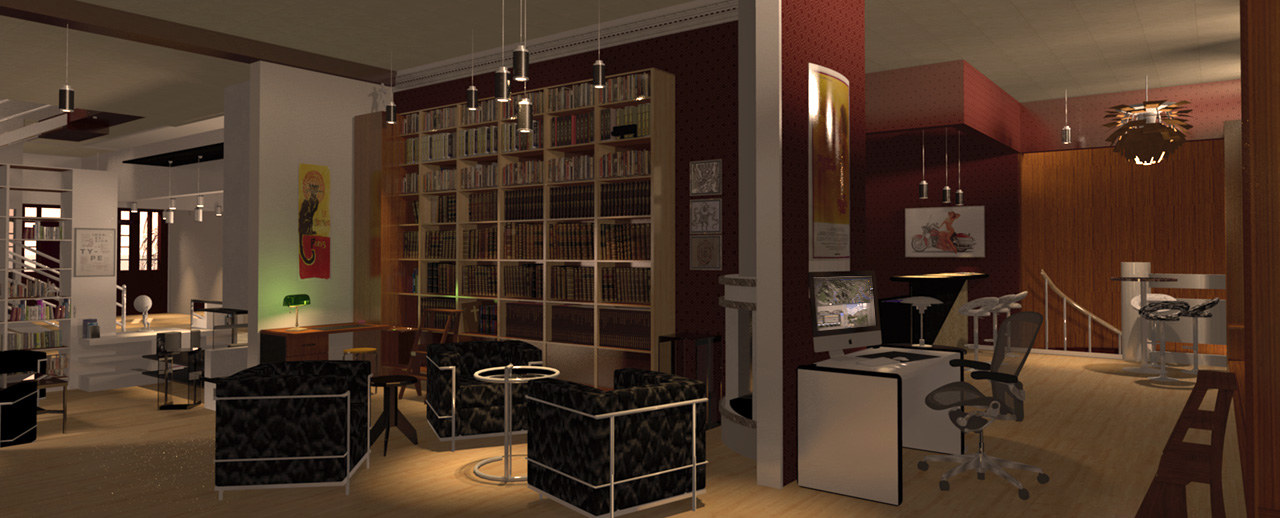
or like this interior from 2014 (one of my first projects),


or a snapshot of a toxic camping ground,


or something completely different.


So...

ABOUT THE SKY

Yes – I am aware of the fact that for most users the technical quality of a snapshot from SH3D is of less
importance – but since the program offers to create photographic snapshots (and since there has – in the past –
been held competitions here to score the best SH3D-rendering), I assume that for some users both the artistic and
the technical quality of the end product has a certain value. Being one of these users myself, I prefer to have
something other than a tiled lawn, a pixelated sky and a sharply drawn horizon surrounding my creations.
Avoiding that, has been a priority since I first started using SH3D.


EXAMPLE


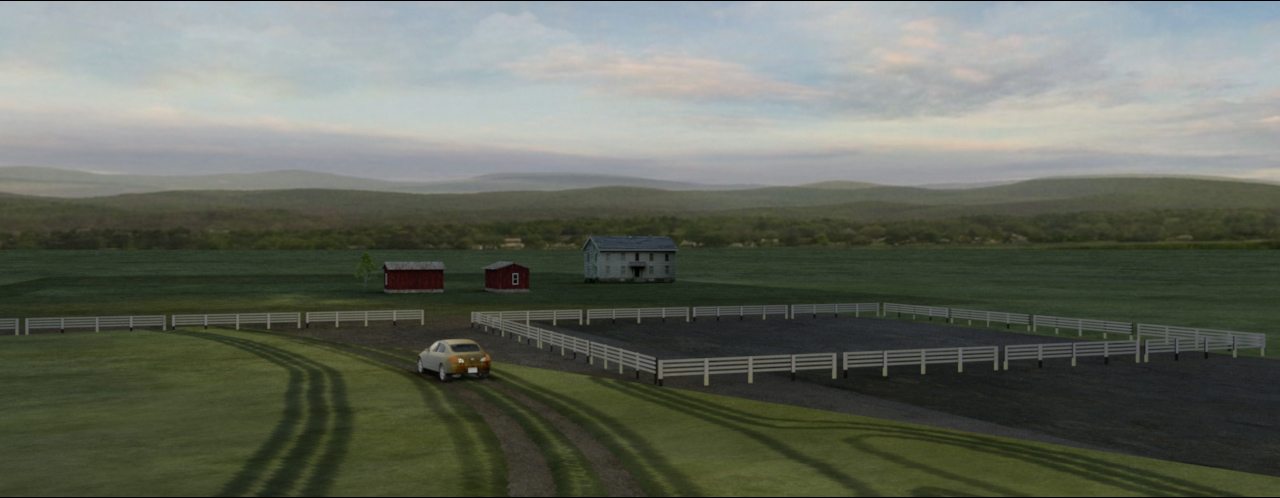
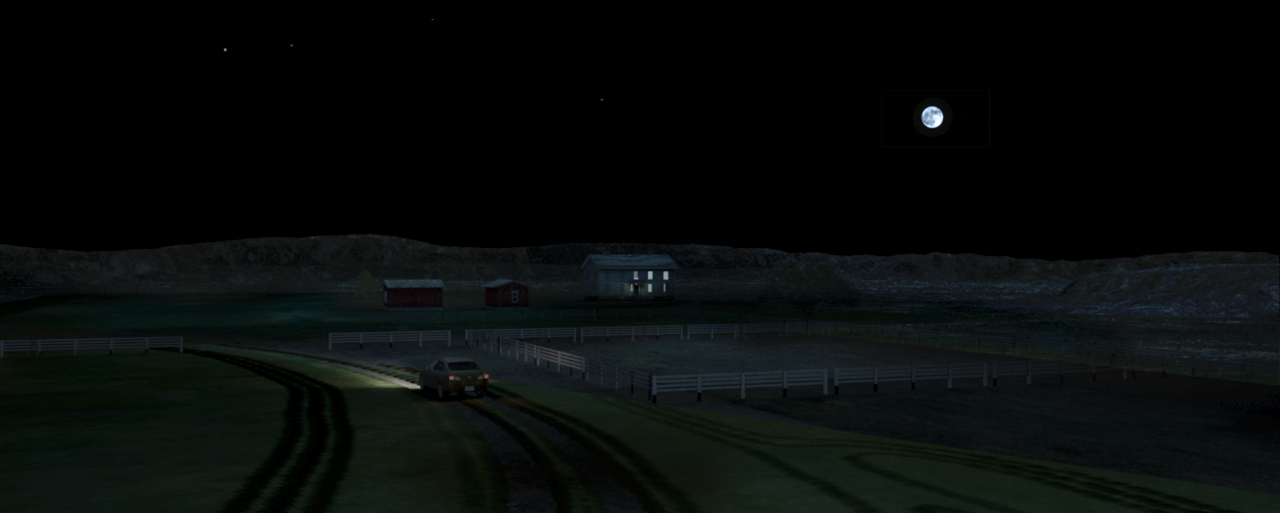
A morning shot of a small farm surrounded by a lively horizon:


or in a totally different mood – created by a sky with a moon and a couple of stars:


This is easy to do for anyone with basic knowledge of any photo-editing software.
I use Photoshop, but Gimp is a totally free open source equivalent that's easy to use.


The sky is basically a 360° backdrop.


When I want to create a certain environment and atmosphere for my projects, I can either use one or several separate
standing backdrops, or I can use the sky.
The advantage of using the sky is that I don't have to move my backdrops around and adjust the lighting every time I
want to shoot from a different angle or change the perspective.
The disadvantage is that it can be a bit tricky to determine where to put things on the sky: The equirectangular projection
has played tricks on me for several years, and it's only recently that have I been able to uncover the basic principles –
and how to handle it.
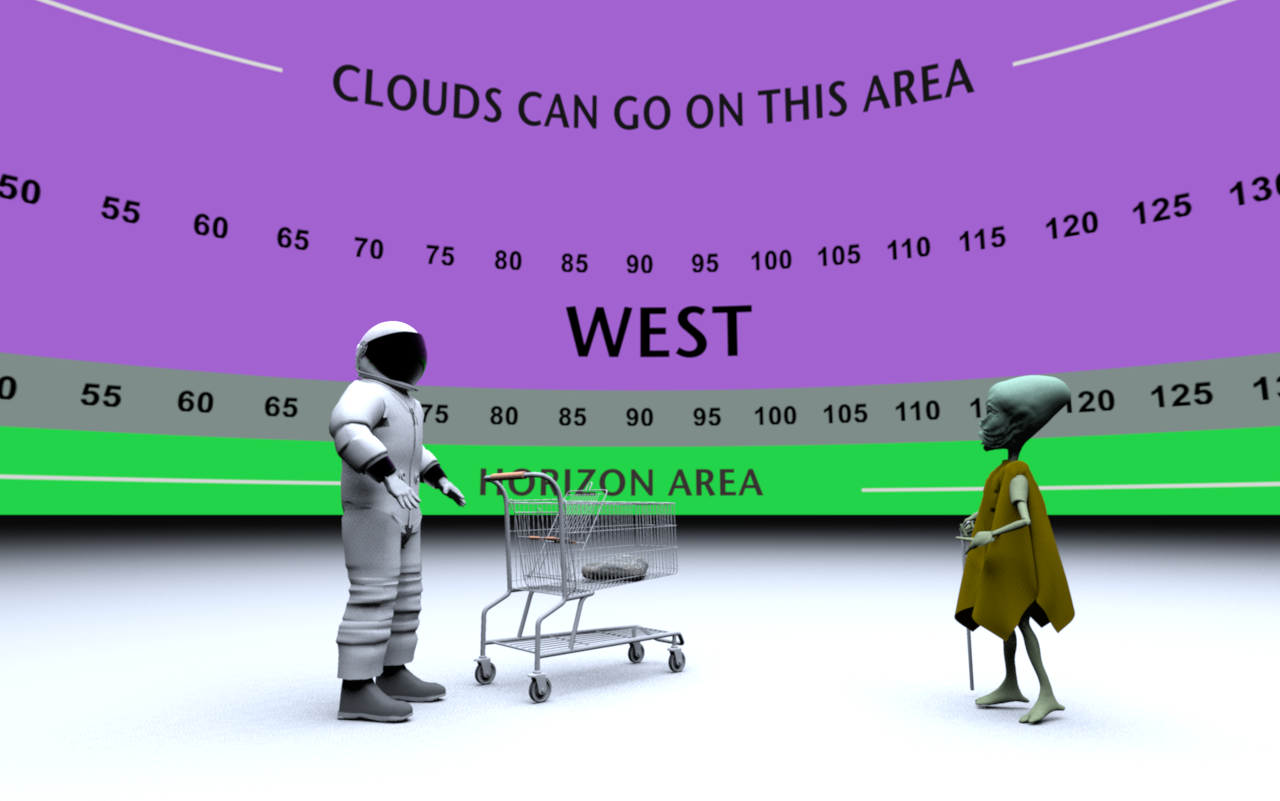
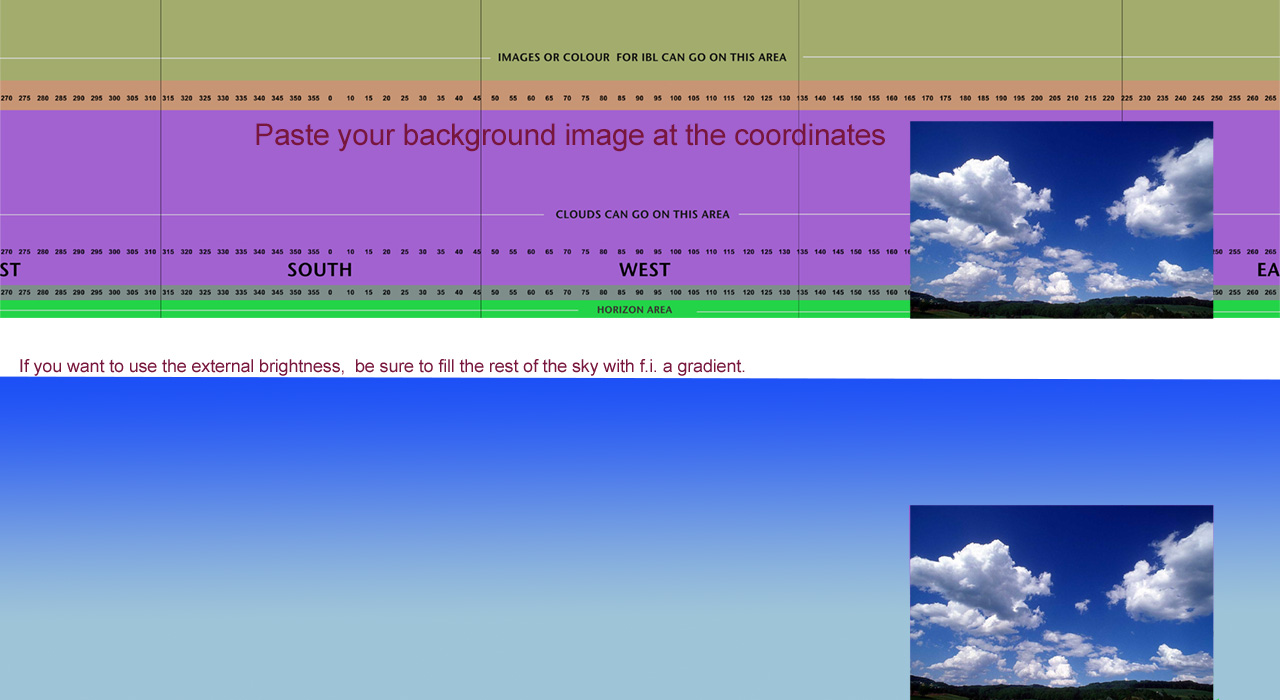
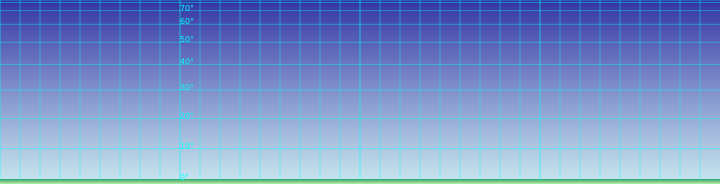
To help me find my way around it, I have constructed a handy template that enables me to pinpoint quite precisely where
to place a moon, a sunset or some decorative clouds on the sky image, in order to make them appear exactly where I want them
to be on the final renderings.
The template looks like this:


and renders like this:


________________

So, if anyone think they can find it useful: Right-click on the links to download.

Sky Template 6000x1500px (390kb)

Sky Template 15000x13750px (1.1Mb )

The smallest image is often enough, but for close-ups (from FoV 40 and closer) I always use the bigger image.

________________

Sky template project file if anyone wants to experiment with it: SKY-template.sh3d

_________________

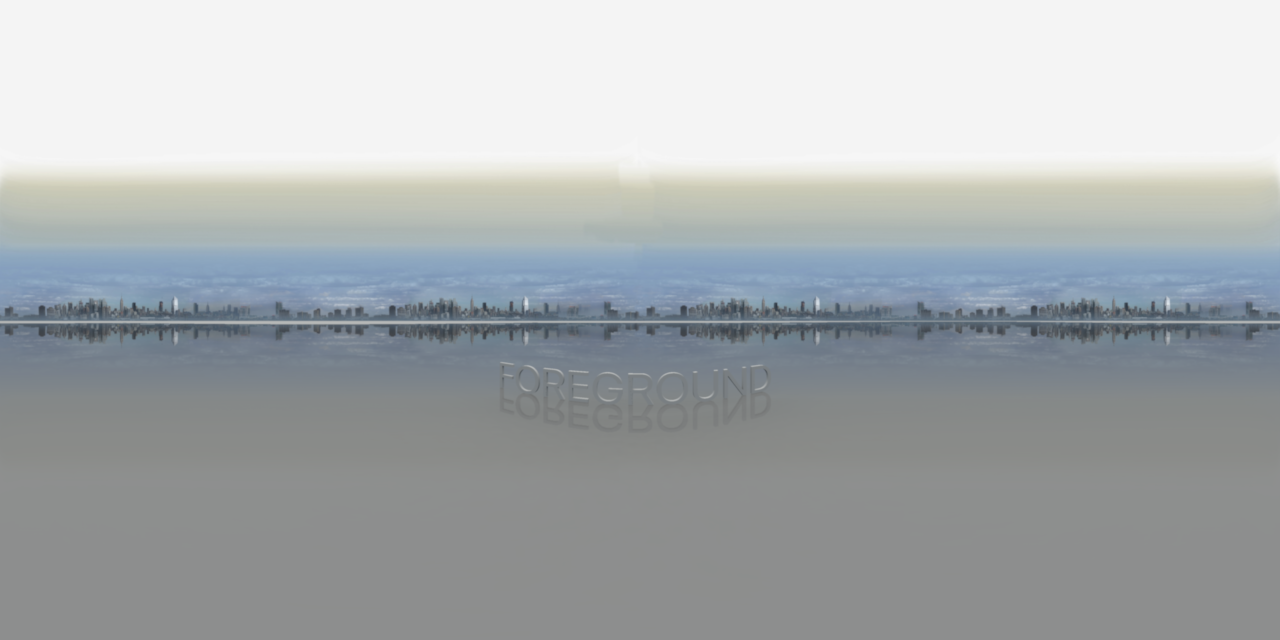
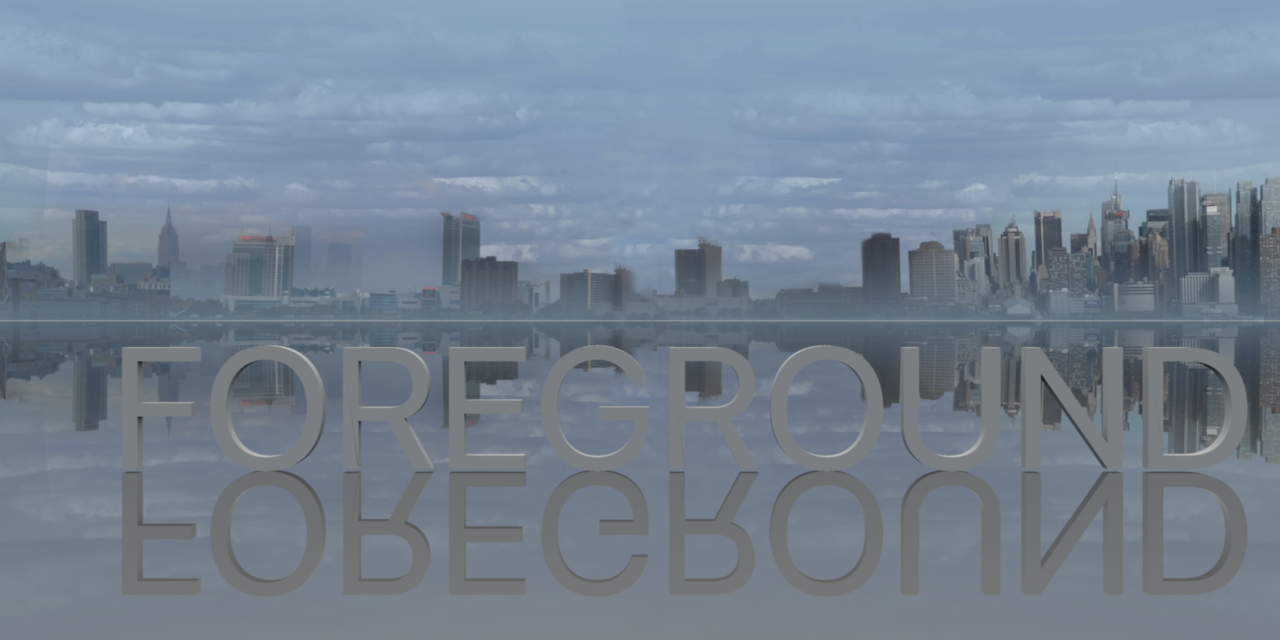
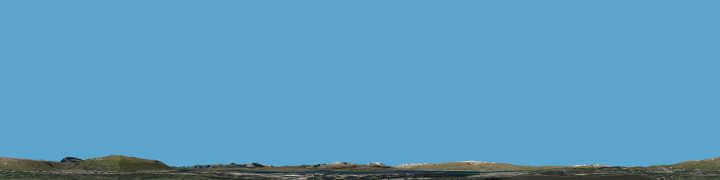
Here are some sky and horizon snaps to show the curvature and the sector at three different FoVs:

SkyImage-spherical:


SkyImage @ FoV 120:


SkyImage @ FoV 60:


_________________


More later...


Cec

Posted by UbuntuBirdy at Aug 29, 2018, 8:44:50 PM
Re: Light & textures - rendering examples of this and that.
I'm just impressed... just impressed, but extremely impressed !!!
----------------------------------------
Pascal

SH3D 6.6 / Ubuntu 22.04 (Mainline-Kernel) / Radeon RX580 / Ryzen 7 5800x

Posted by AdeleAlli at Aug 30, 2018, 10:03:21 AM
Re: Light & textures - rendering examples of this and that.
Hi Cecilia,

the results are very good, but I do not understand how should I use the image you posted in order to obtain similar results, can you explain better?

thank you

Posted by Ceciliabr at Aug 30, 2018, 5:18:36 PM
Re: Light & textures - rendering examples of this and that.
I do not understand how should I use the image you posted in order to obtain similar results, can you explain better?
I will try.

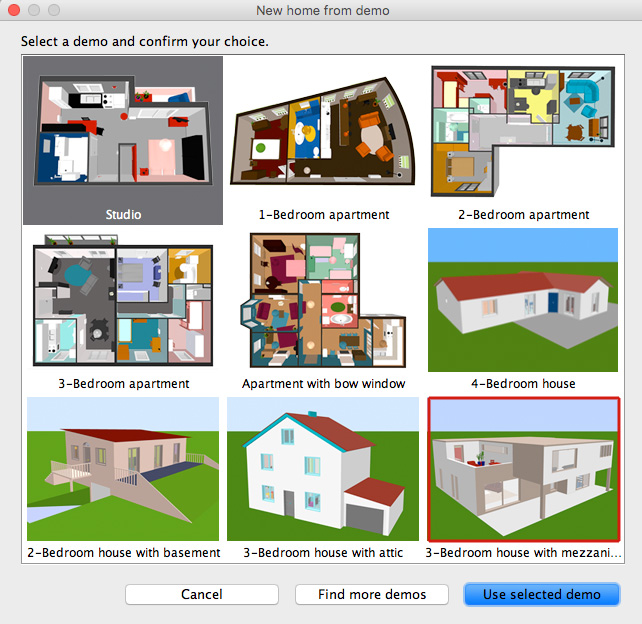
I have used demoproject#3 for this purpose:


Please download the modified project file HERE

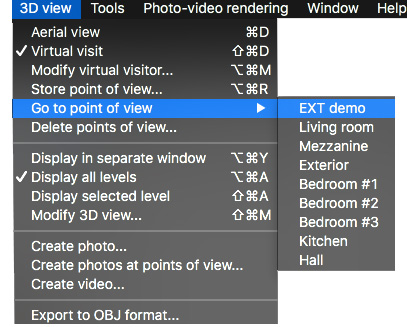
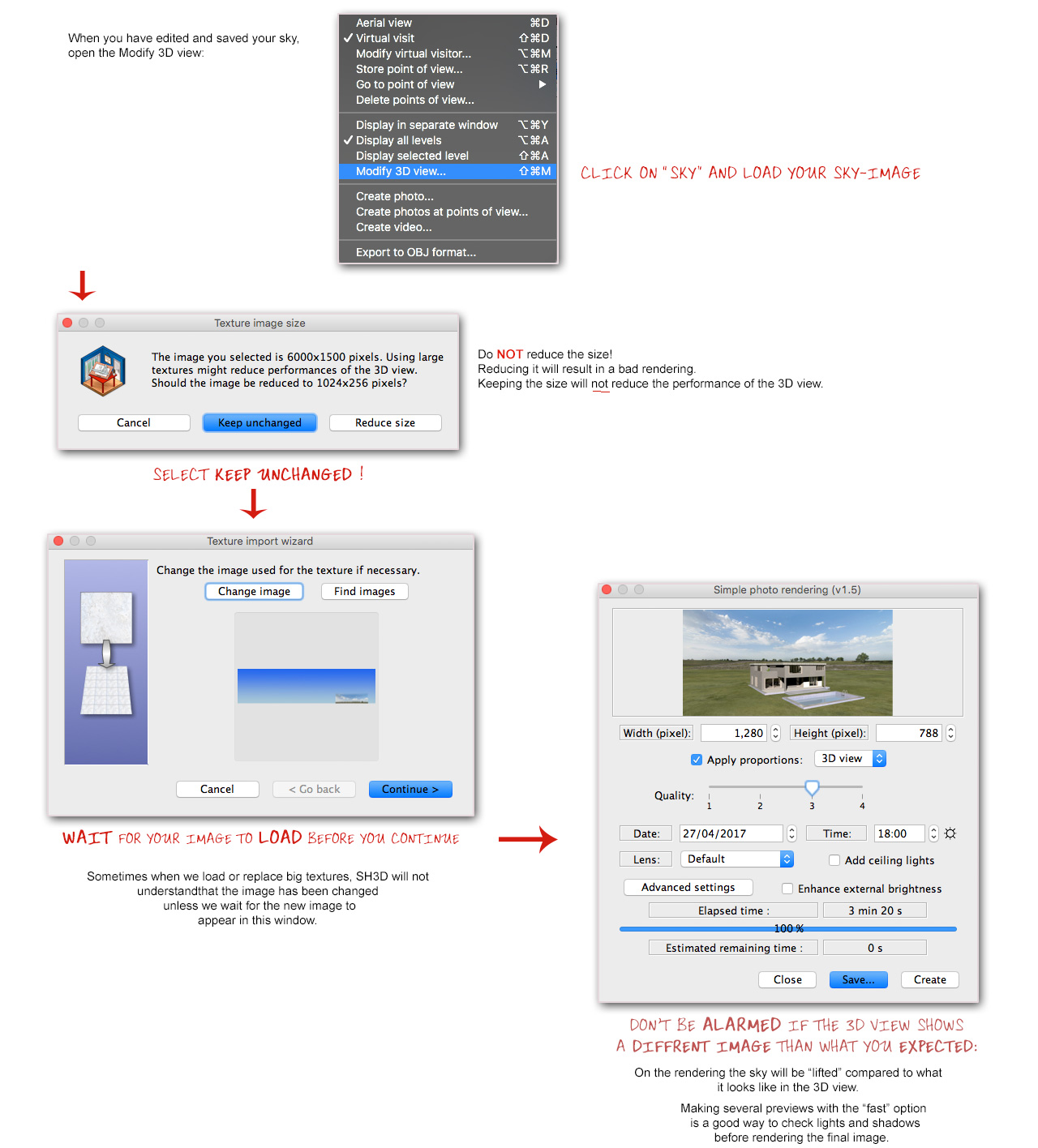
When you open the project go to this view:


As you might notice, I have made some quick ( and dirty) modifications to the project file,
like replacing the sky with my sky template and adding a swimming pool (to get a reflective surface).
I have also added some other stuff that you might find useable.

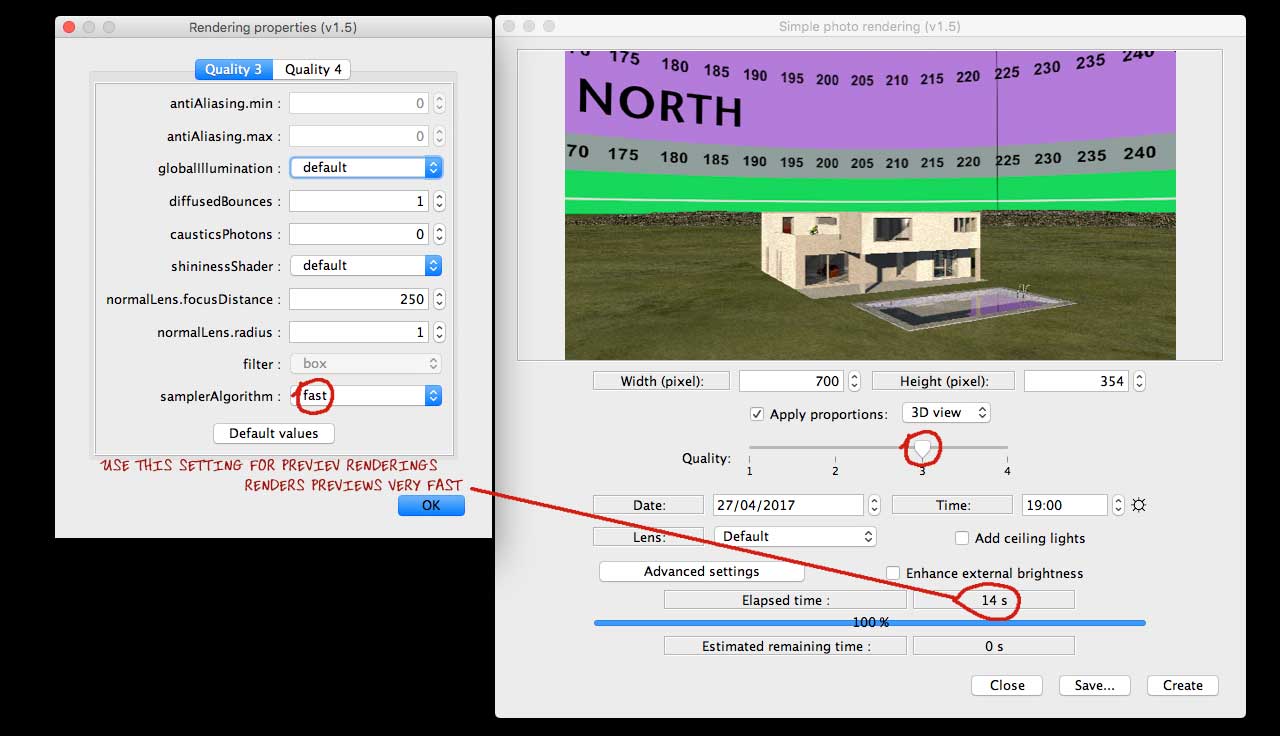
Now you can render a preview where you will see the coordinates for the part of the sky that will be visible in the final rendering.


Find an image that you would like as background, and open the sky template in a suitable editor.
Don't choose a small image – choose an image that is at least 1024 px wide, but preferably bigger.
The best size is an image you don't have to stretch in order to make it fit inside the coordinates,
and remember that if you have an horizon in your sky image, it should preferably not exceed the green
area on the bottom of the sky template.
Make sure that your image is aligned at the bottom ( preferably moved a few pixels below) so you're absolutely sure there's no gap,
as a gap at the bottom will create an ugly line along the horizon.


Save the edited sky template under a different name. Use jpg @ high or maximum quality.


Hope this was helpful.

Cec

______________________

Oh yes, almost forgot,
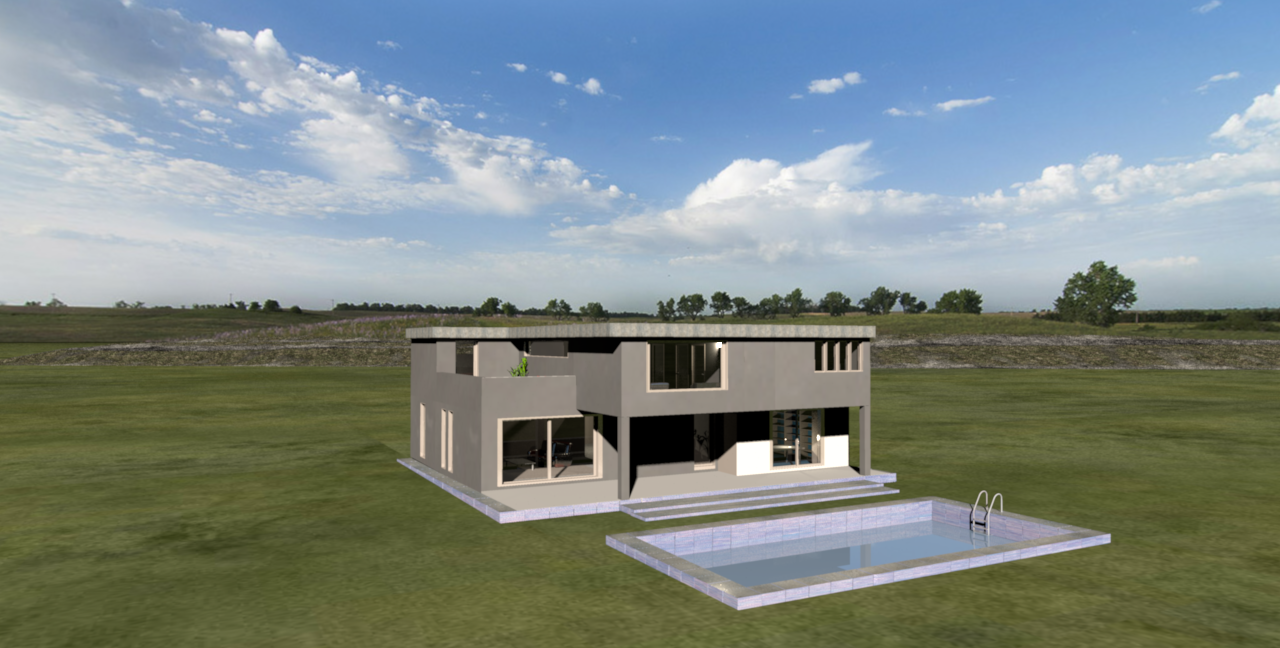
my final image:


Lots of luck, and don't hesitate to ask if something is unclear.

c

Posted by UbuntuBirdy at Aug 30, 2018, 6:12:06 PM
Re: Light & textures - rendering examples of this and that.
I'm just impressed... just impressed, but extremely impressed !!!
...am I repeating me???

I can not believe how simple your solution is for this impressive result!
----------------------------------------
Pascal

SH3D 6.6 / Ubuntu 22.04 (Mainline-Kernel) / Radeon RX580 / Ryzen 7 5800x

Posted by AdeleAlli at Aug 30, 2018, 6:44:48 PM
Re: Light & textures - rendering examples of this and that.
It is clear, thanks. But, for the ground? How did you create it? Is it the part of the sky image below the horizon or is it another image that you used?

Posted by Ceciliabr at Aug 30, 2018, 8:39:31 PM
Re: Light & textures - rendering examples of this and that.
But, for the ground? How did you create it? Is it the part of the sky image below the horizon or is it another image that you used?
The ground is textured with an image that I have created with Photoshop – an image that you can access and use, as it's used in the project file.
The ground texture is a low-res compromise between resolution and weight. This grassy ground weighs 1.2 Mb. If I could choose freely, I would choose to use a file that weighs like 200Mb, or even more. But Sh3D can't handle files of that size. It just goes white, even with 64Gb of memory assigned in the plist-file .

Anyway;
the ground plane will always be tiled if it's textured – the tiling effect is mathematically unavoidable. But if you make your grassy ground texture into a 20000x20000 cm tile ( like in the project file), then the ground will no longer appear as a matted green bathroom floor – unless you really zoom out and watch it from a 1000 meters altitude.

Please download the project file.
If you still have the same question after examining it, I shall have to make an effort to explain myself in an even simpler manner.

Cec

Posted by Ceciliabr at Aug 30, 2018, 8:51:03 PM
Re: Light & textures - rendering examples of this and that.
I can not believe how simple your solution is for this impressive result!
smile
I'm just waiting for Puybaret to upgrade me to Expert Member wink

Posted by UbuntuBirdy at Aug 30, 2018, 9:33:00 PM
Re: Light & textures - rendering examples of this and that.
I can not believe how simple your solution is for this impressive result!
smile
I'm just waiting for Puybaret to upgrade me to Expert Member wink

my vote for you!
----------------------------------------
Pascal

SH3D 6.6 / Ubuntu 22.04 (Mainline-Kernel) / Radeon RX580 / Ryzen 7 5800x

Posted by rontant at Aug 31, 2018, 12:19:39 AM
Re: Light & textures - rendering examples of this and that.
Yes, absolutely, my vote as well for Cecilia to be promoted.

Posted by AdeleAlli at Aug 31, 2018, 2:29:58 PM
Re: Light & textures - rendering examples of this and that.
Here is a result I obtained using your template Cecilia.


What do you think about it?

Posted by Lilia1996 at Aug 31, 2018, 2:37:00 PM
Re: Light & textures - rendering examples of this and that.
Great job.
Really appreciate it!

Posted by AdeleAlli at Aug 31, 2018, 5:45:16 PM
Re: Light & textures - rendering examples of this and that.
This is one more, a sea view bedroom :)


And this is the other part of the bedroom


Posted by Ceciliabr at Aug 31, 2018, 7:34:31 PM
Re: Light & textures - rendering examples of this and that.
Very nice!
Seems you're getting the hang of it.

Here's a tip:
Try to scale down your background image so that the sky starts at the top of the green area of the sky template, and watch what happens.

Cec

Posted by rontant at Sep 1, 2018, 1:46:45 AM
Re: Light & textures - rendering examples of this and that.
Here is a result I obtained using your template Cecilia.

What do you think about it?


For the one with seaview, I think you placed the horizon way too high. Make sure the horizon and the distant mountain are within the green band in Cecilia's template.

Posted by AdeleAlli at Sep 1, 2018, 12:04:41 PM
Re: Light & textures - rendering examples of this and that.
Very nice!
Seems you're getting the hang of it.

Here's a tip:
Try to scale down your background image so that the sky starts at the top of the green area of the sky template, and watch what happens.

Cec


Thanks, I think now it is better :)


But the problem is that I should scale a lot the background image in order to have a large covering of the sky, and this brings a lower quality of it.

Posted by AdeleAlli at Sep 1, 2018, 12:57:15 PM
Re: Light & textures - rendering examples of this and that.
Here is a result I obtained using your template Cecilia.

What do you think about it?


For the one with seaview, I think you placed the horizon way too high. Make sure the horizon and the distant mountain are within the green band in Cecilia's template.


Here is the result, I think it is better, thank you Rontant.


Posted by rontant at Sep 1, 2018, 1:07:48 PM
Re: Light & textures - rendering examples of this and that.
Yes, you got it. Well done. Bravo!

Posted by Ceciliabr at Sep 1, 2018, 2:48:46 PM
Re: Light & textures - rendering examples of this and that.
But the problem is that I should scale a lot the background image in order to have a large covering of the sky, and this brings a lower quality of it.


Seems you are using a wide angle FoV here.
Try setting the FoV to around 60 and move the camera back until you have a nice shot.

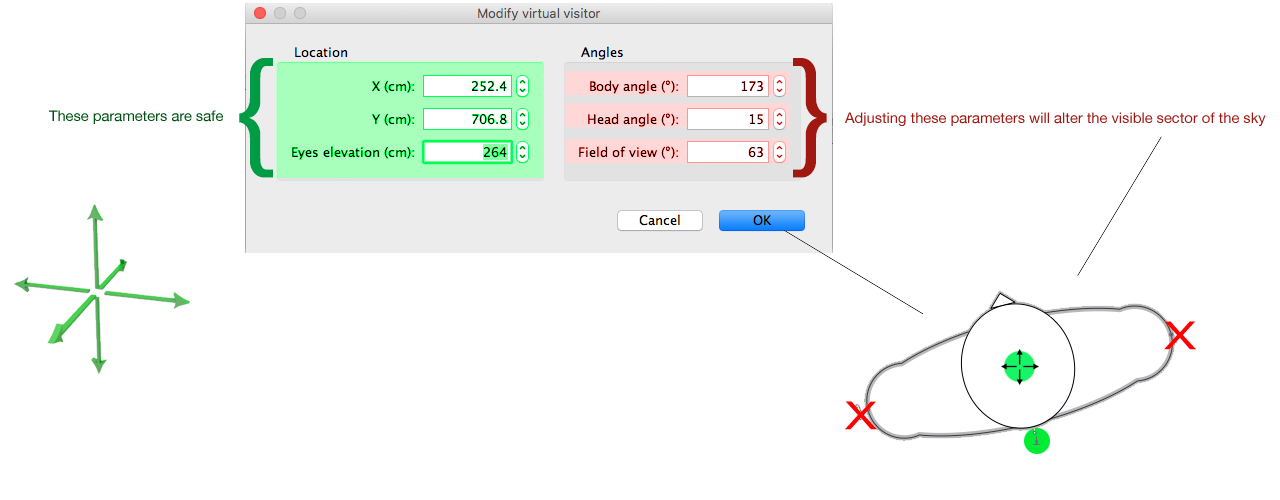
Note: you can move the camera further back to see the coordinates better. In fact you can move the camera anywhere on the x,y and z -axis, and your preview will still show exactly the same sector of the sky.


Do this again:


Look at the coordinates. Your image does not need to cover more than what's inside the coordinates, neither the width or the height.


Cec

Posted by AdeleAlli at Sep 1, 2018, 3:44:16 PM
Re: Light & textures - rendering examples of this and that.
I tried to change some parameters, to adjust the virtual visitor and to scale the background image, here is the result:


Posted by Mike53 at Sep 3, 2018, 10:48:50 PM
Re: Light & textures - rendering examples of this and that.
Wonderful, expert, tutorial, th Cec

Posted by Ceciliabr at Sep 4, 2018, 10:09:13 AM
Re: Light & textures - rendering examples of this and that.
@ AdeleAlli

I think it's better when the horizon/sky-image is sized this, but maybe you should select a wider image, so that the horizon is covered for the full with of the snapshot.

If I could see your project file, I could make some suggestions about using the sky image.


Cec

Posted by okh at Sep 4, 2018, 1:41:50 PM
Re: Light & textures - rendering examples of this and that.
Thanks for the tutorial, Cec. Brilliant as usual. I suspect quite a few of us have struggled with getting a (mountainous) horizon right.
  • Just to emphasise the point you also made in the cheating thread 7182, using a template for the sky is a good idea to deal with the projection Puybaret explained in thread,5533#24187.
  • There are some nice ways to find real 360° panoramas if you are willing to do a stitching job - and depending on the landscape.
    • Creative use of various street-view images.
    • Google Earth type services, such as Virtual globe (good detail for Scandinavia, less so elsewhere - use numeric input to grab the pictures from consistent hight and correct angles).
    • Or, if the plan situation has a reasonably clear view of the horizon, climb up on the roof and take panorama images.
  • Point is, a template will make the stitching and projection editing significantly easier.
You may also have mentioned this, at least implicitly, but the sky texture starts and ends RIGHT in the SH3D view. I.e. if the SH3D compass points the default North, the panorama texture will begin at due East.

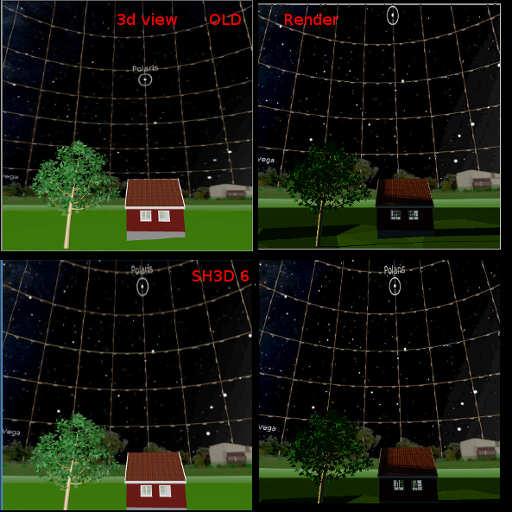
So far, so good - 4:1 (360×90) grid, vertical degrees compress towards zenith to adjust the panorama gives a general feel for the location with approximate views from around the house. Forgetting picture perfect for a second and thinking vertical accuracy: what is the best scale? Sure, I know there is a difference between 3D view and hq rendering (feature request 668). And as long as I can get a general idea what I will see from my favourite chair, I can live with inaccuracy (gave up on an accurate starry night sky smile ). But I have this unpleasant feeling that I am missing something with my 360×90 grid.

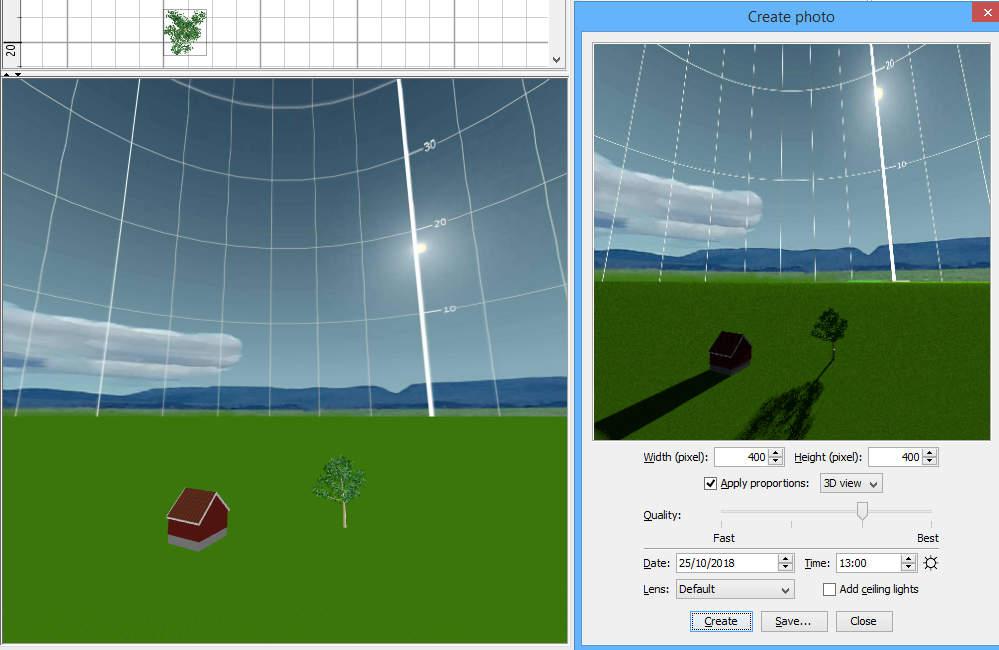
The image below is late October midday sun at 60° North(should be some 18° above horizon - placed on in image as illustration). But in addition to the 3D view showing more sky than the rendering, I cannot really make up my mind whether it looks (approximately) right.

Btw. and just for reference for anyone coming across this thread, there are some good tips in the blog too:
Sunlight simulation - an all time favourite, useful for practical planning.
How to add a scenery....

ok

PS. As Xiste pointed out, yours is a perfectly good hjell. Only smell missing.
..stoccafisso and regarded a delicacy...
Tried stoccafisso again recently in Veneto, thinking that my taste might have matured. It had not. But my Italian friends were unperturbed by the distinct taste and smell. Most strange.


Posted by Puybaret at Sep 5, 2018, 9:50:01 AM
Re: Light & textures - rendering examples of this and that.
Thanks for sharing this very nice tip Cecilia smile

I added a link to this thread at the end of the tip about adding a scenery around a home, and I'm going to try to fix the issue that shows a different mapping of a sky texture in the 3D view and in SunFlow. I probably never correctly programmed the 3D view mapping. The problem is that it may break the computability of old files in the coming version, with skies a little different in the 3D view sad
Note that the version 6.0 should also fix the frustum issues that remained.
----------------------------------------
Emmanuel Puybaret, Sweet Home 3D creator

Posted by okh at Sep 5, 2018, 3:48:46 PM
Re: Light & textures - rendering examples of this and that.
I'm going to try to fix the issue that shows a different mapping of a sky texture in the 3D view and in SunFlow...
Maybe, it is just me, but it would be a great help if 3D view and rendering were the same. And even better if I could understand the projection and manage to make a reasonably accurate template... smile

Sorry for messing with your thread Cec, but I could not help thinking about the vertical scale after more testing with your brilliant template. And although I am mathematically challenged, maybe it is as simple as calculating the sine of the angle to place the horizontal lines (???). I put it into an .svg template (which again can link to a panorama file for scaling, link is Inkscape compatible).

pan360.svg


The pan360.svg links to file pan360.jpg (same directory), e.g. a Tromsø panorama to study stoccafisso and hjell-building:
pan360.jpg (3600×900)


Test rendering using sine of angle to place each horizontal line above horizon. At least it looks better.
.

Posted by Ceciliabr at Sep 5, 2018, 6:57:33 PM
Re: Light & textures - rendering examples of this and that.
@okh
If this is messing with my thread, you are welcome to mess as much as you like!

I suspect quite a few of us have struggled with getting a (mountainous) horizon right.
Me too!
But there are, I assume, two reasons for wanting this:

One is the aesthetic reason – to get a nicer illustration.

The other is to make close to realistic predictions of the views framed by the windows – using a backdrop as aid when deciding placement and angle of a house.

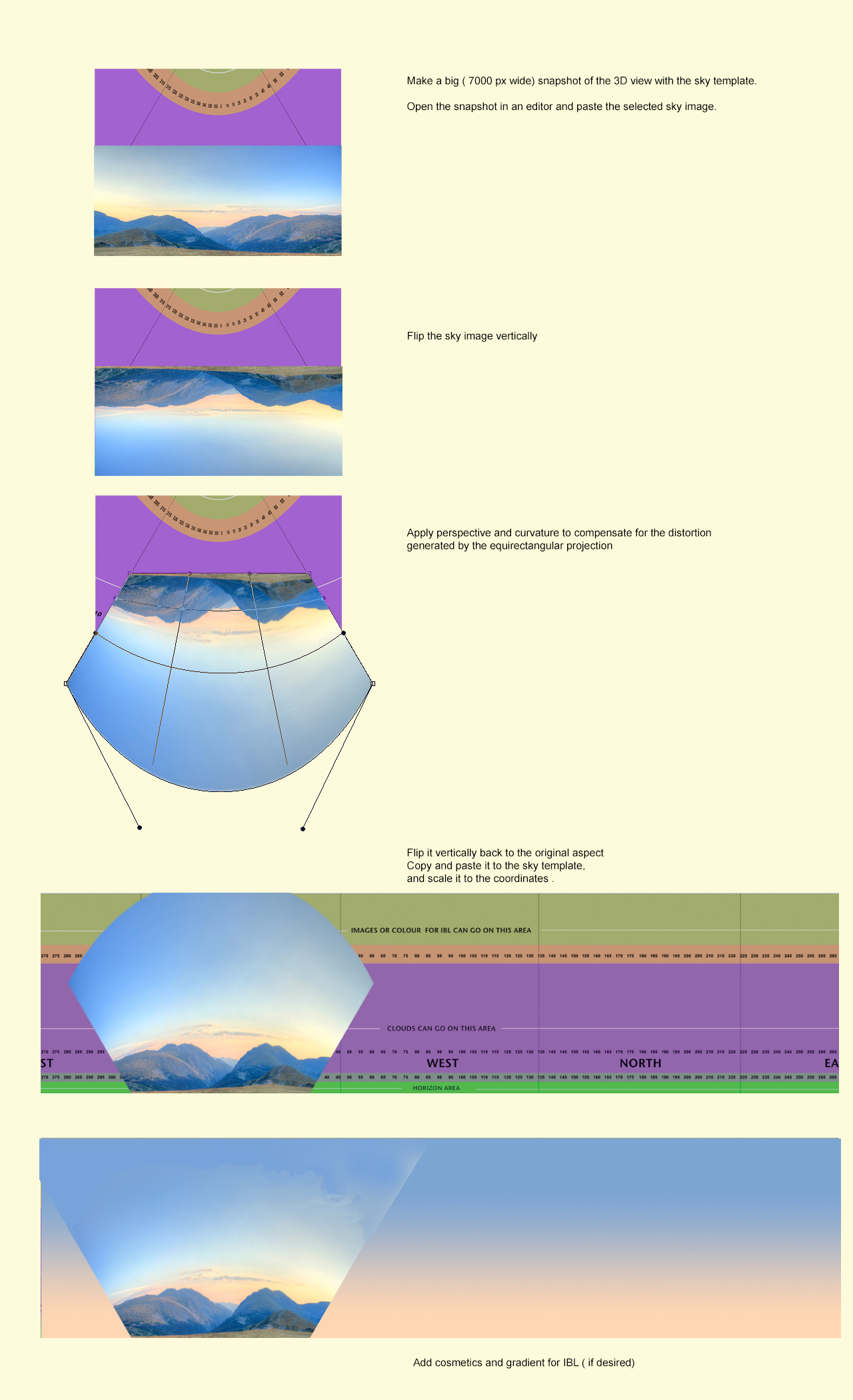
Achieving the latter (accurately), I think, will not be possible with the simple template I have made, In fact I don't think it's possible to make any template that can be used to completely compensate for the equirectangular distortion. But to perform an inversion might be a possible compensation –at least to a certain extent.


Maybe, it is just me, but it would be a great help if 3D view and rendering were the same.
A matching view between the 3D preview and the rendered image would be great!

And even better if I could understand the projection and manage to make a reasonably accurate template... smile

Tsk tsk tsk... isn't it just a 4 by 1 rectangle projected on a hemisphere? So all we have to do is make an attempt to invert the distortion... right?
Sounds easy... but I know it isn't.
Anyway, let's try a quick & dirty inversion-method:


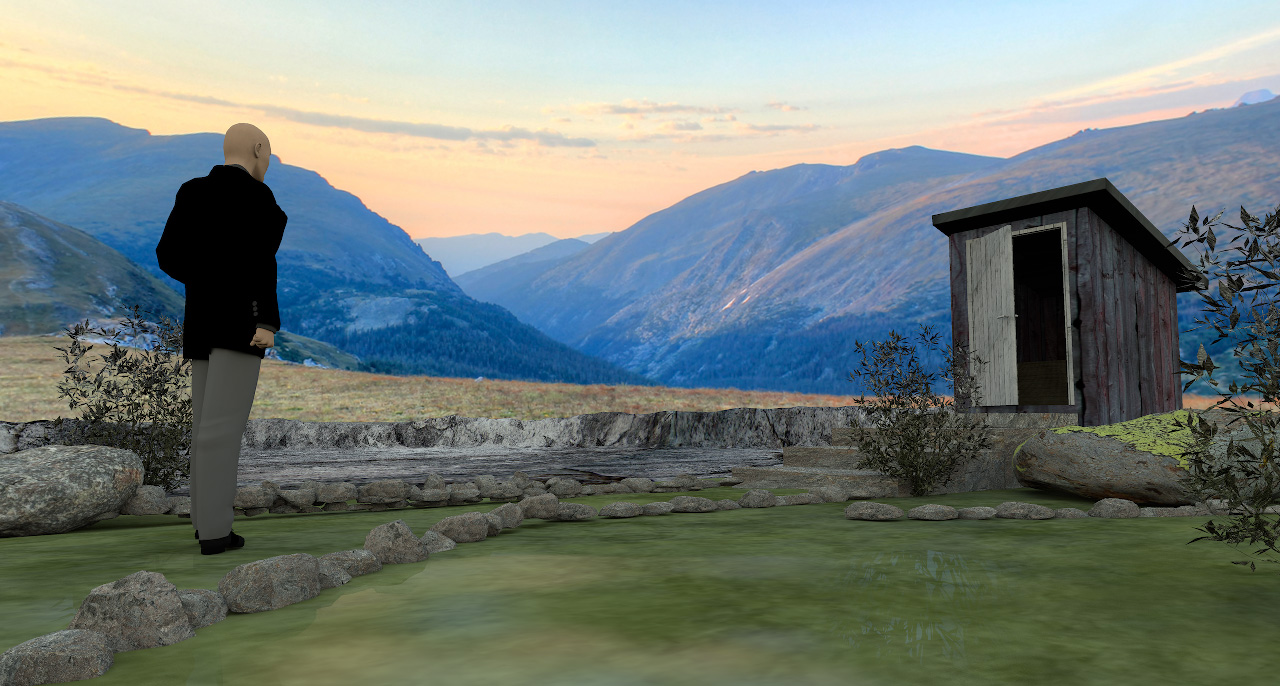
Example rendering:


It seems I could have curved the sky image bit a bit more. Try and fail is the name of the game. But it seems to work – to a certain extent smile

______________

For illustrational purposes, the challenge with using sky images containing mountainous formations or other sizeable objects, is to match light and shadows, exposure, tint and blurriness.
A quick rendering shows that the sunlight is too bright.
And I have noticed that the colour of the sunlight varies, not only by the time of day, but also by the time of year – and so do the shadows. So colour-matching by changing time and date will not work.


Since the colours and the exposure will be a complete mismatch with sunlight, IBL is the solution. Using IBL, I can colourize the upper part of the sky image to make a better colour-match. The drawback is that the shadow-map will be quite dull and render a lifeless image.

So if I have to use this sky image, I have to add shadows by using a fake sunlight – that I can create with light panels. Like this:


OK, so now the rendering is a bit closer to useable – a bit – but it's not quite there yet.
If I put in a few hours of work, I just might make it work.

I will discuss lighting in a later post – and show examples.

Cec

Posted by Xiste at Sep 6, 2018, 10:51:59 AM
Re: Light & textures - rendering examples of this and that.
It seems I could have curved the sky image bit a bit more.
Are you sure you don't mean a little bit less?
I just did a quick test, and I got the opposite result.
Btv. this method is great for any kind of backdrop, not just skies and sceneries.

Xiste

Posted by Ceciliabr at Sep 8, 2018, 12:01:14 AM
Re: Light & textures - rendering examples of this and that.
Are you sure you don't mean a little bit less?
I'm pretty sure, but I have been sure before, only to find I was wrong.

Btv. this method is great for any kind of backdrop, not just skies and sceneries.
Absolutely! And the greatest advantage is that a sky image will always render a perfectly exposed image, no matter the lighting conditions. A backdrop affixed to a box or a wall will need lighting, and even then might not render at it's best.

Cec

Posted by Xiste at Sep 8, 2018, 1:27:07 AM
Re: Light & textures - rendering examples of this and that.
I have been sure before, only to find I was wrong.

Well, it appears it was me that was wrong this time.

Apologies
Xiste.

Posted by okh at Sep 10, 2018, 10:30:59 AM
Re: Light & textures - rendering examples of this and that.
Maybe, it is just me, but it would be a great help if 3D view and rendering were the same.
A matching view between the 3D preview and the rendered image would be great!
And even better if I could understand the projection and manage to make a reasonably accurate template... smile

Tsk tsk tsk... isn't it just a 4 by 1 rectangle projected on a hemisphere? So all we have to do is make an attempt to invert the distortion... right?
Sounds easy... but I know it isn't.
Quite, in theory it is easy, but as you say, making the perfect template is probably not possible. Since last post the (3D) perspective has changed: see
fix in thread 8704 and SF-req 668. @Puybaret: Perfect. THANKS for the fix! The 3D sky now makes more sense.

Thanks for the many hints and alignment/distortions. Yet to find out how to save time with Hugin, but I remembered Stellarium (celestial software) which has customisable horizons and backgrounds and when viewing it is possible to use different projections. Testing default ground image (i.e. horizon panorama) + cylinder projection: a night sky for SH3D with grid match and correctly placed celestial objects (at N46.108° E4.78° at some time I cannot remember).


Using stellarium_horizon.jpg gives this render:


Works for my purposes and suggests that Stellarium could be of help when matching sky imagery, placing sun, but also, I guess for making distorts for alternative rendering perspectives as discussed by Cec above.

I love Cec' beautiful images, but as opposed to Cec' aesthetic approach, mine is simpler and just practical. Say you consider building a lodge in a given position.
- Use a panorama of the skyline (real or with online tool), place in grid template.
- Use some sun calculator to determine how high above the horizon the sun will be during normal holidays.
- Use a satellite calculator to determine the position of you favourite information provider.
- Check out other stuff, like nearby airports.
- Find direction(/distance) to various points, summits for hiking, GSM transmitters for broadband, etc etc.

Place all of the above in the template and use as a Sky texture (starting at 90° in the plan, due East when compass points North). Place terrain, trees, buildings and other close obstacles in the plan. You now can visualise several things. Where to point the dish and broadband antenna. Where to place solar panels. How to orient the plan for sun conditions. Which views you will be able to see from your favourite chair through which windows. Whether the airport flight path could be a problem. In addition to all other stuff, of course: grid/water/road access, meteorological statistics, ground condition etc. Arguably too geeky for most plans, the example is based on a real project. It turned out that it would be near impossible to get decent sun conditions in the winter, we needed a different GSM provider for broadband, terrestrial TV would be difficult, but satellite should be ok, airport might be a problem as afternoon flights would often pass just above. All of this could easily have been discovered without the sky texture, but having the visual while drawing proved very useful: once the lodge was oriented for perfect afternoon sun, it turned out it would be difficult to place solar and dish, and the entire lodge had to be mirrored to avoid getting the entrance blocked by snow in the winter.

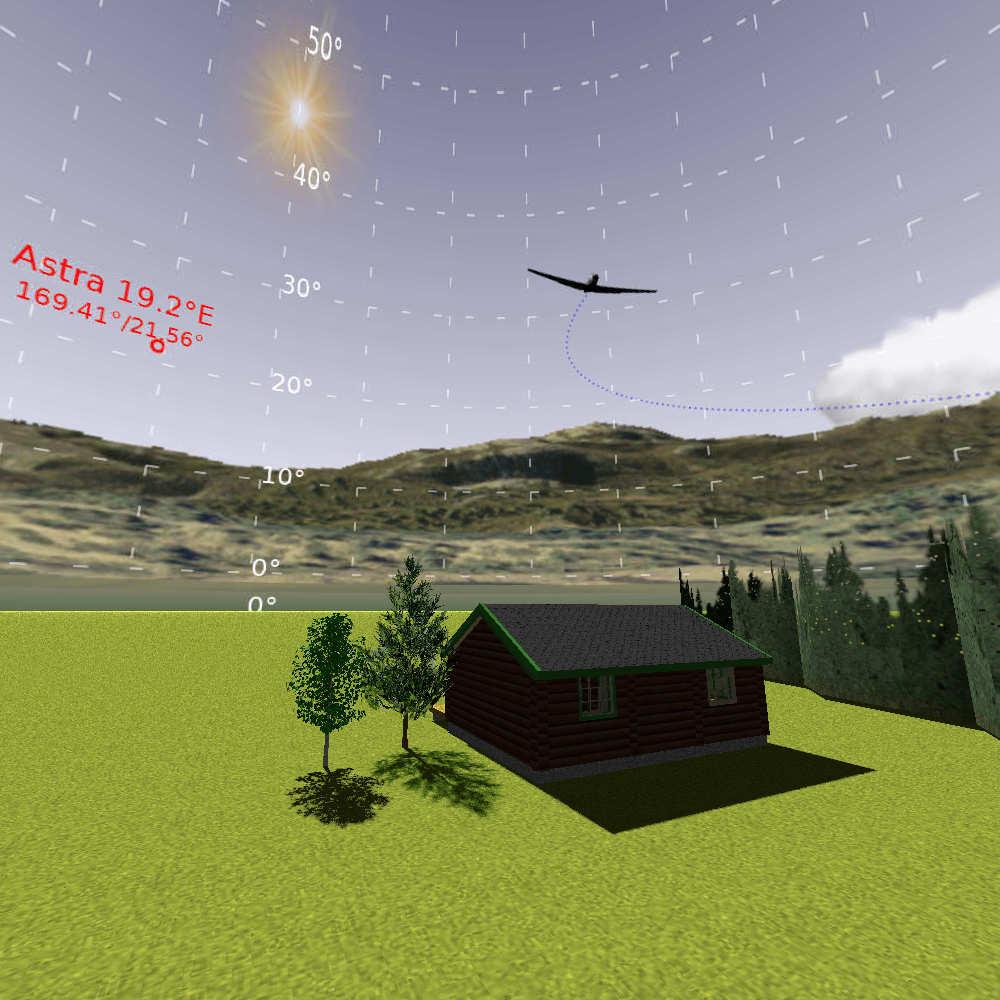
A higher resolution of mountain_cabin_texture.jpg renders like this (wide angle virtual visitor gives a distortion, of course):
.

Sunlight simulation is a perfect way of playing with sun conditions at different times. Btw. rendering sunlight seems to consider (the silly concept of) daylight saving, but not equation of time I think. At least I think that is why there appears to be a very slight mismatch (<4°) certain times of the year - or it could just be me. But it makes absolutely no difference for my purposes. I suppose one could also consider elevation of viewpoint / plan and estimate distance to horizon for the template.

Cec' template is probably better and easier to use for most purposes and work with most graphic editors. However, for accuracy and editing I prefer an .svg template to position (and distort) elements on the sky texture. For instance a 360° panorama .svg file with a grid, sky- and ground gradients and with links to other files: skyline, clouds, sun. That way it is relatively easy to place (and transform/distort if need be) each item accurately (with manually/Inkscape). Like Cec, I use a 360×90 template, with a few degrees extra at the bottom to blend with ground texture. Once each item is placed (and grid removed), the image can be saved as .png/.jpg and used as a high resolution sky texture.

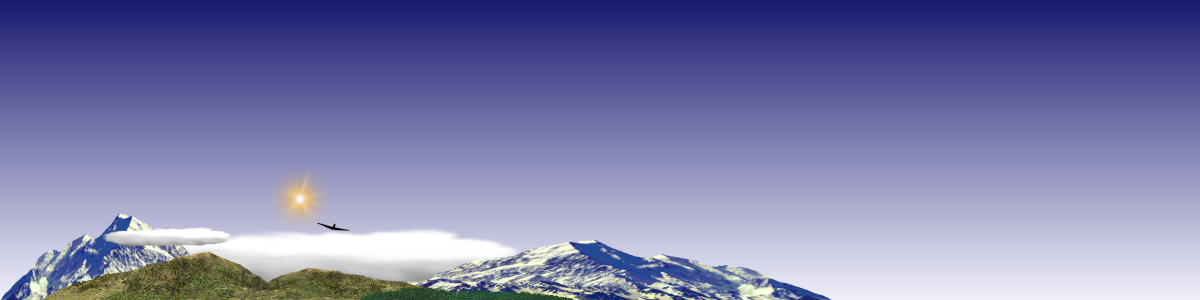
sky360_sh3d6.svg, with links to (files placed in same directory):
- sky360.png (skyline with transparent sky from 3D terrain viewer)
- clouds.png (generic clouds)
- sun.png (simple sun created with the Gimp)
- plane.png (plane silhouette)

Same .svg file was used as template for the panoramas, just changing the different backgrounds and elements.

Point of this exercise is 1) to illustrate another way of using sky texture, and 2) to explain an item in the wishlist:

The use described, may be useful but to a few, and not really what the sky texture is intended for. But what would be great, now that the 3D view is more predictable, is if it were possible to set or change the starting point of the sky texture so it can be adjusted with the compass. Just a value in Home.xml would suffice for my purposes.
<environment ...>
<texture attribute='skyTexture' name='sky360_sh3d6' width='360.0' height='90.0' image='1'/>
</environment>

Maybe just startDirection='1.5708' or even startAngle='1.5708' endAngle='1.57079999' ?

Posted by okh at Sep 10, 2018, 11:28:57 AM
Re: Light & textures - rendering examples of this and that.
colour of the sunlight varies, not only by the time of day, but also by the time of year – and so do the shadows
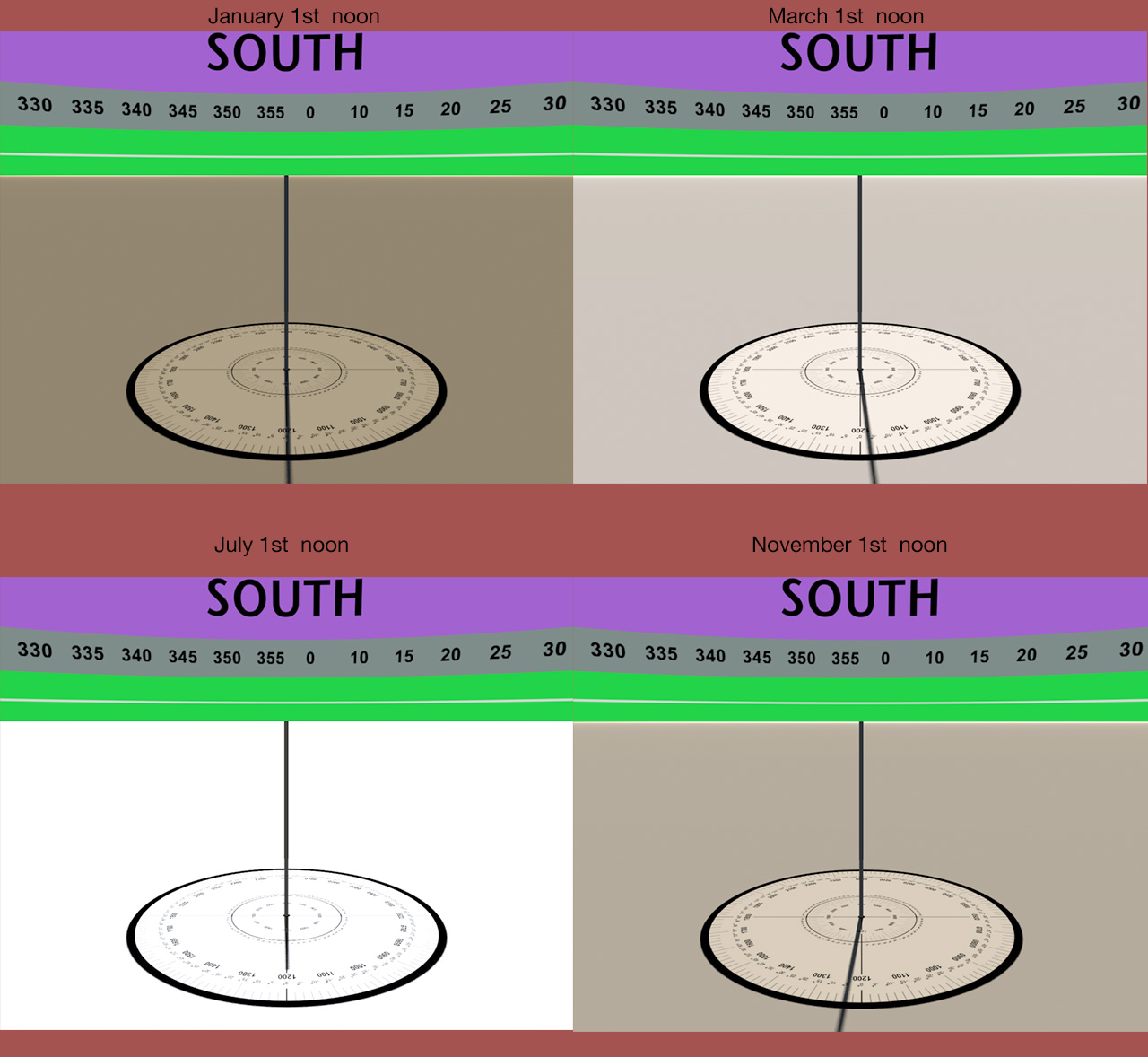
Took a second look at your sundial illustration. Not sure how you generated the image, but if it was SH3D/Sunflow (with a non-daylight-saving time setting close to the middle of a time zone), it looks like it might actually be equation of time(?). In which case I was wrong in my last post and our Azure home banter. Interesting. ok

Posted by Ceciliabr at Sep 11, 2018, 9:20:59 AM
Re: Light & textures - rendering examples of this and that.
it looks like it might actually be equation of time(?)

Probably.
The images were ( of course smile ) created with SH3D/Sunflow.
Time zone is GMT + 00:00 and physical placement is Greenwich Park.


So the equation of time is responsible for the wobbly shadows...


In other 3D-programs ( like f.i. Vue eXtream – where I got my first real 3D experience) the sun is just a directional light source used to create atmospheres, so you can grab it and move it about as much as you like. Even if it's a lot more complicated in SH3D, I try to use the sunlight the same way, so I often shift the date and time to change the colour and height of the sunlight. That's why I created the sundial – to observe how both the light and the shadow directions changed with time.

Here is my sundial Project-file, so you can inspect my setup.

Cecilia

Posted by okh at Sep 11, 2018, 10:32:31 AM
Re: Light & textures - rendering examples of this and that.
Thanks. After some experiments it certainly looks as if the rendering considers equation of time.
..more complicated in SH3D, I try to use the sunlight the same way, so I often shift the date and time to change the colour and height of the sunlight...
And you make it work nicely for your renderings. But for me it would only be confusing if I could shift the sun at random, so I am happy it is 'complicated' to 'cheat'.

Anyone coming across this thread and reading about the sky texture alignment, should also know that SH3D 6 (beta 7) introduces X offset for the sky texture so it can be rotated.

ok

Posted by Ceciliabr at Sep 14, 2018, 6:36:18 PM
Re: Light & textures - rendering examples of this and that.
@okh
Anyone coming across this thread and reading about the sky texture alignment, should also know that SH3D 6 (beta 7) introduces X offset for the sky texture so it can be rotated.

Your contributions here are boosting the value of this thread.
Thank you!

Cecilia

Posted by okh at Sep 14, 2018, 7:58:26 PM
Re: Light & textures - rendering examples of this and that.
Oh well, I am just meddeling. Really appreciate your detailed guide. Meanwhile I am updating my .svg template. Not posted yet. Template works quite well for inserting own images, but when I try to use 3d matrix to recreate your backdrop distortion I run into all sorts of problems. In part it is not supported by Inkscape (and not all browsers), but more annoyingly, even if the image transforms well, it somehow gets so blurred that it is totally useless. But I am on the case. One day maybe a proper man-template will be available. Meanwhile I suppose we shall have to make do with the (better) upside down world. smile ok

Posted by Ceciliabr at Sep 16, 2018, 1:04:23 AM
Re: Light & textures - rendering examples of this and that.
even if the image transforms well, it somehow gets so blurred that it is totally useless.
It's your fear of high resolution that is blurring your vision!

My sky images are 15000px x 3750 px. I normally go at least twice that size when editing, and then rescale to 15000 x 3750 px ( or sometimes as low as 6000 x 1500 px if there are no gradients present).

The jpg-compression algorithm can be tricked by adding a layover of noise, so that even at the lowest (10%) jpg-quality a 15000 x 3750 image will render an acceptable sky at FoV 30.
A 15000 x 3750 low-res jpg @ 10% can weigh as little as 200kb, and still render ok.
For sky images, resolution (size) and quality goes hand in hand.

Cec

Posted by okh at Sep 16, 2018, 8:28:19 AM
Re: Light & textures - rendering examples of this and that.
It's your fear of high resolution that is blurring your vision!
That could very well be, actually. As you know I work with scaled down images for templates and tests even if I am not quite as cheap with my more private projects.

Still, there is something strange. I can transform the image quite well in the Gimp. But when I try to use .svg so a linked image can distort automatically, I get problems. Cannot remember how intimate you are with .svg, but here is the latest attempt using .svg + css3 to test 'automatic' 3d distort in the template (viewBox="0 0 360 94" ). In Firefox, the rectangle and image distorts, but is too blurred.
<!-- In theory this could distort (transform) an image to improve rendering, but it is not supported by several browsers/Inkscape, and when it is supported (Firefox), the image blurs -->
<g transform="translate(30 60)" opacity="1">
<g style="transform-origin: 32px center 0px; transform: matrix3d(1,0,0.00,.00,0.00,1,0.00,0.01,0,0,1,0,0,0,0,1);" >
<rect width="72" height="36" fill="none" stroke="red" stroke-width="1"/>
<image width="72" height="36" xlink:href="mountainx.png" preserveAspectRatio="none"/>
</g>
</g>
When I can spend a couple of hours to concentrate, I will try some more before I post the template. For the record, this is not an attempt at picture perfect, just a quick approach to create a backdrop that can work with a SH3D scene render. ok

Posted by Ceciliabr at Sep 16, 2018, 7:19:05 PM
Re: Light & textures - rendering examples of this and that.
Cannot remember how intimate you are with .svg,
Not at all intimate I'm afraid sad
But I'm quite intimate with Photoshop, and I know for a fact that scaled down images will produce crappy outputs.

Okay...
We have talked about this before.

A 1024 px image at maximum jpg-quality will not produce an acceptable sky image, whereas the same image at 6000 px, compressed so much that it's weighing the same (both weighing 150 kb), will produce a far better ( almost a tolerable) sky rendering.
Examples:
Sky image 1024 px - Filesize = 150 kb:


Same image 5700 px - Filesize = 155 kb:


Size matters (resolution – not filesize), not only for the sky, but for ALL textures, and the higher the resolution – the more compression can be applied – ergo: The filesize is less important than the resolution.

I prefer sky images @ 15000 x 3700 px, and they normally weigh between 800 kb and 2.1 Mb.


Sky6000.sh3d

TestHorizon_1024.jpg

TestHorizon_6000.jpg

The larger sky image takes four seconds longer to render.


Cec

Posted by okh at Sep 17, 2018, 2:08:20 PM
Re: Light & textures - rendering examples of this and that.
..quite intimate with Photoshop...
Picking a tool is a matter of choice. My preference is Gimp for the raster images, which I link into an .svg file for post editing with a text editor or Inkscape. Doubtless, this could be done with the Gimp alone, or Photoshop, with just as good results. The only reason for the .svg detour, is that items easily can be placed, moved, scaled accurately on the canvas by using numeric co-ordinates. And then each item, a hill, a cloud, can be adjusted individually with the Gimp (or whatever) to acceptable resolution, hue etc. etc. But that is just a personal preference.
We have talked about this before.
Yes we have. And, of course, I agree with what you say. Just did a test using the .svg template (which I will post) exporting to .png. at: 7200×1880, 3600×940 and 1800×470. With 6.0 beta and limited access to memory, 7200×1880 maxed out. 1800×470 rendered quickly. The latter is acceptable for planning purposes, but even I would consider using higher resolutions for a nice render. Which is to say, I agree with what you say even if I probably have a lower threshold for crappy.

Posted by Ceciliabr at Sep 17, 2018, 5:17:03 PM
Re: Light & textures - rendering examples of this and that.
With 6.0 beta and limited access to memory, 7200×1880 maxed out
Yes, that's the problem with the web-start-version.

The only reason for the .svg detour, is that items easily can be placed, moved, scaled accurately on the canvas by using numeric co-ordinates. And then each item, a hill, a cloud, can be adjusted individually with the Gimp (or whatever) to acceptable resolution, hue etc. etc.
Sounds a lot like what I do in Photoshop. I don't think I have fully understood how the .svg numeric coordinates work differently than a Photoshop ( or Gimp) template.

Cec

Posted by okh at Sep 18, 2018, 1:24:11 PM
Re: Light & textures - rendering examples of this and that.
.. fully understood how the .svg numeric coordinates work differently...
Not much to understand, I think. Approach is the same, I just like the more readable and transferable .svg format for constructing a multi-element background. No idea about Photoshop co-ordinates, but in the example below, sun is placed at x="90" y="60", which on a 360×90 canvas (viewBox) converts to degrees.

Probably like your Photoshop approach, at the end of the day, it is just question of combining elements on a sky texture, for instance: sun.png, clouds.png and mountain.png. Unlike the not-so-open formats of Photoshop and the Gimp, .svg displays with any browser and edits with a text editor / Inkscape / the Gimp / OpenOffice etc. maybe even Photoshop. And it can be scaled to any size without any quality loss other than that which comes with the linked raster images. All this fits into a small (and tidy) file: minitest.svg which looks like this opened in any text editor:

<svg version="1.1" xmlns="http://www.w3.org/2000/svg" xmlns:xlink="http://www.w3.org/1999/xlink"
width="3600px" height="900px" viewBox="0 0 360 90">
<defs>
<linearGradient id="skygradient" x2="0%" y2="100%">
<stop stop-color="MidnightBlue" stop-opacity="1" offset="0"/>
<stop stop-color="#f0f0fa" stop-opacity="1" offset="1"/>
</linearGradient>
</defs>

<rect id="sky" width="360" height="90" x="0" y="0" fill="url(#skygradient)" stroke="none"/>
<path id="equinoxpath" fill="none" stroke="orange" stroke-width=".1" d="m 0,-30 c 62,0 118,60 180,60 62,0 118,-60 180,-60" transform="matrix(1,0,0,-1,-90,90)" />
<image xlink:href="sun.png" width="20" height="20" x="90" y="60" transform="translate(-10,-10)"/>
<image xlink:href="clouds.png" width="80" height="20" x="0" y="74" transform="matrix(1.6,0,0,.9,0,0)" opacity=".7" preserveAspectRatio="none"/>
<image xlink:href="clouds.png" width="80" height="20" x="00" y="95" transform="matrix(-1.2,0,0,.7,100,0)" opacity=".6" preserveAspectRatio="none"/>
<image xlink:href="mountain.png" width="80" height="15" x="30" y="75" preserveAspectRatio="none"/>
</svg>
sun.png, clouds.png and mountain.png must be downloaded and placed in same directory as minitest.svg for this to work.

Saved as .jpg (3600×900, high compression) the result is a sky texture for SH3D minitest_horizon.jpg (64KB) which gives this render:
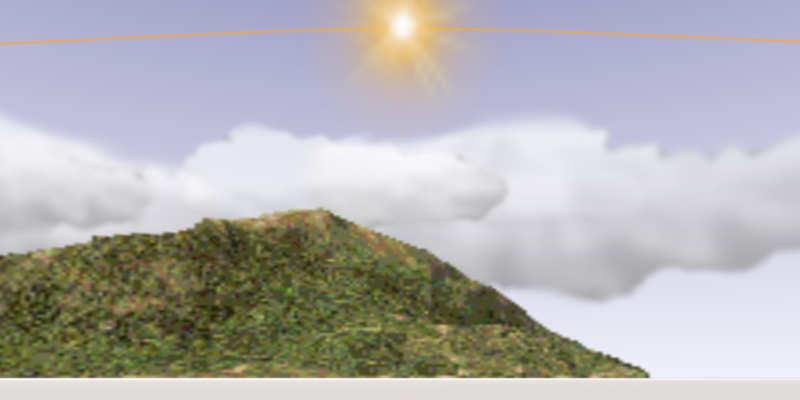
Yes, the mountain is crappy: the image linked is low quality at 256×64, compressed to 10,6KB. Which is overdoing it, even for me. On the other hand, the entire mountain can be Base64 embedded in the .svg without taking up more than one line of less than 15000 characters and be used several times in various shapes and sizes:

<image id="mountain" xlink:href="data:image/PNG;base64,xxx"/>
<use xlink:href="#mountain" transform="matrix(.3,0,0,.25,130,80)"/>
<use xlink:href="#mountain" transform="matrix(-.4,0,0,.15,280,86)"/>

A mountain is probably not a good example but embedding can be a convenient way to save simple raster elements inside a still small .svg file. But whether you wish to embed or not, using .svg as a 'container' or list of links, means you can exploit the best qualities all formats, combining .png, .jpg and .svg for different elements. .png for transparency / indexed colours, .jpg for smaller 'photographic' files and so on. Preferably of higher quality than the ones used in this example.

The template I actually use is more elaborate with a grid, some embedded images and gradients. Gradients and blurs can be useful for many things, such as blending skyline with ground colour/texture in SH3D or lighting up parts of the sky. But point is for the file to be simple, readable and compatible so SH3D skyline can be edited with a couple of keystrokes with as many image elements as you like in whatever quality: cityscapes, forests, planes, satellites and so on*, at higher quality. But it is also possible to make the template as advanced as you wish: The sun path is an approximation of equinox sun passage on horizon to be moved/transformed for other seasons, transformed upside down so the path reflects actual degrees above horizon. Something I would not know how to do accurately with the Gimp.

Clearly, all editing is quicker with a familiar interface. So no reason not to stay with whatever works. In addition to my liking for open, human readable formats, I suppose this is also a sales pitch for editing xml in general. For instance, I hardly use furniture libraries when it is possible to add cutouts, door/window and lightsource properties directly in Home.xml.

ok

Posted by okh at Sep 18, 2018, 5:11:31 PM
Re: Light & textures - rendering examples of this and that.
Forgot to post the file with (low-res) mountains, clouds, sun etc. embedded. Easier to edit. Yes, yes, say nothing, the elements will need higher resolution for nice rendering. But you get my drift. A high-res credo is sensible, here is an example of the opposite: how low is it possible to go. smile

minitest_embed.svg < 50 KB, initial resolution 1200×300 px, but can scale to anything when importing to Gimp/Photoshop or changing width height in the .svg.
SH3D does not import the .svg directly so the image needs to be converted to .png/.jpg before use.


Posted by Ceciliabr at Sep 19, 2018, 9:22:34 AM
Re: Light & textures - rendering examples of this and that.
minitest_embed.svg < 50 KB, initial resolution 1200×300 px, but can scale to anything when importing to Gimp/Photoshop or changing width height in the .svg. SH3D does not import the .svg directly so the image needs to be converted to .png/.jpg before use.

Photoshop can read and generate 3D models, and of course scale 3D models up or down, but textures ( photographic images) can not be up-scaled by any program without loosing quality, whether it's in .svg format or any other format. The way I understand it, using the .svg format has advantages only when using scaleable vector graphics.


.svg displays with any browser and edits with a text editor / Inkscape / the Gimp / OpenOffice etc. maybe even Photoshop

The .svg format is not read by Photoshop, so I use Adobe Illustrator to scale and convert it to .tiff or .psd whenever I get a file in that format, since I only work with photographic images.
Personally I struggle with using Gimp, but I put that down to having used Photoshop for nearly two thirds of my life, and me being frustrated when none of my "normal" shortcuts are working.

at the end of the day, it is just question of combining elements on a sky texture
Yes – but we have different reasons for placing these objects exactly where they end up being placed wink

I still don't see how .svg makes it easier to edit.

Cec

Posted by okh at Sep 26, 2018, 9:57:34 AM
Re: Light & textures - rendering examples of this and that.
I still don't see how .svg makes it easier to edit.
Oh, easier I do not know. A wise woman once wrote that the key to mastering software is to study and learn the short-cuts. Easier and quicker, I suppose, is always the interface you are used to.

For me there are two issues. Interface and format. While the Gimp is brilliant for raster graphics in general, I never liked the interface for layers. Probably noting wrong with it, I just do not like it. That calls for a format where it is possible to switch between different software to do different things. Using Photoshop or Gimp formats locks you in. Yes you can interchange .psd and .xcf, but unreliably and at the risk of loss.

In addition to being an open format, .svg has a couple of advantages. It opens in browsers, the Gimp, Inkscape and any text editor. But even better, I can open elements (clouds, sun, mountains) individually in the Gimp, while at the same time keeping the .svg (with links) open in a text editor and Inkscape. Especially since I also use .svg elements (sun path, mark satellites) the combination lets me use the best format and best interface for each element. Want to place a cloud behind the mountains? Just swap the two lines in a text editor. Once all elements are in place, I export to high-resolution with Inkscape (or the Gimp will do nicely by importing the .svg at high res).

Is this easier? It is for me. But only because I feel at ease with the functions I preform in each program. Could I do everything in the Gimp? Yes, but it would take me longer. Maybe an awkward way of working, but one I am used to. And a flexible one. SH3D lets you do almost everything from within the interface, but sometimes you need to add a cut-out or change a window sash. Just open Home.xml and fix it. Not that straightforward, maybe, but a lot faster than going via the Furniture Libraries.

But when I posted the template as .svg, it was mostly because it will edit with different pieces of sofware. .png/.jpg would not have preserved layers / different elements. Using Gimp .xcf would require the user to be familiar with the Gimp and so on.

ok

Posted by Ceciliabr at Oct 3, 2018, 5:27:27 AM
Re: Light & textures - rendering examples of this and that.


Enkonyito's “Advanced render settings” gave us a new set of parameters for tweaking the Sunflow renderer,
and when IBL-lighting vas introduced shortly after, we got yet another major lighting improvement.
And then we got the resizable render window, an invaluable tool for checking our light settings fast and easy.
Recently Enkonyito has introduced the panel lights – which have once again lifted SH3D to a new level.

Now Sweet Home 3d v6 is just around the corner.
Great things are happening...


I'm going to play with panel lights in this post.

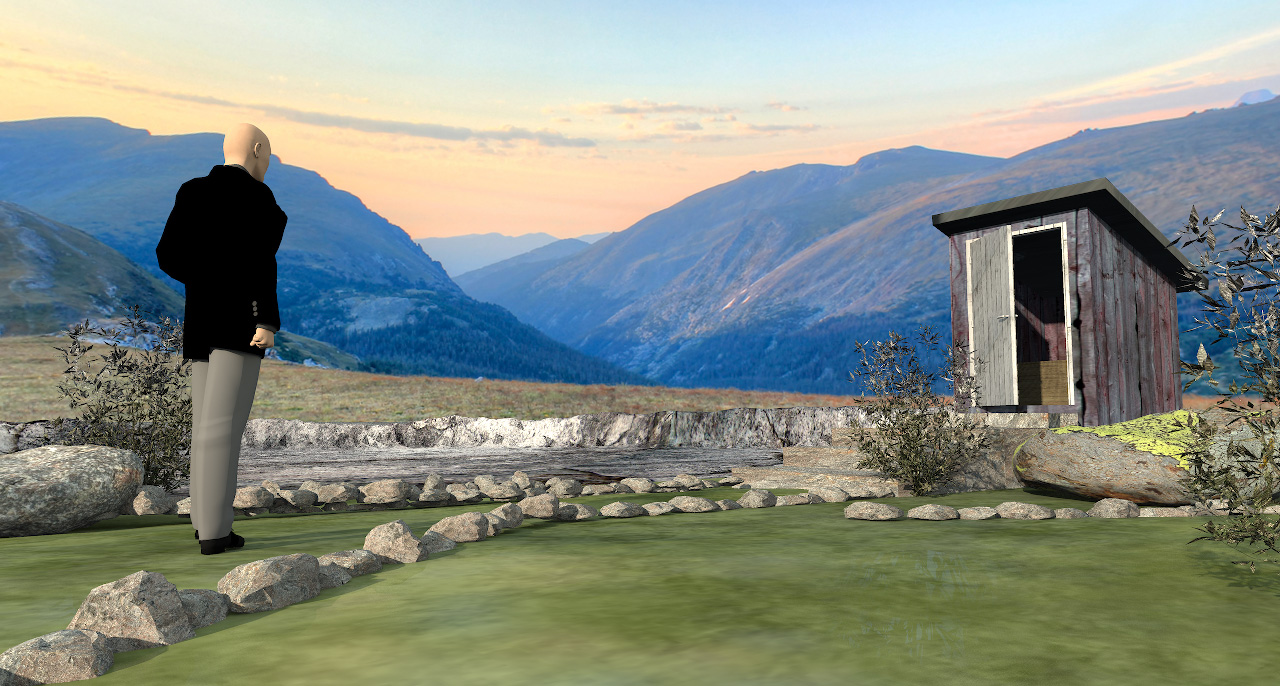
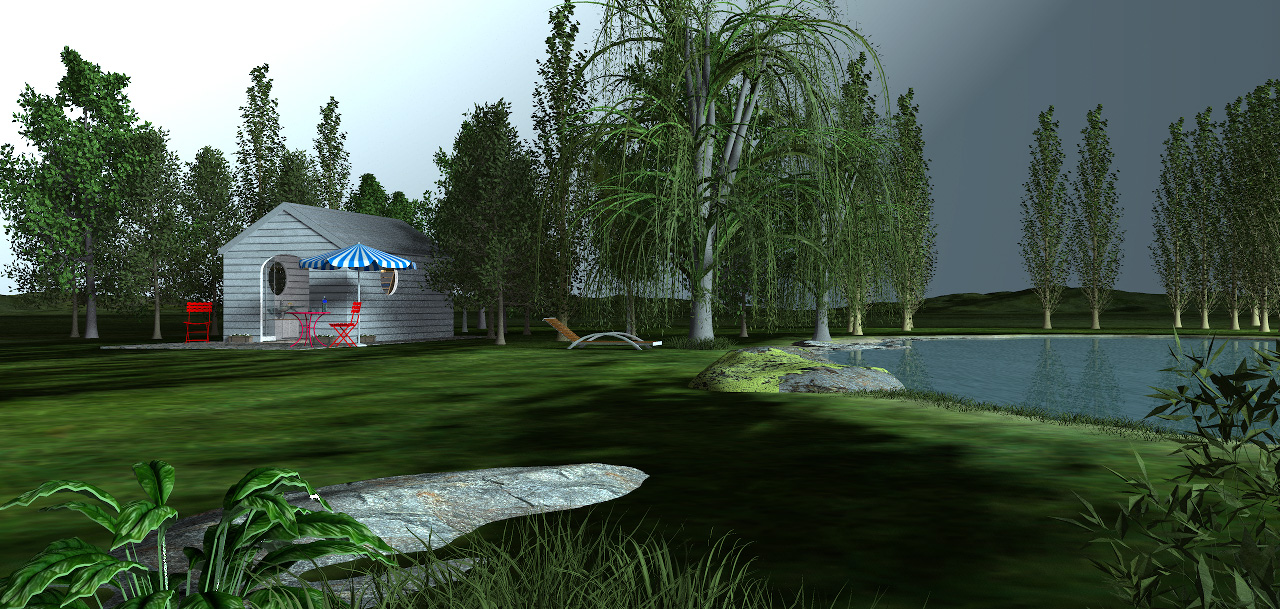
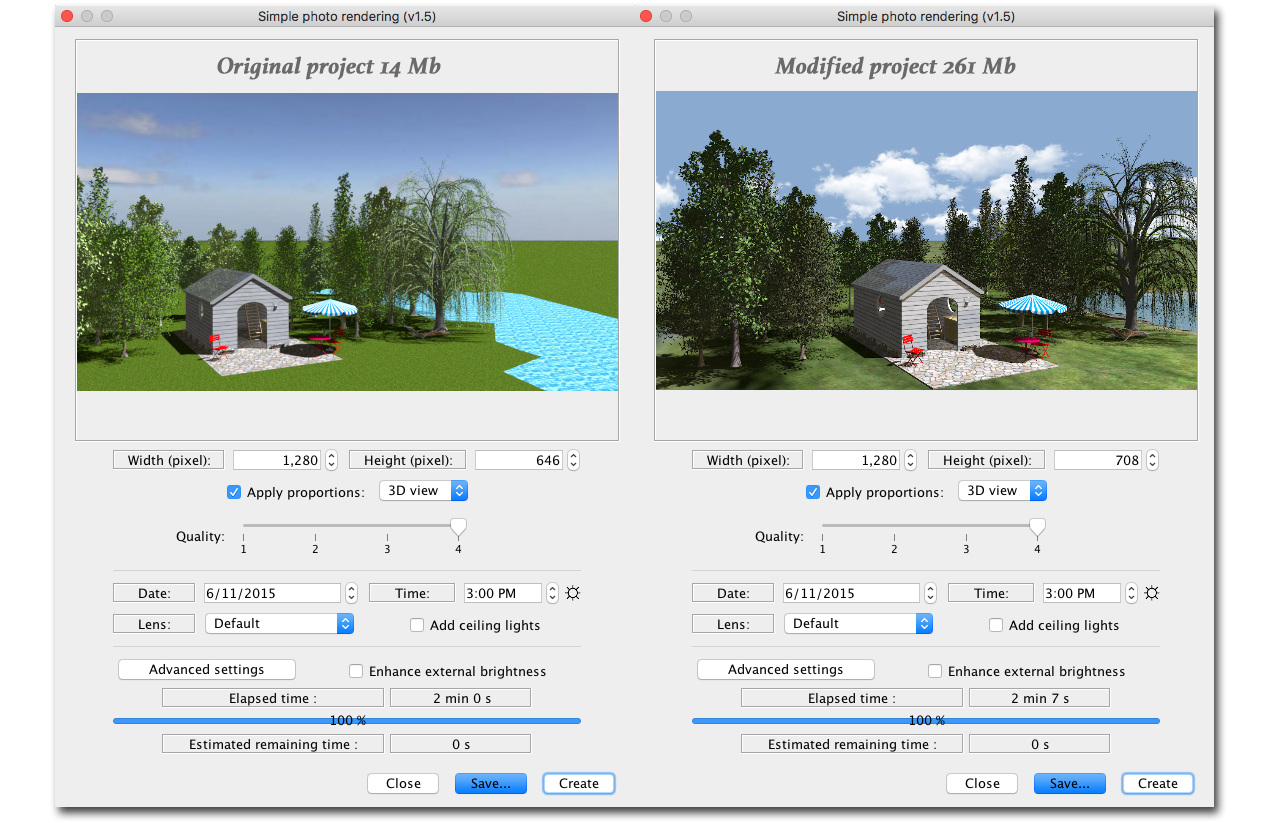
First I will work with SweetHome3DExample9-WoodenShed.sh3d from the gallery – a project file weighing only 13.4 Mb.
I have chosen this file because it is very small, yet quite detailed and with a focus on the surroundings.
I will only deal with the exterior.

Here is a snapshot of the untouched original project file, rendered with the default render settings for Q4:


The plan is to make some nasty modifications to the project and create a file that is a lot bigger.

The first thing I will do is to delete the water and add a slightly sloped terrain with an immersed pond at the highest point. That will increase the file size with some 100 Mb.
Then I will add a ground texture and a sky texture, some gras, stones, plants and so on, plus a terrain to cover the horizon, which will add another 40 Mb.
Then I will work on the trees.
I will keep them at their current position, but I will add textures to the leaves and get rid of the shininess that's always present in these models.
There's a lot of trees, so that probably adds another 30 Mb to the file size.
I will also add two new levels: One for the terrain ( at ground level ), and one for things that shall stick up from the terrain, like stones and plants.
Then I will elevate the two original levels by what's necessary to make the house level match the height of the terrain.
At last I will add a high-res hemisphere to cover the entire construction, but I will keep it invisible until I need it.

After doing all this, the project file is 261.8 Mb : SweetHome3DExample9-WoodenShed-CEC.sh3d
This project is made with Version 6 beta 11. It might not render snapshots when opened with older versions.

Everything I have added is marked with a "Z" in front of the name, and will naturally come at the end of a list sorted by name.
The "Z"-marked models are my creations. Feel free to grab anything of interest.

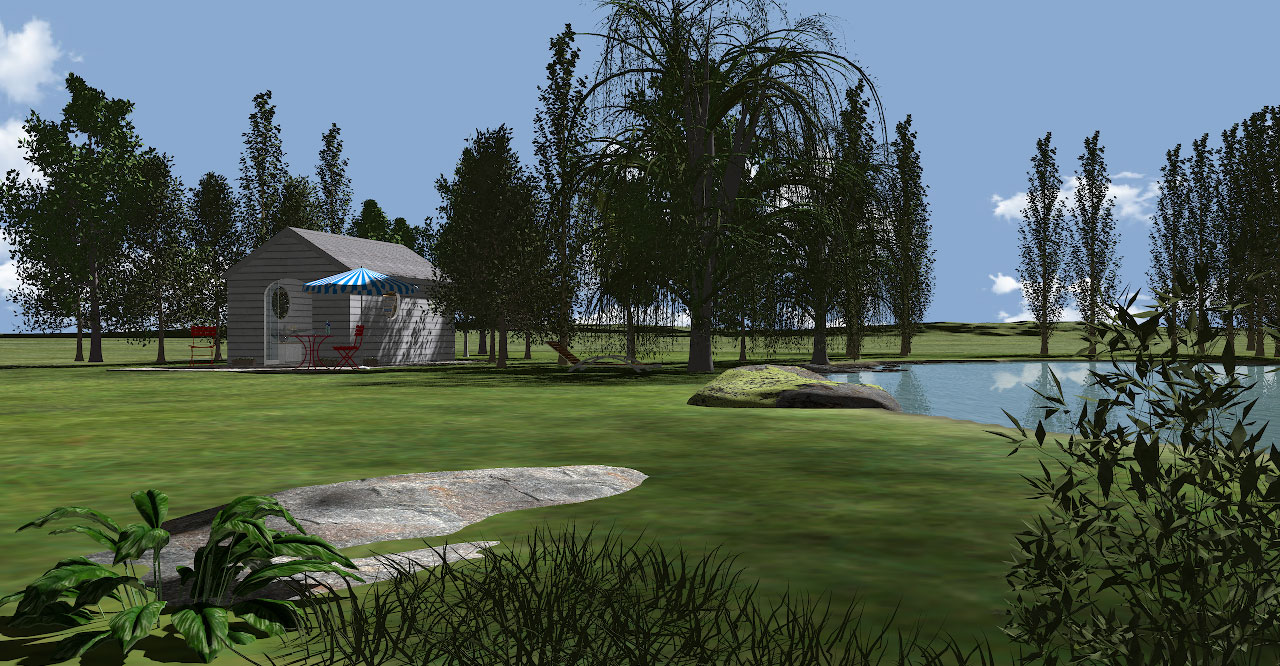
Here is a snapshot of the modified project, shot from the same angle and the same settings as the original:


Then it's time to play with lights:
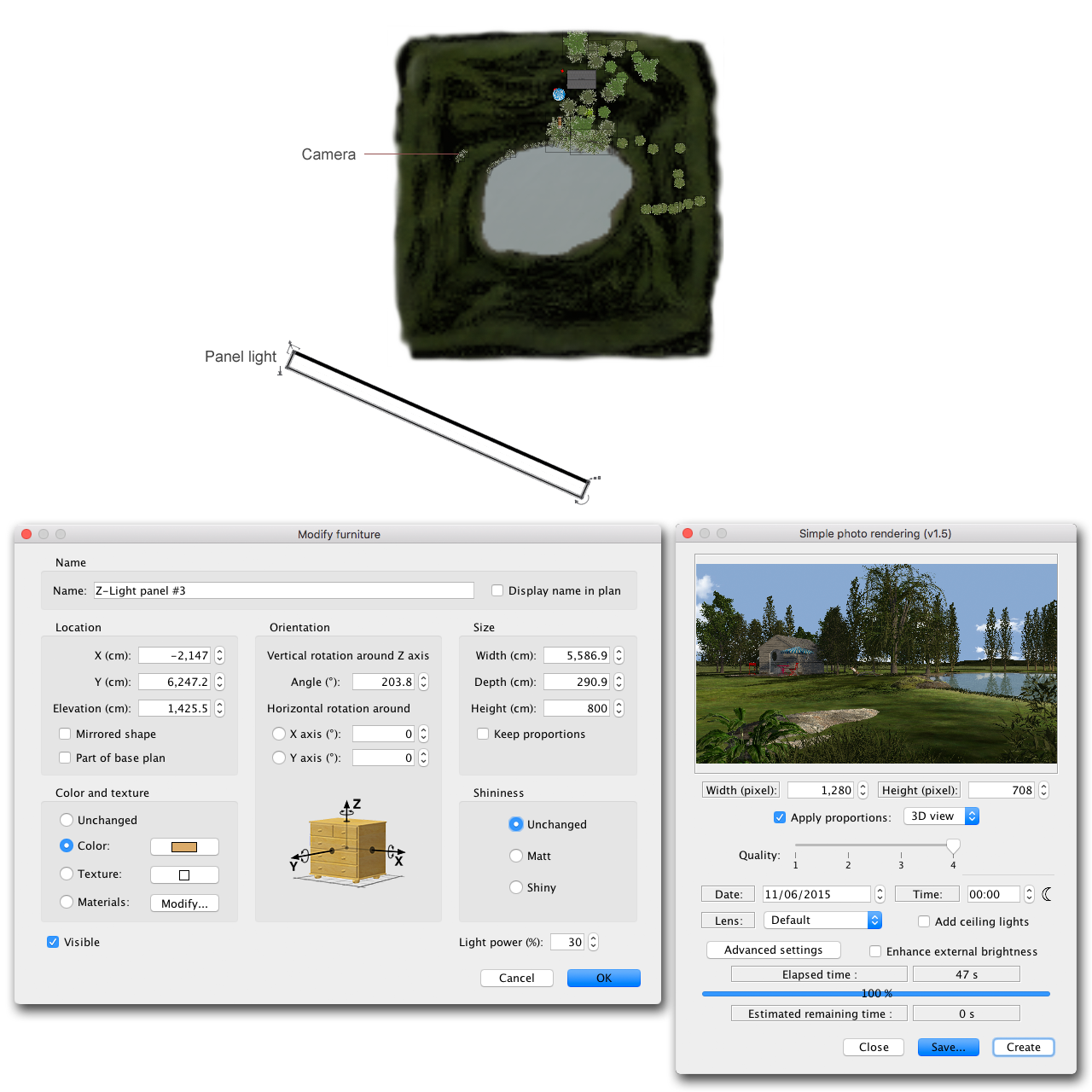
First I will add an orange panel light to substitute the sunlight, and set the time to midnight.


Here's the result:


Using a light panel to substitute the sun obviously gives a lot of new lighting options, but what if I place a hemisphere over the entire construction?
I can shine a light on it and use it as a sky image...


...and create moods and atmospheres that I sincerely doubt can be created this easily with any other 3D program.


Ahh, yes; what about the rendering time?
Well...


NO SUN


One advantage of using light panels for sunlight, is that you don’t have to adjust the compass to change the direction of the sun.
Another handy feature is that you can easily mimic the sunlight at any time of day, just by changing the colour and intensity of the panel lights,
and rendering with light panels is a lot faster than with the original light sources.
(But there’s absolutely no reason to abandon the sphere-lights. They are still invaluable and I use them a lot in my other projects.)

The following snapshots are results of my first experiment with the new light panels.
They are all rendered with no sunlight ( moon symbol), and I’m only using light panels.


_____


This is probably common knowledge
but let me mention it all the same:
Bigger and closer light sources give softer shadows – smaller and farther light sources create sharper shadows.
And just as when using light-filters in real life, variations in the light intensity will alter the effect of the colour-settings.
It’s useful to have the right filters when blending the new light sources with the sphere lights.
The filter temperatures for some of the most used sphere lights that comes with the program can be found here.
Make a note of the RGB-values – never use the eyedropper to sample colours from SRGB jpgs.


_____


In part four I will show some examples and write a few words about creating textures.

Cec

Posted by VeroniQ at Oct 3, 2018, 2:31:05 PM
Re: Light & textures - rendering examples of this and that.
Whaouh! Thank you Ceciliabr to share all your secrets!

Posted by okh at Oct 3, 2018, 4:50:58 PM
Re: Light & textures - rendering examples of this and that.
..share all your secrets!
Indeed. Very inspiring. Thanks for pointing out and demonstrating the possibilities. Very valuable as reference. ok

Posted by Mike53 at Oct 3, 2018, 9:23:34 PM
Re: Light & textures - rendering examples of this and that.
Thank you Cec, for these tutorials, fascinating so far and looking forward to more. Out of curiosity do you know if the is a setting for non directional light, i.e. no sun just an all over even light so that no shadows at all are created?

Posted by Ceciliabr at Oct 4, 2018, 5:36:18 PM
Re: Light & textures - rendering examples of this and that.
do you know if the is a setting for non directional light, i.e. no sun just an all over even light so that no shadows at all are created?


Completely without shadows is not possible, but if you copy these settings you should come close:


When you select Enhance external brightness , Sunflow will use the sky image as a light source (Image based lighting – IBL.
If you set the time of day to midnight, only the light from your sky image will be used to light your image.
If you apply a white texture ( not colour ) to the sky, your image will get a neutral tint.
If you use a blue sky texture, your image will get a blue tint ( like mine ) – and so on...

IBL will increase the render time.


Cec

Posted by hansmex at Oct 5, 2018, 8:01:59 AM
Re: Light & textures - rendering examples of this and that.
@Cecilia
You seductress!! For close to ten years, I've been happy using my "cloudy sky" as the universal texture for all my photo renders. Now, I feel tempted to stray into the unknown, but oh-so exciting, world of light and textures.

@Enko
Thank you for broadening my horizon and making photorealism attainable for the illiterate.

@Oka
A big thanks to you as well, for explaining the art of horizon-scaping.

@Emmanuel
Oh master of the dark art of programming, thank you for making all this possible.
----------------------------------------
Hans

new website - under constuction
hansdirkse.info

Posted by Ceciliabr at Oct 8, 2018, 10:36:02 AM
Re: Light & textures - rendering examples of this and that.
[...]to share all your secrets!


Everything I know is based on information given to me by generous people.
Here we are given this wonderful program for free. What sort of person would I be if I didn't try to give something back?

Thank you all for your kind comments.

Cecilia

Posted by Xiste at Oct 17, 2018, 8:39:32 PM
Re: Light & textures - rendering examples of this and that.
Everything I know is based on information given to me by generous people.
Sorry to say, but I have just been a leecher so far.
Beautiful renderings, as always.
What can I say?
Thanks for sharing!

Xiste

Posted by rontant at Oct 20, 2018, 4:02:37 AM
Re: Light & textures - rendering examples of this and that.
Am I the only one who thinks that the sun brightness in sh3d is way too weak? Look at my rendered photo below:

Isn't it too dark?
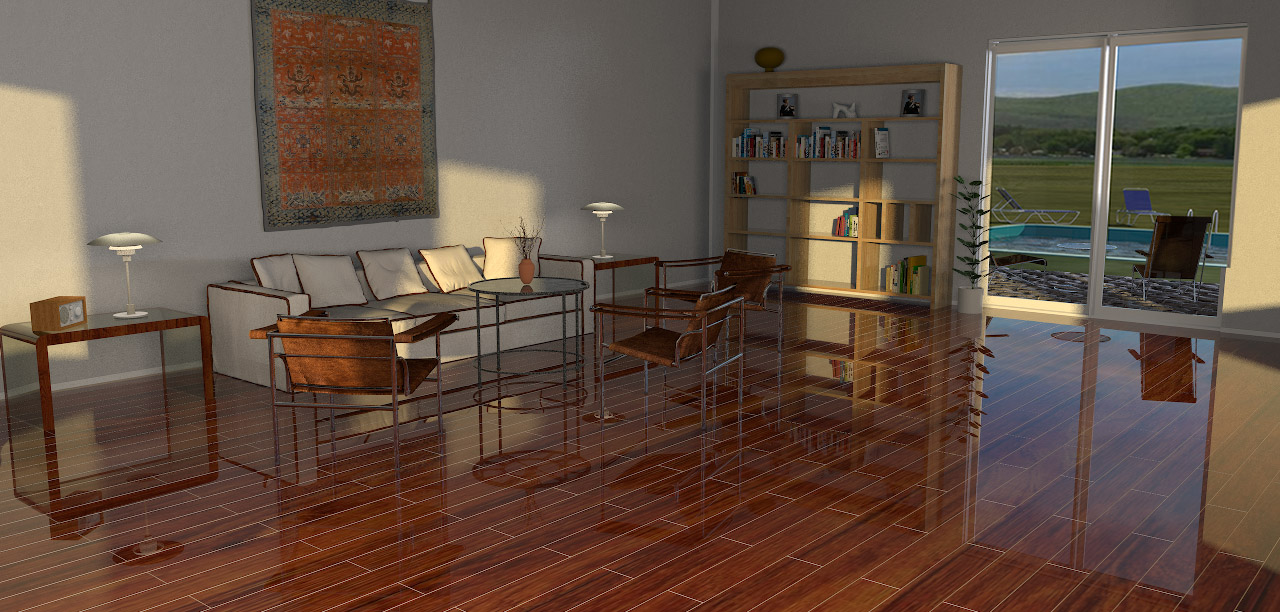
As a workaround, I used Photoshop to increase the brightness to the level I think would be ideal. See photo below:


Bigger and closer light sources give softer shadows – smaller and farther light sources create sharper shadows.

Cec


I tried using light panel as the sun substitute. The panel, set at 100% intensity, is placed outside about 2 meters away from the window. The problem I have with light panel is the missing shadow. If I decrease the size and/or move it further away, I can't get the same level of brightness I want.


Light panel is fine but I lost the shadow effect casted by the early morning/late afternoon sun?


Same issue here with the shadow.

Any suggestion or comment?

Posted by Ceciliabr at Oct 23, 2018, 5:54:14 PM
Re: Light & textures - rendering examples of this and that.
Aperture, shutter speed and ISO is what normally controls the exposure.
Unfortunately none of these parameters can be controlled when making snapshots with the SH3D camera.

Yes, bigger and closer light sources give softer shadows – smaller and farther light sources create sharper shadows.
So when you place a panel light @ 100% only 2 meters away from your window, your shadows WILL get soft.

First of all; I don't think your image is too dark
Of course, the gallery background is not adjustable, so the smaller the image, the darker it is perceived.
Secondly; the camera is an absolute observer, whilst our eyes are dynamic observers. So when your snapshot is viewed against a white background, your eyes are automatically adjusting the white balance and the light to the brightest area. Any normal exposure will seem a bit dark when viewed against a bright white light.


The gallery does not offer us the most favourable surroundings for viewing. Using Photoshop to adjust the brightness to match a white background is often necessary when posting small images.

Cec

Posted by rontant at Oct 25, 2018, 2:15:43 PM
Re: Light & textures - rendering examples of this and that.

Any normal exposure will seem a bit dark when viewed against a bright white light.


Ah yes, I got it now. With my image put against a dark background, your point is indisputably clear. Thank you very much Cec.

Posted by Ceciliabr at Dec 14, 2018, 3:57:01 PM
Re: Light & textures - rendering examples of this and that.
Part four ( A)

In school I learned that nature will never produce a straight line.
It will never produce rectangles, hexagons or cylinders, and it will never produce neon tubes.
I learned that whenever something “unnatural” is introduced, nature will not recognise its existence in its basic form.
It will immediately start the process of forcing it to adapt.
The forces of nature: Wind – dust – sunlight – rain and so on, is immediately set to work.
I learned that nature wants chaos.
And I learned that maintenance is essentially just another word for humans trying to prevent nature from forcing the adaption.


I don’t really agree with all of this anymore.
I think man is a product of nature, and by logic reasoning everything man ever creates must be as natural as nature itself. Where else could it come from?


That being said, I think texturing is all about applying chaos.

_________________


This part was initially meant to say a few words about how I use textures, but I have gotten some inquiries about water, so I will start with that.
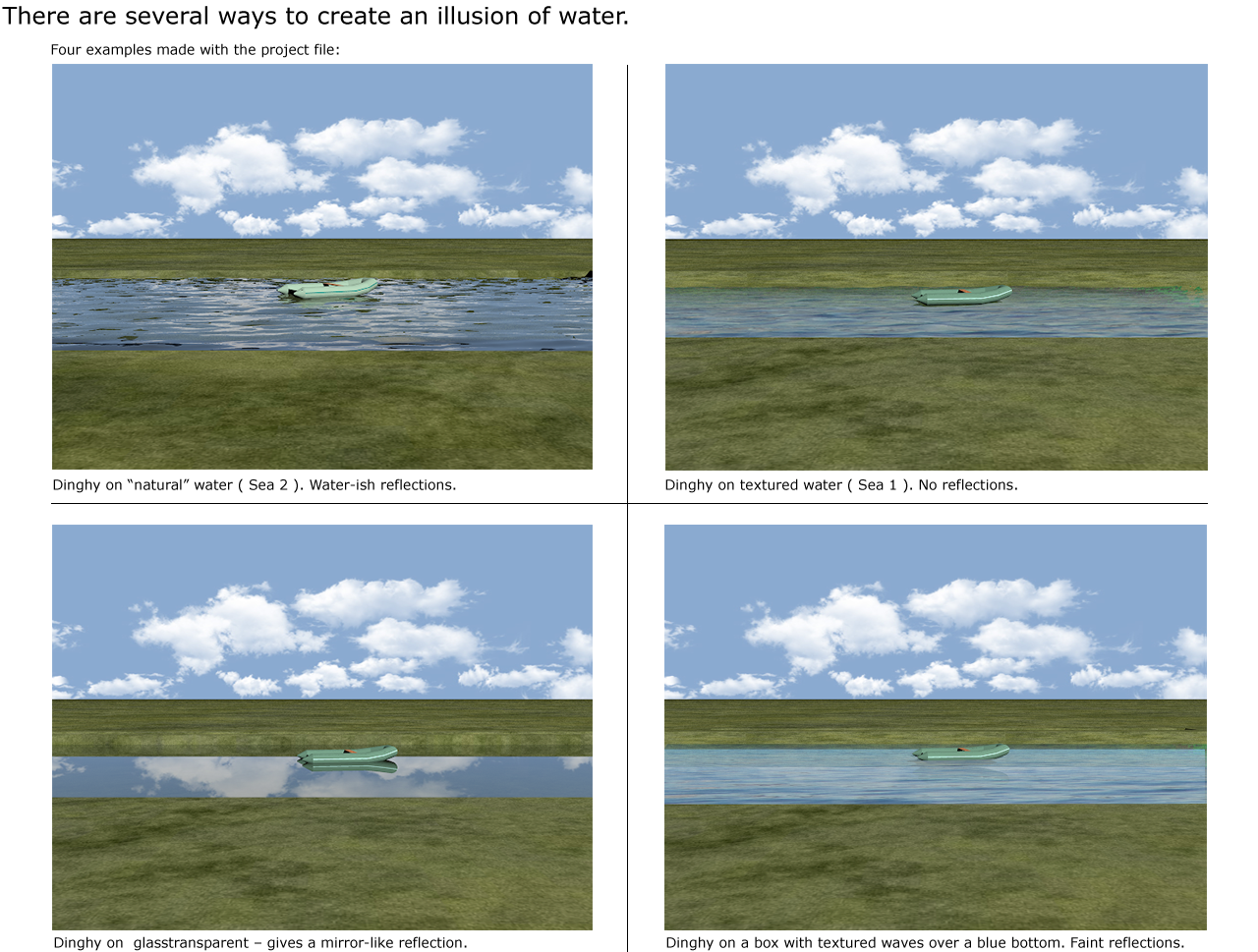
Water: Another 3D illusion:


I have made a project file that can be downloaded HERE.
It includes a downscaled water model ( 14MB) and some textures.
The 3D model is based on an auto-generated procedural terrain which I tweaked in a program called VUE eXtreme,
using some random-generated patterns.
I know this can also be made with Blender, but for me using Blender is no option yet.
(I’m still trying to figure out why my synapses go to sleep every time I open that program.)
Just so it’s mentioned; trying to make waves with a handcrafted height-field map is a waste of time. We can't do random like a computer.
Well, a computer can't really do random either, but it does it better than me.

To get SH3D to render a water-like surface from this random-generated water model, I had to first get rid of the foam texture that came with Vue,
and then edit the mtl-file to give it a glass surface.
After some trying and failing I settled for this .mtl-file:

SEA 2
newmtl foam
Ka 0.0 0.0 0.0
Kd 1.0 1.0 1.0
Ks 0.33 0.33 0.33
Ns 10.0
d 0.86
illum 2


I’m aware that I’m missing the density, but this setting gives a good enough mixture of reflections and transparency for my use.
If someone has the time to rework these settings and make it more water-like, please share the result.


In the project file " Sea 1" is the same model as "Sea 2".
The difference is that "Sea 1" is textured with a semitransparent wave-texture and has a different mtl.
If the texture is replaced with a colour, Sea1 also becomes transparent and reflective like "Sea 2," but in a different way.

__________

Textures.
(and a bit more about water)


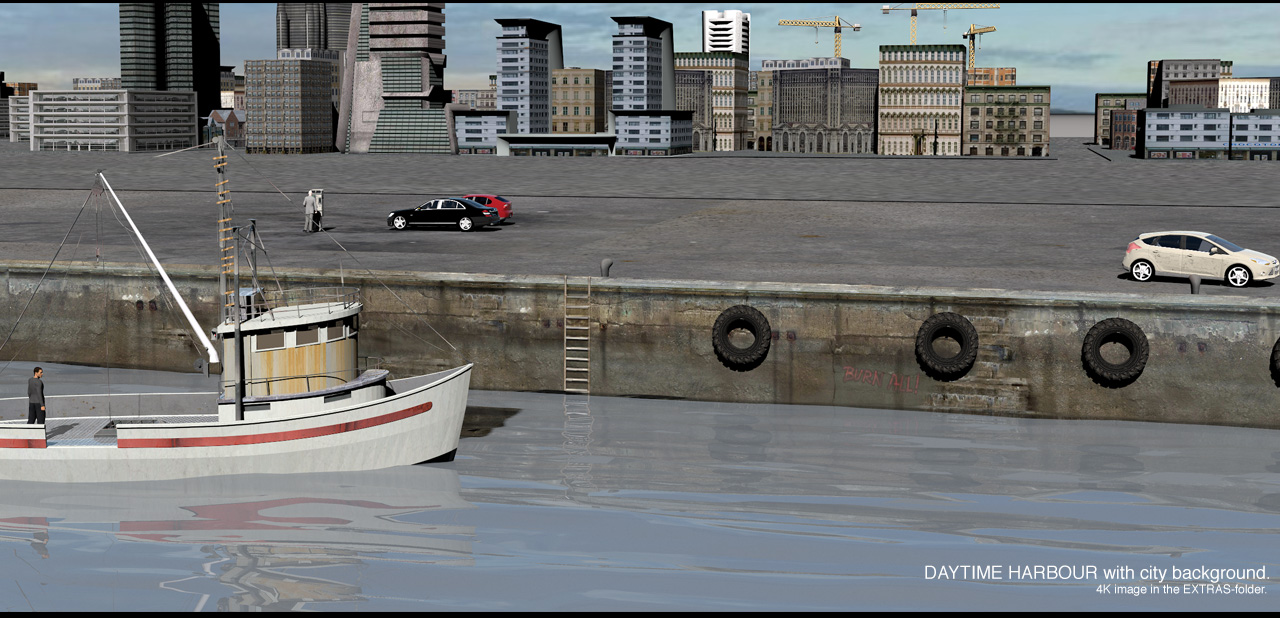
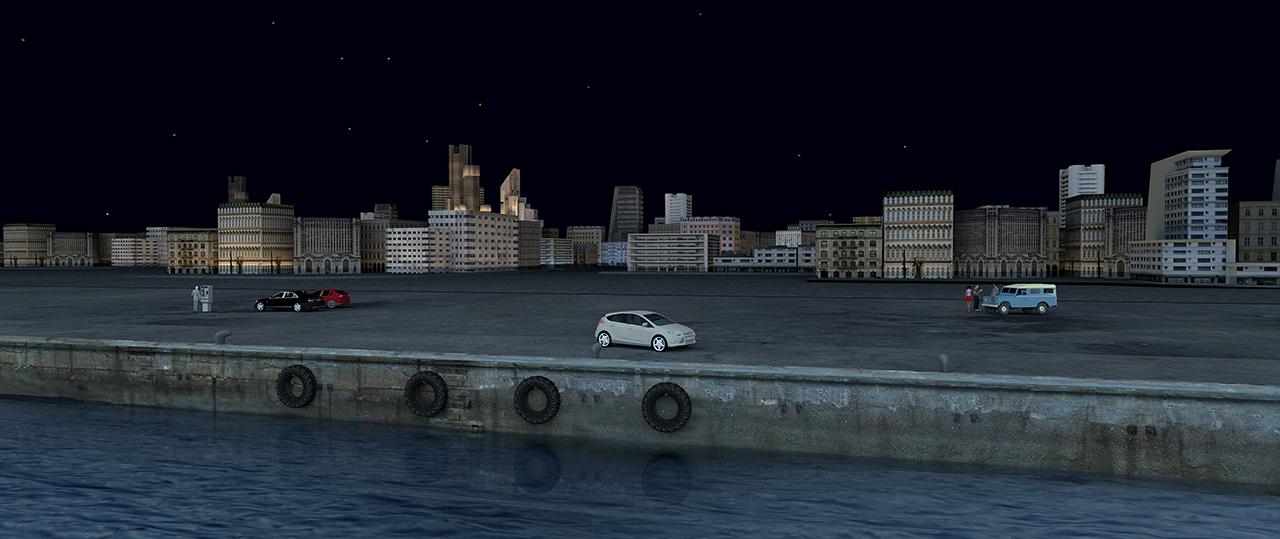
This is the project file. Harbour.sh3d.

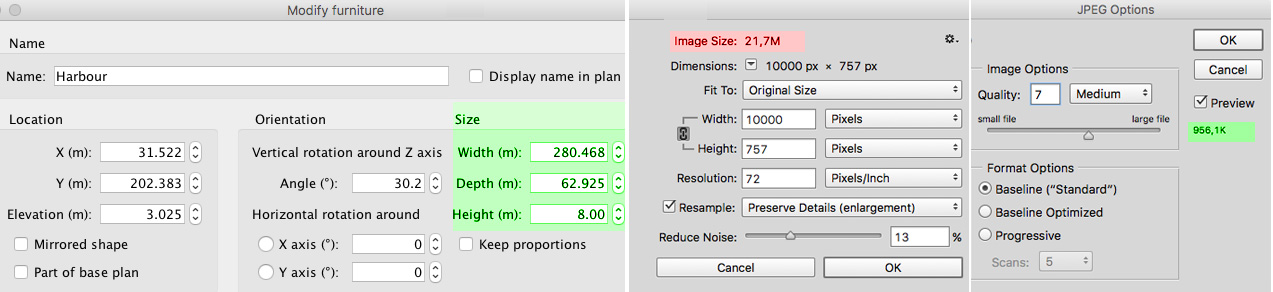
The pier is 280 meters long, sixty meters wide and 8 meters high, which means the texture has to be quite big if I want good renders.
But big doesn’t necessarily mean heavy. Big means keeping the size. High resolution and high compression render a much better result than low
resolution and low compression.


The texture file for the pier, which covers half the length of the pier and is repeated once, is 10000 x 750 px.
When texturing large constructions, I use 1 px = 1 cm for textures.
That means I can get a fairly good rendering from a “normal” distance.


For real close-ups I have to make the texture at least ten times bigger, or I can cheat by applying a higher resolution texture to only the part that’s in
the frame, a bit like I do with the water model; move it around to cover exactly what is needed.

I generally make textures that have the same dimensions as the object, meaning that if I use a rectangular box I make textures to proportionally fit all
sides so I don’t end up with images that are stretched or compressed.

This way the project file gets larger, but textures have little influence on the rendering time, and most modern computers can handle quite large projects.
The enhanced options for managing levels in V6 has made it very easy to hide / show levels we don’t need to see. This both speeds up the workflow and
makes it easier on the computer.
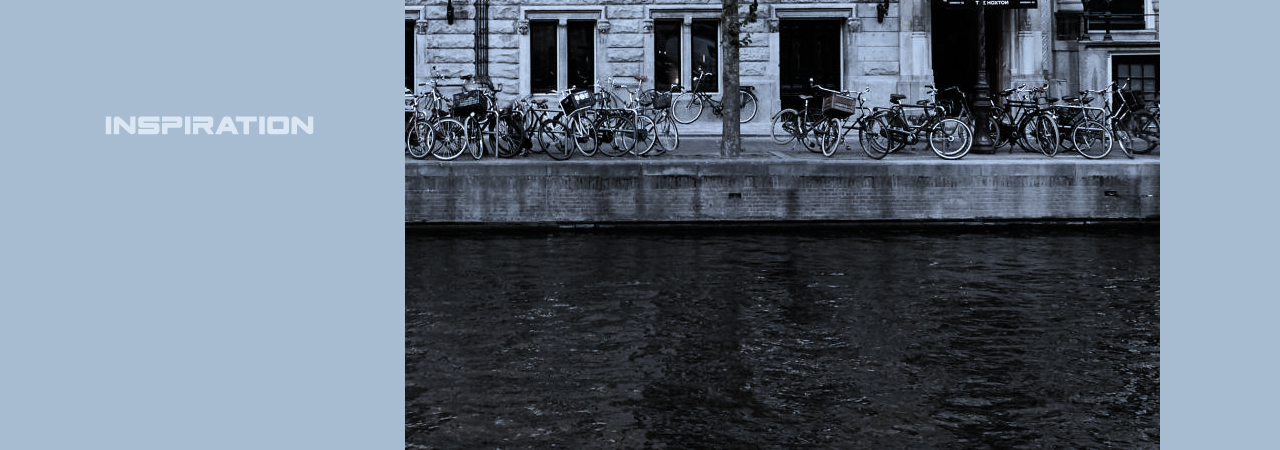
When I create something like this harbour, I often browse thru my old photo-collectors to look for inspiration.
The pier ( and the texture) were inspired by an old snapshot of a canal in Amsterdam.


It wasn’t good enough to rip any texture from it, but it gave me some ideas.

When making a texture as big as 10000 px, the first thing I do is to fill the bottom layer, creating a foundation for the different elements I will paint it with.
For the pier I chose a concrete foundation that I copied and pasted until it covered the whole length of the pier, and pasted different elements on top; some
drainpipes, some old bricks, some rusty leaking and some spots of dirt – trying to avoid making recognisable patterns. Finally I applied a grungy texture overlay
with lots of dirt.
It sounds easy, but it took me some hours to make this harbour look somewhat presentable.


Just mentioning:
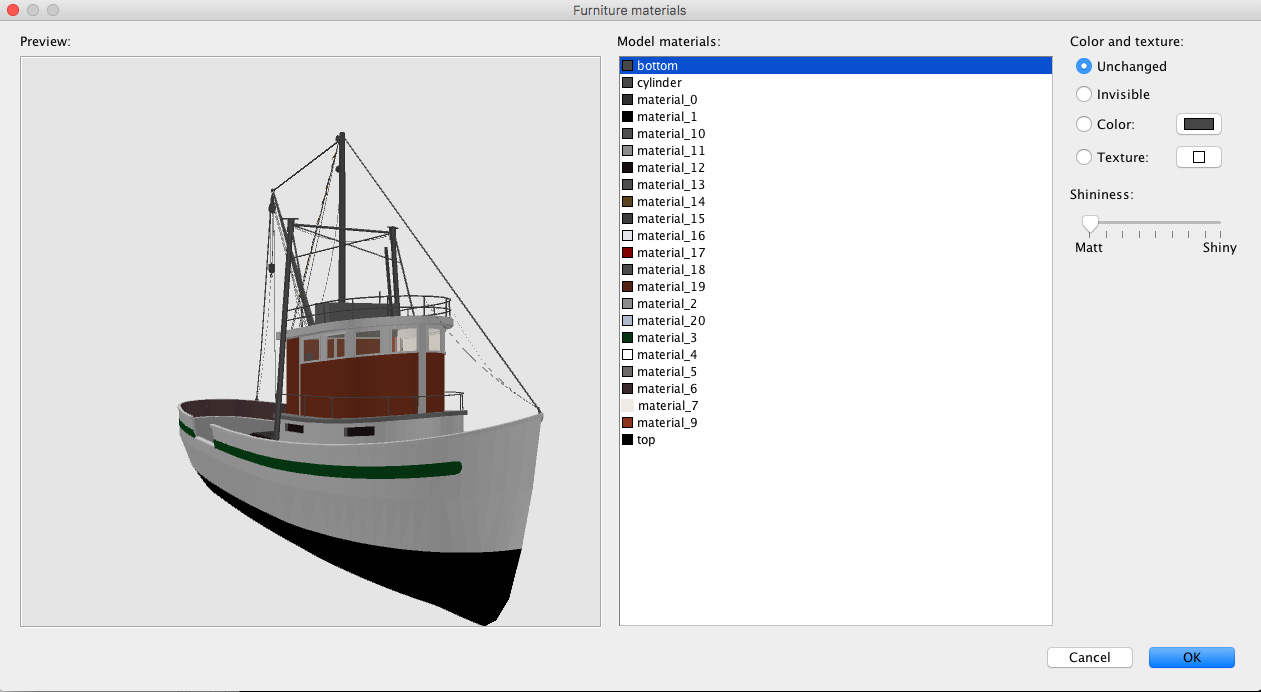
Some of you may not have noticed this enhancement to v6 that’s not mentioned in the version history:
The materials modification pane now also scales the 3D model when its resized.


Cec.
____________

Some of my unscaled 4K originals, some textures and some other things can be downloaded HERE..

___________

Posted by Ceciliabr at Dec 14, 2018, 4:23:12 PM
Re: Light & textures - rendering examples of this and that.
Part four (B)
Other things I do…

I like my textures to be unique to my projects.
That’s why I spend time on making my own textures.
I create most of my textures from photos; snapshots of buildings, walls, fences, doors, pavements, graffiti… and what have you.
Cloudy days are best for photographing. On cloudy days the light is flat and there are few shadows. I don’t like it when shadows are pointing in the wrong direction.

There are also a number of websites with free textures that are good starting points for creating unique textures.
Anything can be combined.
Sometimes I just try a “wrong” texture on an object, just to see what it looks like.
I found a nice abstract image on a free textures website.
I applied it to the cover of a duvet.


Changing textures is an easy way to change the atmosphere...


Finding the right texture can take a while, and sometimes the right texture just isn't even created yet.
Sometimes creating a simple 3D model is a lot faster than searching for the texture of your dreams, especially when it comes to flooring.
Floorboards and tiled floors can easily be made with Photoshop ( and maybe with Gimp?) using 3D extrusion.
A model can be textured with any kind of texture, or just coloured, without losing the structure.

Here is a project file: Flooring.sh3d.
I have made some example renderings.

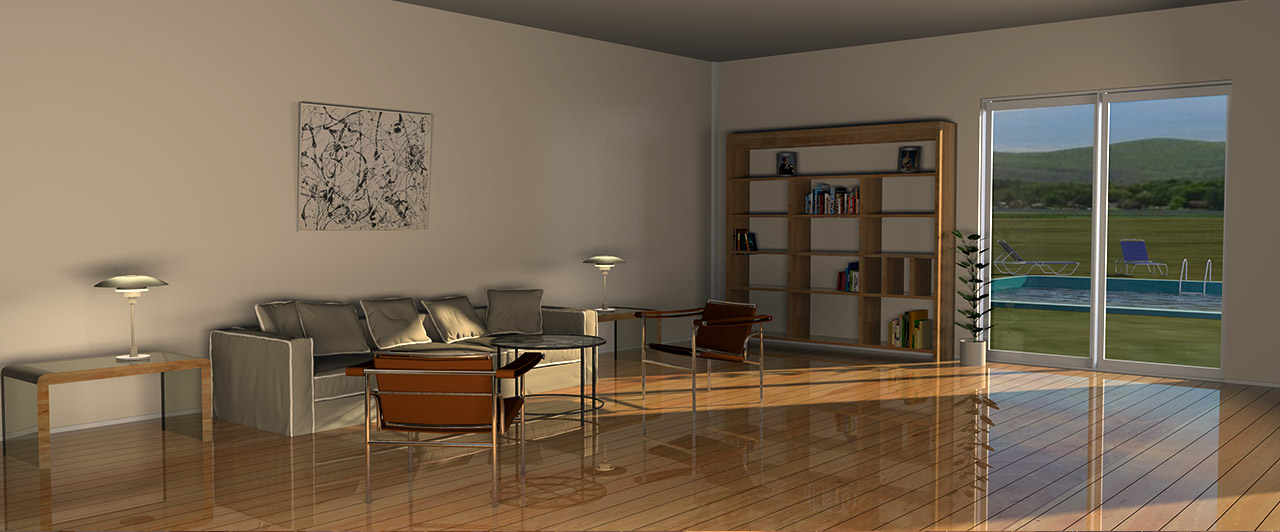
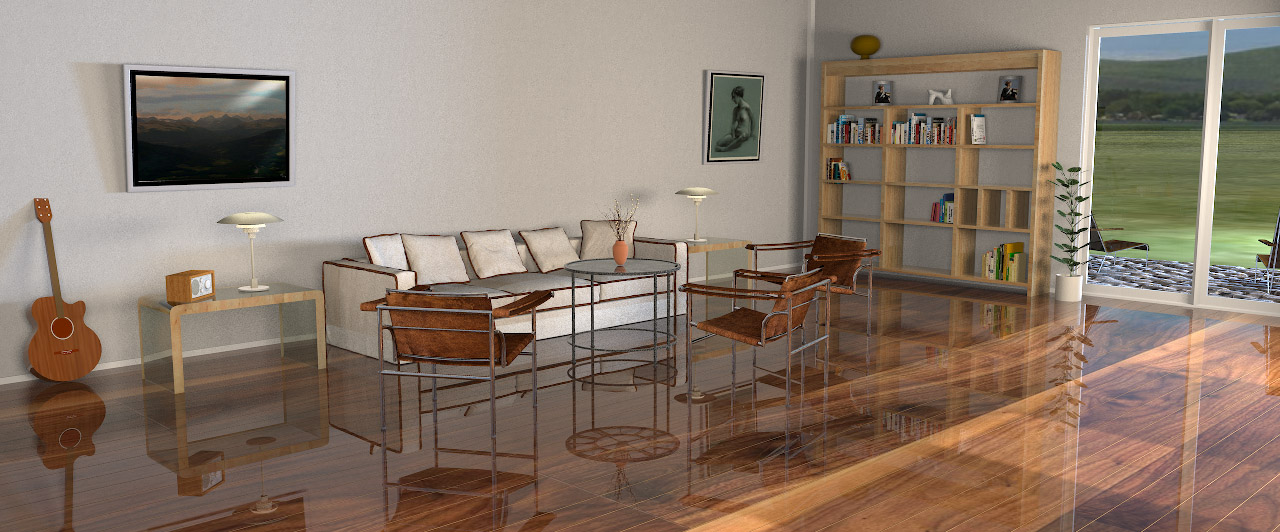
Livingroom floors:


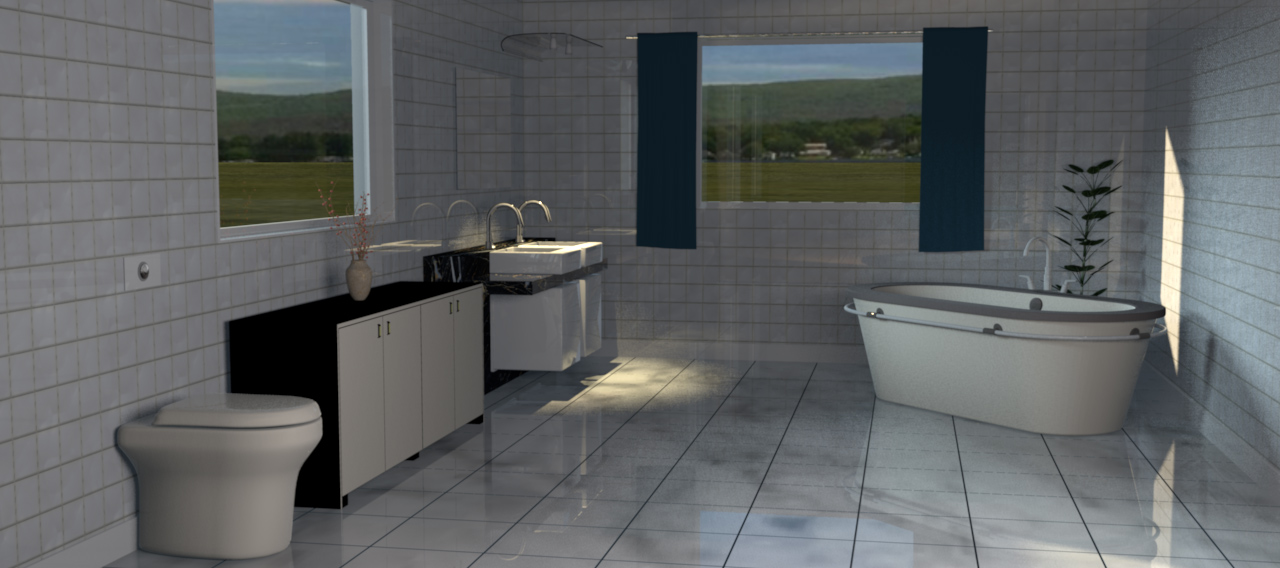
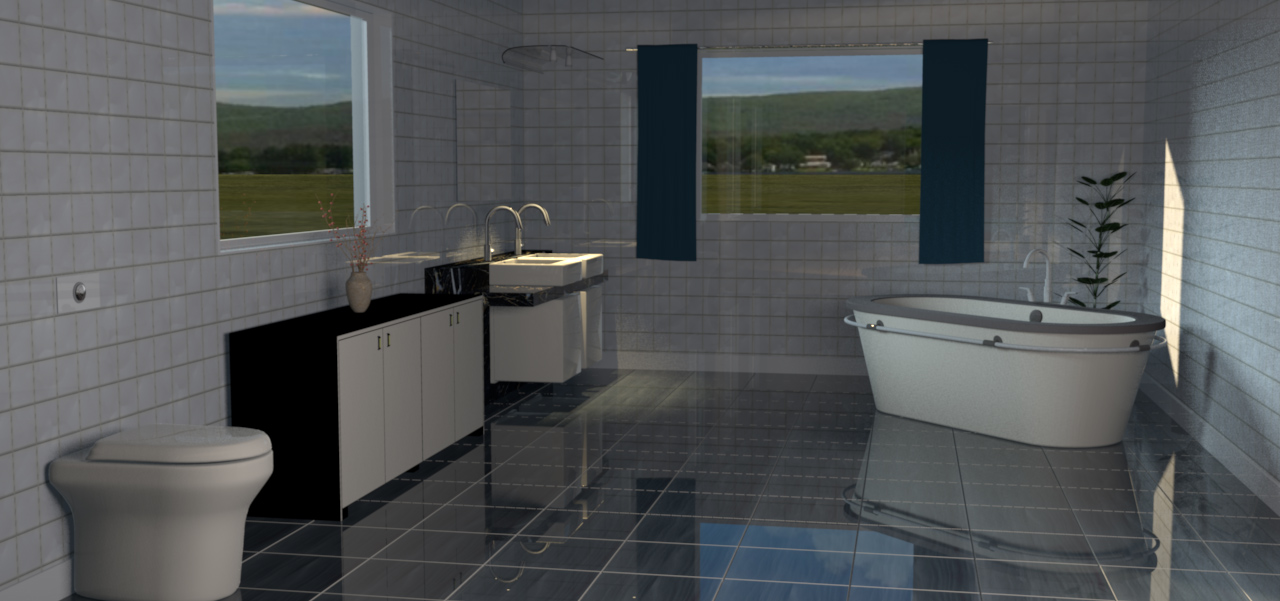
Bathroom floors:


(For shiny floors, give it a bit of shininess and set the ShininessShader to Glossy when rendering.)


A short comment on texturing terrains ( answering some questions I have got on email):

Everything is easy when you know how to do it, but I know from experience that creating complex height field maps take a lot of trying and failing.
The easiest way to start is to use Verto Studio 3D as terrain generator, and to use Gimp, Photoshop or what have you, to start playing with gradients and grayscale.
Designing a correct height field map that perfectly reflects the real surroundings of a house, is more than I’m able to.
I know there’s a way to accomplish this by using Google maps
and a new plugin made for Photoshop, but I’m not familiar with that technique yet.
Answering a question about texturing a terrain:
If it’s a terrain created from a home-crafted height map, it’s quite easy; just enlarge the height map and start applying textures to the right places.
I will show an example on how I do it:


It’s a try and fail game, so be patient. This took some hours:


____________

Note:
Apart from where it’s evident that my images have been subject to post production ( photoshopping), all images here are straight out of SH3D.
The only postproduction is downsizing the images from 4K to 1280 px.

Example of photoshopped image:


Cec.

Posted by okh at Dec 14, 2018, 5:37:19 PM
Re: Light & textures - rendering examples of this and that.
Wow. At a loss for words.

So much to learn - and so little time (before Christmas at least).

Looking forward to studying further. Thanks for posting.

ok

Posted by Ceciliabr at Dec 18, 2018, 2:29:06 AM
Re: Light & textures - rendering examples of this and that.
I'm really sorry about the typos here.
Spellcheck think it knows better than me what I want to write, and tends to automatically substitutes even words that I have spelled correctly.
Alas, it is too late to edit this post now, so the wrong words are here to slay... ...STAY! forever.

I'm browsing through my collector... I mean collector... COLLECTION!

Good fight ... NIGHT!


Cec

Posted by Xiste at Dec 22, 2018, 11:21:00 AM
Re: Light & textures - rendering examples of this and that.
(...) texturing is all about applying chaos.
Yes.
And you can even turn it around and say: Chaos is texture.
In the world of computer-aided composition and performance we can apply a process that creates a touch of randomness to pitch and timing. When we apply this process to our music we make it sound like it’s being played by a human rather than by a machine. This process is called Humanizing. The amount of randomness in this process is however quite questionable as the computer is dependent upon certain parameters to be set prior to applying the process, and as you say; computers can't really do random.
Neither can nature, in my opinion. Nothing is random. Everything is dependant upon the state of the initial conditions.

I see no unstructured randomness in your perfectly applied chaos. I guess that's the secret to creating these lifelike images.

I have just read this whole tread once again from start to end. You have obviously put a great deal of work into this.
I can only say thank you for sharing your knowledge, your creations and your thoughts.

btw: You should revise your spellcheck settings and untick the automatic replacement ( or what it’s called).


Xiste

Posted by Xiste at Dec 22, 2018, 12:26:36 PM
Re: Light & textures - rendering examples of this and that.
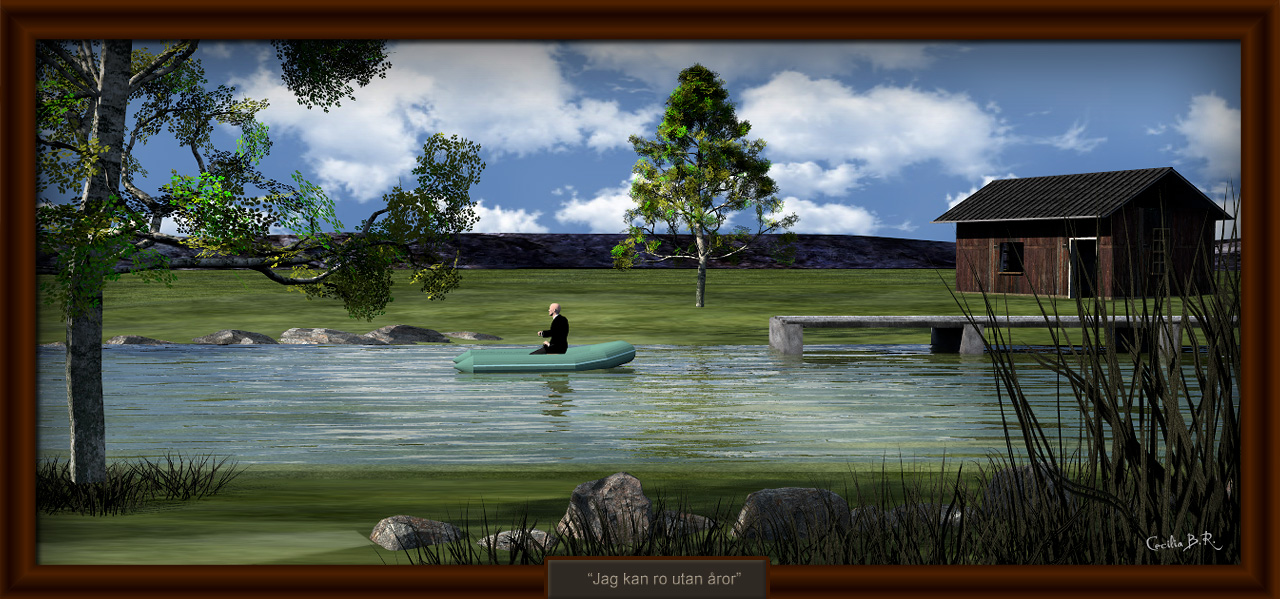
Just noticed the title of the last image: "Jag kan ro utan åror"
It's actually quite funny, meaning I can row without ores

The title is taken from a Swedish song, known all over Scandinavia.
Here is a recording made for the film: A Cowboy in Sweden, performed by Nina Lizell and simultaneously translated by Lee Hazlewood:

https://www.youtube.com/watch?v=ZhFg_Qtu8p4

Enjoy,

Xiste

Posted by Ceciliabr at Dec 24, 2018, 9:57:49 AM
Re: Light & textures - rendering examples of this and that.
Here is a recording made for the film: A Cowboy in Sweden, performed by Nina Lizell and simultaneously translated by Lee Hazlewood:
A highly entertaining video clip! Simultaneous translation is underrated smile
Thank you!

C

Posted by Ceciliabr at Jan 3, 2019, 7:51:26 PM
Re: Light & textures - rendering examples of this and that.
btw: You should revise your spellcheck settings and untick the automatic replacement ( or what it’s called).
Of course...
Thanks

Here are my two colour palettes — cold and warm.


Cec

Posted by Convaallaria at Jan 21, 2019, 9:13:15 PM
Re: Light & textures - rendering examples of this and that.
It so interesting

Posted by Ceciliabr at Jan 30, 2019, 8:08:23 AM
Re: Light & textures - rendering examples of this and that.
It so interesting
smile

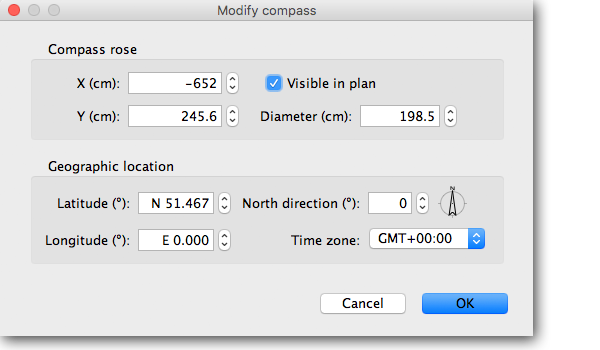
A little experiment with the compass:
This is a 24 hr sequence of the midnight sun with the coordinates from Hammerfest in Norway, the first urban settlement in Northern Europe to get electrical street lights.


cec

Posted by Ceciliabr at Feb 6, 2019, 12:07:57 AM
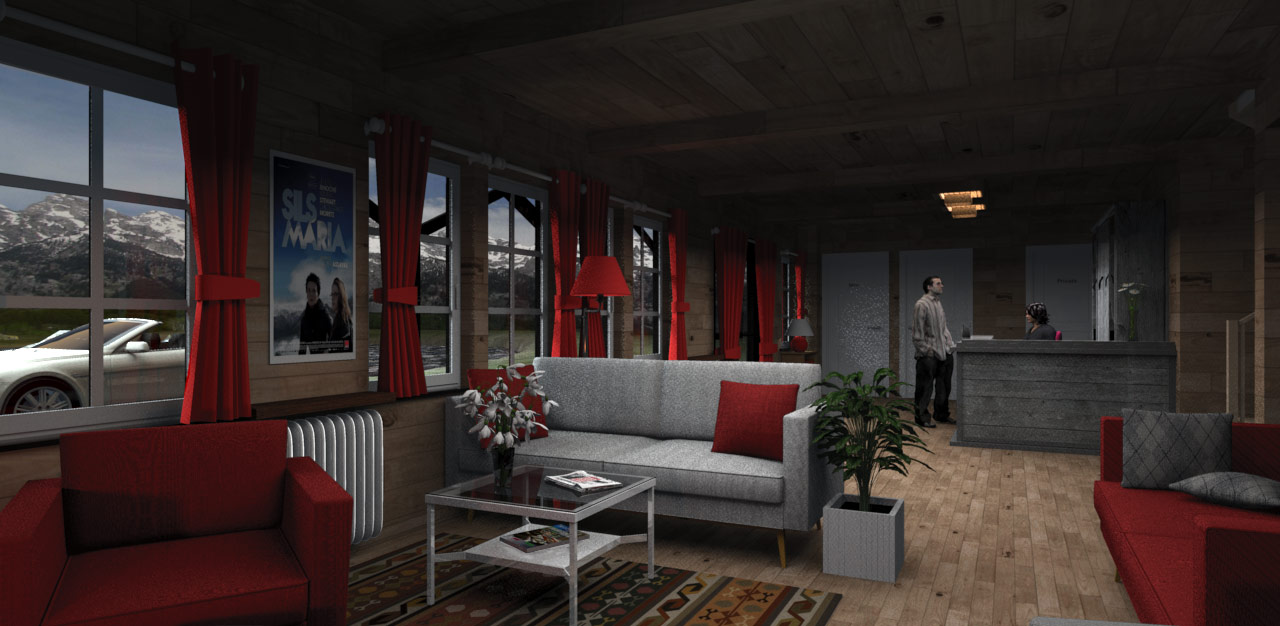
Re: Light & textures - rendering examples of this and that.
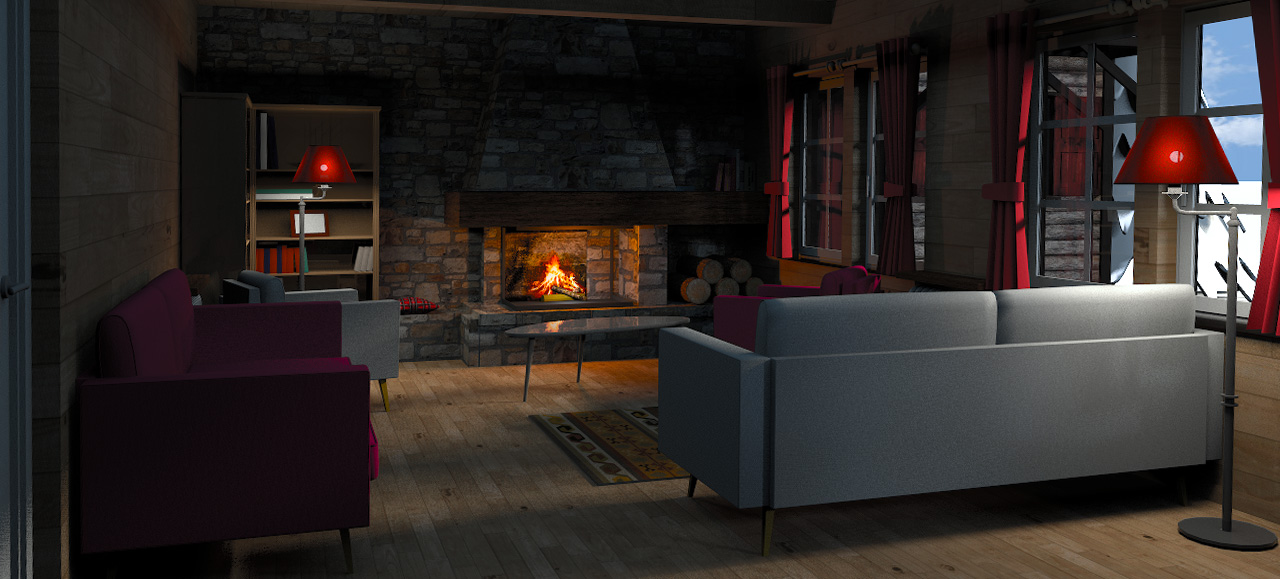
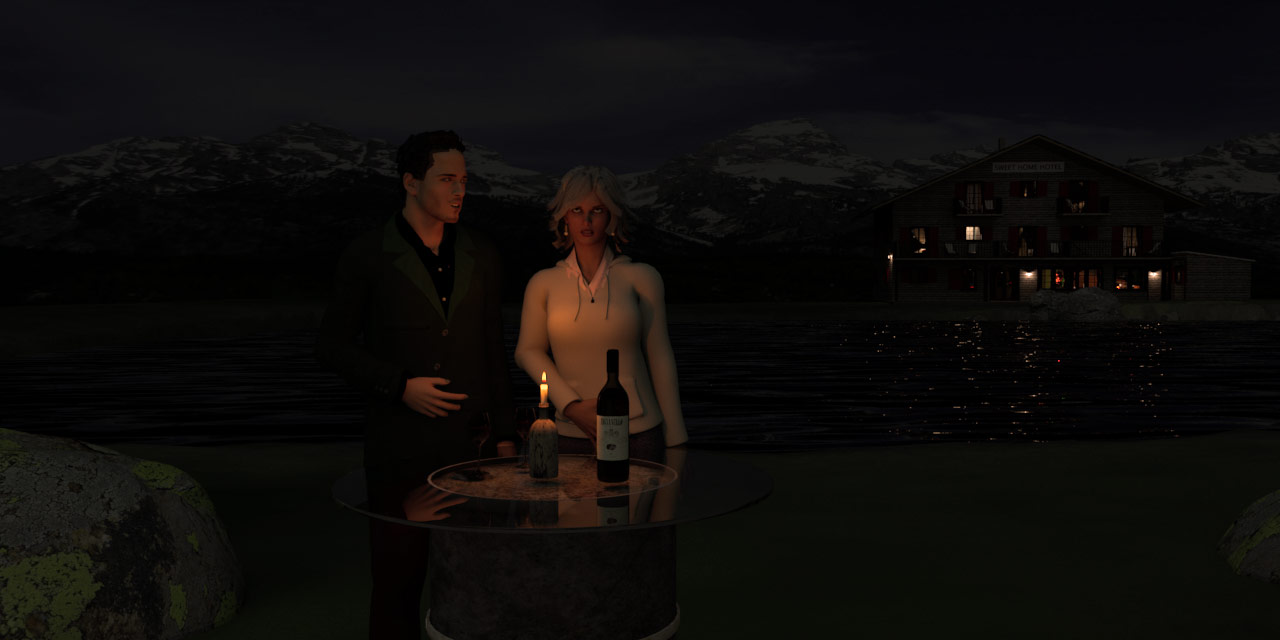
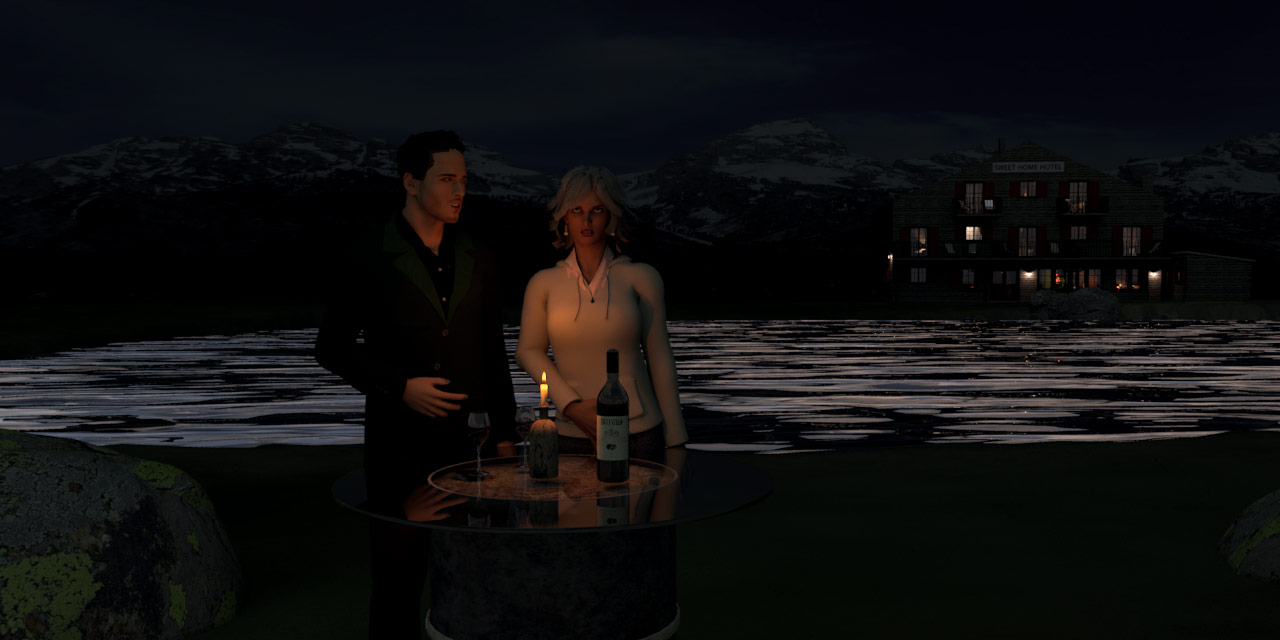
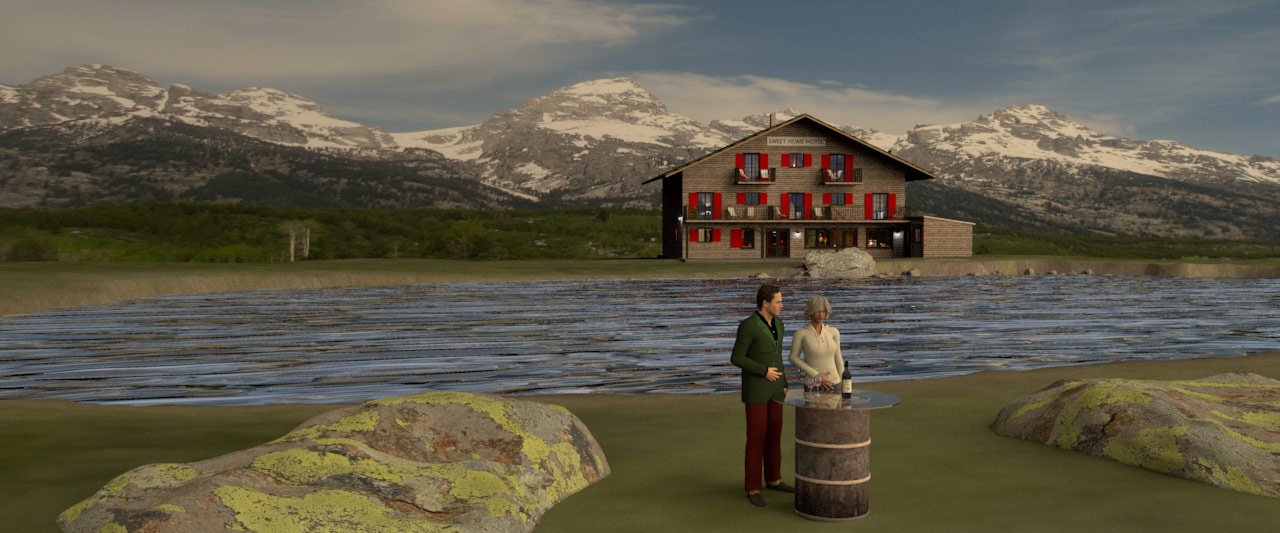
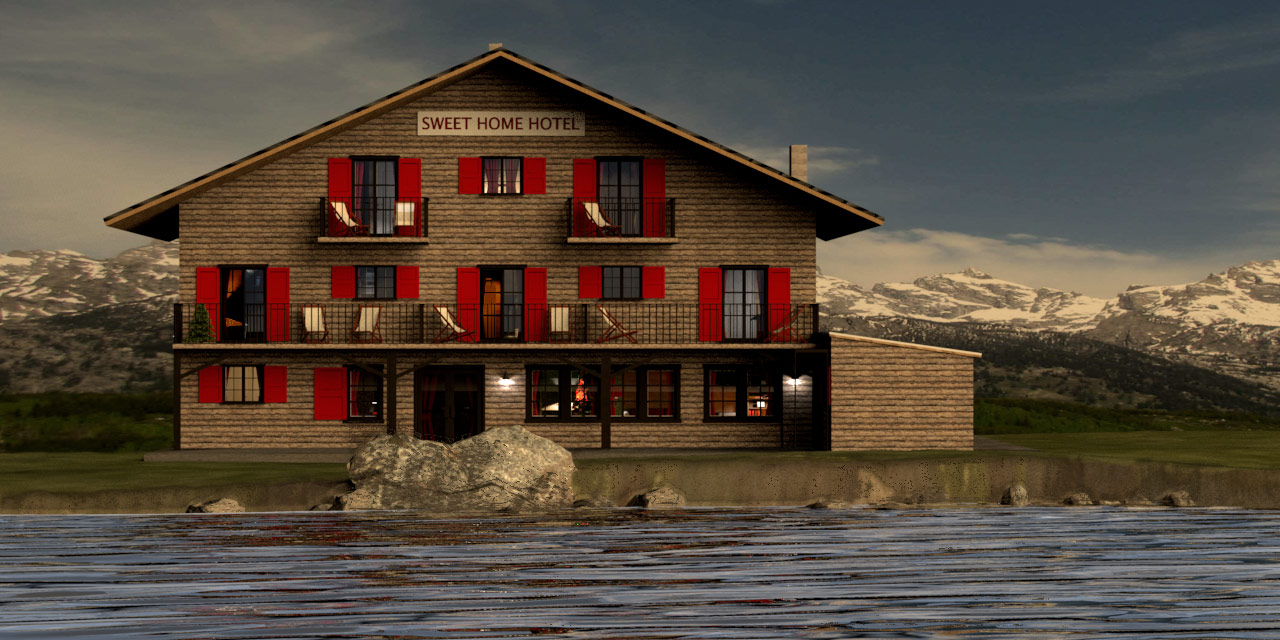
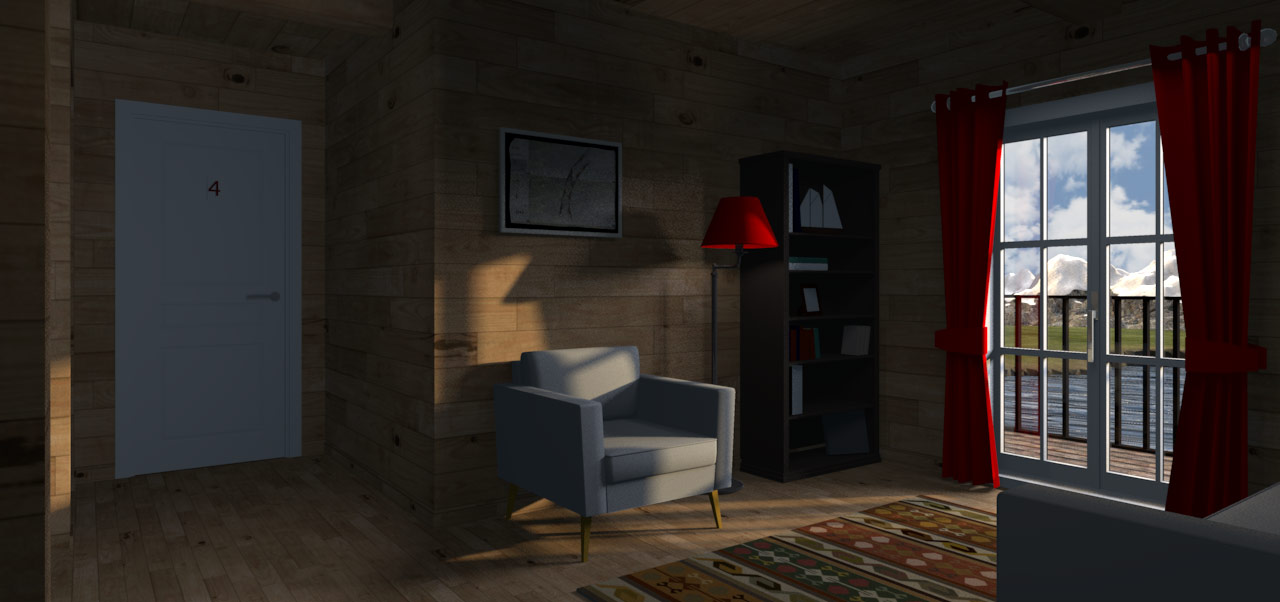
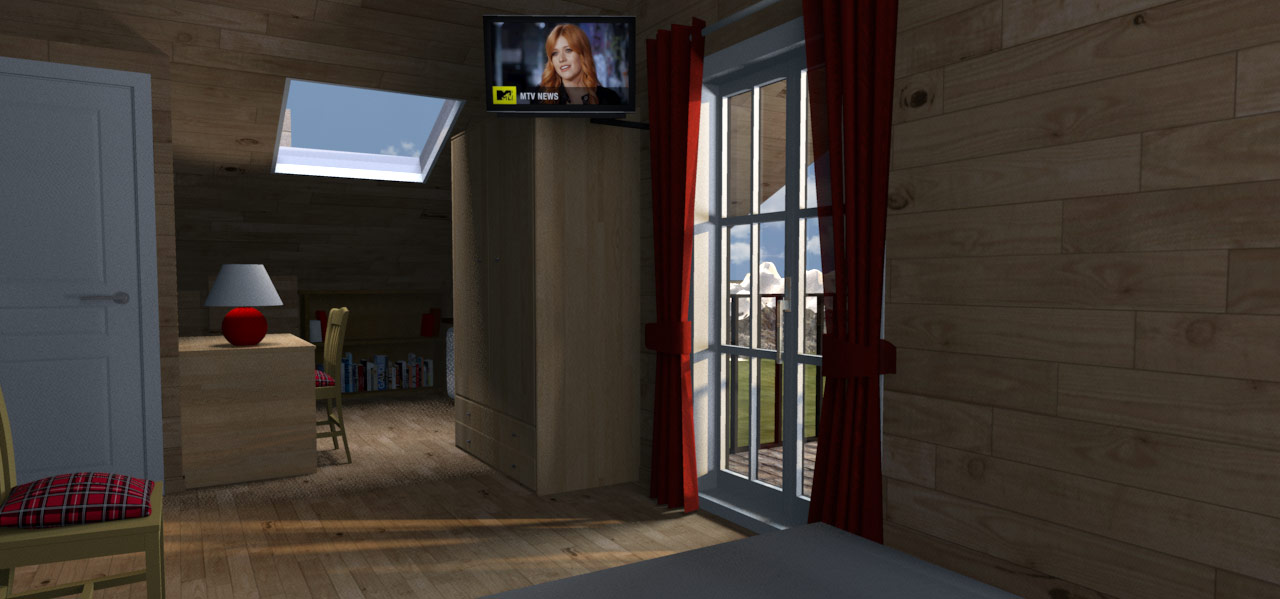
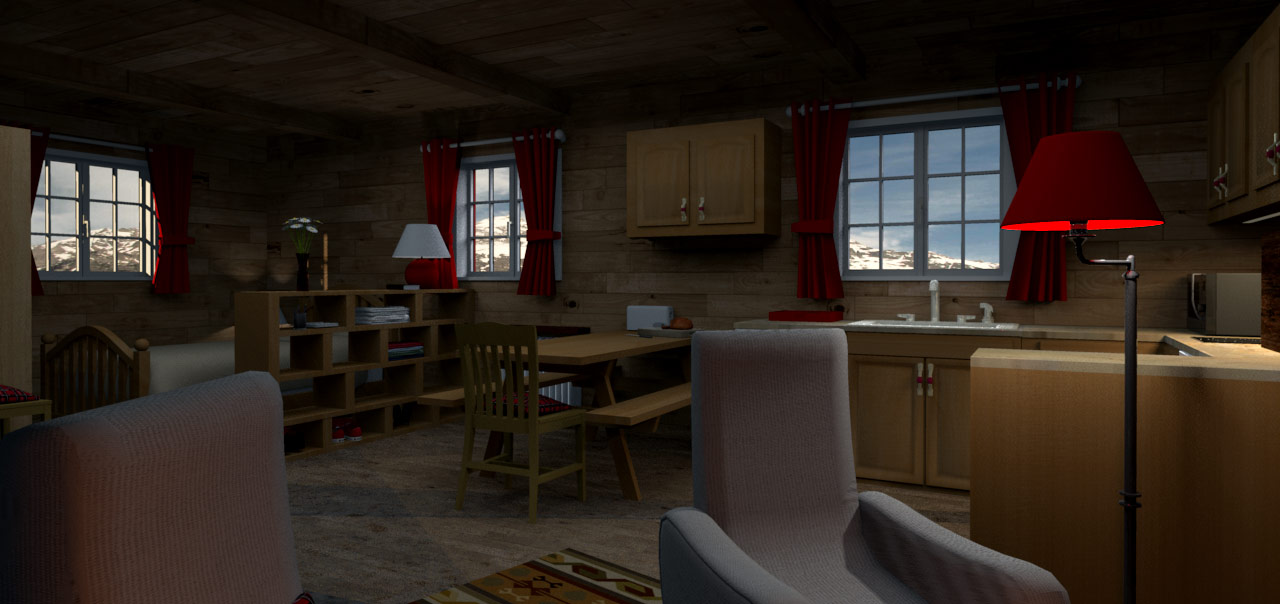
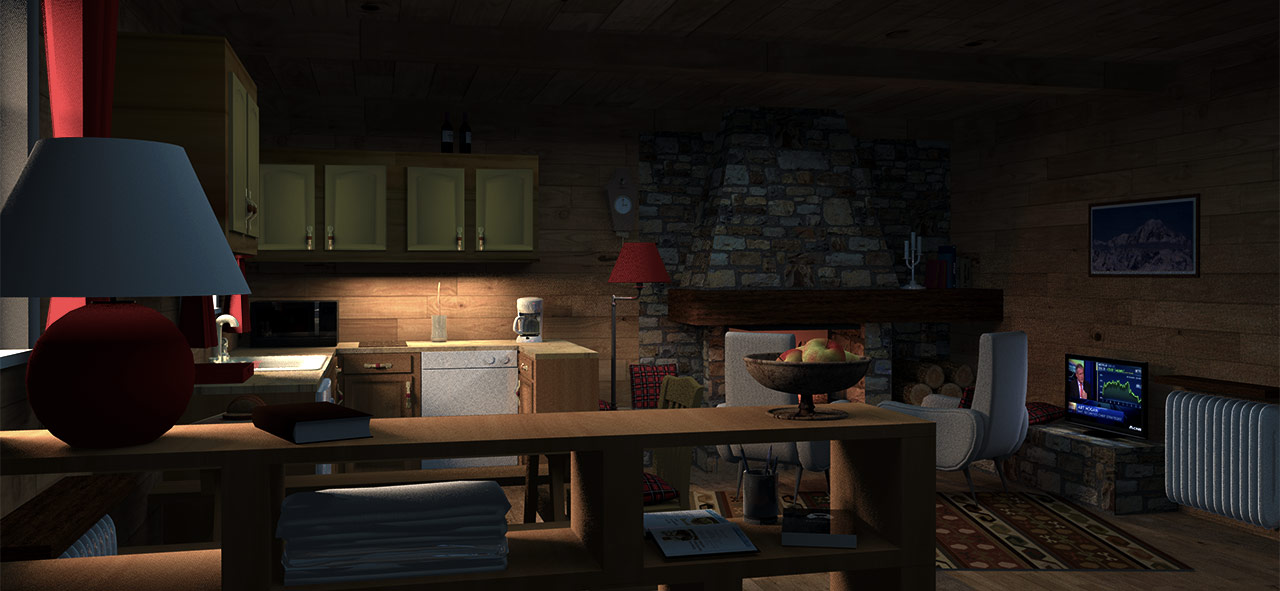
Two renderings of the
SweetHome3DExample13-AlpsHotel.

My intention was to continue an earlier experiment where I quite unsuccessfully tried to create the illusion of a slightly visible light bulb inside a lamp shade.
I was thinking that Enkonyito's new opaque light sphere would be perfect for achieving the effect I was after.
However, continuing to work with the original project file was too boring. The Alps Hotel demo file, on the other hand, seemed to be perfect, as it already had all the elements I needed,
plus a lot more that made it interesting to work with.
I just needed to perform some minor modifications for the project to suit my purpose.

First I changed the texture of the red lamp shades to a 95% opaque red fabric texture.
Then I inserted an opaque light sphere inside, and added four incandescent lights encircling the lamp shade — both to illuminate the shade from the outside and to create a bright spot around the
image of the opaque sphere light that had now become visible thru the barely transparent lamp shade.
I did this for both the red lamps in the room.
The result was okay, although not as perfect as I had hoped for.

But of course I couldn't help myself, so I removed the Christmas tree ( since Christmas is long gone), I modified the fireplace slightly, and I placed some panel lights here and there (some inside the room
and some outside the windows). The rest was left untouched (I think).
And then I made this rendering


The modified project file (28 Mb) is HERE for anyone interested in seeing what I have done.

_____________________

Afterwards I added some surroundings and played around with some other stuff, to see if I could create an exterior snapshot.
It turned out like this:


That's it.

Cec

Posted by VeroniQ at Feb 6, 2019, 7:16:08 AM
Re: Light & textures - rendering examples of this and that.
Sweet Home Hotel magnified! Many thanks, Cecilia!

Posted by Xiste at Feb 16, 2019, 6:46:31 PM
Re: Light & textures - rendering examples of this and that.
I placed some panel lights here and there

Yeah, right!
I counted more than 20 new light sources, and you did not just sprinkle them "here and there".
I think your "minor modifications" are well worth a study for anyone interested in advanced lighting.

I would have liked to see the project file for your second image as well.


Xiste

Posted by Bartosz at Feb 22, 2019, 10:26:36 PM
Re: Light & textures - rendering examples of this and that.
Hi Cecilia
I'm an admirer of your works. Everytime I see your interiors I can hear this music in my mind
https://www.youtube.com/watch?v=DF43b38k0Mw

Bart

Posted by Ceciliabr at Mar 25, 2019, 10:14:11 PM
Re: Light & textures - rendering examples of this and that.
Everytime I see your interiors I can hear this music in my mind
Cool! Thank you for this. Angelo Badalamenti was totally unknown to me – a new favourite.
I was only eleven when Twin Peaks was the talk of the town. It was not my cup of tea – back then.

I often find myself listening to music when I'm working.

https://www.youtube.com/watch?v=25q8nWZQGaQ

Cec

Posted by Ceciliabr at Mar 25, 2019, 10:46:04 PM
Re: Light & textures - rendering examples of this and that.
I would have liked to see the project file for your second image as well.
Well, it's forever lost. I didn't think of saving it.

I think your "minor modifications" are well worth a study for anyone interested in advanced lighting.

I hope so.
I really wish more people would share their project files. Some of the renderings I have seen here lately are way better than mine.

Cec

Posted by Ceciliabr at Apr 8, 2019, 10:43:13 AM
Re: Light & textures - rendering examples of this and that.
Hi everyone,

since some of you are still reading this thread (and I'm also getting e-mails about it) I need to point out that some of the earlier posts here are posted prior to the release of SH3D version 6, meaning that some of the info and statements are no longer valid.
So please don't mail me about errors. I'd rather you posted your comments here, so that your info and suggestions are shared.

Thank you all for reading this thread and for sharing your thoughts.


Cecilia

Posted by Ceciliabr at Jul 17, 2019, 3:09:36 AM
Re: Light & textures - rendering examples of this and that.
Why use a textured sky?

Travelling from the Norwegian mountains to spend the second half of our summer vacation in Antibes, I can’t avoid noticing the distinct difference in the light and colours that
separates the nordic sky from the mediterranean sky, both at daytime and at night.
In Norway the summer nights are never completely dark. There’s always light at the horizon - a light that makes it easy to navigate at night, even when there is no visible moon.

Spending my adolescence in Oslo, I never really had any thoughts about this nordic phenomenon, since there are always a lot of lights in a big city.
Now I can’t help wondering if these differences have an impact on the inhabitants.
In my experience, I sense that people who are living further south, have a temper that reflects the more abruptly change of daylight to night, while the northerners have a tendency to build a temper more gradually ,
reflecting the ever so slow transition between day and night – which increases the further north you get.

A lot of famous painters have turned to the Riviera to catch the magic of the Mediterranean light, whilst others have gone to Skagen (Denmark) to experience the enthralling colours of the Nordic sky.

EXAMPLES

Mediterranean light on the left – nordic light on the right.


I absolutely appreciate the mediterranean light, and I love the mellow haziness that is depicted in the mediterranean paintings... but...

Working with SH3D for several years now, I have found that the SunSky is using the mediterranean colour scheme, no matter the settings of the compass:
Wether you set your co-ordinates to Longyearbyen (Spitzbergen) or Nairobi (Kenya), the colour scheme of the SunSky remains the same.
The SunSky is not taking the Rayleigh scattering into consideration.
The blue component of the spectrum (and shorter wavelengths in general) are scattered by nitrogen, oxygen and other gasses, and this will become more and more visual the further north ( or south) you deviate from the equator.
And the further from the equator you go, the sharper and less hazy any distant element will appear, since the atmosphere gets thicker the closer you are to the equator.

I have created some example images:


MORNING

A morning shot with Sun Sky


Same shot with a textured nordic morning sky.


DAY

A day shot with the default SunSky:


Same shot with a textured sky ( nordic sky)


NIGHT

A night shot with the default Sun Sky


Same shot with a textured nordic blue night sky


Are there any significant differences in rendering time between these renderings?
No, not any significant differences; normally just a few seconds – maybe a minute when using very large sky textures ( 6000 x 1500 px and upwards).

I have only used 3D models to create these images.
When using 3D models instead of textured surfaces, the shadows are always displayed related to the direction of the light sources, wether they are
generated by a natural light source ( the sun), or created by one ore several artificial light sources.

I have attached the project files in case anyone should be interested in studying them.
These project files will by default render the images as shown with a textured sky.

http://ceciliabr.com/LP/Day.sh3d

http://ceciliabr.com/LP/Morning.sh3d

http://ceciliabr.com/LP/Night.sh3d

(The 3D models used in this project are either my own creations or models that come with SH3D, so any 3D model or texture can be extracted and used freely )


Cecilia

Posted by Mike53 at Jul 17, 2019, 10:25:58 AM
Re: Light & textures - rendering examples of this and that.
Thank you very much Cec, very interesting, and some great textures, i managed to keep 8 of these biggrin, but, unfortunately i couldn't see the morning sky, all 3 had the same, would love to try that with my recent project if that is possible.
And i continue to learn from you, just realised what you meant when you say color and texture to create ambience for the render, i did not know both could be used simultaneously, thx for that too.
Keep up the great work please. smile
MIke

Posted by Ceciliabr at Jul 17, 2019, 3:23:31 PM
Re: Light & textures - rendering examples of this and that.
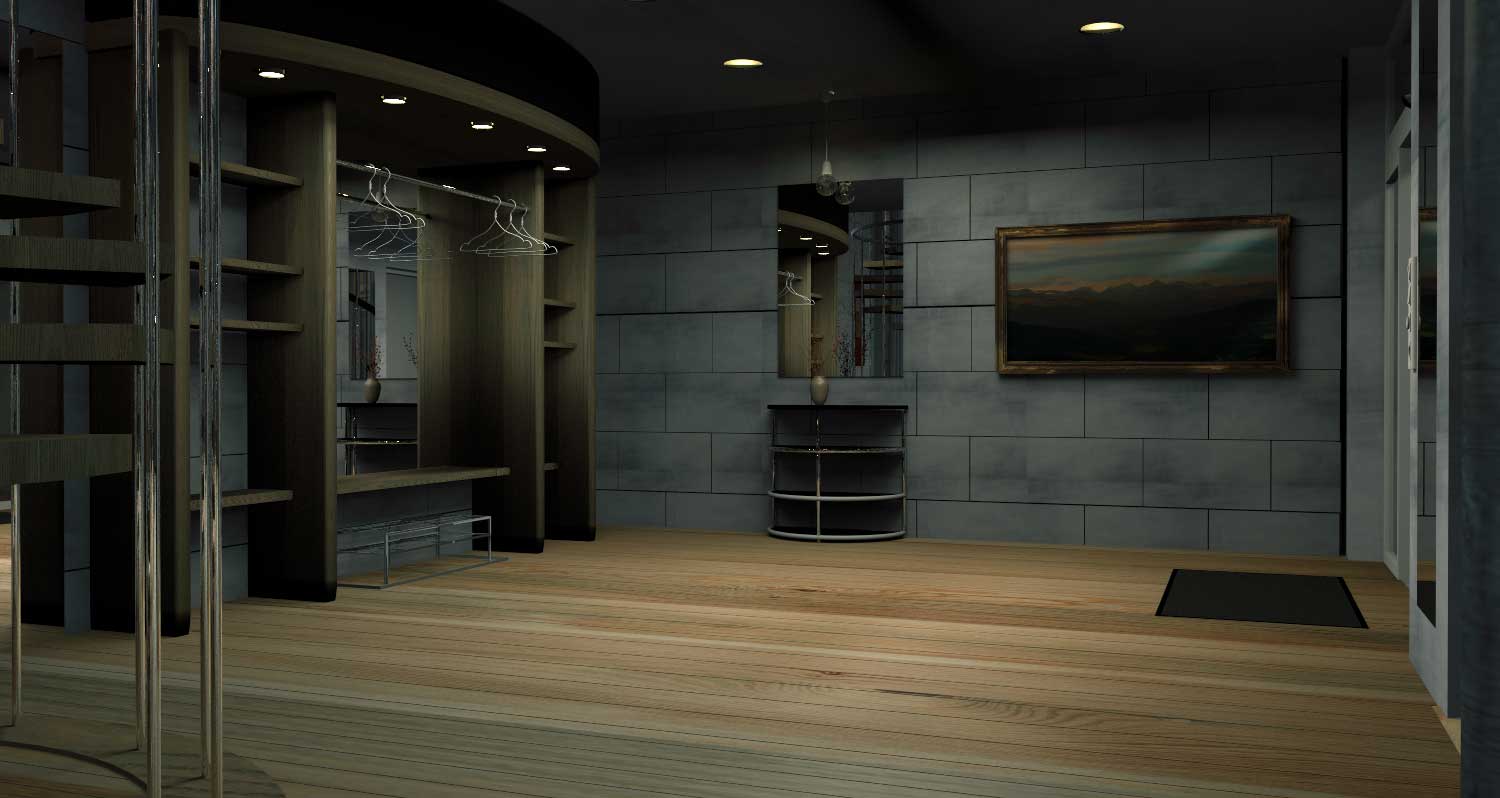
all 3 had the same

Very sorry about that, Mike!

It should be fixed now

Thanks for your nice words!

C

Posted by Mike53 at Jul 17, 2019, 4:08:21 PM
Re: Light & textures - rendering examples of this and that.
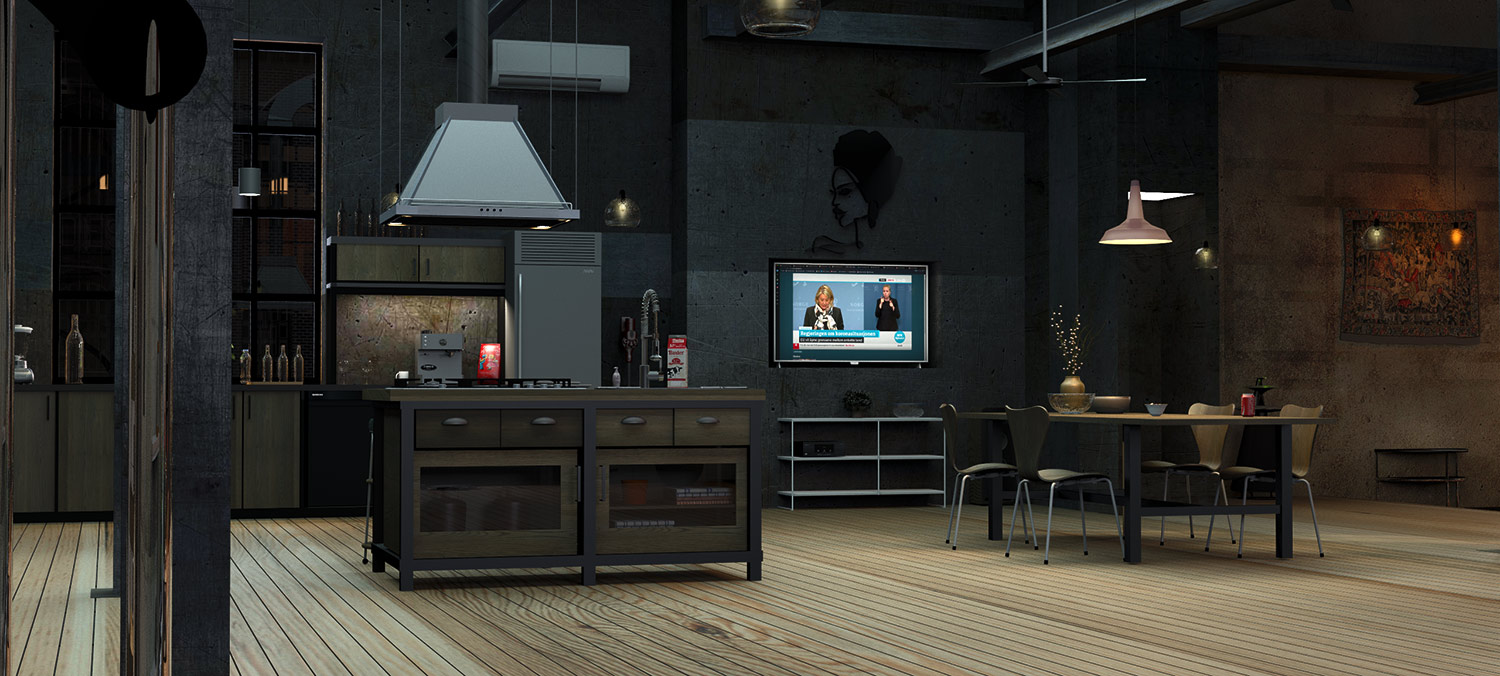
Thank you again Cec, perfect, and the object "horizon", when reduced down to 11m or so, makes an excellent natural looking pond, double well done on that 1

Mike

Posted by VeroniQ at Jul 17, 2019, 5:57:23 PM
Re: Light & textures - rendering examples of this and that.
Lovely message, Cecilia. Thank you so much to share your thoughts and your files!

Posted by enkonyito at Jul 19, 2019, 5:31:25 AM
Re: Light & textures - rendering examples of this and that.
Working with SH3D for several years now, I have found that the SunSky is using the mediterranean colour scheme, no matter the settings of the compass:
Wether you set your co-ordinates to Longyearbyen (Spitzbergen) or Nairobi (Kenya), the colour scheme of the SunSky remains the same.
The SunSky is not taking the Rayleigh scattering into consideration.

It seems that Sunflow uses Rayleigh scattering for SunSkyLight but I also find that the blue color of the sky is not correctly rendered by day.

When the sun is below the horizon, SH3D turns off SunSkyLight for a dark night.

Here is a comparative test with a spherical lens when SunSkyLight is enabled for cities:
- Longyearbyen, Spitzbergen (latitude: N 78.223; longitude: E 15.646; time zone: Arctic/Longyearbyen)
- Nairobi, Kenya (latitude: S 1.299; longitude: E 36.859; time zone: Africa/Nairobi)

Morning_Longyearbyen

Morning_Nairobi


Day_Longyearbyen

Day_Nairobi


Night_Longyearbyen

Night_Nairobi


Enko
----------------------------------------
EnkoNyito

Posted by Ceciliabr at Jul 20, 2019, 9:25:59 PM
Re: Light & textures - rendering examples of this and that.
Hi Enko,
thanks for your contribution here!

As far as I've read, nights in Longyearbyen are pitch black in the winter, and light as day in the summer.
After studying some pictures on the net, I have tried to recreate summer skies for Longyearbyen and Nairobi.

A summer night/ day in Longyearbyen would look something like this:


A summer day in Nairobi should look something like this:


I'm not able to recreate your night sky images by using your coordinates and time zone settings. How did you do that?

Cec

Posted by enkonyito at Jul 22, 2019, 6:59:02 PM
Re: Light & textures - rendering examples of this and that.
Hi Cecilia,
I'm not able to recreate your night sky images by using your coordinates and time zone settings. How did you do that?

I had used a beta version of the photo plug-in where sunSky was always activated regardless of the sun's position.
The consequence is that the sky never becomes black, the blue color lightens until the middle of the night and darkens before sunrise.

Nice sky textures!
----------------------------------------
EnkoNyito

Posted by Ceciliabr at Jul 25, 2019, 10:23:09 PM
Re: Light & textures - rendering examples of this and that.
Nice sky textures!

Thank you! smile

I had used a beta version of the photo plug-in where sunSky was always activated regardless of the sun's position.

You shouldn't happen to need a beta-tester?

Cec

Posted by enkonyito at Jul 26, 2019, 3:58:51 PM
Re: Light & textures - rendering examples of this and that.
You shouldn't happen to need a beta-tester?
I'll let you know when it's time.


No change regarding your problem ?
----------------------------------------
EnkoNyito

Posted by Ceciliabr at Jul 28, 2019, 12:11:20 AM
Re: Light & textures - rendering examples of this and that.
No change regarding your problem?
No, but I'm adaptable. smile

Posted by Ceciliabr at Jul 29, 2019, 8:35:53 PM
Re: Light & textures - rendering examples of this and that.
Your suggestion was right, Enko, it was a Java-issue.
After installing the latest java update, the problem is now gone!
Tested again and again, same result.


Cec

Posted by enkonyito at Jul 29, 2019, 9:42:40 PM
Re: Light & textures - rendering examples of this and that.
Your suggestion was right, Enko, it was a Java-issue.
After installing the latest java update, the problem is now gone!
Tested again and again, same result.

smile
----------------------------------------
EnkoNyito

Posted by Ceciliabr at Aug 6, 2019, 9:18:22 AM
Re: Light & textures - rendering examples of this and that.
Another attempt on creating a rainy day withSH3D...


... resulting from an attempt to create a low-poly human 3D-model:


Not completely overjoyed with the result, but I'm learning.

I managed to reduce my model from 25 Mb to 5 Mb without loosing too much,
but Reelusion makes low poly models the 10th of that size...

Anyway, it's a start.

Cec

Posted by Mike53 at Aug 6, 2019, 1:51:59 PM
Re: Light & textures - rendering examples of this and that.
The introduction of weather conditions in these last 2 images is excellent, changes the appearance and feel completely, though i cannot quite figure out the reflected shop names, and reducing the model size could well help many users who haven't a magic box attached to the screen to handle some larger models, so thx in advance, wink.
Would the rain be ok as a texture applied to an opaque surface positioned in front of the viewer

Posted by Ceciliabr at Aug 7, 2019, 12:57:34 AM
Re: Light & textures - rendering examples of this and that.
Hi Mike,

though i cannot quite figure out the reflected shop names

I’m not quite sure what you are referring to... maybe the reflections in the windows?

Anyway; I am using mirrors a lot – to create a closed circuit, so to speak – both to get rid of the ugly horizon line and to create an illusion of something endless.
Mirrors can be a blessing wink

Let me show the layout from the project window:


As you can see, there are two mirrors, one at each end of the "street", facing another at an angle, so that the reflection in one mirror is reflected in the other and the angle creates a curved street.

Would the rain be ok as a texture applied to an opaque surface positioned in front of the viewer

No, not opaque! The rain ( and the water splashing) must be transparent .png or .gif files.
I use .png.

I made the transparent .png for the rain in Photoshop, using the Kyle’s spatter brush to cover a 2500 x 2500 image to make drops on the pavement,
and then I applied a quite heavy motion blur to create the rain from the same file:


Of course, the closer to the camera, the bigger the rain, and the more light you shine on it, the more visible it gets.

and reducing the model size could well help many users who haven't a magic box attached to the screen to handle some larger models

My computer is 5 years old and has no "magic box" – but it has a lot of memory. The main reason you need a lot of memory to handle big files, is that the entire project is copied to memory before it's sent to Sunflow for rendering.

This project is 42.2 Mb, mostly because I'm using some fairly heavy textures here. I would normally resume that 2Gb memory should be enough to handle and render a 42.2 Mb project.
But looking at my memory usage I'm not so sure about that:


SH3D says it's using 2,1 GB, ( to handle a project file of 42.2 Mb) and the Activity monitor states that there's 4.4GB of cached memory ( which I think might be my project file + a copied version for Sunflow).
Is 4:4 Gb really necessary to handle a 45Mb file?
I think I'll just give up trying to understand caching and swapping and wired and compressed memory.
But I know one thing: Big textures don't render slower than small textures – if you have memory enough.
And memory is pretty cheap these days.


Here is a quick rendering to show the effect of the mirrors. It took 12 minutes on a 12-core Mac with 128GB memory :


I ‘m a bit reluctant to publish the project file yet , since I’m not completely happy with neither the models, the rain or the water splashing, but maybe later.

Cec

Posted by Mike53 at Aug 7, 2019, 1:35:17 PM
Re: Light & textures - rendering examples of this and that.
Hi Cec.
Thx for the explanations
The magic black box refers to my lack of knowledge, and interest, in anything that is inside the case, so everything it does is magic.
Sorry to have been vague as to what i could not understand in your image, it''s the name KOKOS and the 4 large white dots, these are either side of the figure in red shoes. The name appears almost as a shadow inside the shop, as do the dots, my mind just cannot figure out is, if its reflection, on what? if it's shadow, why color.
I am both baffled and curious, but not critical.

MIke

Posted by Ceciliabr at Aug 7, 2019, 10:33:36 PM
Re: Light & textures - rendering examples of this and that.
s the name KOKOS and the 4 large white dots, these are either side of the figure in red shoes
Ah, yes, now I see what you mean.
No mystery; It's a double layer of transparent glass that creates the "ghosting".


Cec.

Posted by Mike53 at Aug 7, 2019, 11:07:40 PM
Re: Light & textures - rendering examples of this and that.
smile thx, happy to realise i've not gone completely bonkers yet

Posted by Ceciliabr at Aug 7, 2019, 11:18:49 PM
Re: Light & textures - rendering examples of this and that.
@Mike
On a totally different topic: Why are you online while I am offline, even if I'm logged in?

cec

Posted by Mike53 at Aug 7, 2019, 11:30:30 PM
Re: Light & textures - rendering examples of this and that.
no idea, but your right, your name is not showing as logged in

Posted by Xiste at Aug 8, 2019, 11:26:03 AM
Re: Light & textures - rendering examples of this and that.
This might give you an answer:
http://www.sweethome3d.com/support/forum/viewthread_thread,8750#39908

Posted by Ceciliabr at Aug 10, 2019, 9:01:49 AM
smile   Re: Light & textures - rendering examples of this and that.
Aha!
thx
cec

Posted by Ceciliabr at Dec 21, 2019, 1:58:49 PM
Re: Light & textures - rendering examples of this and that.


This imagae took me 72 hours to render.
I used 849 light sources for this image: 670 panel lights #3, 63 panel lights #1 and 104 incandescent light sorces + 12 opaque sphere lights.

To get the lights right, I used about 30 test renders in Q3, using the fast samplerAlgorithm, and even with the fast option, the rendering time was about 25 minutes, so it took some time to do this.

The project file is 4.62 Gb


Merry Christmas everyone!


Cec

Posted by hansmex at Dec 21, 2019, 3:06:41 PM
Re: Light & textures - rendering examples of this and that.
Amazingly beautiful!!!
Thank you very much.
Happy Yuletide 😀
----------------------------------------
Hans

new website - under constuction
hansdirkse.info

Posted by Puybaret at Dec 21, 2019, 4:27:42 PM
Re: Light & textures - rendering examples of this and that.
Very nicely done Cecilia smile
Merry Christmas to you all !
----------------------------------------
Emmanuel Puybaret, Sweet Home 3D creator

Posted by Xiste at Dec 23, 2019, 6:55:54 PM
Re: Light & textures - rendering examples of this and that.
Totally agree with Puybaret and Hans – very nicely done and a very beautiful rendering it is.

Happy X-mas Cecilia, and the same to everyone else visiting here!


Xiste

Posted by Ceciliabr at Dec 25, 2019, 11:28:51 PM
Re: Light & textures - rendering examples of this and that.
@ hansmex, Puybaret, Xiste

Thank you for your lovely comments!
I really apreciate it.

A big Christmas hug from Cecilia.

Posted by Ceciliabr at Dec 30, 2019, 8:54:42 PM
Re: Light & textures - rendering examples of this and that.
Views on using backdrops

How to use backdrops as part of creating a nice scenery is explained in THIS THREAD

Using backdrops can be tricky.
Quite often I see backdrops that stand out as… well; backdrops.
Since Enkonyito introduced panel lights, I have used backdrops on a lot of my published images.
During this period, I have been trying to figure out how to make the backdrops blend in and become part of the scenery.
In this post I will share some of my findings.

II have used the Alps Hotel (Sweethome Demo Example 13) for this project. The Alps Hotel can be found HERE.
In my opinion, the Alps Hotel is visually very nice, very detailed, and very well suited for creating a surrounding scenery.

Note:
For my use, the default light source settings at 50% intensity is way too bright.
So for my interior shots of the Alps Hotel, I have reduced the intensity of every light source I could find to 5%.
This has allowed me to create interior ambiences with panel lights.


My project file can be downloaded HERE.
I have included my project file in case anyone should be interested in taking a look at how I work with backdrops and lighting.
This download does not include any modifications I have made to the interior.


Textured sky vs. backdrop

The most obvious disadvantage with using a textured sky, is that it will always be rendered as it is, affected by neither our light sources, nor the time of day.
This means that the scene itself will have to be colour-matched to blend in with the sky.

Example of sky texture:

@ FoW = 63.


Another disadvantage with using textured skies is that when zooming in to a lower Field of View, the quality of a sky texture is reduced.
Here is a shot @ FoW = 25.


Good backdrops can be difficult to find.
Images will always have shadows that indicates the direction and angle of the sun, which can be a problem.
Backdrops will normally cover only a small sector of the sky. This can create some trouble with reflective surfaces ( like windows and water).
Since all reflective surfaces need something to reflect, we need to provide it.
A light source is not enough. Another backdrop can work, but a textured sky will always work.

No sky texture:


Blue sky with clouds:


Using backdrops can give us several advantages on condition that we are willing to put some work into it.
One advantage is that a backdrop will be affected by the way we light it.
The project file shows one example of how to blend a backdrop with the rest of the scene.

This is the image you get when rendering the project file as it comes:


Changing the colours of the panel lights can create different ambiences.

Using white lights:


Using low intensity lights:


Of course a general tint can be applied in post production. There are hundreds of free luts that can be downloaded, and many of them can create amazing results.
Myself I find using Enkonyito’s panel lights to be a much more controllable and better solution.

Another advantage worth mentioning is that a backdrop is resizable so we can avoid loss of quality with lower FoW-settings.

Example: Resized backdrop for a closer view ( FoW=25 ):


Interiors

These interior shots will show the purpose of making a backdrop group.

The Breakfast room.


The backdrop is moved and resized to be visible from both windows. (The best presentation of a room is a diagonal view.)
I’m using a combination of panel lights and sunlight ( 15:00 )
I have added some panel lights outside the windows. Intensity 50%. Default colour.
I have reduced the intensity of the pendant lamps to 5%.
Added a panel light at 270 degrees. Elevation 130 cm. Intensity 8%. Default colour.
Added a panel light at 90 degrees. Elevation 160 cm. Intensity 2%. Default colour.
Both panel lights are covering about 70 % of the floor surface and placed in the middle of the room.
I probably should have reduced the shininess of the pendant lamps to 0 in order to avoid the outline that draws attention to the low resolution.


Small lounge outside room 4, 1st floor.


Removed the shininess from the filled bookshelf, and coloured it with a slightly darker colour to create a contrast to the walls.
Added a panel light at 270 degrees. Elevation 230 cm. Intensity 8%. Default colour.
Added a panel light outside the balcony door. 50% intensity. Default colour.
Sunlight 15:00.
(Forgot to remove shininess from the curtain rod.)


The attic room


Added an image to the TV.
Added a slightly transparent (opacity 90%) red fabric texture to the curtains.
Placed an overhead light panel at 90 degrees 50 meters above the window. 50% intensity. Default colour.
Placed a panel light outside the balcony door. 50% intensity. Default colour.
Sunlight 15:00.


Owners flat


Added a panel light under the upper cabinets.
Added a panel light at 270 degrees. Elevation 130 cm. Intensity 8%. Default colour.
Added a panel light at 90 degrees. Elevation 160 cm. Intensity 2%. Default colour.
Added some panel lights outside the windows. Intensity 50%. Default colour.

Owners flat – different angle.


In the addition to the above, I added an image to the TV.
Added some apples and things…


Reception.


Added texture to the sofas and the armchair.
Added a table, some flowers, a magazine and a newspaper.
Added a poster.
Added some light over the counter, and placed some people there.
Added a panel light at 270 degrees. Elevation 130 cm. Intensity 8%. Default colour.
Added a panel light at 90 degrees. Elevation 160 cm. Intensity 2%. Default colour.
Added panel lights outside the window.
Placed a BMW cabriolet outside.

Forgot to fix the shininess on the doors.


Cec

________


Unfortunately I made a group of the Alps Hotel in order to tidy up my objects list.
Too late I became aware that making a group places all furniture on the ground level.
So in this project file all furniture belonging to the 1st floor, the 2nd floor and the Attic, are elevated from the Ground Floor level rather than placed on their original levels.
This makes the Alps Hotel rather tricky to edit.
Subsequently the original levels that came with the Alps Hotel demo file are no longer used by the Alps Hotel, but they are used by me to make modifications and lighting for my interior shots.
I have elevated all original levels by 160 cm in order to place the Alps hotel on top of my backdrop-demo-terrain.


_


Posted by VeroniQ at Dec 30, 2019, 11:55:59 PM
Re: Light & textures - rendering examples of this and that.
Guess what? I absolutely love these pictures, Cecilia!

Posted by Xiste at Jan 5, 2020, 11:52:15 AM
Re: Light & textures - rendering examples of this and that.
Great post, Cecilia!
You are really making things seem simple with your smart tricks. The grouping trick is absolutely a time saver.
I really like your interior images too, especially the attic room and the one with the counter. I downloaded the original demo project file and played with it for a while.
Your lighting tips creates very natural renderings.
Great work!

Xiste

Posted by Ceciliabr at Jan 8, 2020, 12:10:20 AM
Re: Light & textures - rendering examples of this and that.
@Xiste
Thank you!

Seems it's time to dive of the scene for a while...


...and go for a long swim...


See you later...


Cec

Posted by Ceciliabr at Jun 4, 2021, 4:01:08 PM
Re: Light & textures - rendering examples of this and that.
I have been notified that several of my illustrations in this post is missing. This must have happened when I updated my server settings.

I'm very happy that people are still wotching this post, and eqally sorry this has happened. I'm doing my very best to correct it. Hopefully it will all be fixed during the weekend.

And since I'm here anyway...
This is a project I have been working on in my quarantine weeks:


ANOTHER FACTORY FLAT

Empty:


Furnished:


Cecilia

Posted by hansmex at Jun 4, 2021, 6:47:04 PM
Re: Light & textures - rendering examples of this and that.
Glad to see some new work of you.
I missed you :-)
----------------------------------------
Hans

new website - under constuction
hansdirkse.info

Posted by Ceciliabr at Jun 5, 2021, 11:21:34 PM
rose   Re: Light & textures - rendering examples of this and that.
Thank you Hans!

And all the missing illustrations should be back now.

Posted by VeroniQ at Jun 5, 2021, 11:51:32 PM
Re: Light & textures - rendering examples of this and that.
Thank you, Cecilia! We missed you and your beautiful images, and very useful tips.
Are you preparing a new story? I have the feeling that something strange will happen in these new sets...

Posted by Ceciliabr at Jun 7, 2021, 6:38:23 AM
Re: Light & textures - rendering examples of this and that.
I have the feeling that something strange will happen in these new sets...

I don't know... yet.

First we need find the entrance:


And then... ;)


___

Posted by Xiste at Jun 8, 2021, 4:38:53 PM
Re: Light & textures - rendering examples of this and that.
Yeah, nice to have you back!

Posted by Ceciliabr at Jun 12, 2021, 9:54:24 PM
Re: Light & textures - rendering examples of this and that.
... and then the wardrobe.


.

Posted by Ceciliabr at Jun 12, 2021, 9:55:05 PM
Re: Light & textures - rendering examples of this and that.
Thank you, Xiste!

Posted by Ceciliabr at Jun 14, 2021, 7:11:27 PM
Re: Light & textures - rendering examples of this and that.
And the kitchen:


.

Posted by VeroniQ at Jun 15, 2021, 8:16:32 AM
Re: Light & textures - rendering examples of this and that.
Beautiful!

Posted by Ceciliabr at Jul 23, 2021, 7:23:44 PM
Re: Light & textures - rendering examples of this and that.
Thank you, VeroniQ!

Posted by garystan52 at Apr 26, 2023, 5:40:55 PM
Re: Light & textures - rendering examples of this and that.
Ceciliabr :

Let me try your tip (about scaling down background).

garystan52

Posted by Ceciliabr at Jul 5, 2024, 6:10:18 PM
Re: Light & textures - rendering examples of this and that.


Not bad, eh?

Posted by Puybaret at Jul 5, 2024, 6:24:04 PM
Re: Light & textures - rendering examples of this and that.
Great! And for images in your past posts, I copied them on sweethome3d.com server to be able to replace http requests by https ones. All your nice posts are up again on all browsers smile
----------------------------------------
Emmanuel Puybaret, Sweet Home 3D creator

Posted by Ceciliabr at Jul 5, 2024, 6:29:40 PM
Re: Light & textures - rendering examples of this and that.
Excellent! You are a vizard! Thank you so much!

Posted by Xiste at Jul 16, 2024, 8:32:12 PM
Re: Light & textures - rendering examples of this and that.
I have referred to your thoughts about sky texturing in my latest post.
Just so you know...

X

Posted by Ceciliabr at Jul 16, 2024, 9:41:45 PM
Re: Light & textures - rendering examples of this and that.
Cool!