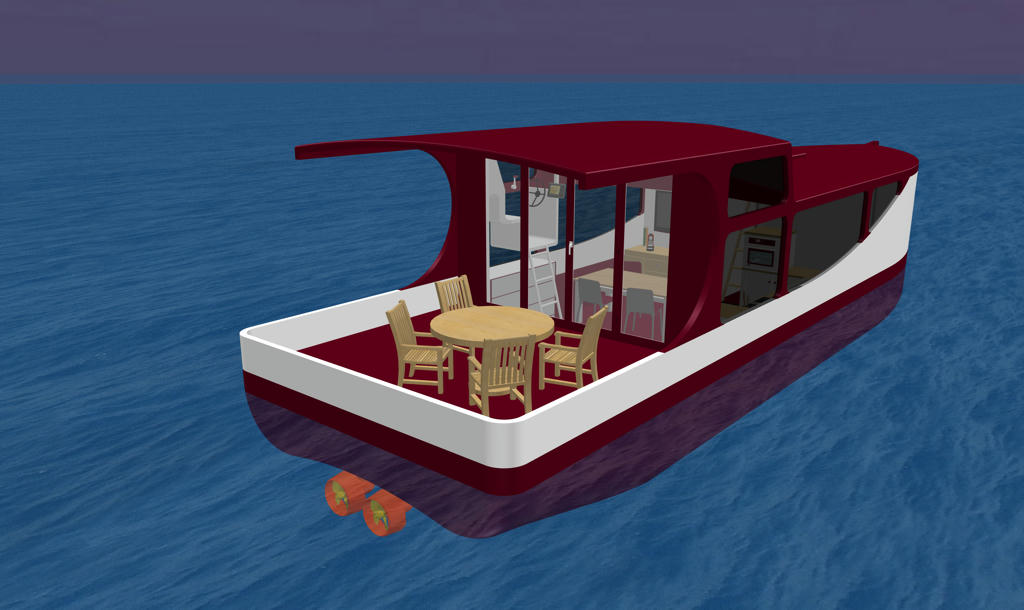
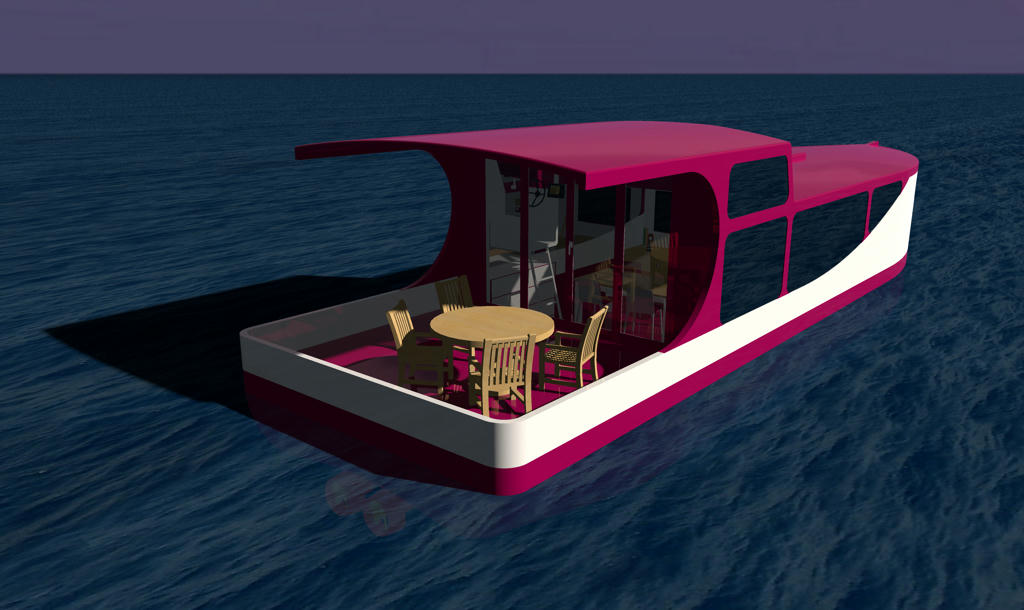
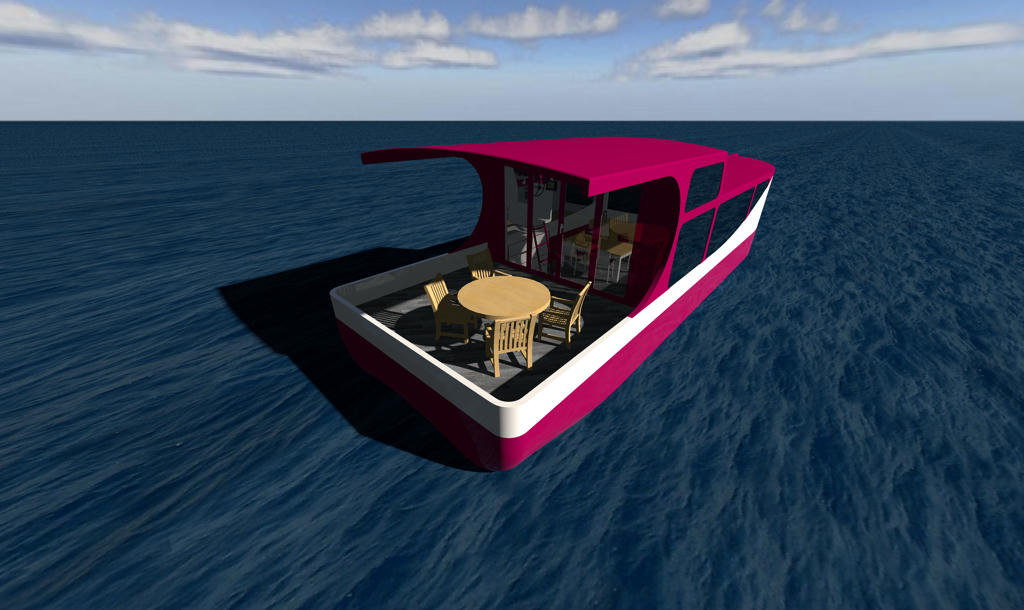
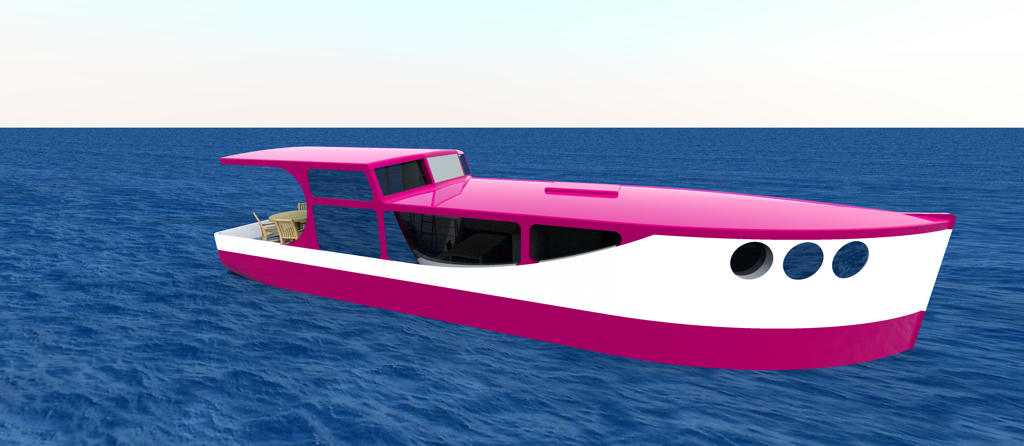
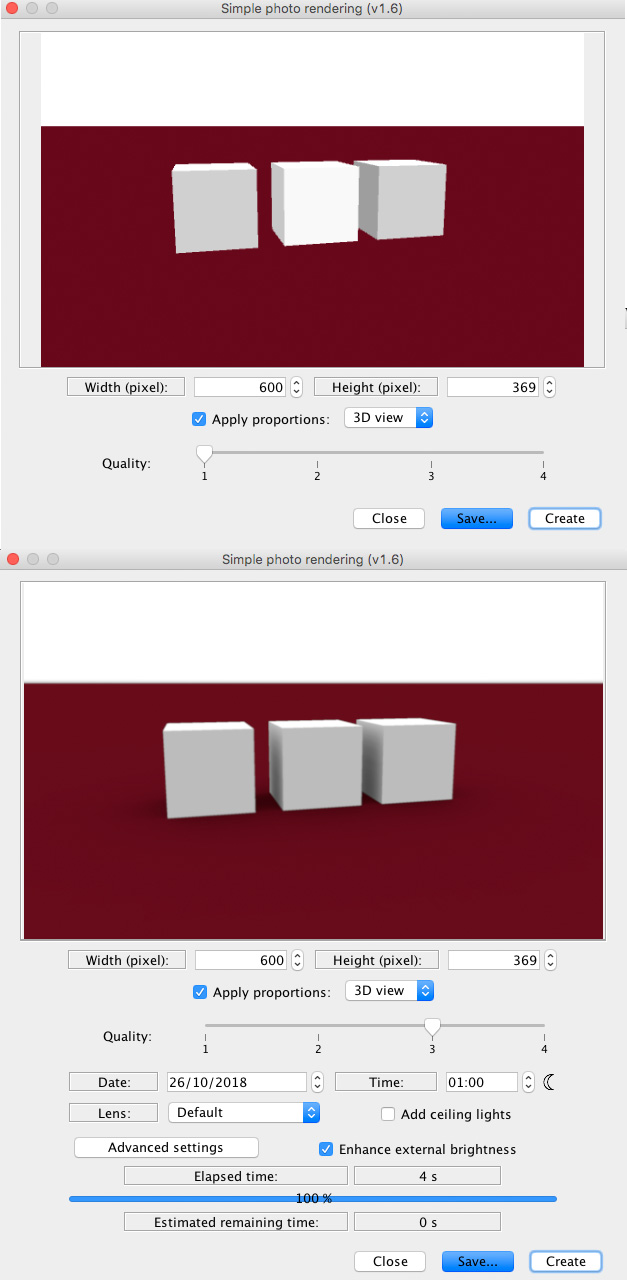
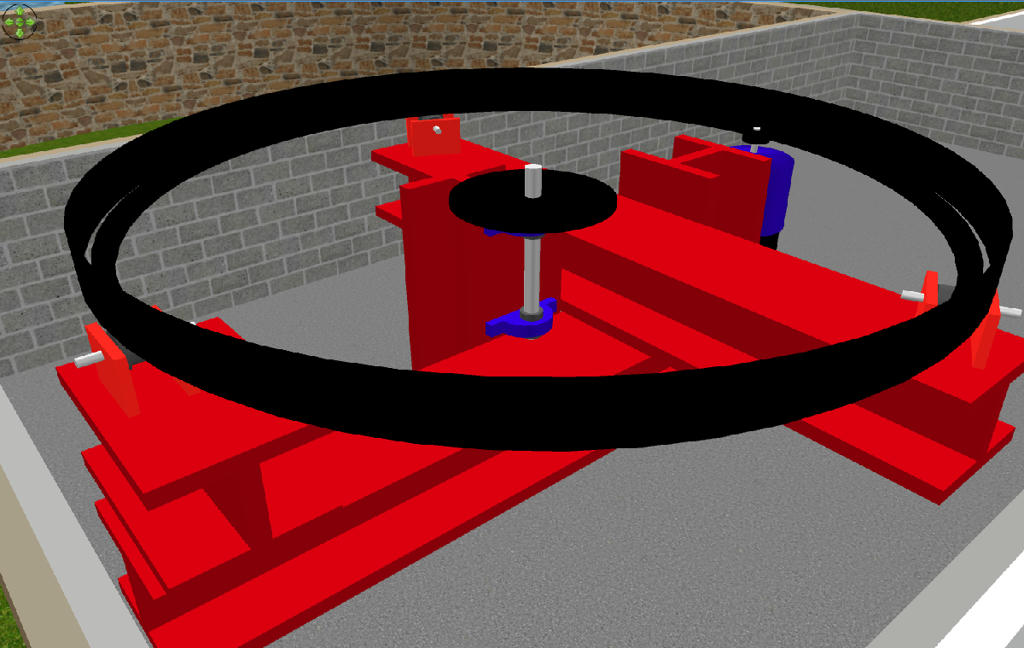
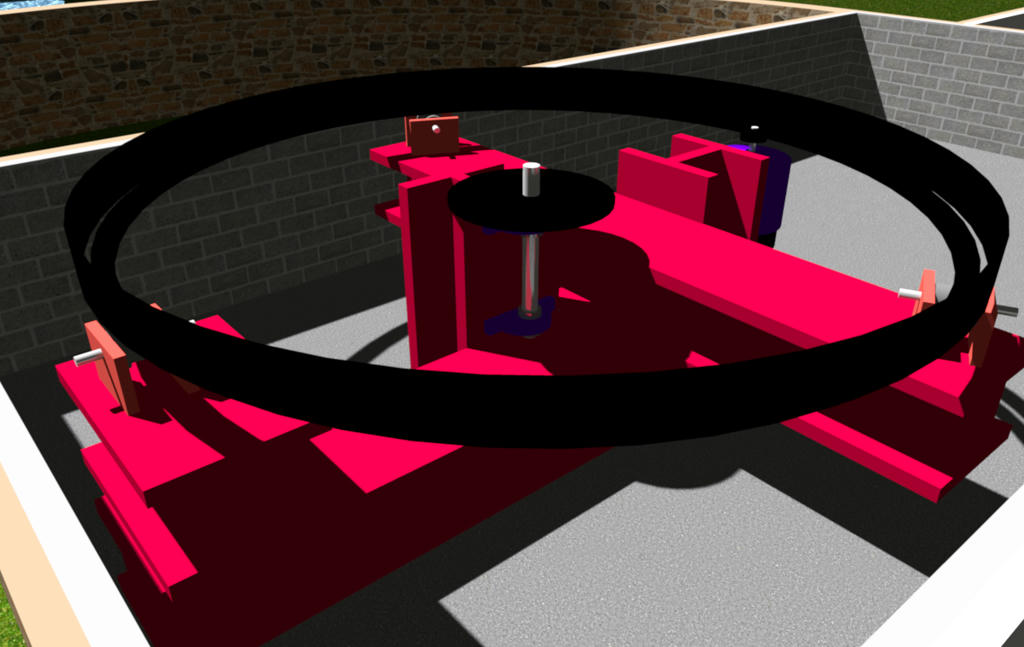
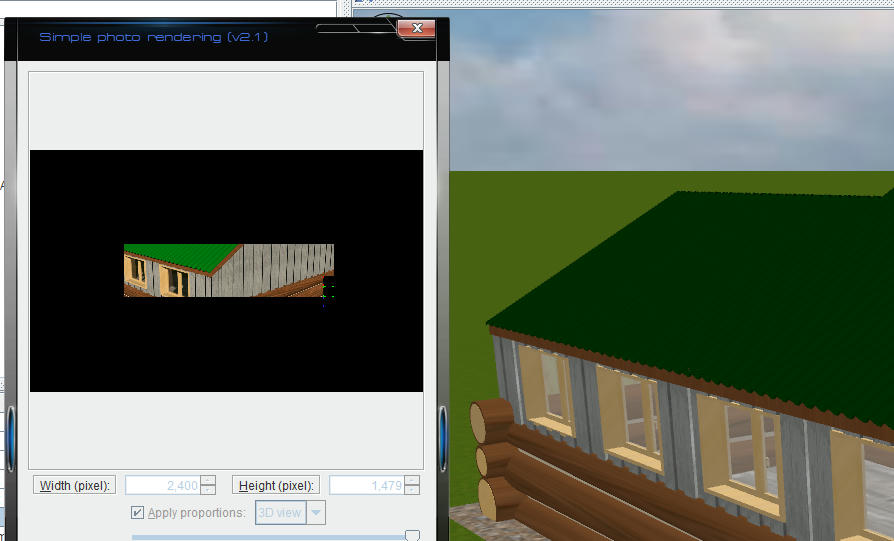
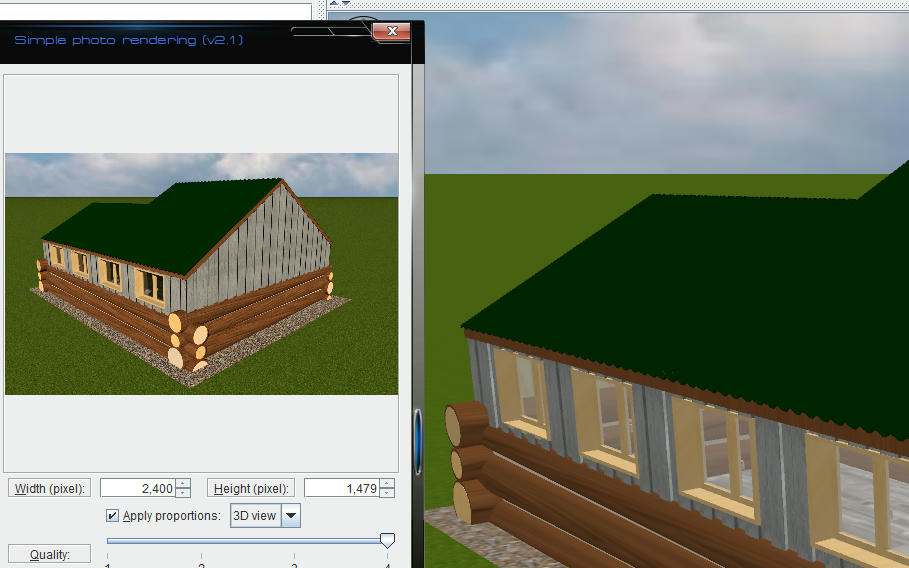
Re: massive color-difference
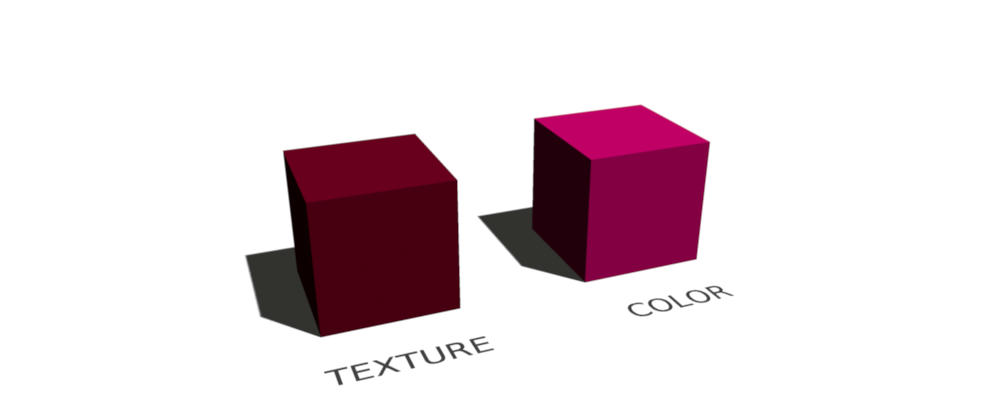
Ok... it was easier to fix than expected \o/
Patch:
diff --git a/SweetHome3D/src/com/eteks/sweethome3d/j3d/PhotoRenderer.java b/SweetHome3D/src/com/eteks/sweethome3d/j3d/PhotoRenderer.java
index c95e11a94..56ca69c87 100644
--- a/SweetHome3D/src/com/eteks/sweethome3d/j3d/PhotoRenderer.java
+++ b/SweetHome3D/src/com/eteks/sweethome3d/j3d/PhotoRenderer.java
@@ -1273,7 +1273,8 @@ public class PhotoRenderer extends AbstractPhotoRenderer {
       if (material != null) {
         Color3f color = new Color3f();
         material.getDiffuseColor(color);
-        this.sunflow.parameter("color", null, new float [] {color.x, color.y, color.z});
+        this.sunflow.parameter("color", null, new float [] {(float)Math.pow(color.x, 2.2f),(float)Math.pow(color.y, 2.2f),(float)Math.pow(color.z, 2.2f)
+          });
       }
       this.sunflow.shader(appearanceName, "mirror");
     } else if (texture != null) {
@@ -1321,7 +1322,7 @@ public class PhotoRenderer extends AbstractPhotoRenderer {
           Color3f color = new Color3f();
           material.getSpecularColor(color);
           float [] specularColor = new float [] {
-              (float)Math.sqrt(color.x) / 2, (float)Math.sqrt(color.y) / 2, (float)Math.sqrt(color.z) / 2};
+              (float)Math.sqrt((float)Math.pow(color.x, 2.2f)) / 2, (float)Math.sqrt((float)Math.pow(color.y, 2.2f)) / 2, (float)Math.sqrt((float)Math.pow(color.z, 2.2f)) / 2};
           this.sunflow.parameter("specular", null, specularColor);
           this.sunflow.parameter("glossyness", (float)Math.pow(10, -Math.log(shininess) / Math.log(5)));
           this.sunflow.parameter("samples", 1);
@@ -1340,7 +1341,7 @@ public class PhotoRenderer extends AbstractPhotoRenderer {
       if (material != null) {
         Color3f color = new Color3f();
         material.getDiffuseColor(color);
-        float [] diffuseColor = new float [] {color.x, color.y, color.z};
+        float [] diffuseColor = new float [] {(float)Math.pow(color.x, 2.2f),(float)Math.pow(color.y, 2.2f),(float)Math.pow(color.z, 2.2f)};

         TransparencyAttributes transparencyAttributes = appearance.getTransparencyAttributes();
         if (transparencyAttributes != null
@@ -1373,7 +1374,7 @@ public class PhotoRenderer extends AbstractPhotoRenderer {
             if (silk) {
               material.getSpecularColor(color);
               float [] specularColor = new float [] {
-                   (float)Math.sqrt(color.x) / 2, (float)Math.sqrt(color.y) / 2, (float)Math.sqrt(color.z) / 2};
+                (float)Math.sqrt((float)Math.pow(color.x, 2.2f)) / 2, (float)Math.sqrt((float)Math.pow(color.y, 2.2f)) / 2, (float)Math.sqrt((float)Math.pow(color.z, 2.2f)) / 2};
               this.sunflow.parameter("specular", null, specularColor);
               this.sunflow.parameter("glossyness", (float)Math.pow(10, -Math.log(shininess) / Math.log(5)));
               this.sunflow.parameter("samples", 1);
@@ -1394,7 +1395,7 @@ public class PhotoRenderer extends AbstractPhotoRenderer {
         if (coloringAttributes != null) {
           Color3f color = new Color3f();
           coloringAttributes.getColor(color);
-          this.sunflow.parameter("color", null, new float [] {color.x, color.y, color.z});
+          this.sunflow.parameter("color", null, new float [] {(float)Math.pow(color.x, 2.2f),(float)Math.pow(color.y, 2.2f),(float)Math.pow(color.z, 2.2f)});
         } else {
           this.sunflow.parameter("color", null, new float [] {0, 0, 0});
         }
diff --git a/SweetHome3D/src/com/eteks/sweethome3d/j3d/YafarayRenderer.java b/SweetHome3D/src/com/eteks/sweethome3d/j3d/YafarayRenderer.java
index b0a3e69e5..97da951e6 100644
--- a/SweetHome3D/src/com/eteks/sweethome3d/j3d/YafarayRenderer.java
+++ b/SweetHome3D/src/com/eteks/sweethome3d/j3d/YafarayRenderer.java
@@ -1439,7 +1439,7 @@ public class YafarayRenderer extends AbstractPhotoRenderer {
       if (material != null) {
         material.getDiffuseColor(color);
       }
-      params.put("mirror_color", new float [] {color.x, color.y, color.z, 1});
+      params.put("mirror_color", new float [] {(float)Math.pow(color.x, 2.2f),(float)Math.pow(color.y, 2.2f),(float)Math.pow(color.z, 2.2f), 1});
       params.put("specular_reflect", 1f);
       createMaterial(appearanceName, params, new ArrayList<Map<String, Object>>());
     } else if (texture != null) {
@@ -1604,32 +1604,32 @@ public class YafarayRenderer extends AbstractPhotoRenderer {
           float transparency = 1 - transparencyAttributes.getTransparency();
           params.put("type", "glass");
           params.put("fake_shadows", true);
-          params.put("filter_color", new float [] {color.x, color.y, color.z, 1});
+          params.put("filter_color", new float [] {(float)Math.pow(color.x, 2.2f),(float)Math.pow(color.y, 2.2f),(float)Math.pow(color.z, 2.2f), 1});
           params.put("transmit_filter", transparency);
         } else if (material.getLightingEnable()) {
           float shininess = material.getShininess();
           if (shininess > 1) {
             if (silk) {
-              params.put("diffuse_color", new float [] {color.x, color.y, color.z, 1});
+              params.put("diffuse_color", new float [] {(float)Math.pow(color.x, 2.2f),(float)Math.pow(color.y, 2.2f),(float)Math.pow(color.z, 2.2f), 1});
               params.put("diffuse_reflect", 1.5f);
               material.getSpecularColor(color);
-              params.put("color", new float [] {color.x, color.y, color.z, 1});
+              params.put("color", new float [] {(float)Math.pow(color.x, 2.2f),(float)Math.pow(color.y, 2.2f),(float)Math.pow(color.z, 2.2f), 1});
               params.put("glossy_reflect", shininess / 256f);
               params.put("exponent", 100f);
               params.put("type", "glossy");
             } else {
-              params.put("color", new float [] {color.x, color.y, color.z, 1});
+              params.put("color", new float [] {(float)Math.pow(color.x, 2.2f),(float)Math.pow(color.y, 2.2f),(float)Math.pow(color.z, 2.2f), 1});
               params.put("specular_reflect", shininess / 512f);
-              params.put("mirror_color", new float [] {color.x, color.y, color.z, 1});
+              params.put("mirror_color", new float [] {(float)Math.pow(color.x, 2.2f),(float)Math.pow(color.y, 2.2f),(float)Math.pow(color.z, 2.2f), 1});
               params.put("type", "shinydiffusemat");
             }
           } else {
-            params.put("color", new float [] {color.x, color.y, color.z, 1});
+            params.put("color", new float [] {(float)Math.pow(color.x, 2.2f),(float)Math.pow(color.y, 2.2f),(float)Math.pow(color.z, 2.2f), 1});
             params.put("type", "shinydiffusemat");
           }
         } else {
           params.put("type", "light_mat");
-          params.put("color", new float [] {color.x, color.y, color.z, 1});
+          params.put("color", new float [] {(float)Math.pow(color.x, 2.2f),(float)Math.pow(color.y, 2.2f),(float)Math.pow(color.z, 2.2f), 1});
           if (lightPower >= 0) {
             params.put("power", lightPower * 100);
           }
@@ -1641,7 +1641,7 @@ public class YafarayRenderer extends AbstractPhotoRenderer {
         if (coloringAttributes != null) {
           Color3f color = new Color3f();
           coloringAttributes.getColor(color);
-          params.put("color", new float [] {color.x, color.y, color.z, 1});
+          params.put("color", new float [] {(float)Math.pow(color.x, 2.2f),(float)Math.pow(color.y, 2.2f),(float)Math.pow(color.z, 2.2f), 1});
         } else {
           params.put("color", new float [] {0, 0, 0, 1});
         }
|