|
Sweet Home 3D Forum » List all forums » » Forum: Gallery » » » Thread: Small holiday home |
||
| Print at Dec 18, 2025, 10:11:39 AM |
|
|
| Posted by Mike53 at Aug 2, 2019, 1:27:01 PM |
|
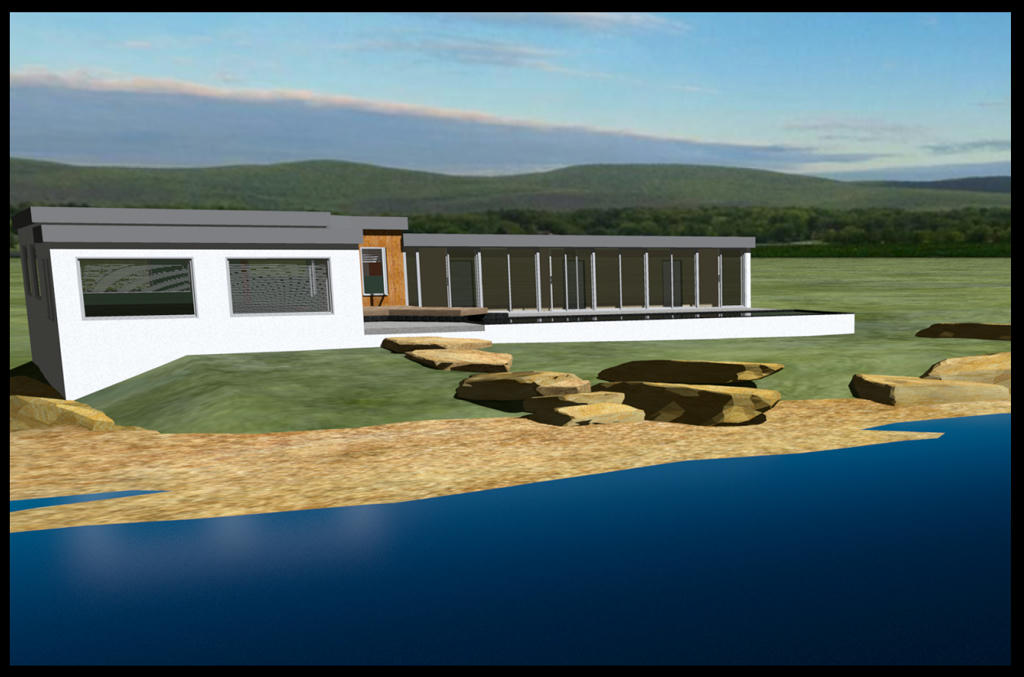
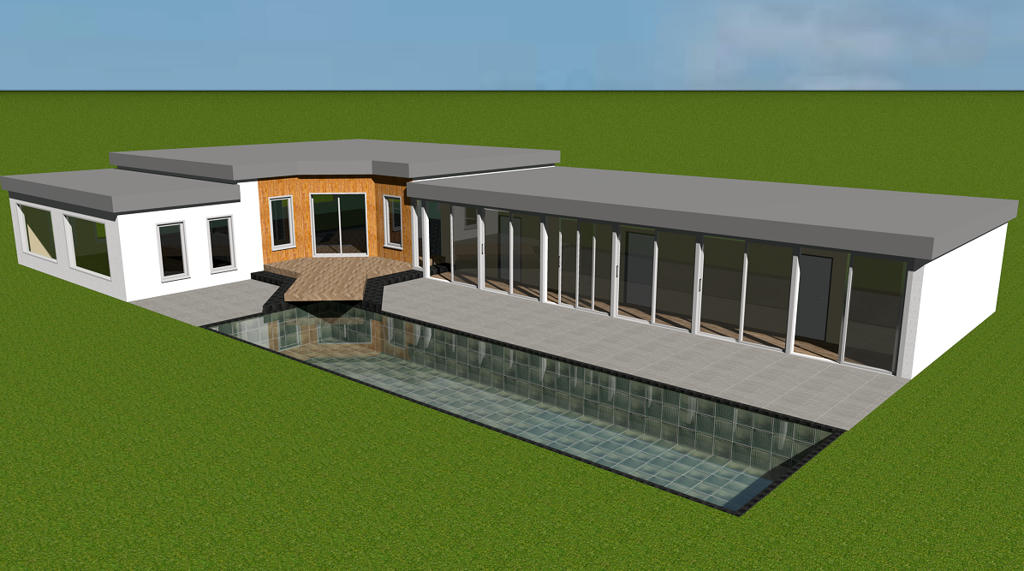
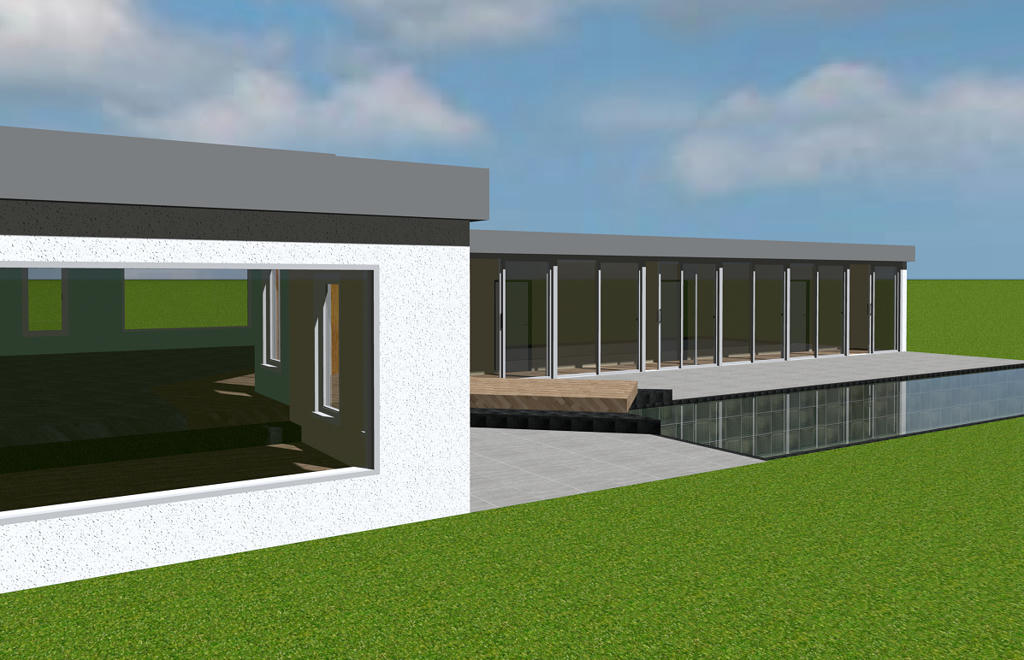
Small holiday home Fairly basic design of a holiday home. I started with the idea of the overhang for the pool, then thought that the "rooms" i had used to create the steps would look good if they continued on into the property, this seems to blur the limits normally seen in the break between house and garden. Be interested to hear if you think i achieved that merging. 6 sliding doors form the wall outside of the 2 beds and bathroom, with the main living area and eating area being split by the floor and ceiling elevation change. Couple of images of the property, not really a home as it is just the architecture i was trying. The steps overhanging the pool and the merging of indoors and out. ![]() And a link to view it. Mike |
| Posted by Mike53 at Aug 4, 2019, 5:57:59 PM |
|
Re: Small holiday home Obviously not a popular topic so i'll close with 1 last image. Holiday home found its way to the beach ![]() |
| Posted by enkonyito at Aug 5, 2019, 5:52:10 PM |
|
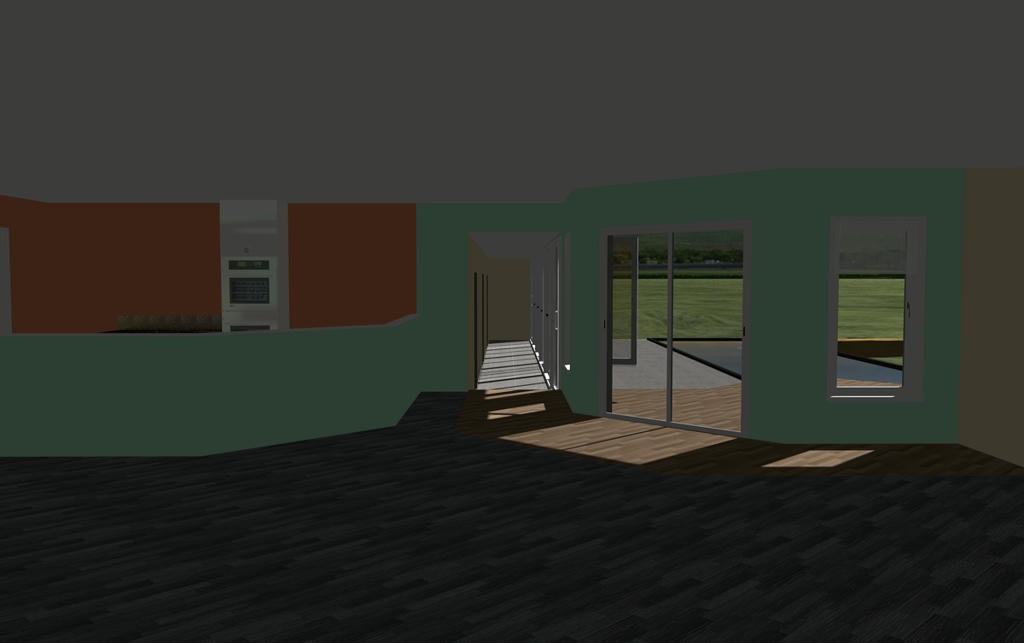
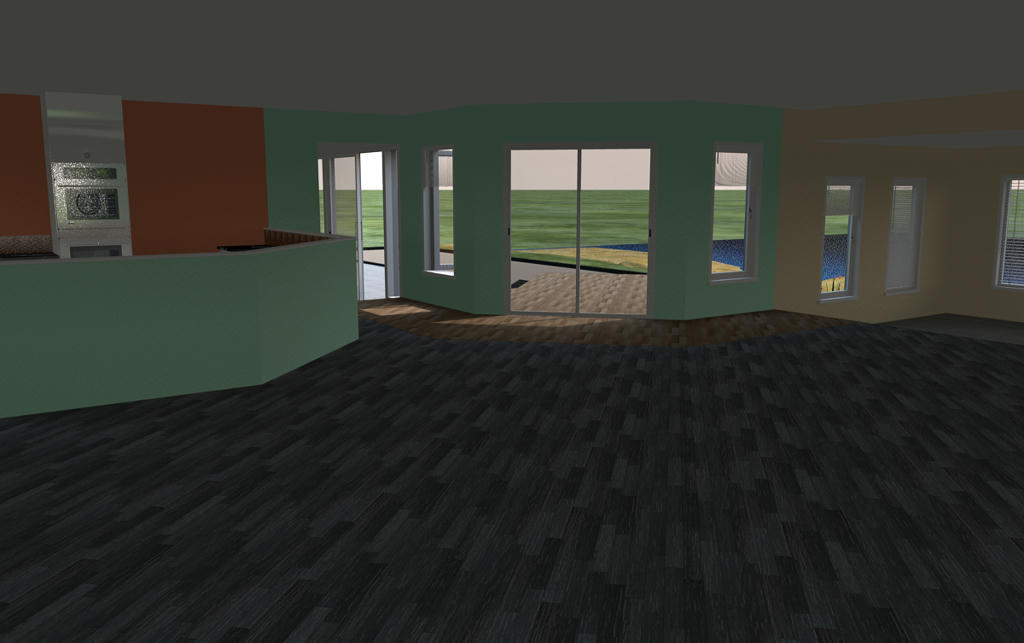
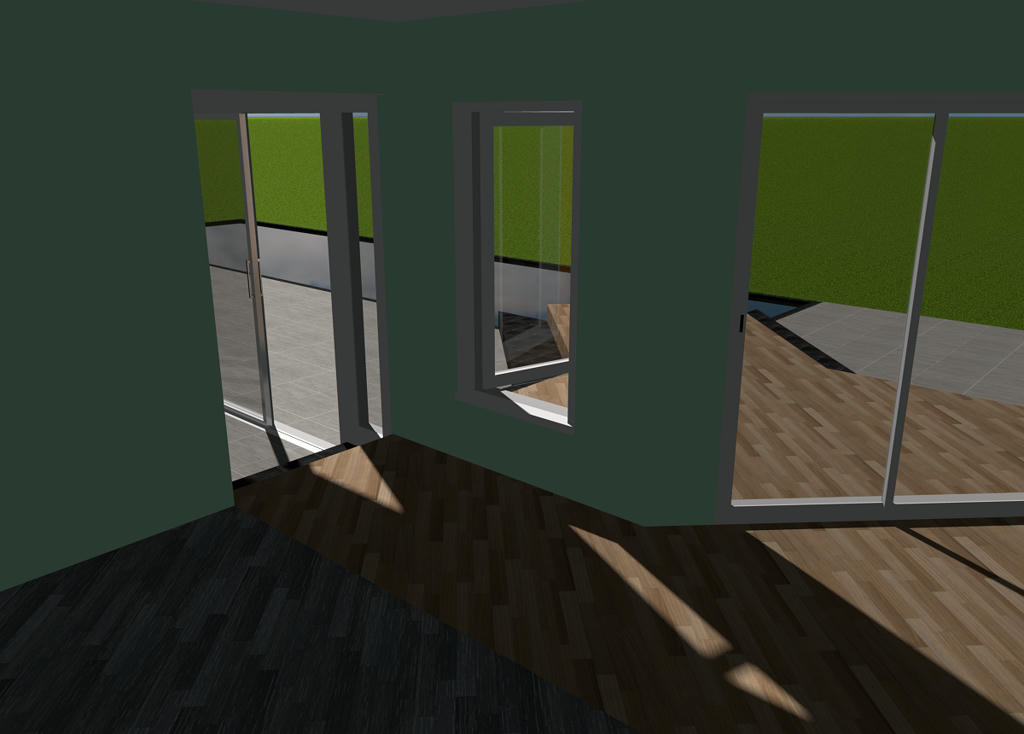
Re: Small holiday home Hi Mike! Given the number of openings, I would have liked to see an interior rendering... Enko ---------------------------------------- EnkoNyito |
| Posted by Mike53 at Aug 5, 2019, 8:11:25 PM |
|
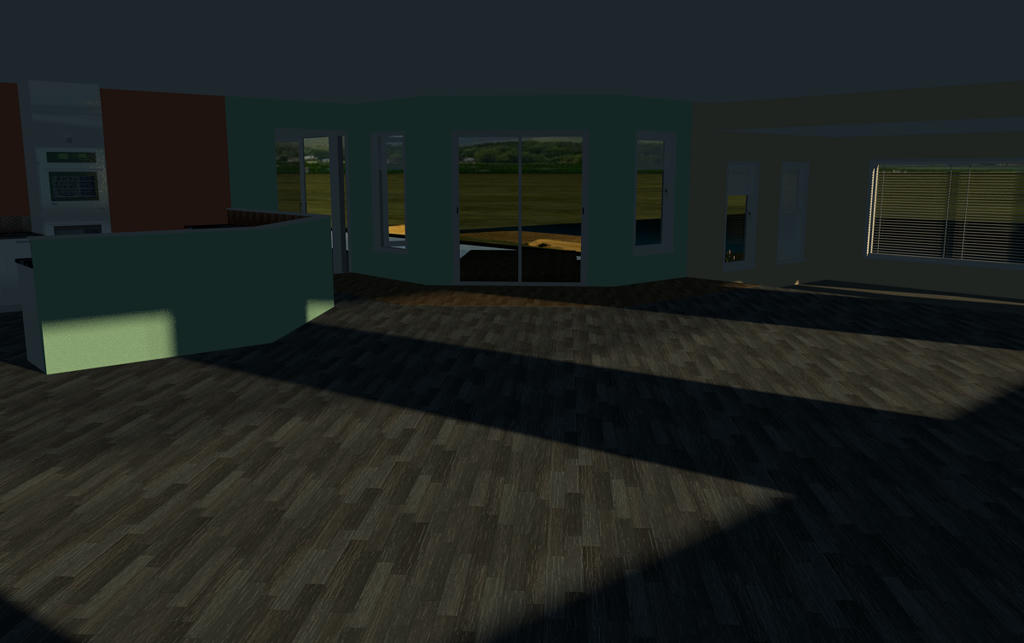
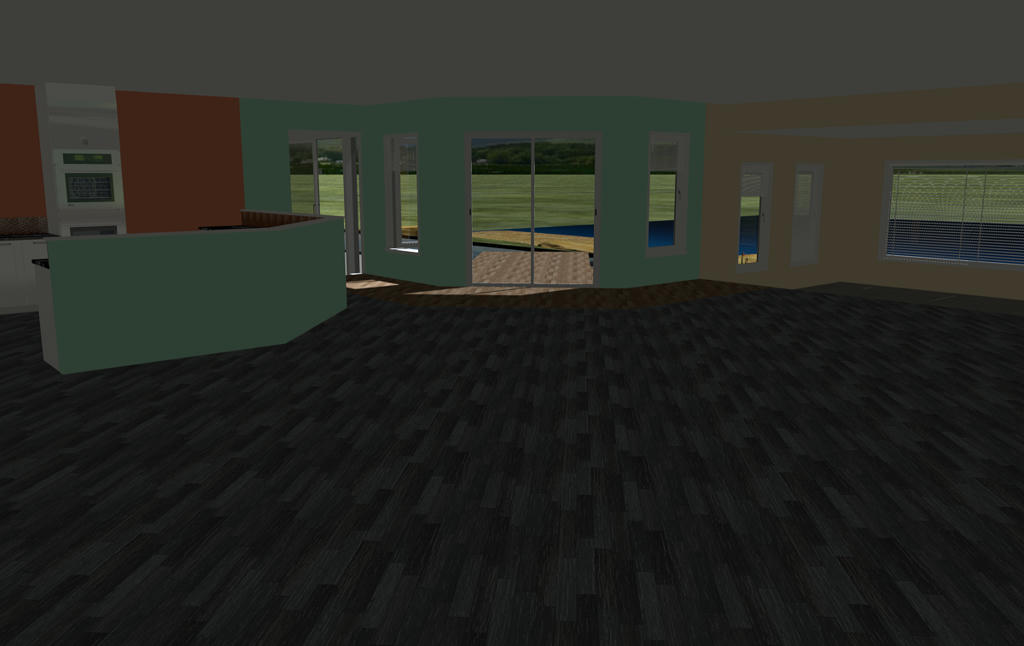
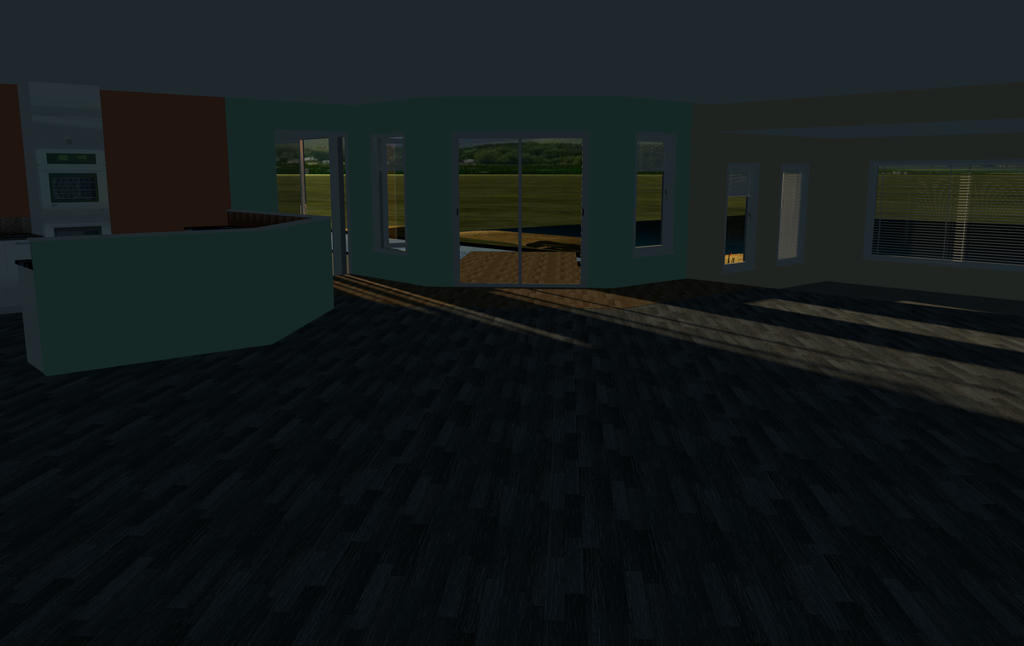
Re: Small holiday home Not much to see mate except that the light levels are reasonable At 7AM At 13PM At 7PM At 11AM ![]() Mike |
| Posted by Mike53 at Aug 5, 2019, 8:13:46 PM |
|
Re: Small holiday home I should have said, there are no other light sources anywhere in this project |
| Posted by Mike53 at Aug 6, 2019, 3:22:36 PM |
|
Re: Small holiday home @ Enkonyito To me this room should be much brighter than it is, mid day, high summer, if i were in this room i would feel the need to turn lights on, sat here as i am, there is no need for lights even though it is currently slightly overcast. Something between sweethome and sunflow isn't right, hence the need for additional lighting and is the reason that, for most of the renders i have done recently, contain no ceilings as i have given up trying to illuminate them sufficiently without having white dots everywhere. Been using v1.7 so long now, and its "add ceiling light" function, i had forgotten about the "enhance external brightness" feature, running a render now which i will post shortly. With reference to your posting here what does IBL refer to, i cannot see it in the rendering properties |
| Posted by Mike53 at Aug 6, 2019, 4:14:19 PM |
|
Re: Small holiday home with enhanced external brightness there is an improvement in light levels, but now all the shiny surfaces look a mess ![]() |
| Posted by enkonyito at Aug 6, 2019, 7:17:20 PM |
|
Re: Small holiday home To me this room should be much brighter than it is, mid day, high summer,... This is also the case with other 3D software to simulate natural daylight.Something between sweethome and sunflow isn't right, hence the need for additional lighting... Path Tracing rendering is a first approach but it takes a lot of time. With reference to your posting here what does IBL refer to, i cannot see it in the rendering properties Cecilia has written an interesting topic about ImageBasedLight rendering (nighttime) and the influence of the sky texture used.It also works daytime but the result is less obvious than with a sky color (SunSkyLight) for interior rendering. ...but now all the shiny surfaces look a mess This is normal when using the silk or default (quality 4) shininessShader property because it allows to see the location of the light sources.To correct this, it is necessary to decrease the shininess of the objects or to use glossy shininessShader but the reflections are different (mirror effect). ---------------------------------------- EnkoNyito |
| Posted by Mike53 at Aug 6, 2019, 9:24:24 PM |
|
Re: Small holiday home I don't use any other software so i wouldn't know. Choosing the option PATH as opposed to default doesn't take a long time.....it takes forever...what's more, the few times i have tried it, including a render to add to this thread, all i get is a black (blank) image. Default and silk are the 2 settings i use the most for several reasons, mainly, for objects i want chrome, sink taps, kettle..whatever, i set them to max shine and jet black, works well for me, if set to gloss i get a black object, seems it's a frying pan or fire situation |
| Posted by Ceciliabr at Aug 7, 2019, 11:28:50 PM |
|
Re: Small holiday home Some of the "darkness" can also be explained by the total white that surrounds your picture. Our eyes are "auto-balancing" the white level, thus a white frame will make our eyes refer to this white frame as the white level. If you create a big black frame around your image, you will see that your image is really not as dark as it seems when engulfed in a brilliant white frame. Cec |
|
|
|
Current timezone is GMT Dec 18, 2025, 10:11:39 AM |