Here is my acceptable practices:
1. Download a model from 3DWarehouse (in my sample this ) BUT the Collada file format)
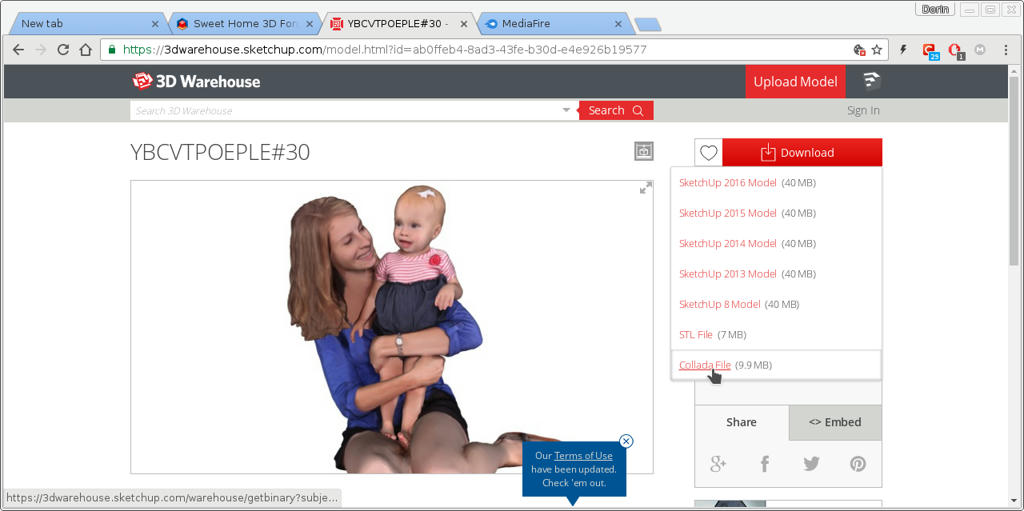
2.In a empty SH3D file: Menu ->Furniture->Import furniture (choose the model)
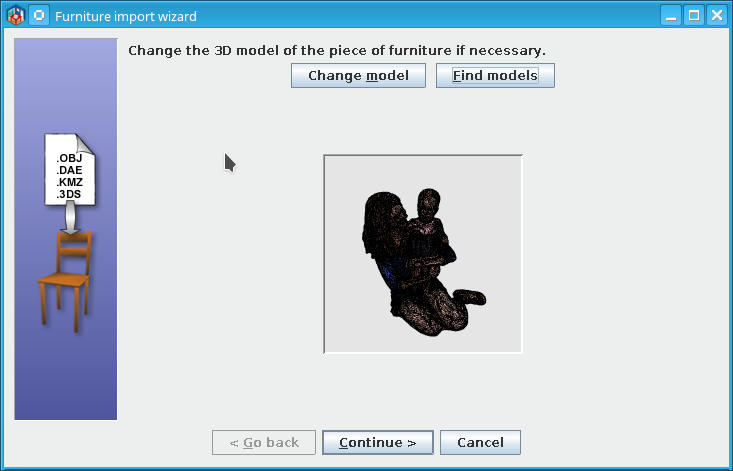
look ugly but continue
Change name and save
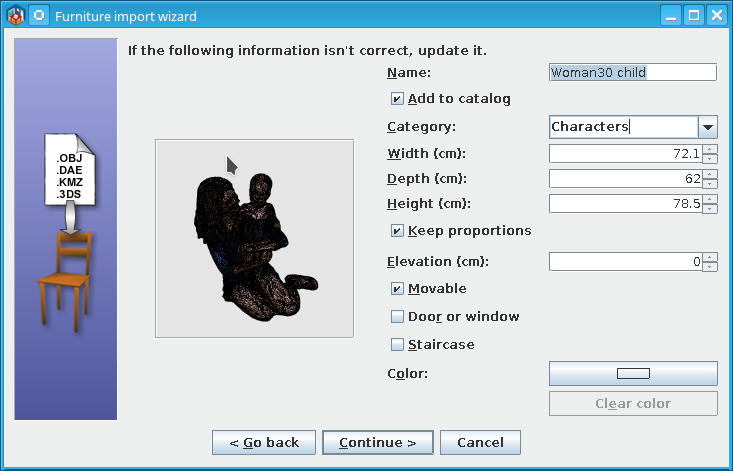
In SH3D will look like this (ugly)
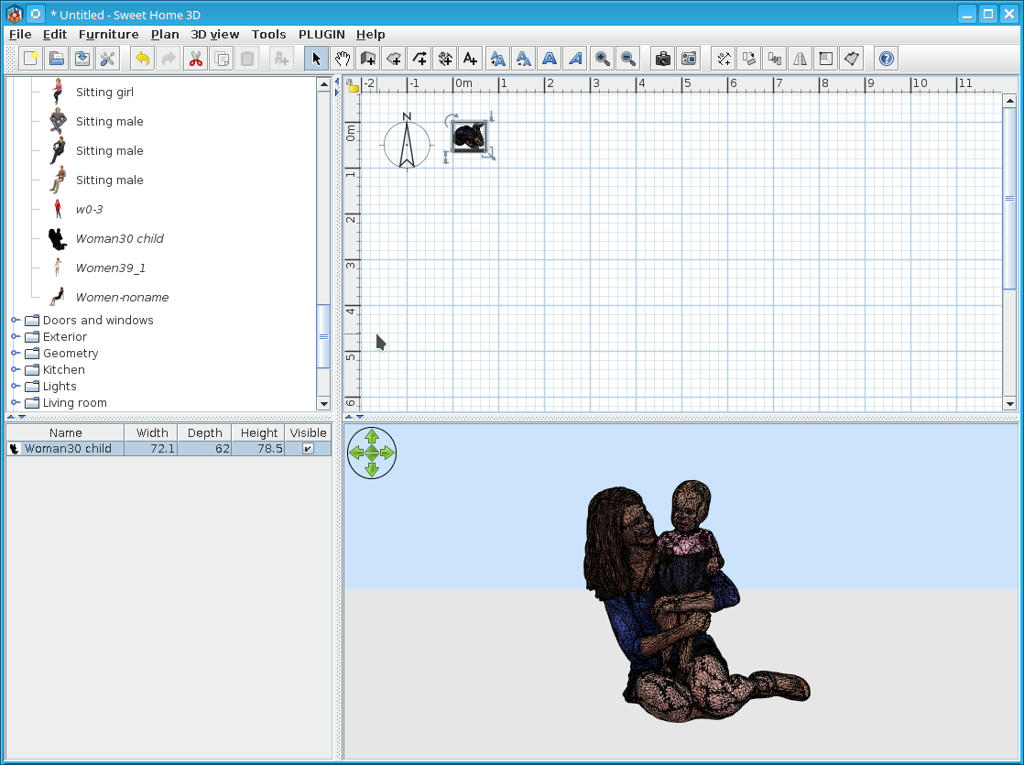
3.Select and right click to modify furniture -> Materials
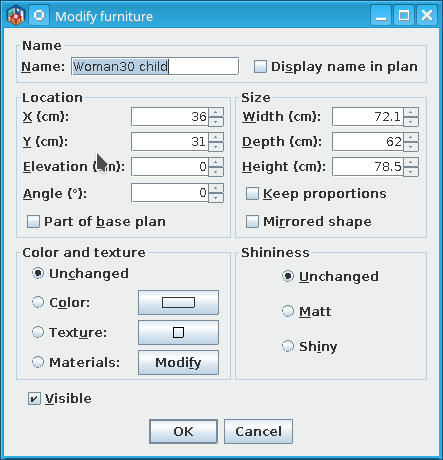
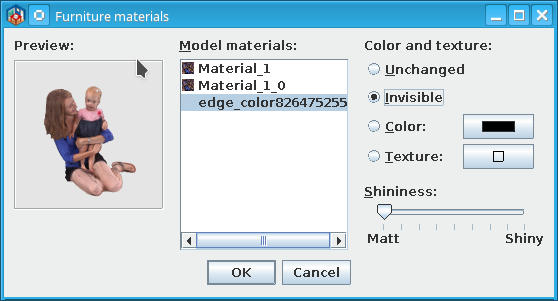
Some of models have some edge components usually in black; select and mark as invisible and OK
4. Save the modified furniture:Menu->3D view->Export to OBJ format...->Selected furniture;
5.Open a new file or clean the previous and Menu ->Furniture->Import furniture
Select the saved furniture and import it under characters (or whatever)
Will look like this
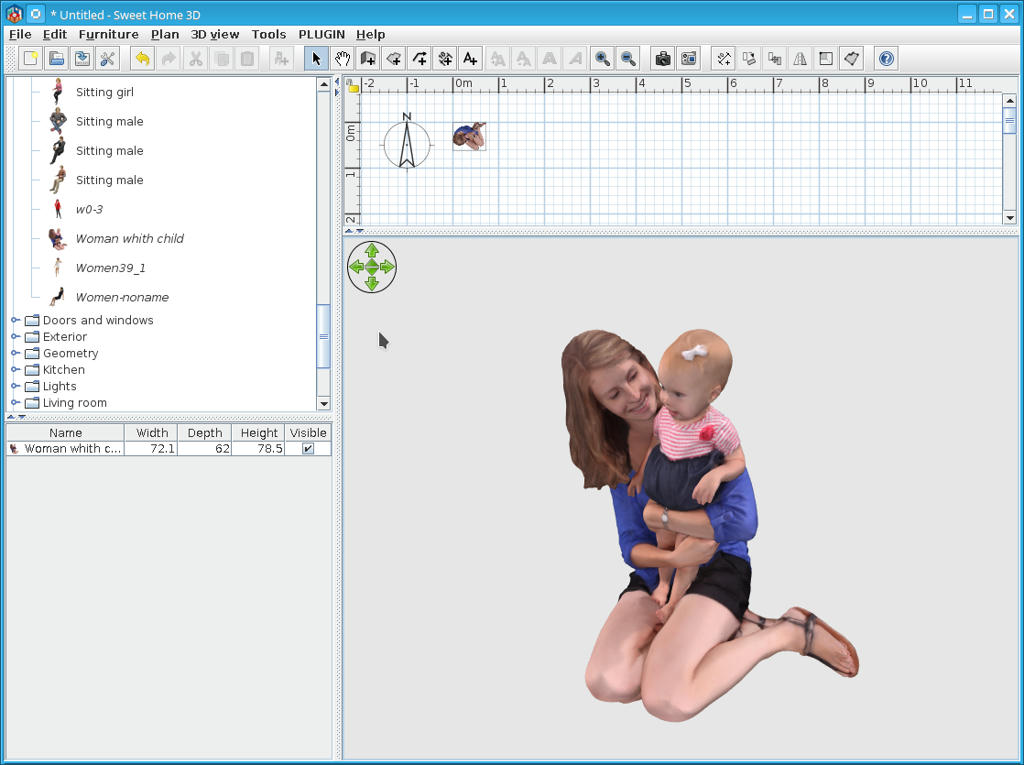
Hope is useful for someone.