preferably a ground colour that is close to the colour of the surroundings your model is to be placed in.
For best result, I use a textured sky instead of the blue default.
I have made a quick example project:
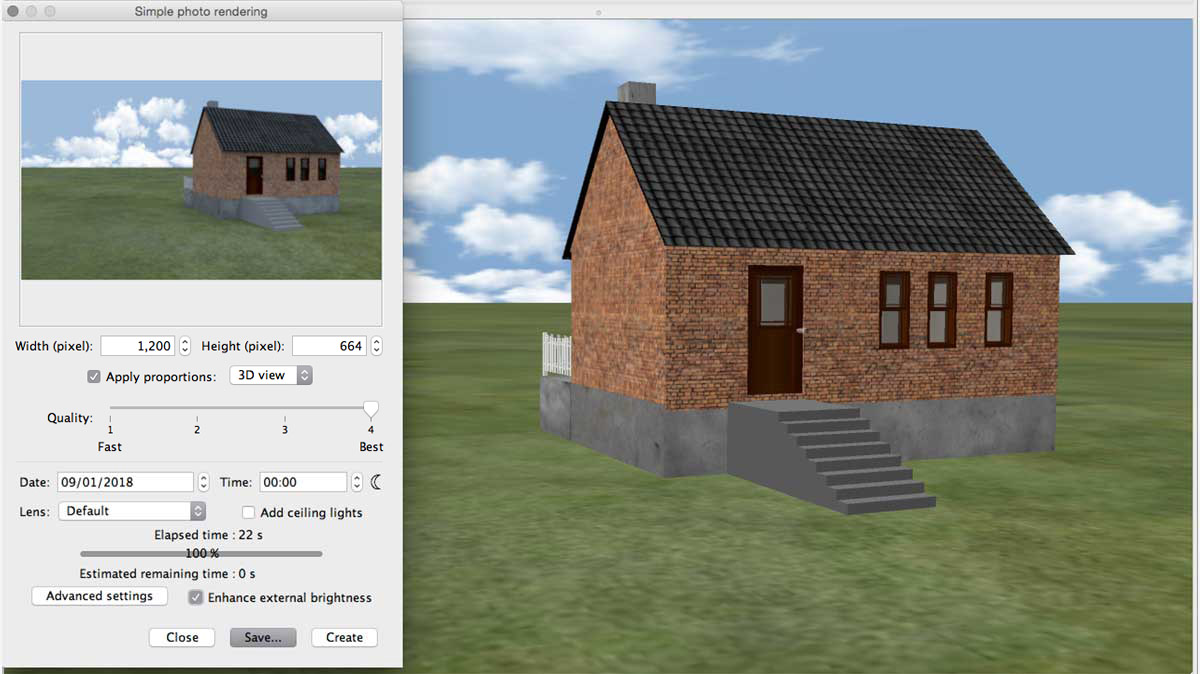
First I have made a Q4 rendering with night-setting (moon) and enhanced external brightness selected:
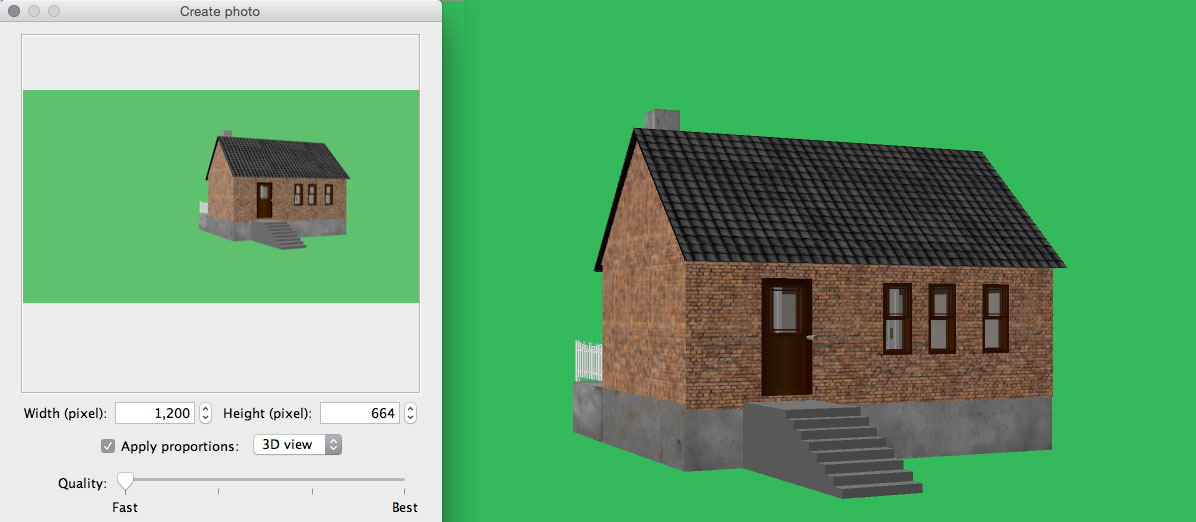
Then I have substituted the ground and the sky with a green texture.

and rendered an image with the Q1-setting:
Why I use a green texture and not a green colour:
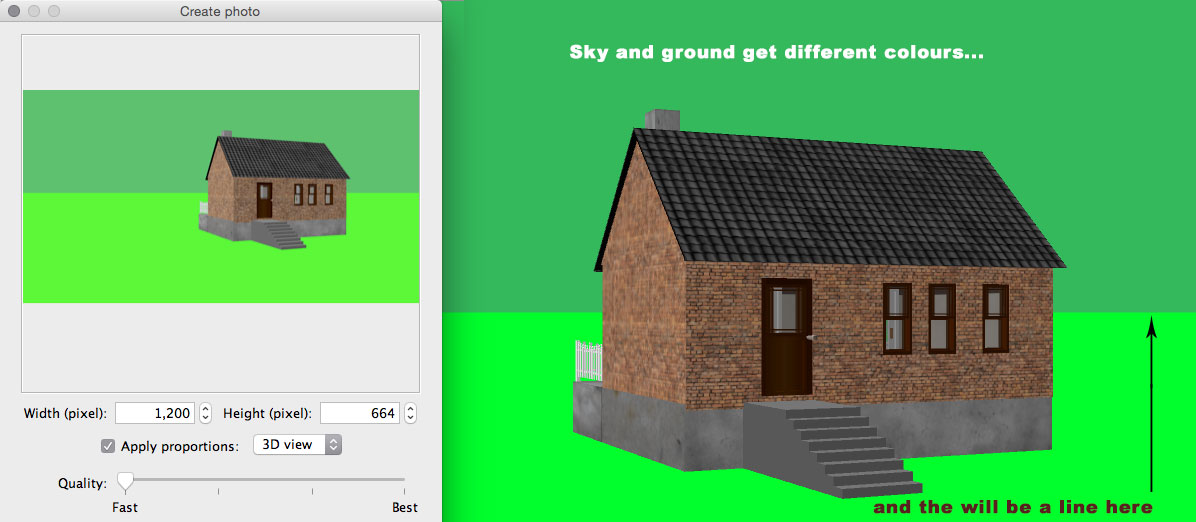
I'm not using grey, since grey is a colour that is often present in several elements in a project.
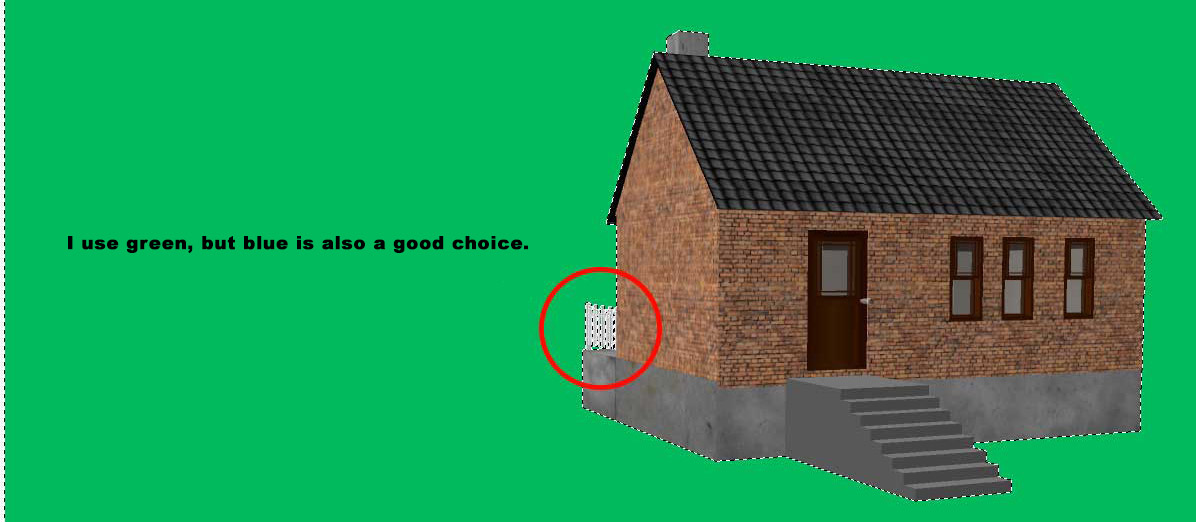
When selecting a colour range, quite often a lot more than the background is selected, and even after
cancelling the unwanted selections, there can still be problems with more detailed elements,
like fences and garden furniture.

In my opinion, contrasting colours like green or blue makes it a bit easier to select:
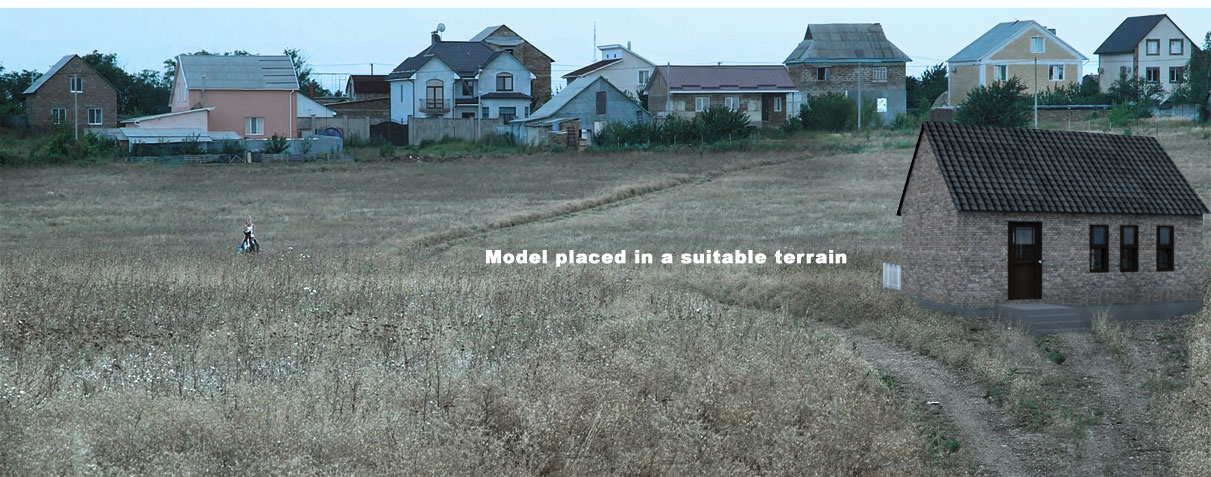
The (ugly) model placed in a suitable landscape:
Cec