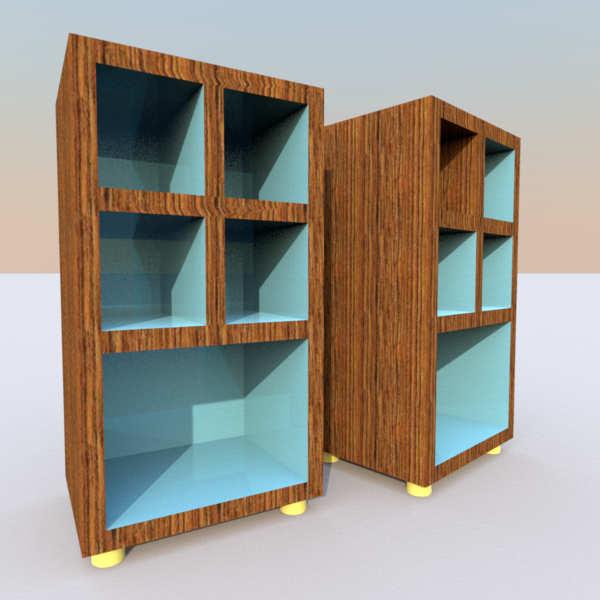
That may very well be the explanation (even if there is a texture in the .mtl). So I tried a couple of approaches (very quickly, so take this with a pinch of salt). Manually removing all textures and materials from .obj file. And that worked, but of course with no colours / textures. Then I tried 3D builder and exported in the other available formats. Then Blender could read them, but again without colours or textures...3D Builder is geared towards 3D printing...
Then I did a couple of tests with 3D builder. Just boxes and cylinders with and without textures. The exported .obj/.mtl/.jpg imported as expected in SH3D. Which means I do not understand what has happened with your .obj file.
But I took the liberty of messing a bit with the parts of your file I managed to export, simplifying a bit. Round legs in 3D Builder are very detailed, possibly useful for 3D printing, but not needed for SH3D. Even by Cec standards. Then I added texture mapping all elements (say if you want the same wood in one or more of the shelves). But as this was a quick and dirty test, I may have ruined your original proportions. Not too much I hope.
SF 3d models 501:
- stylish_simplified.zip
- stylish_simplified.sh3d