Maybe is time to start to forget, to make room for other knowledge.
This plug-in add two necessary (IMHO) tools:
1. Multiple paste (under Edit->Paste special...)
2. Distribute elevation (under Furniture->Distribute elevation)
While SH3D is a 3D software I think is must to have a complete set of tools including for manipulation in 3D.
Anyway I don't intend to spend time to write an user manual for this; Nobody read it!
So: risk, try, fail, observe & learn and try again.
You could find the plug-in here Paste special & Distribute elevation or on Source Forge.
Few screen shoot:
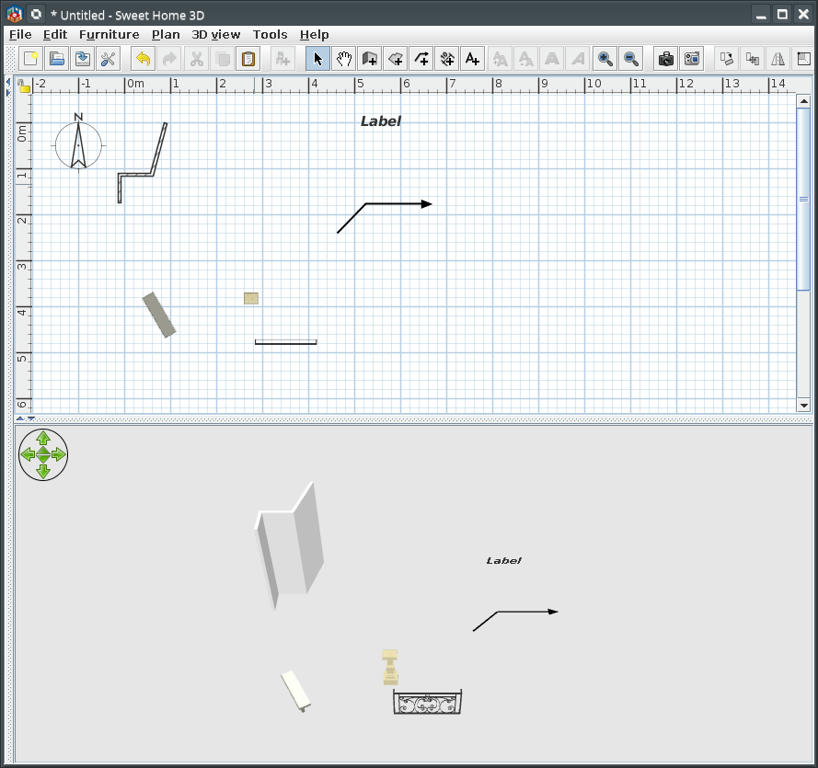
Insert objects in plan then select and copy (Ctrl+C) the desired object(s) then deselect them
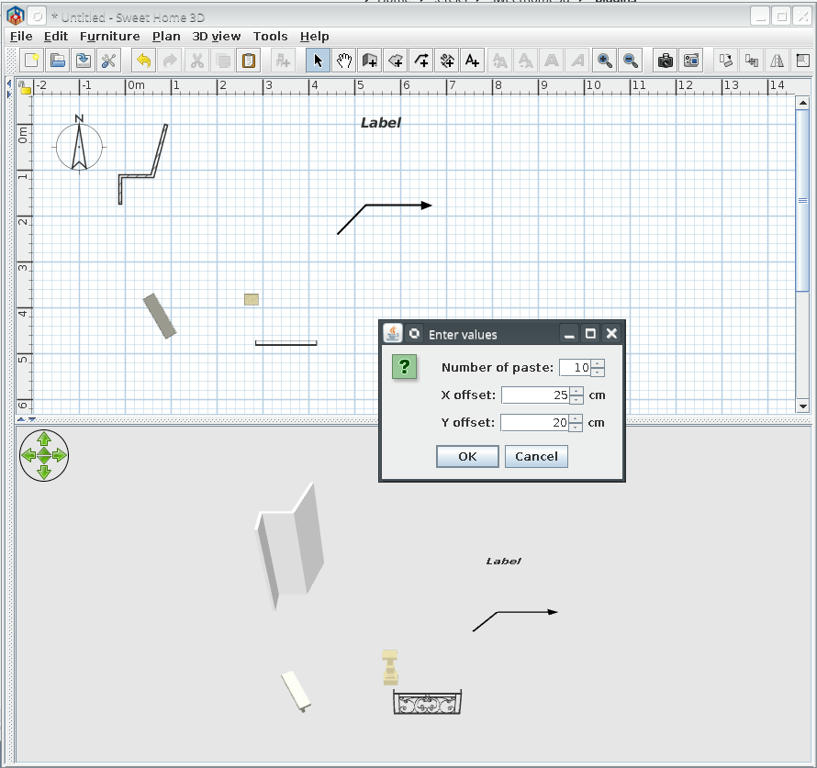
Edit->Paste special... and insert values
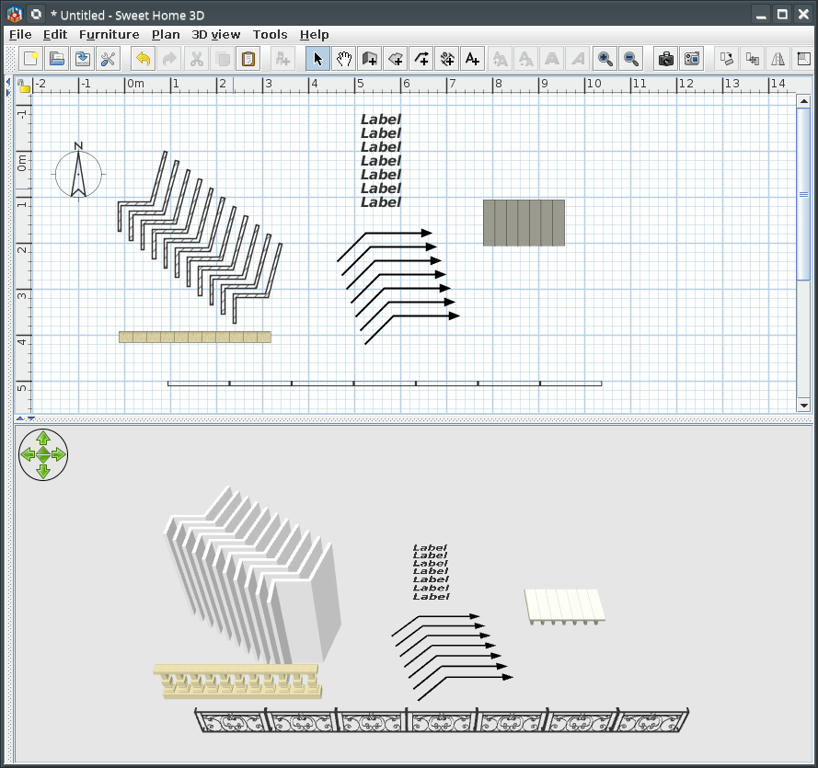
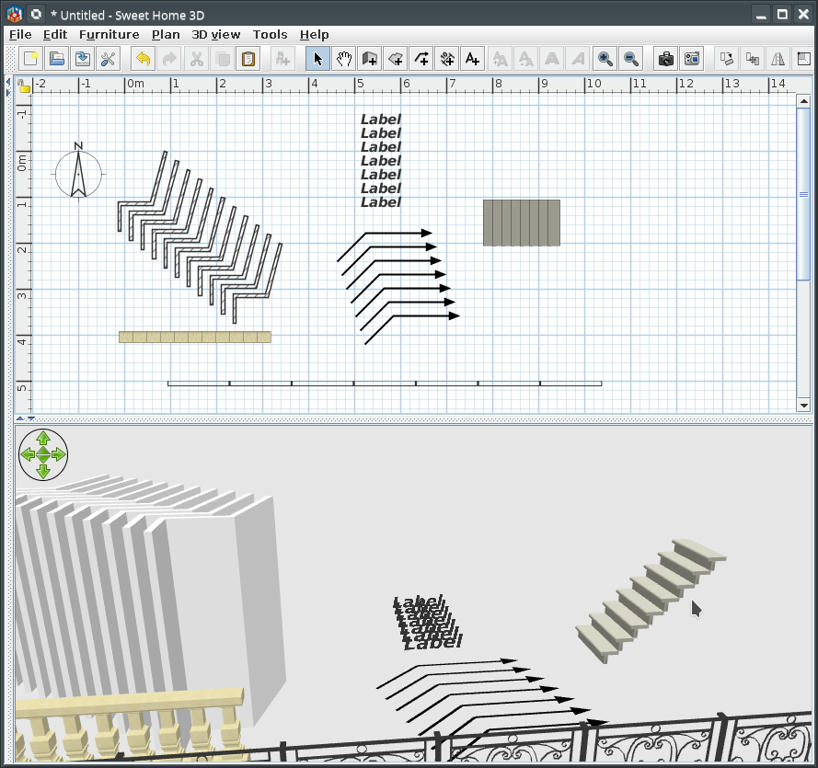
This could be the results for different values and objects
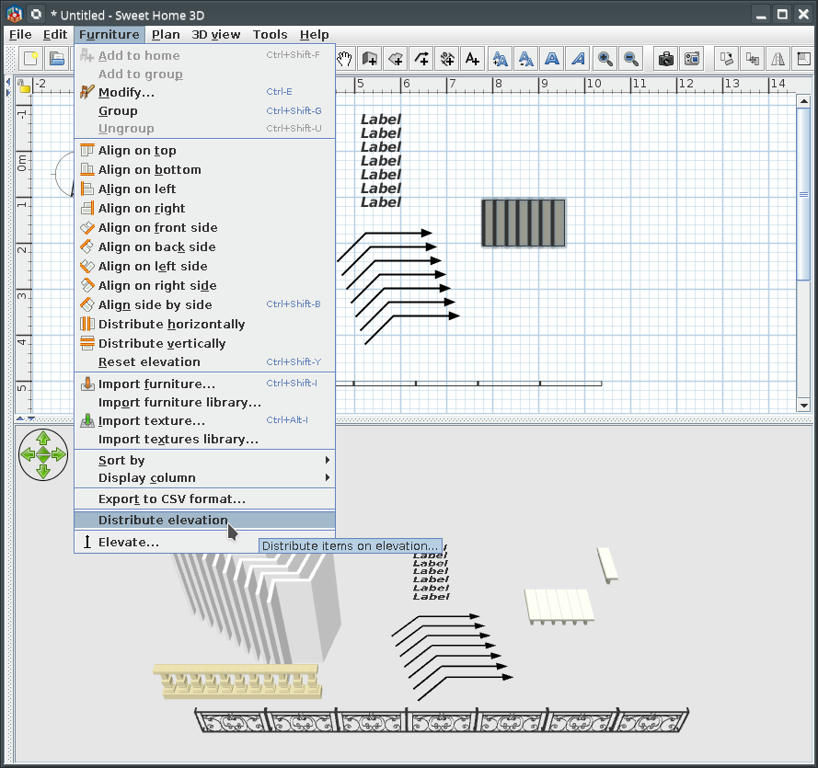
Example of use distribute elevation to make stairs
Elevate one step to maximum necessary; select all steps and...
This could be the result
Of course I know someone for who will don't work but I can't help him [:(]
PS:
This plug-in is a little late for VeroniQ but could be useful for future tutorials.