I've made this Moulding-plugin and this moulding furniture library .
It's an alpha stage but is all I can do at that moment.
USE IT WITH CARE!!
Few indications:
1. The furniture MUST have a horizontal orientation (0 or +/- 180 dg) at time when are inserted (from furniture library).
2. The room(s) and the moulding must both be selected (use Shift+click).
3. At that moment the plugin add moulding around room in interior and depend of how is room created (clockwise or counter clockwise).
Now few images:
-Create room(s);
-Insert mouldings somewhere in the plan;
-Set the elevation for them.
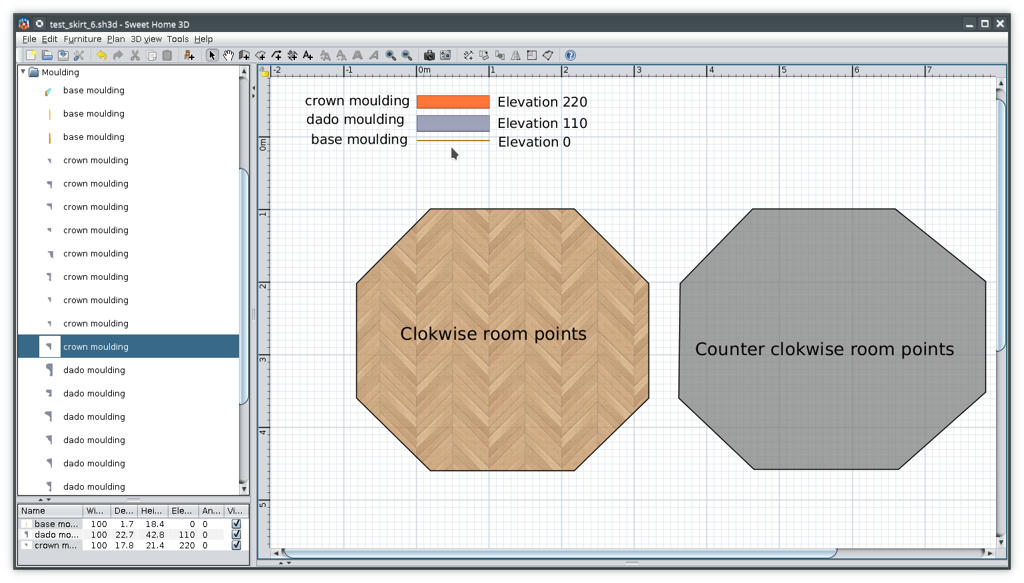
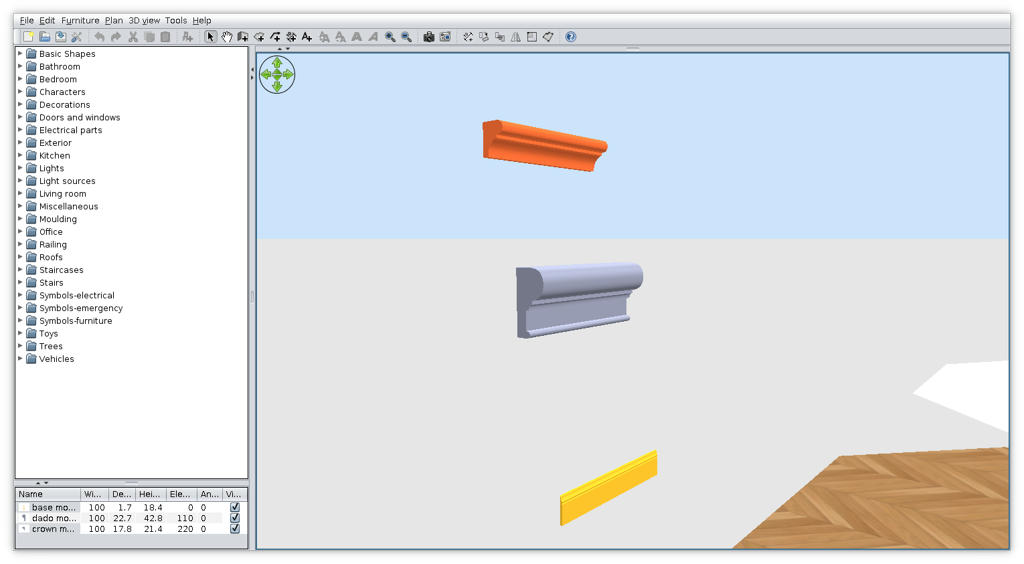
-Select room AND the moulding (in that case the base);
-Tools->Add moulding around room(s)
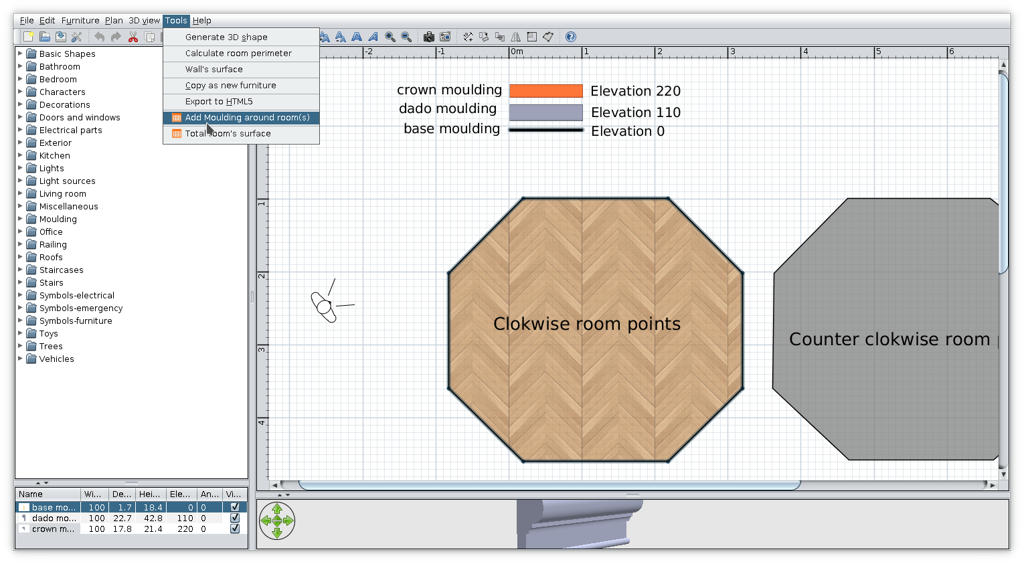
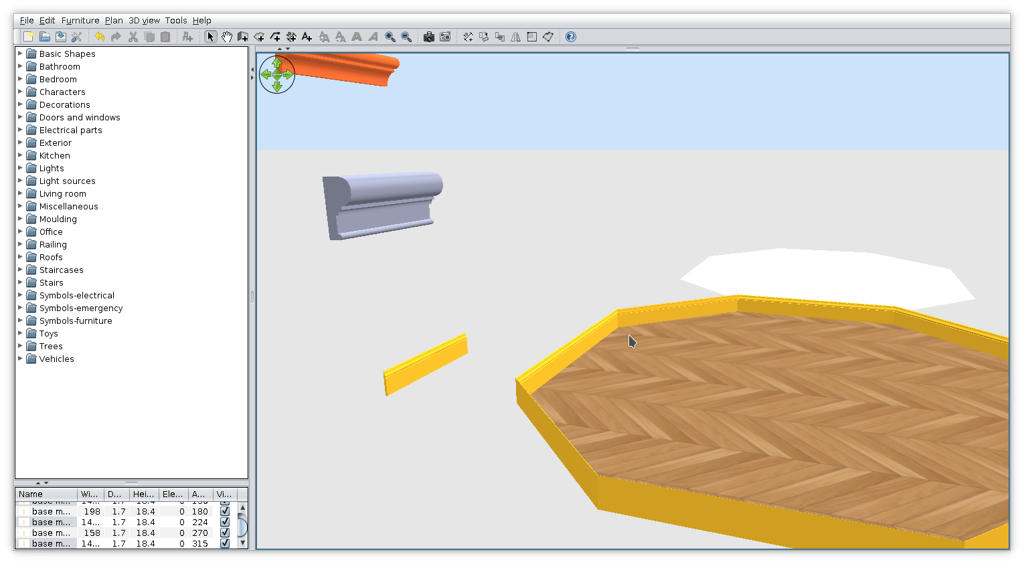
-Repeat the procedure for other piece (dado and crown);
-This could be the result
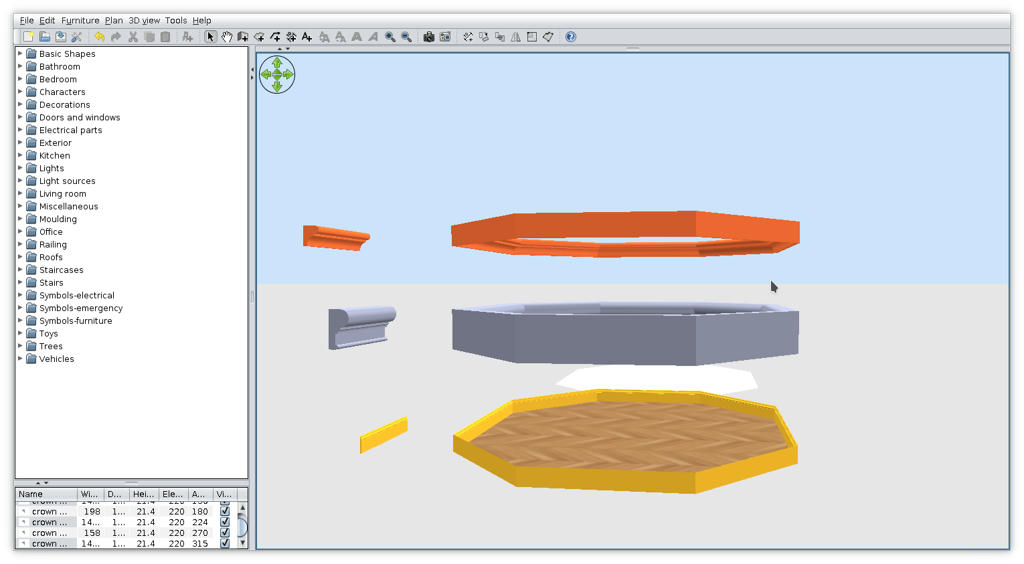
-I inserted walls around room and delete some of them and some moulding to have a good view
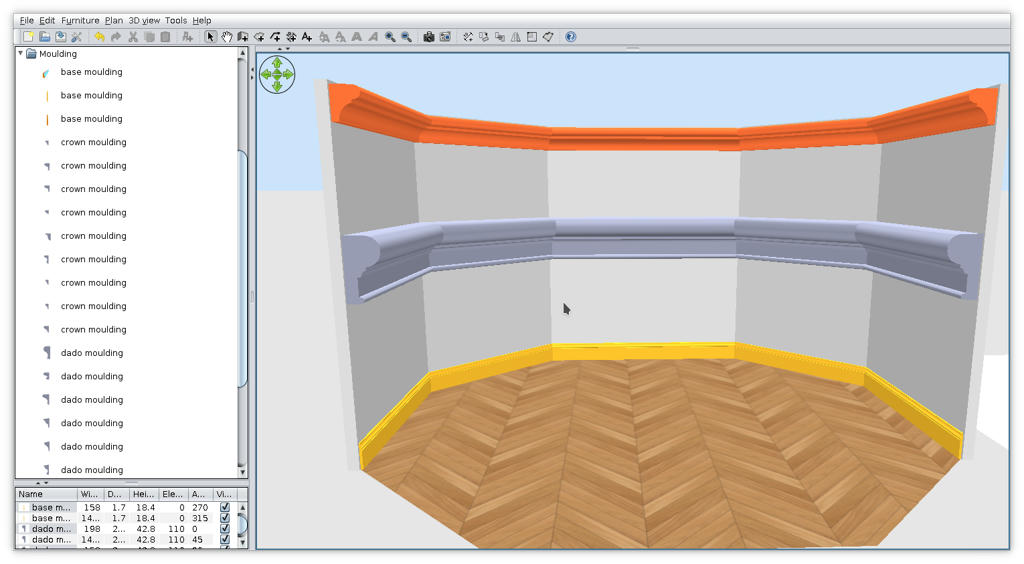
I know is not what You expect but that's for now.
If you're good, Santa brings you more [:o)]