1. Triangular prism
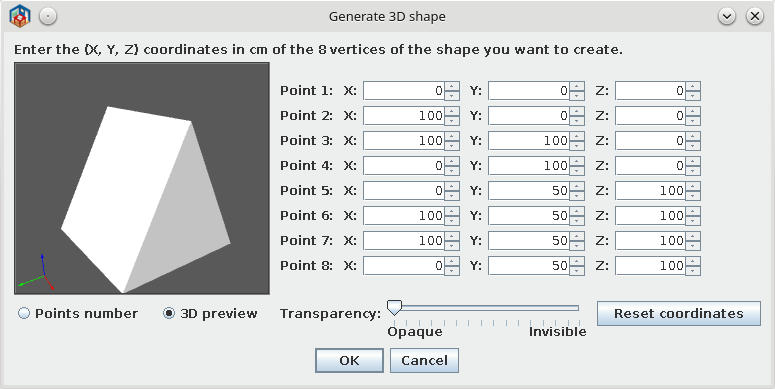
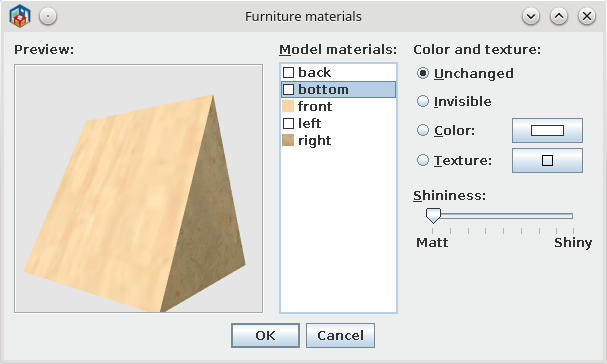
Some explanation:
-On Shape Generator set to pair of points at same coordinate.
In this case I chose 5+8 and 6+7.
-In plan, select the generated shape and open Modify furniture - modify materials.
- As You see in second image there are 5 sides in place of 6
2. Pyramid
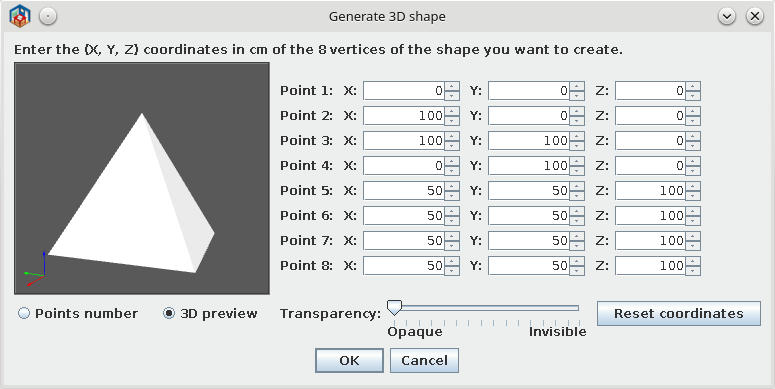
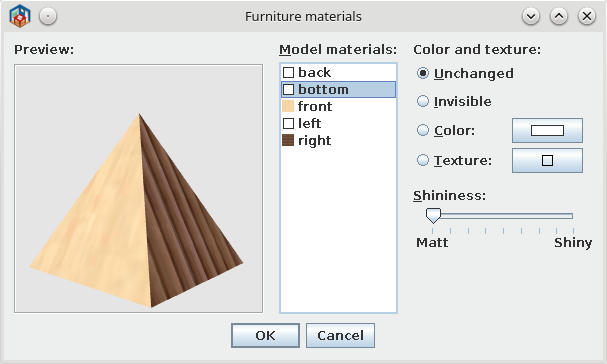
-Same procedure but for 4 upper points.
3. Roof part
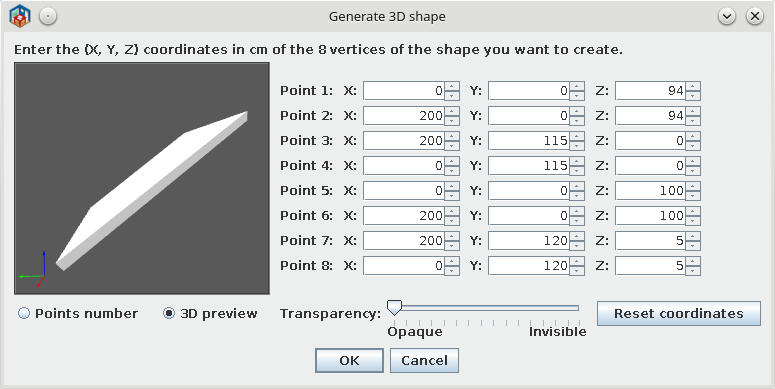
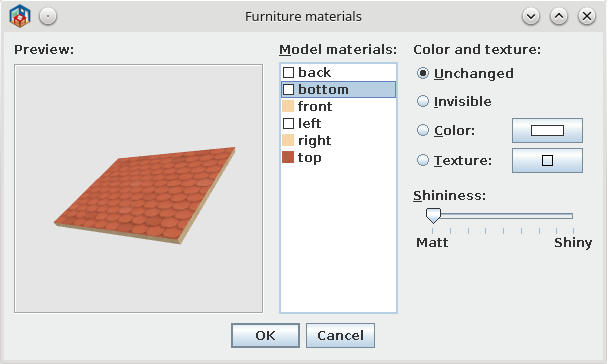
-Make more and combine in plan.
-I recommend to apply texture AFTER resize the shape (if you need to resize)
And this could be this sample
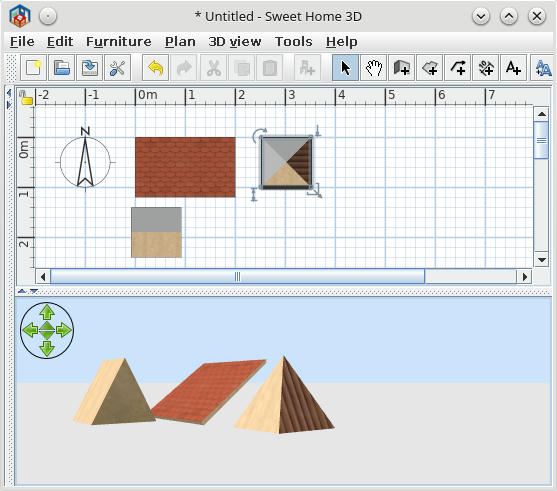
Hope to be useful to somebody.
PS. Don't believe Emmanuel entirely; He write all codes, I have only the idea and garbage of useless file.