In the last several months I've made some kind of team with Daniels118.
That's mean I make a wish and he make it real.
Then I make it public like it is my work. In fact that's all my effort.
Anyway, it was a heavy time consuming and a lot of try and fail, than start from the beginning.
Finally new version 3.0 !
What's new (not to mach):
1. Individual face selection with mouse (thanks to Emmanuel & Daniele),
2. Individual face angle set (thanks to Daniele),
3. Add a Help button with some useful information (I've stole some codes from Daniele).
-Add Chinese translation (thanks to YGYL but incomplete at that moment, need updated).
As You could see I have nothing to do with this version.
Some screenshots and explanations (for new comings):
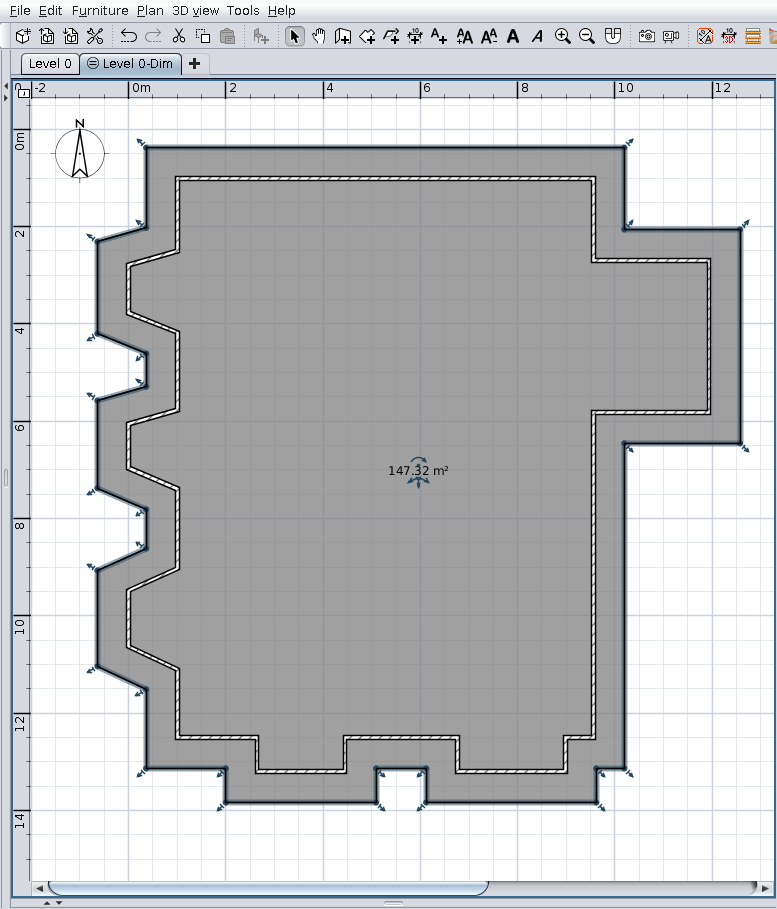
- Start from a selected room as roof projection (generated by Auto Dimensioning plugin or manually drawn)
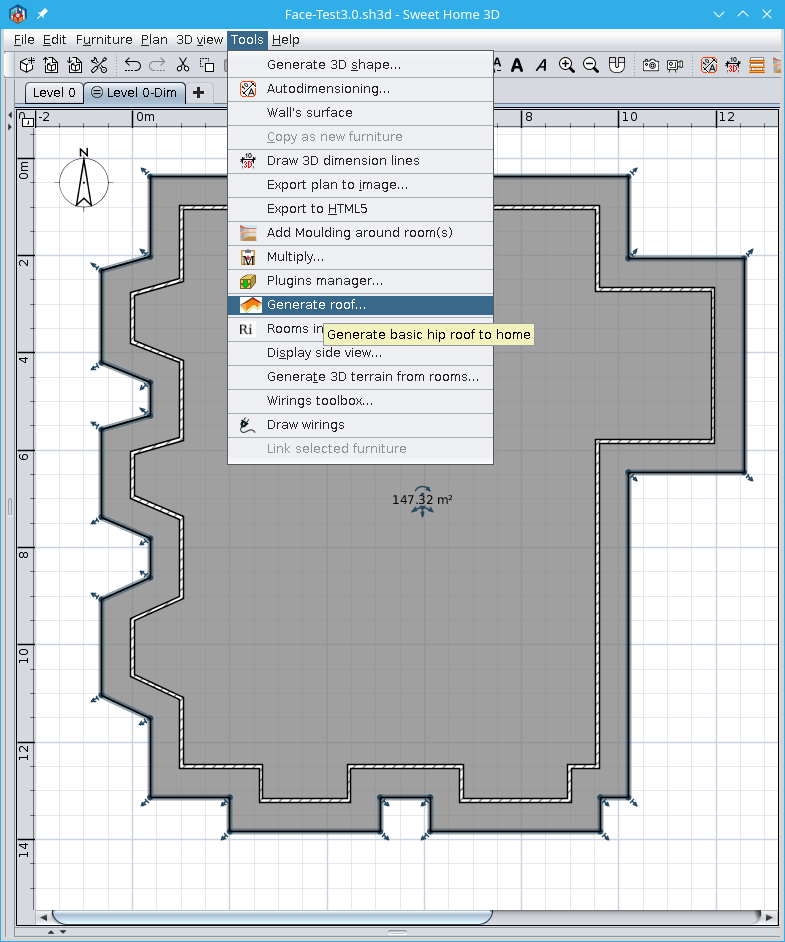
- Tools->Generate roof
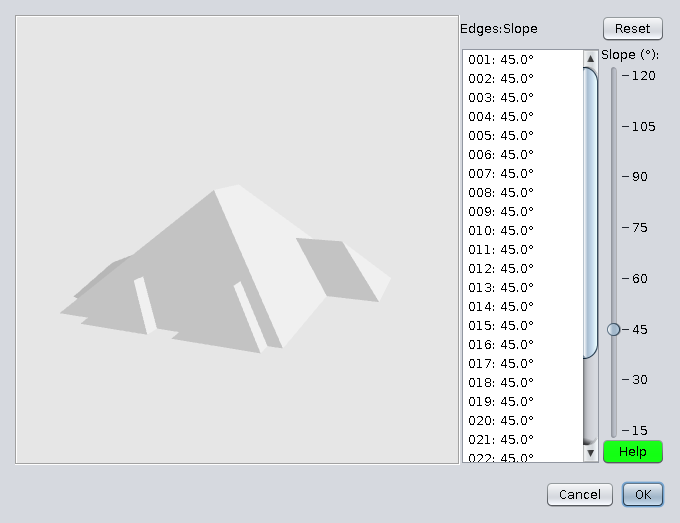
- You will see something like this
- Select a face with mouse
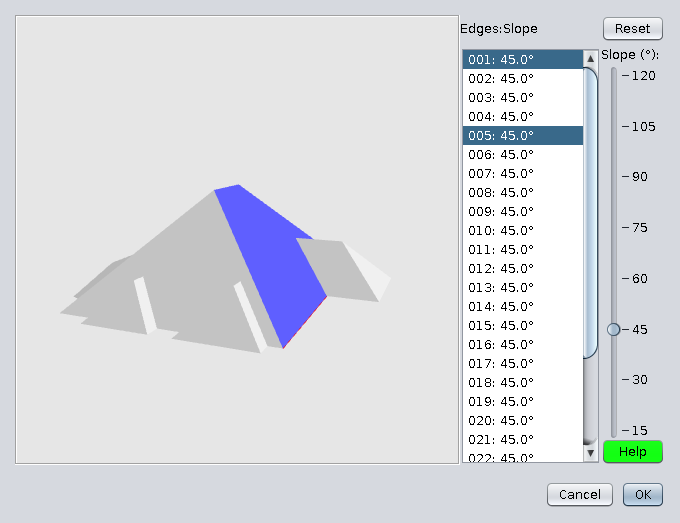
- Rotate roof and select other face.
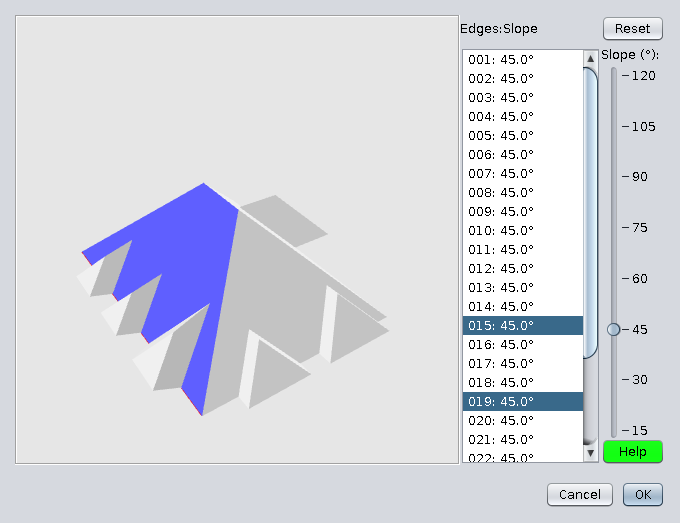
- Press Ctrl+click on other face
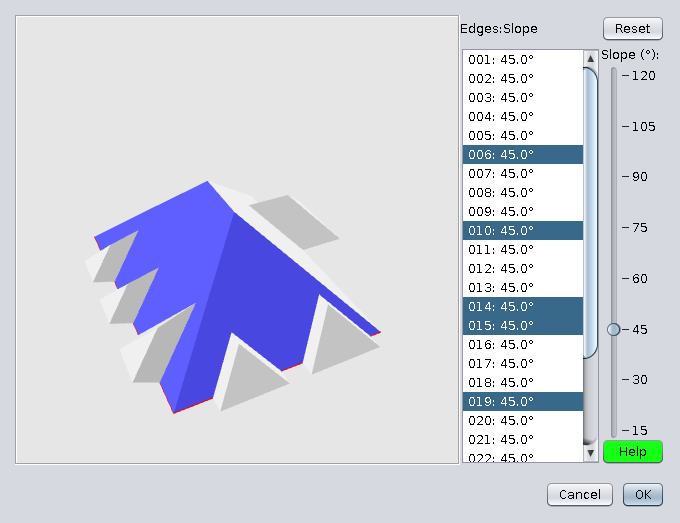
- Click elsewhere to deselect all, select a face, then Ctrl+Click to select desired faces.
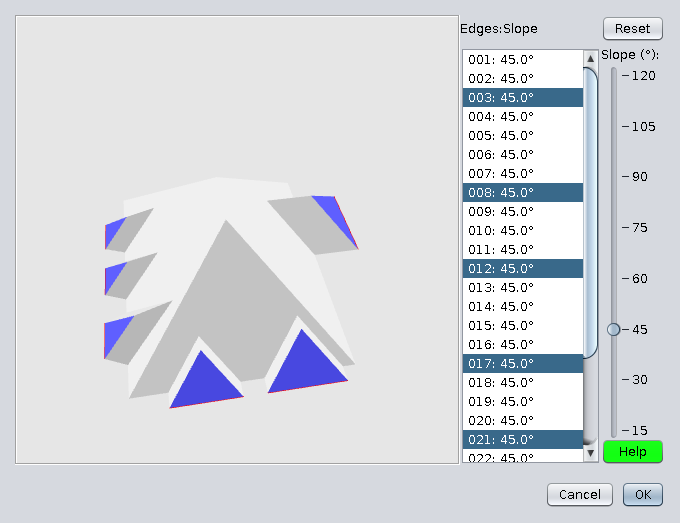
- With this selected faces modify faces angle with the slider.
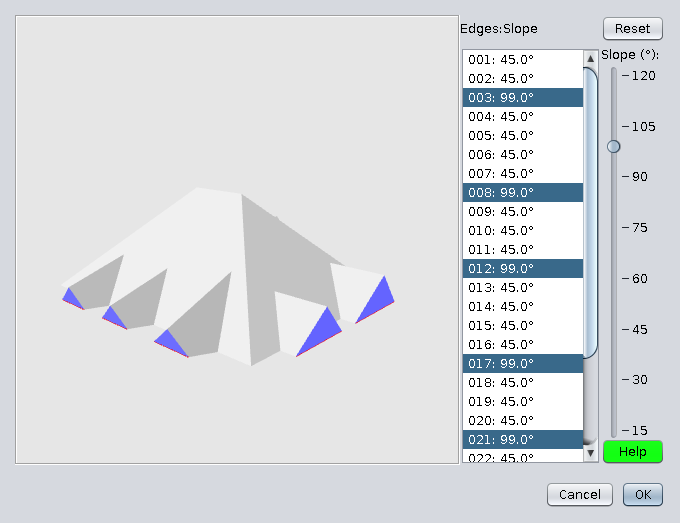
- Make the same with other faces
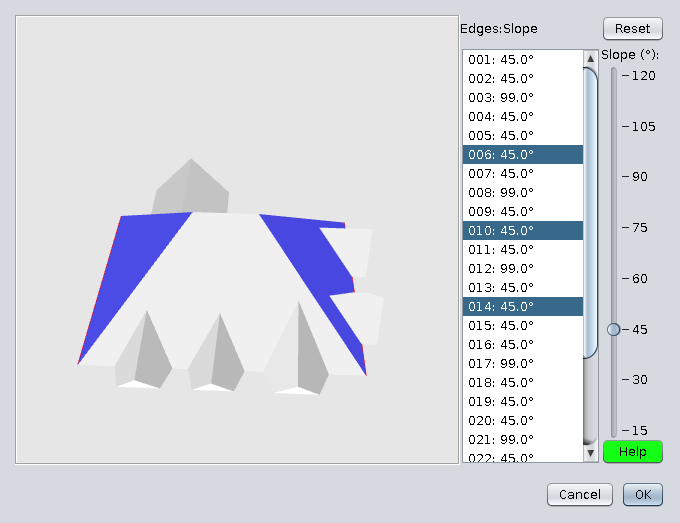
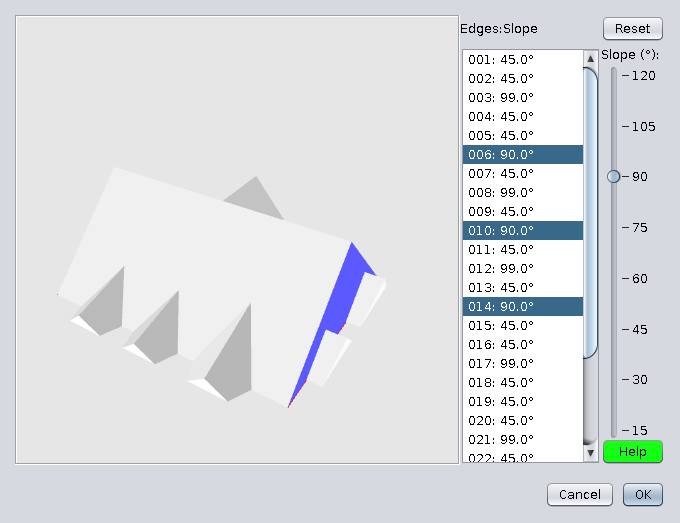
- Click Ok to export roof on home
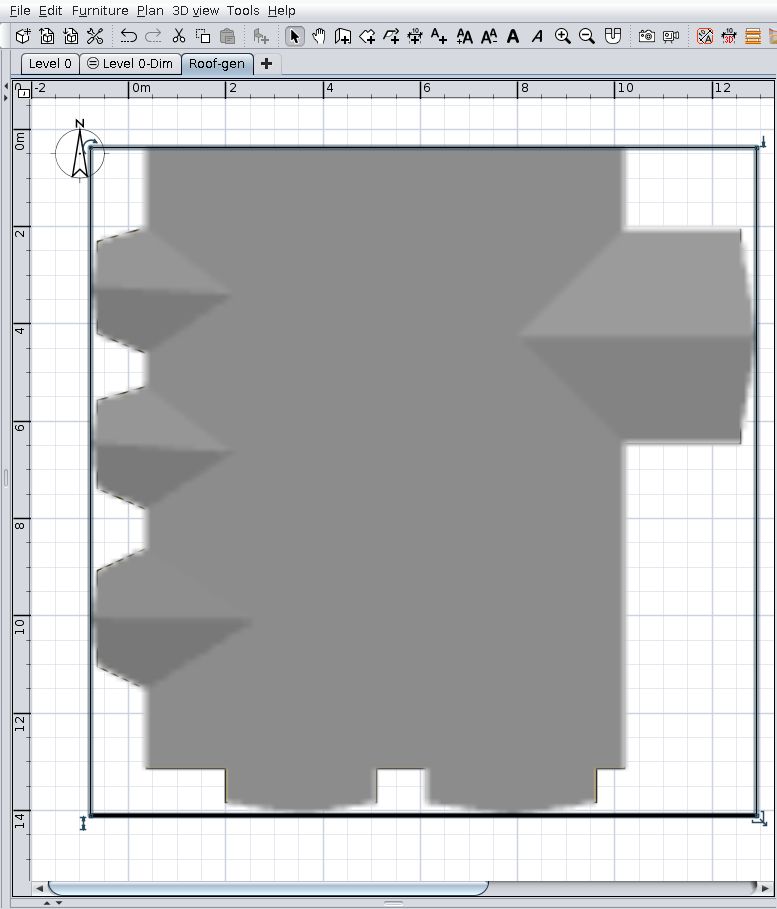
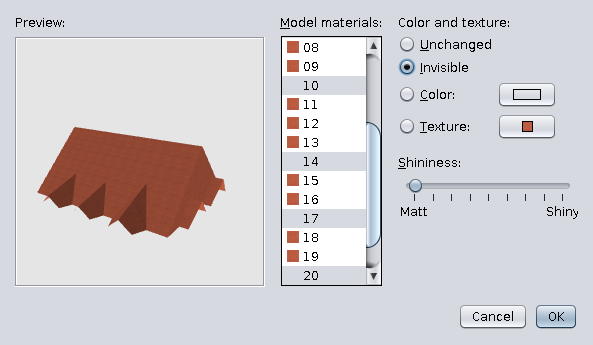
- Open in Modify furniture -> Modify materials
Select all faces and set the desire texture
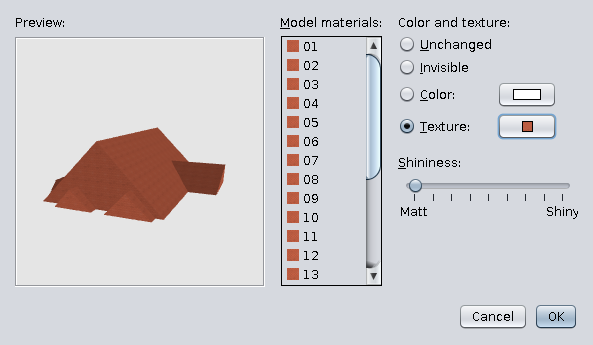
- Select some specific faces and mark as invisible. Ok.
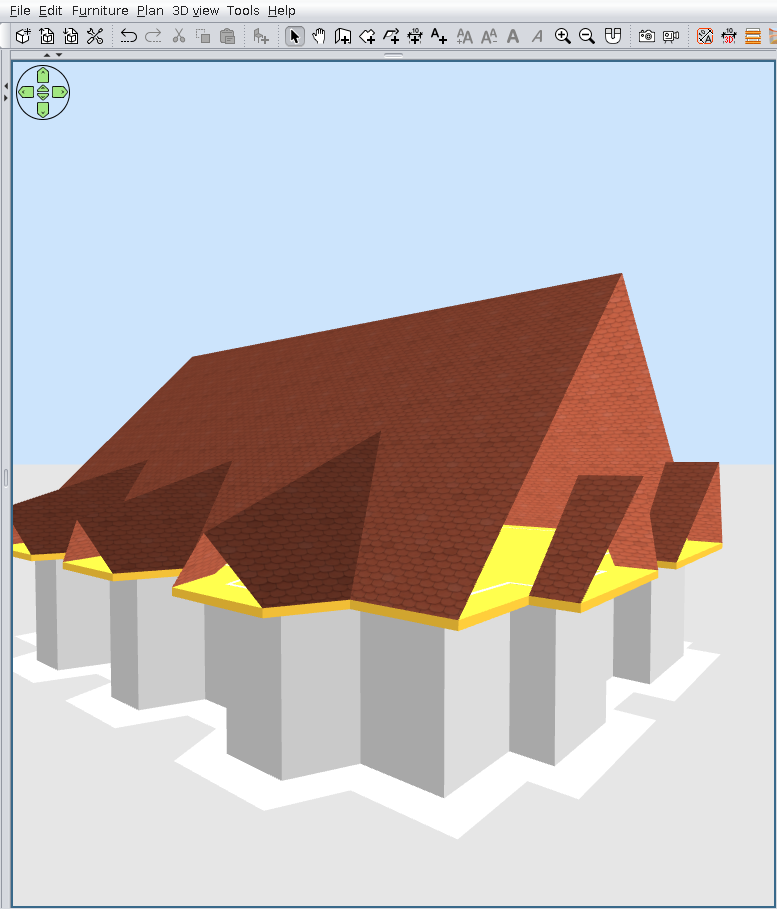
- That could be the result
Also on Source Forge