I'm glad it worked for you.
For what you want is not really simple but it's possible.
The roof projection generated by Autodimensioning are not useful in this case.
You'll need to make your particular room. Here is some tips:
1. I recommend to use some aided walls to make the room:
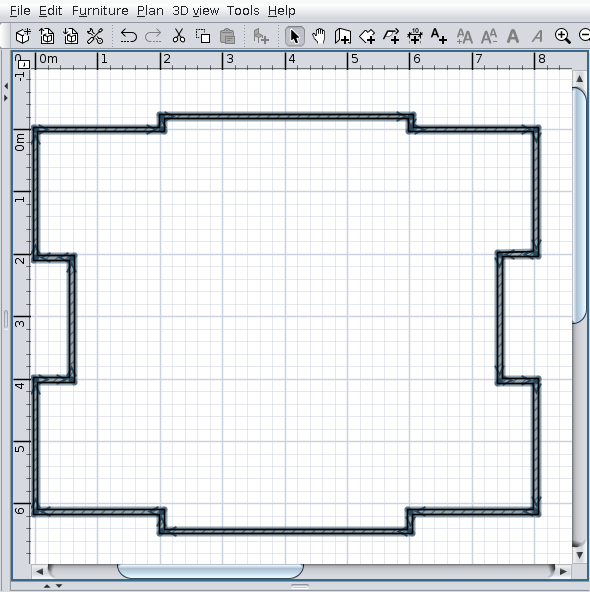
2. Round corresponding walls and generate the room:
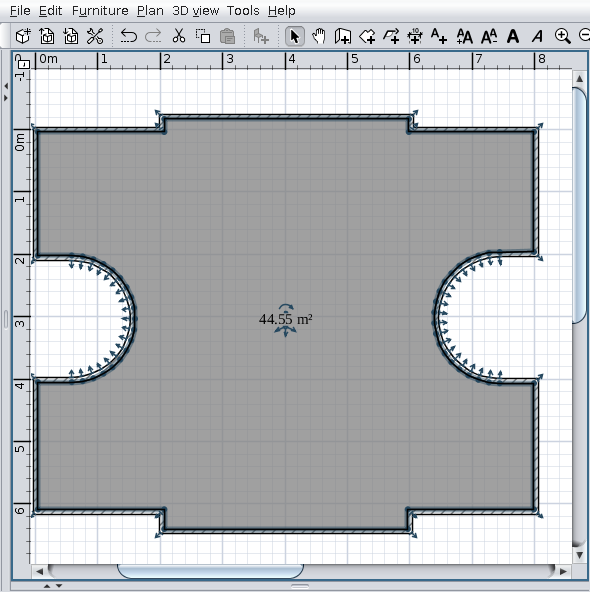
3. Tools -> Generate roof...
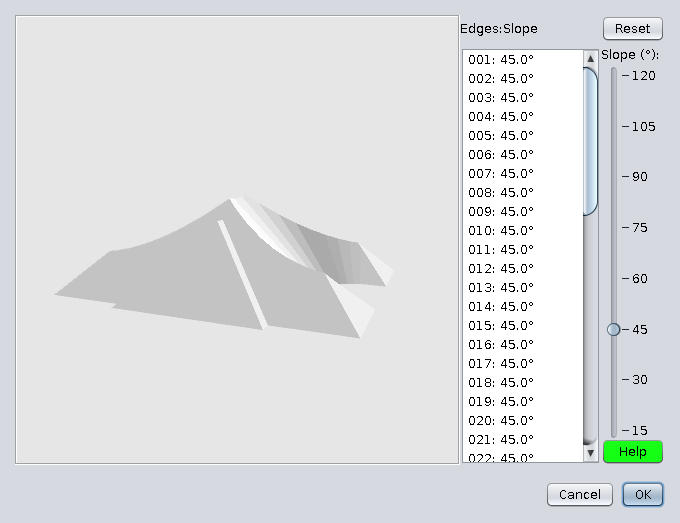
4. Select faces as in image:
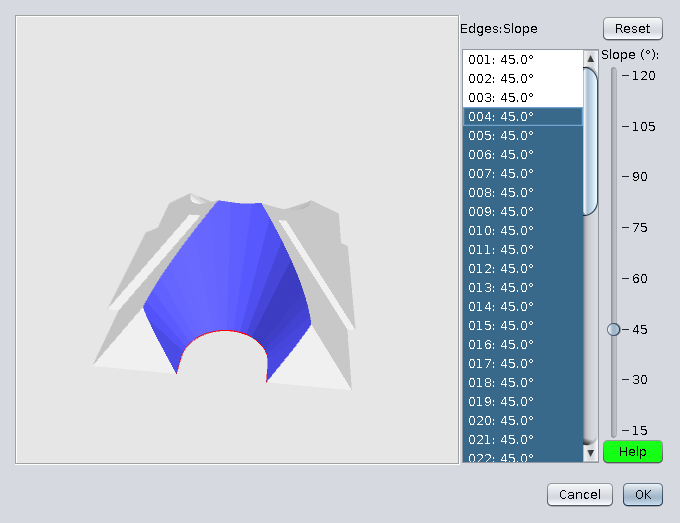
5. Set the slope of selected faces at 90deg:
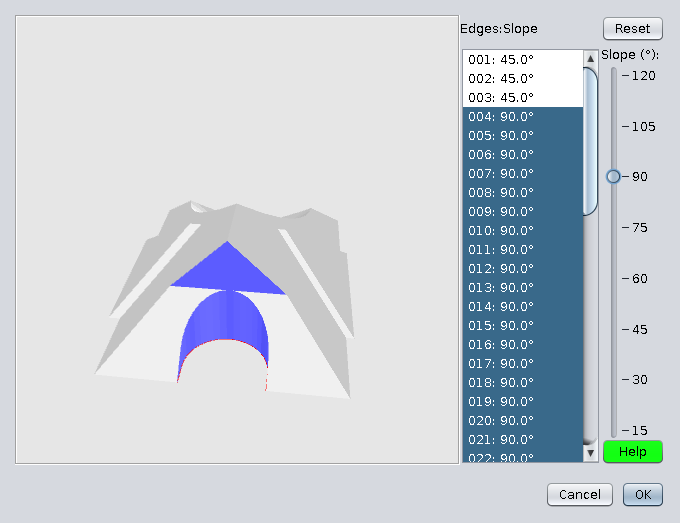
6. It's possible to have something like this:
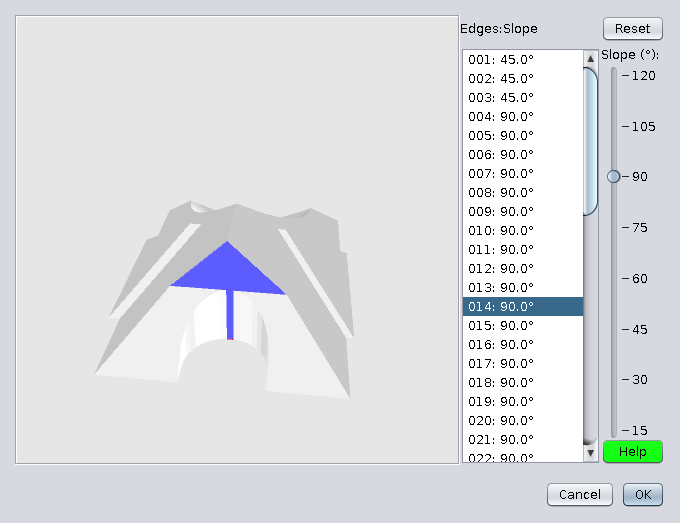
7. In this case, identify the face (in my case 014) and set it at 45deg
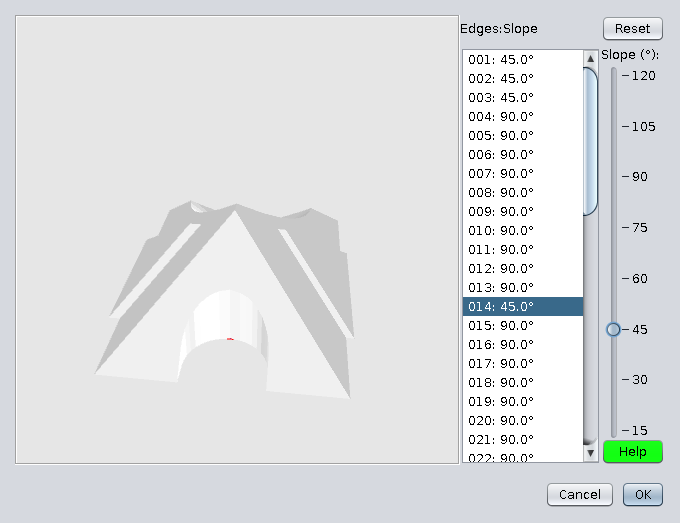
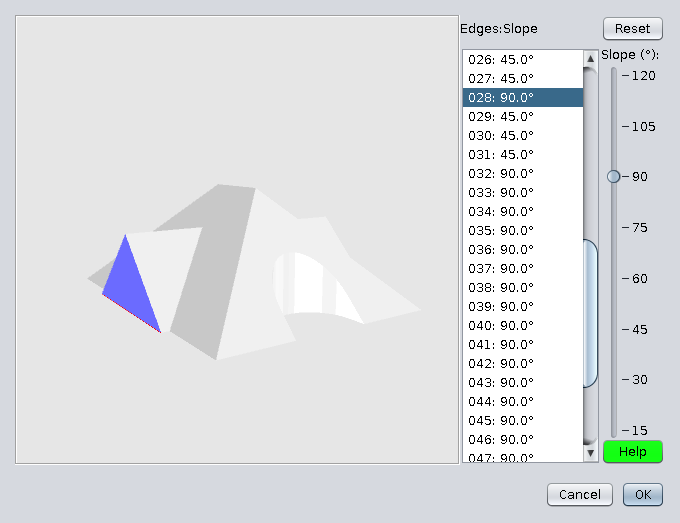
8. Do the same with faces of the other side then select the triangle faces:
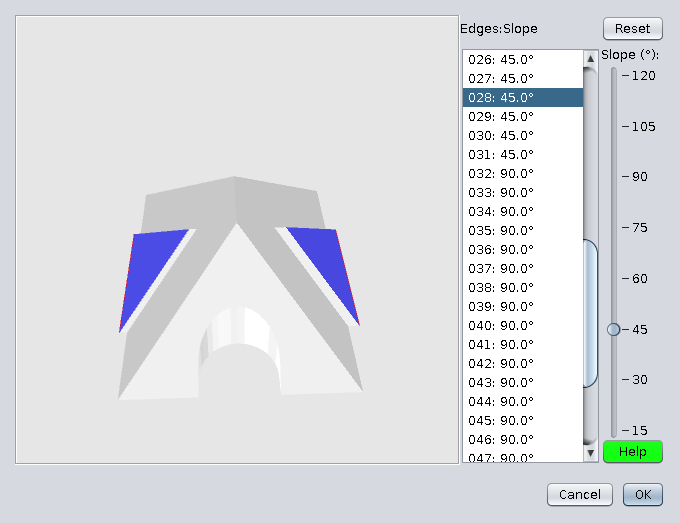
9. Slope them also at 90deg then export the roof (Ok):
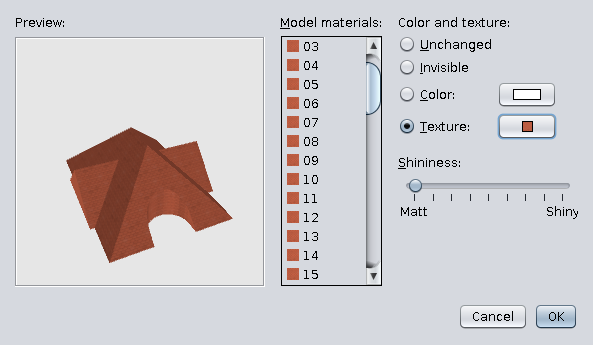
10. In plan select roof and go to modify texture;
Select all faces and set texture:
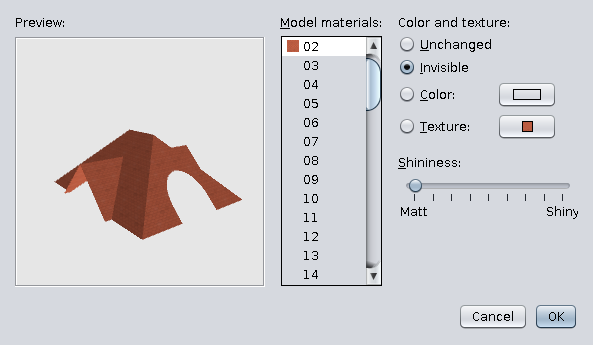
11. Select faces at 90deg and mark them as invisible then OK:
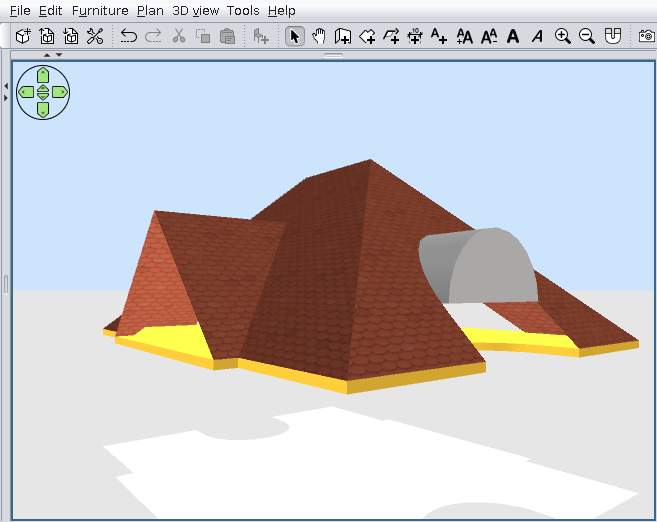
12. Will have to look something like this:
One more hint: usually the roofs don't have 45deg but 37deg so you'll have to make many trays!